How to Find a Facebook Comment You're Tagged in on a PC or Mac
Open Facebook on your internet browser.. Click on the World icon.. Scroll down and find your tag notification.
Steps
1
Open Facebook on your internet browser.
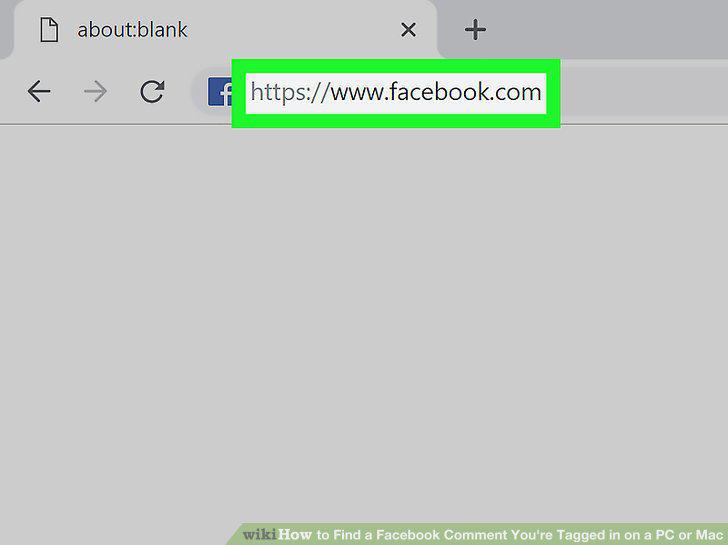
Open Facebook on your internet browser.
2
Click on the World icon.
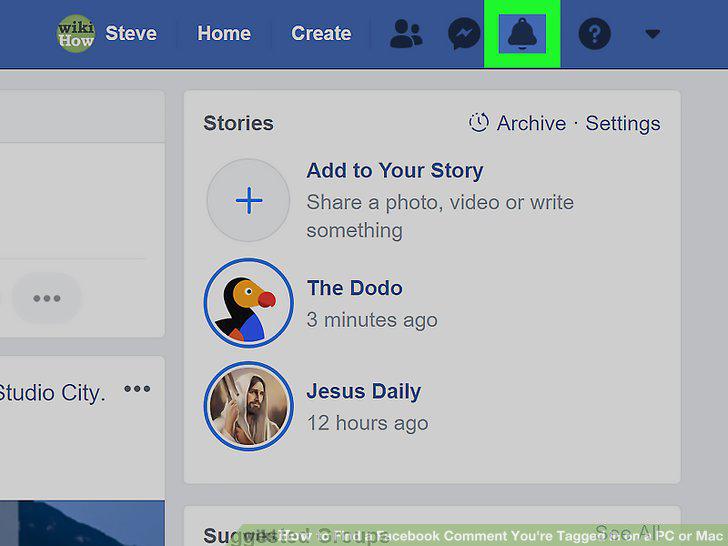
Click on the World icon.
3
Scroll down and find your tag notification.
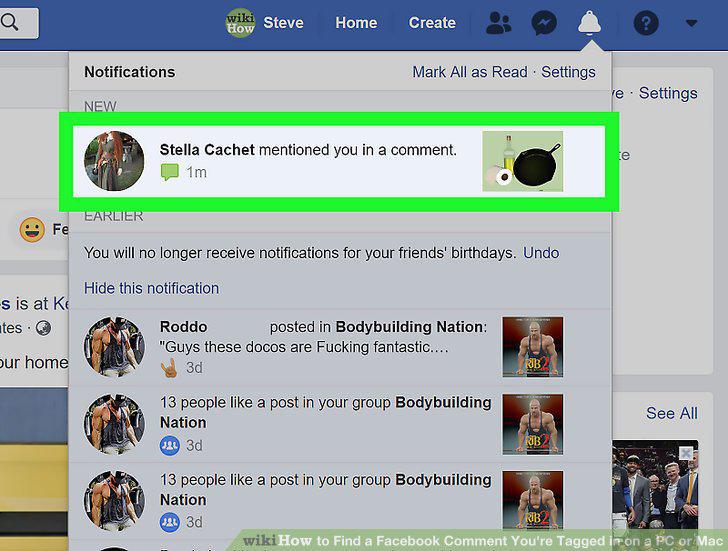
Scroll down and find your tag notification.
4
Click See All.
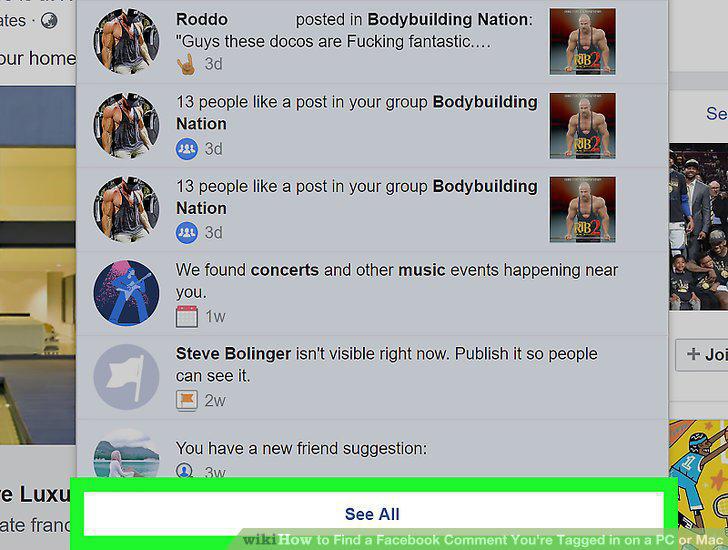
Click See All.
5
Press the text search key combination on your keyboard.
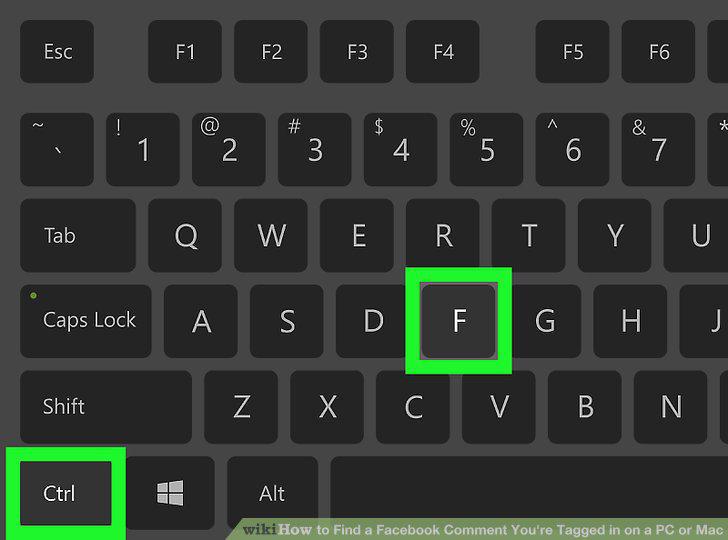
Press the text search key combination on your keyboard.
6
Type "mentioned you in a comment" in the search field.
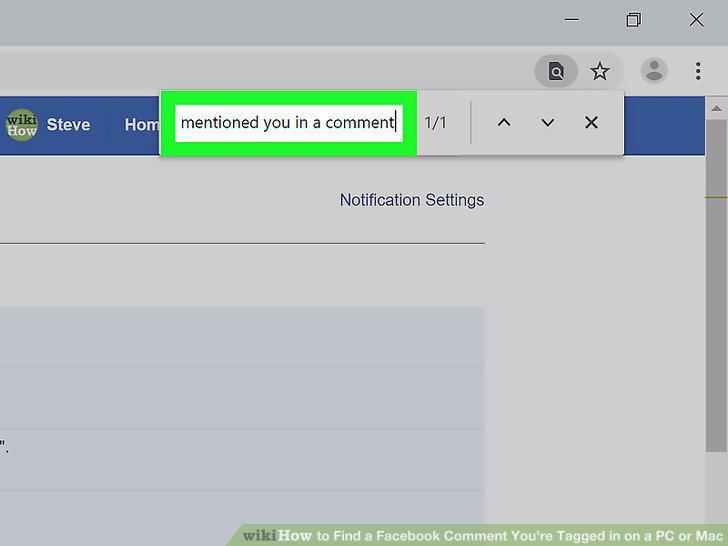
Type "mentioned you in a comment" in the search field.
7
Scroll down and click on a notification.
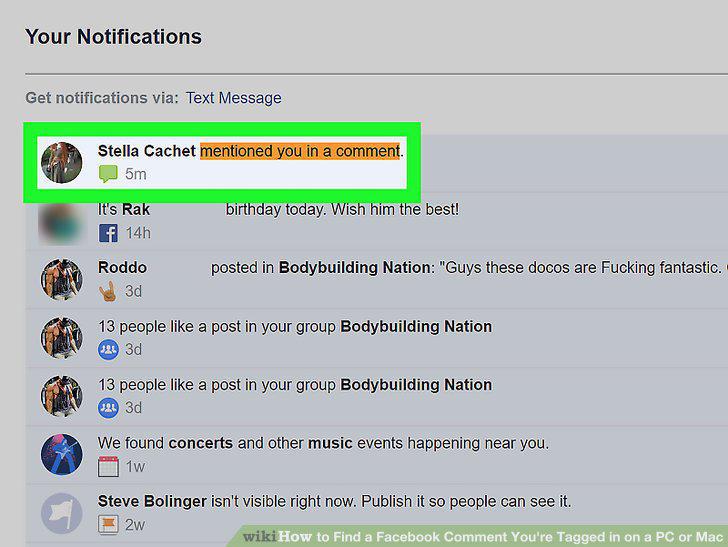
Scroll down and click on a notification.
Comments (0)
No comments yet. Be the first to share your thoughts!