Steps
1
Open the Lyft app.
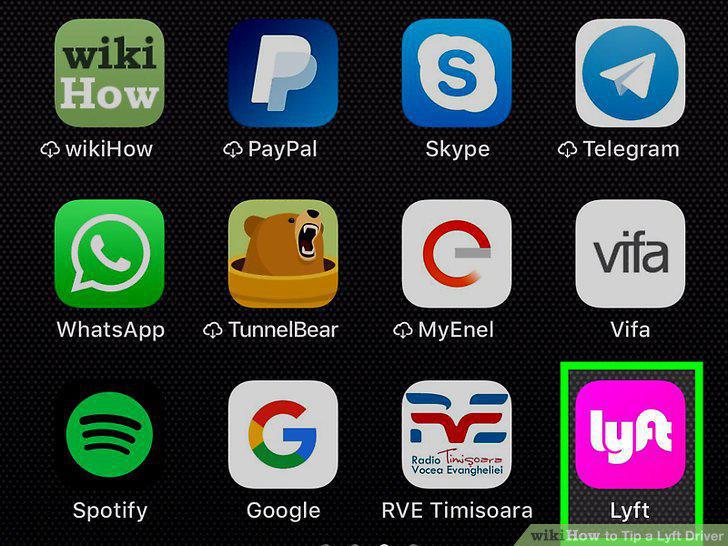
Open the Lyft app.
2
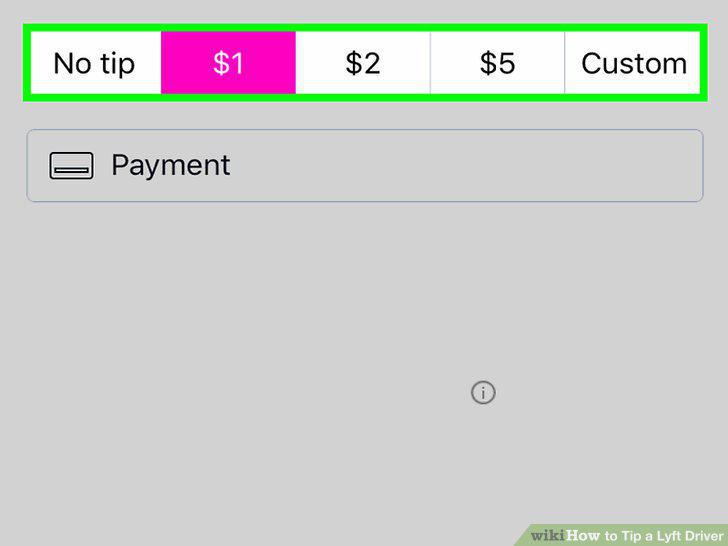
Tap a tip amount.
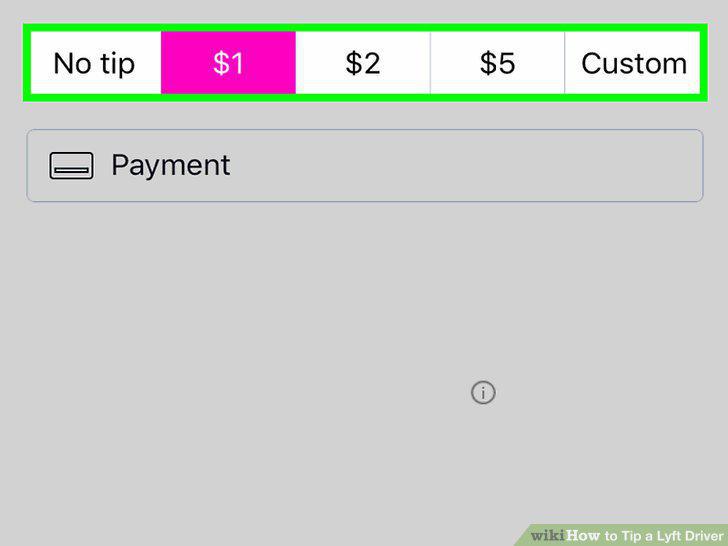
Tap a tip amount.
3
Tap Next.
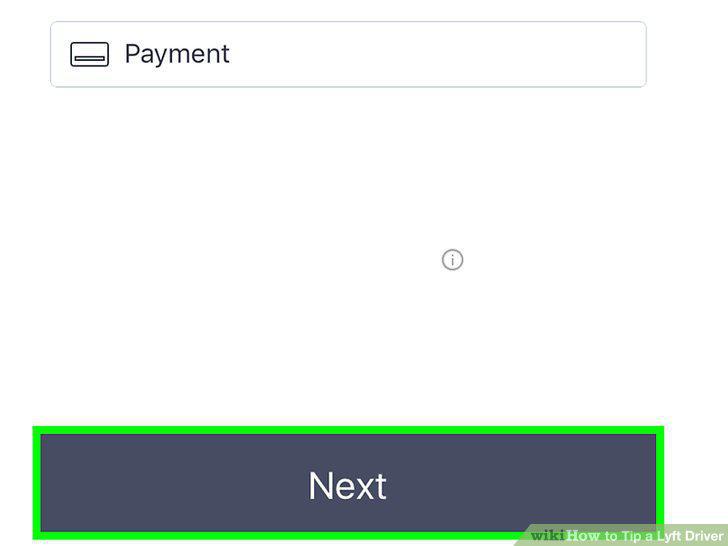
Tap Next.
4
Tap a star rating.
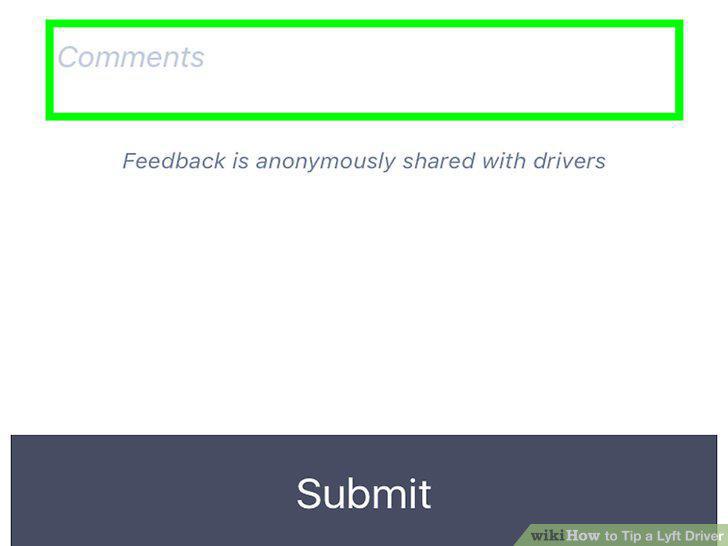
Tap a star rating.
5
Tap Submit.
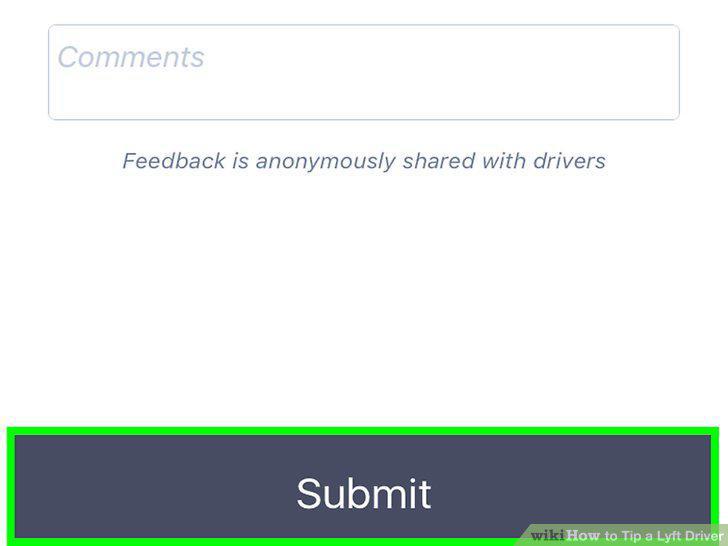
Tap Submit.
6
Open the Lyft app.
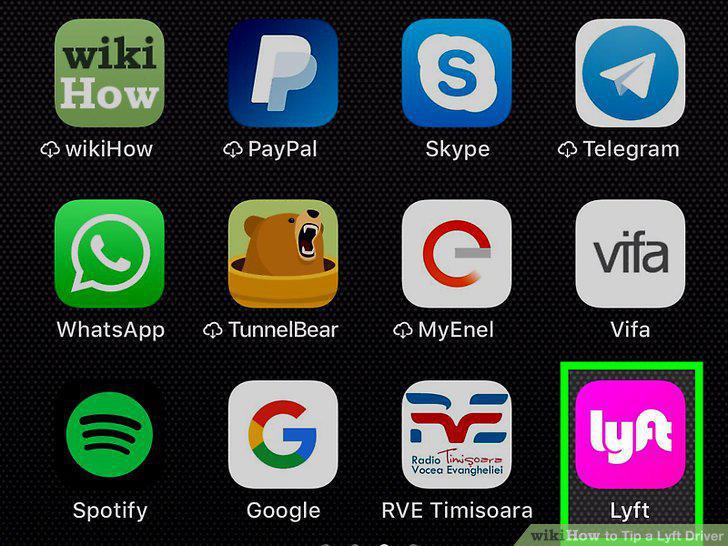
Open the Lyft app.
7
Tap your profile icon.

Tap your profile icon.
8
Tap Ride History.
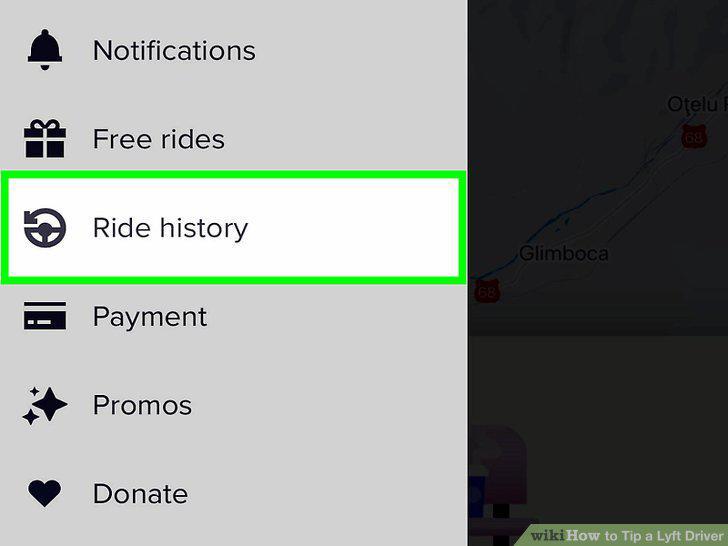
Tap Ride History.
9
Tap the ride for which you want to tip.
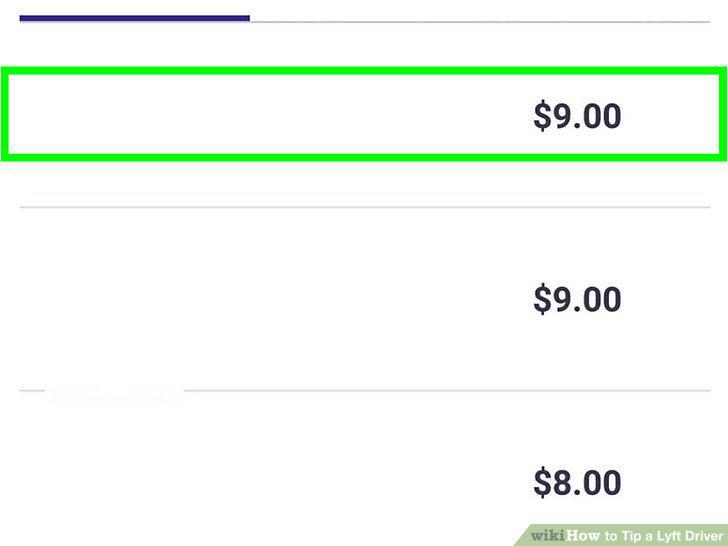
Tap the ride for which you want to tip.
10
Tap Tip driver.
Tap Tip driver.
Comments (0)
No comments yet. Be the first to share your thoughts!