How to Write a Subject Line when Sending Your CV by Email
Check for any instructions from the employer.. List your name and the position you're applying for.. Separate elements with hyphens or colons.
Steps
Check for any instructions from the employer.
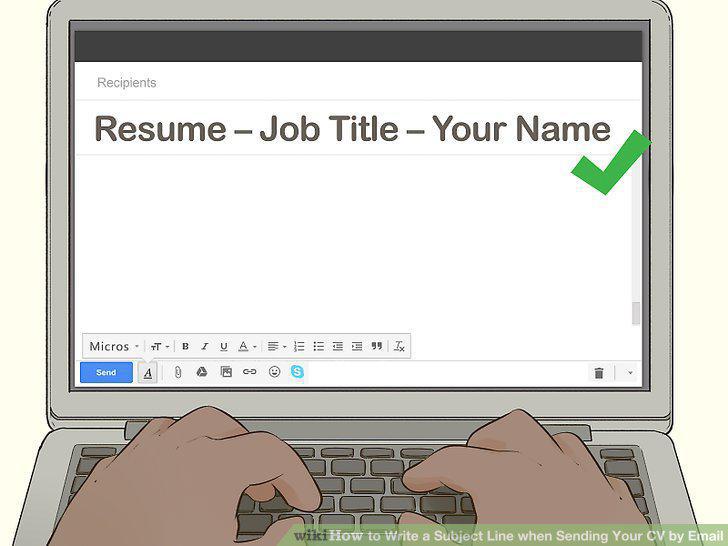
Check for any instructions from the employer.
List your name and the position you're applying for.
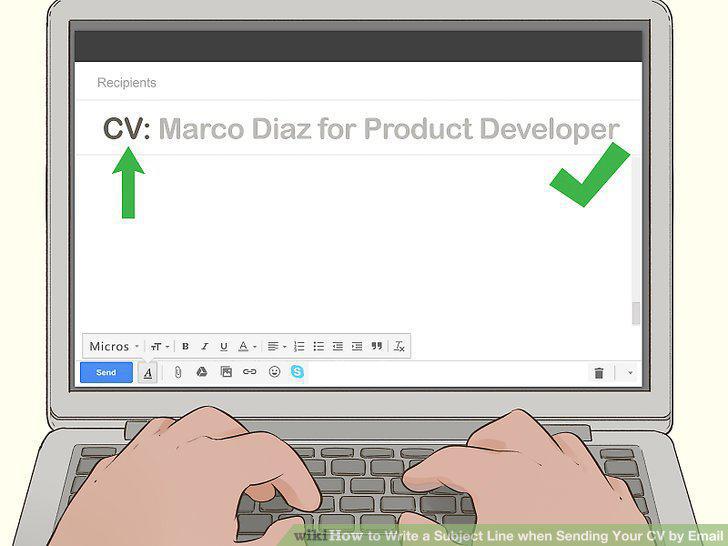
List your name and the position you're applying for.
Separate elements with hyphens or colons.
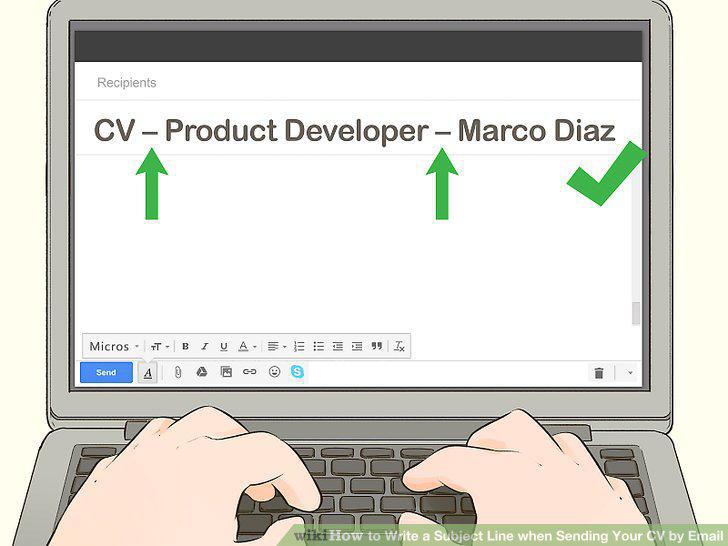
Separate elements with hyphens or colons.
Type your subject line in title case.
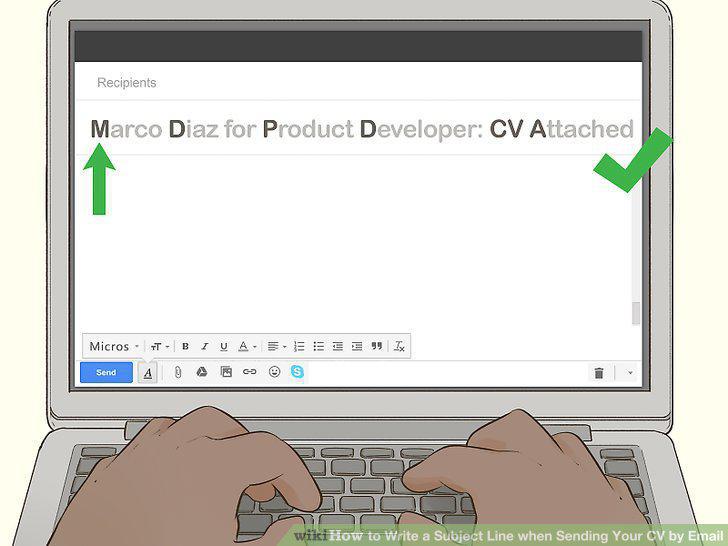
Type your subject line in title case.
Research the recipient of the email.
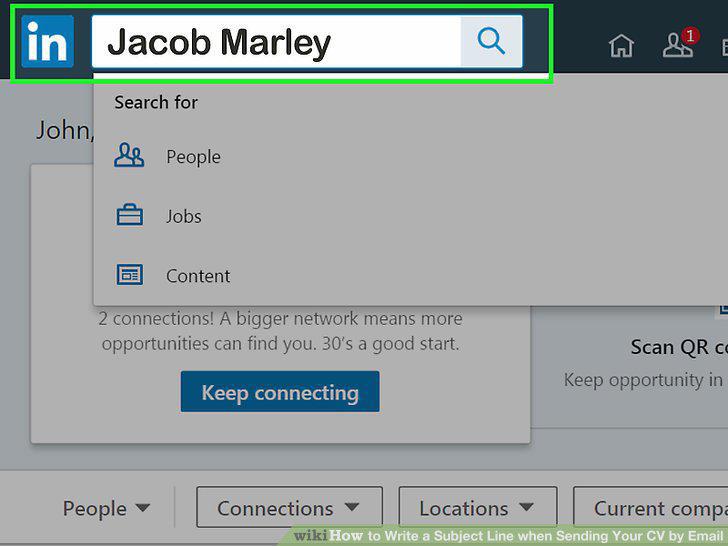
Research the recipient of the email.
Include a common connection, if possible.
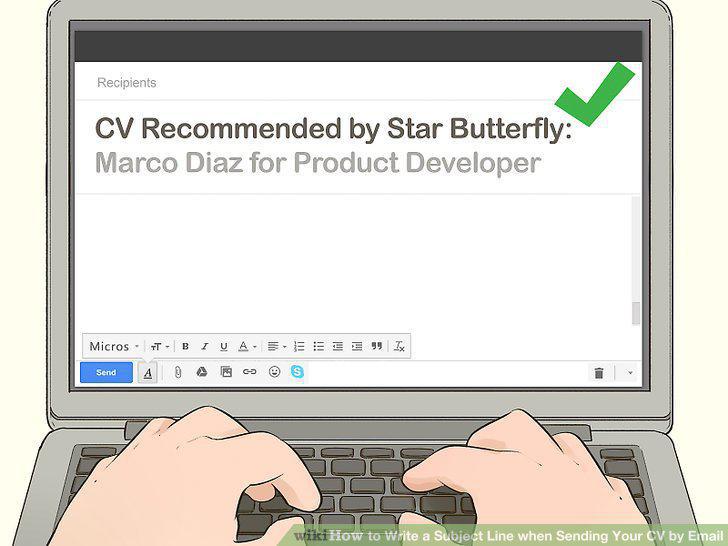
Include a common connection, if possible.
Add your top qualification for the position.
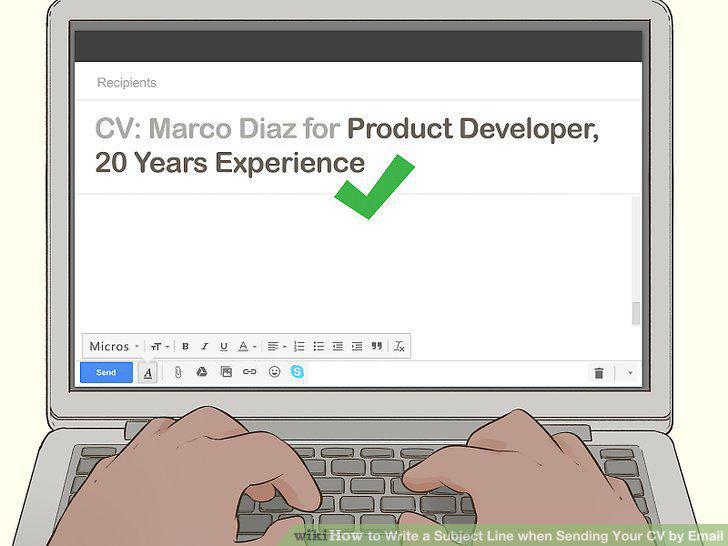
Add your top qualification for the position.
Proofread your subject line carefully.
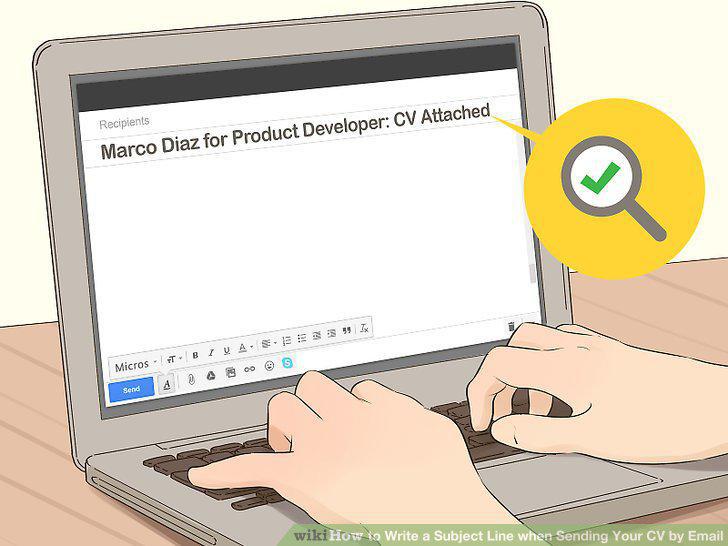
Proofread your subject line carefully.
Use a specific name if possible.
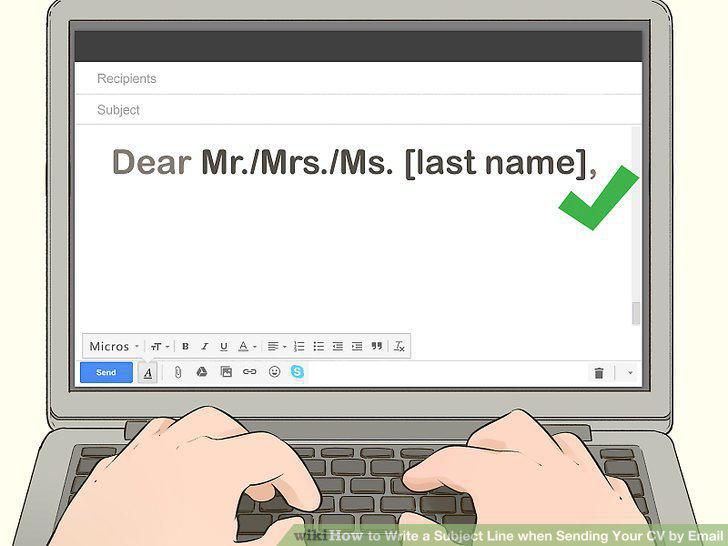
Use a specific name if possible.
Explain briefly why you're writing.
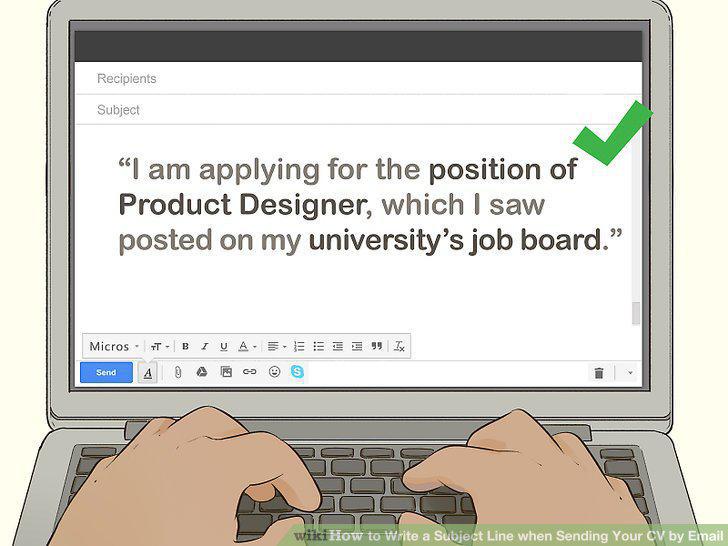
Explain briefly why you're writing.
Summarize your interest in the position.
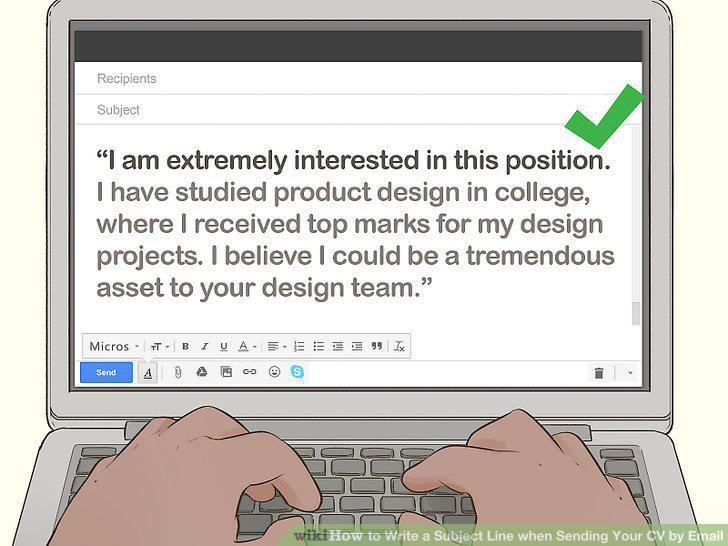
Summarize your interest in the position.
Include more detail if you're not attaching a formal cover letter.

Include more detail if you're not attaching a formal cover letter.
Mention that your résumé or CV is attached.
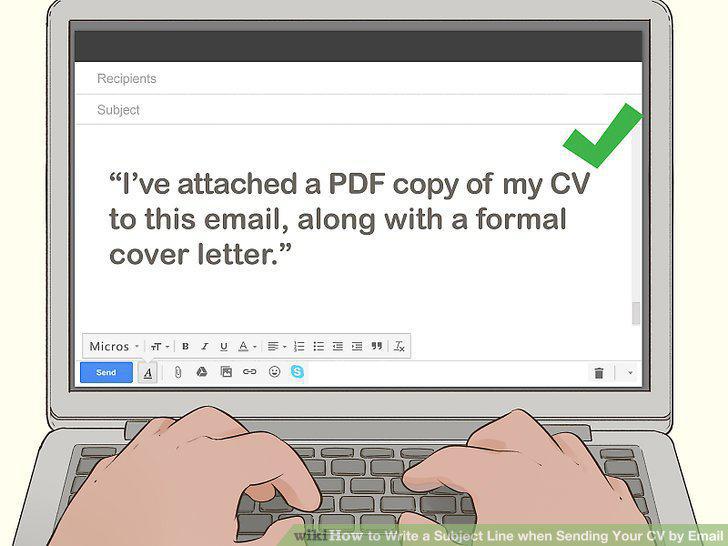
Mention that your résumé or CV is attached.
Ask the recipient to contact you if they have any questions.
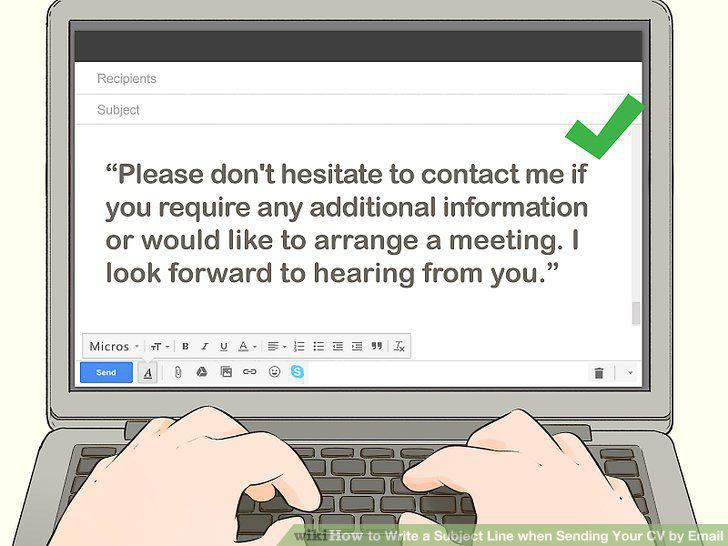
Ask the recipient to contact you if they have any questions.
Close with your full name and contact information.
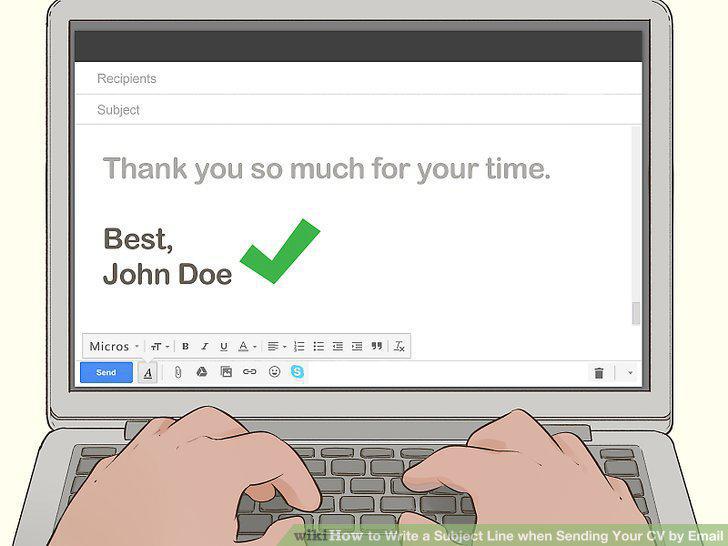
Close with your full name and contact information.
Convert your résumé or CV into a common file format.
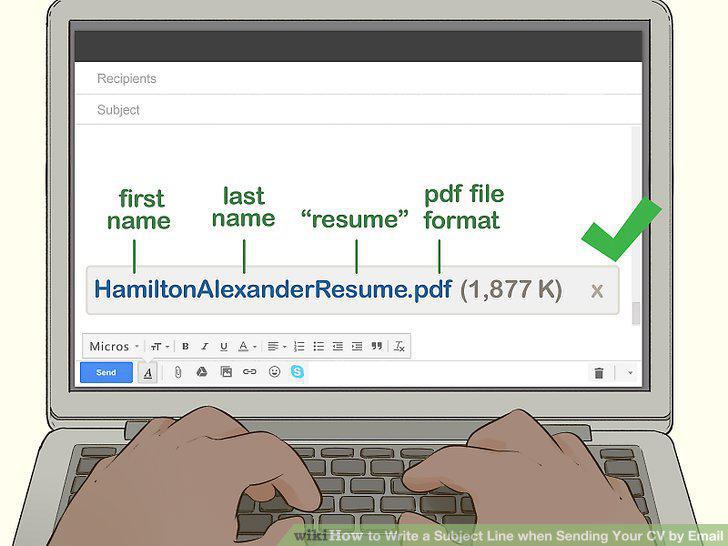
Convert your résumé or CV into a common file format.
Comments (0)
No comments yet. Be the first to share your thoughts!