How to Save a TikTok Video in Your Gallery on Android
Open the TikTok app.. Find a video you want to download.. Long press on the video you want to save.
Steps
1
Open the TikTok app.
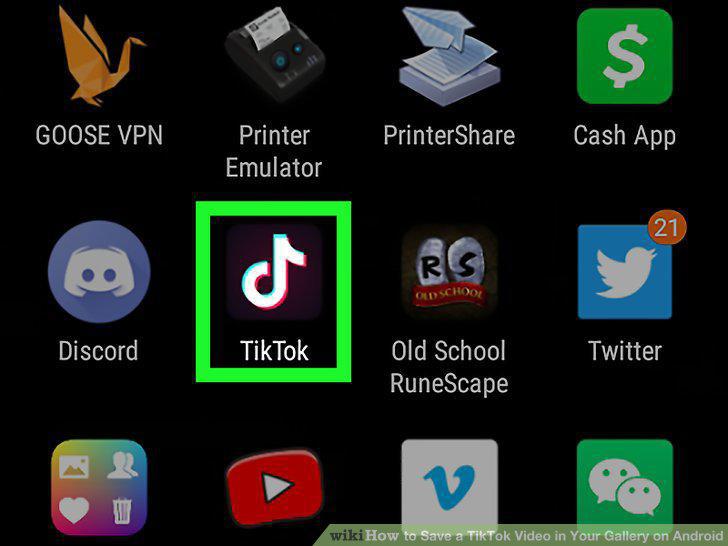
Open the TikTok app.
2
Find a video you want to download.
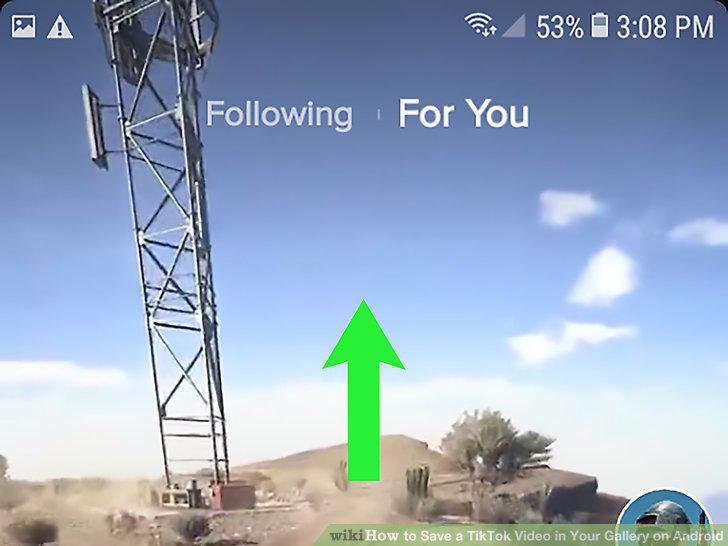
Find a video you want to download.
3
Long press on the video you want to save.
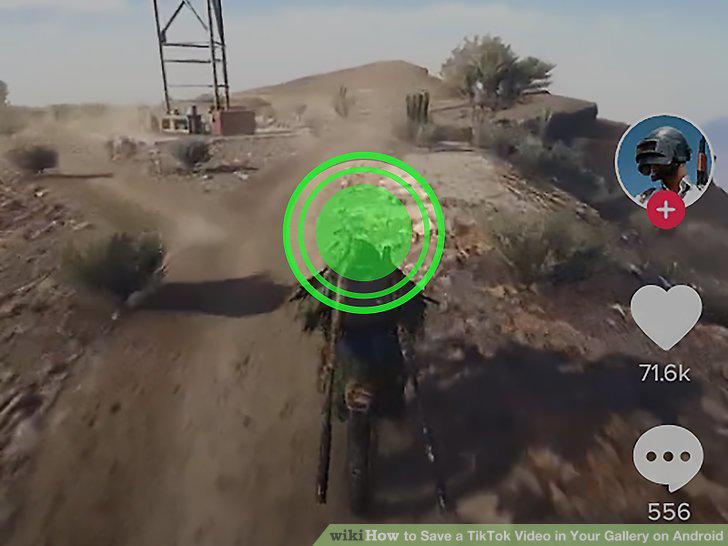
Long press on the video you want to save.
4
Tap Save Video.
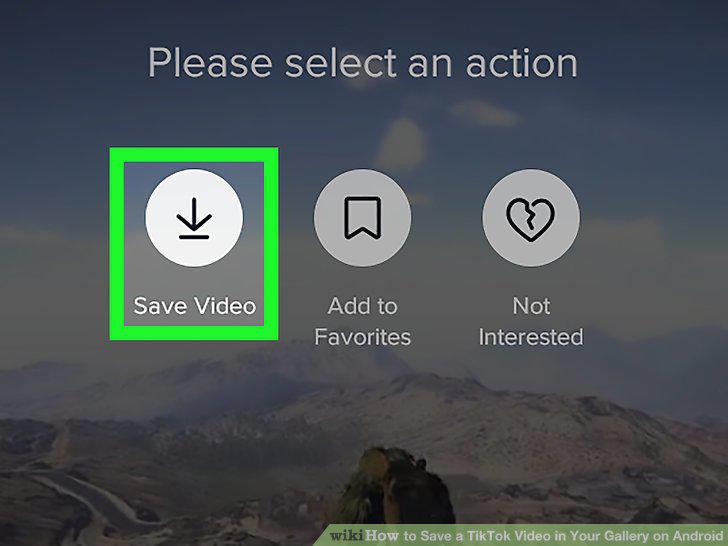
Tap Save Video.
5
Download Video Downloader for TikTok.
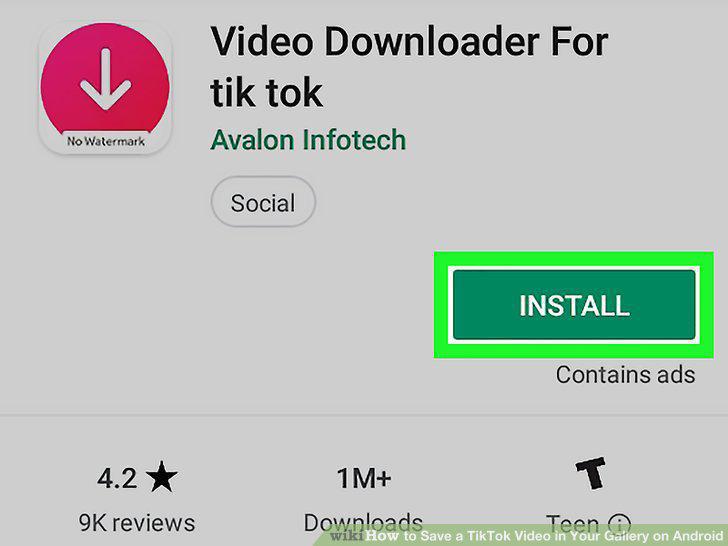
Download Video Downloader for TikTok.
6
Open TikTok and find a video.
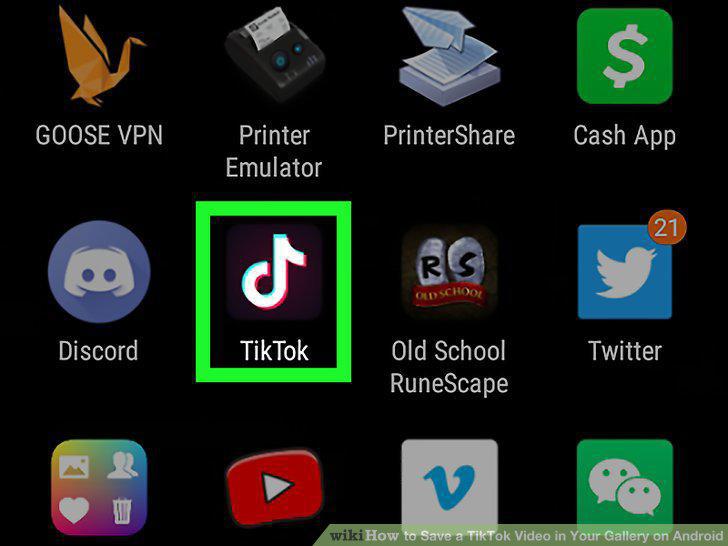
Open TikTok and find a video.
7
Tap the share button.
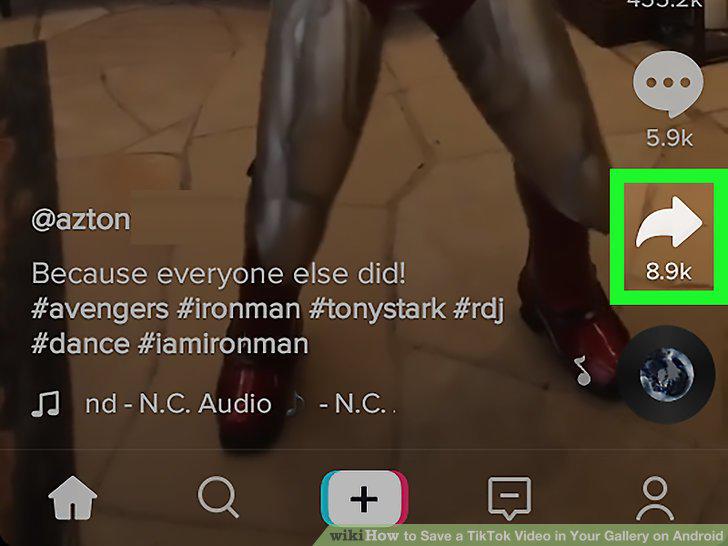
Tap the share button.
8
Tap Copy Link.
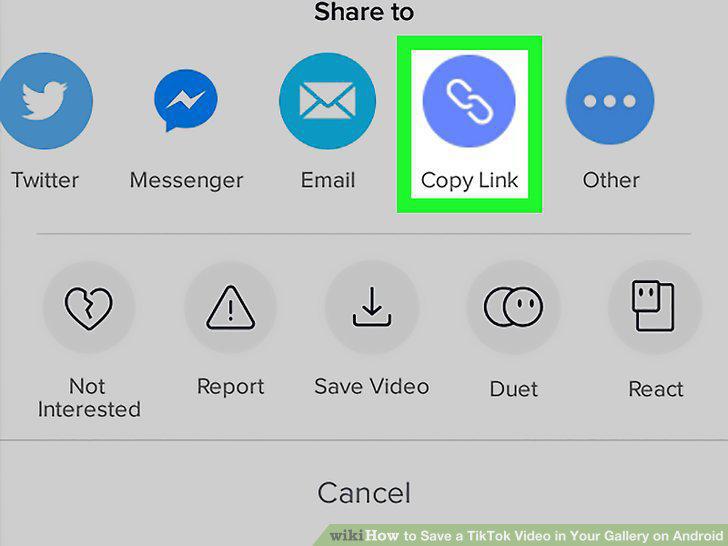
Tap Copy Link.
9
Open Video Downloader for TikTok.
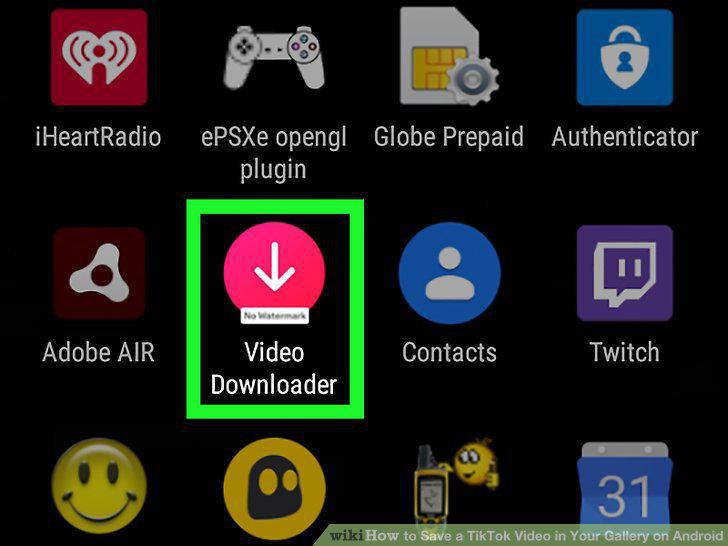
Open Video Downloader for TikTok.
10
Tap Copy Link & Download Video.
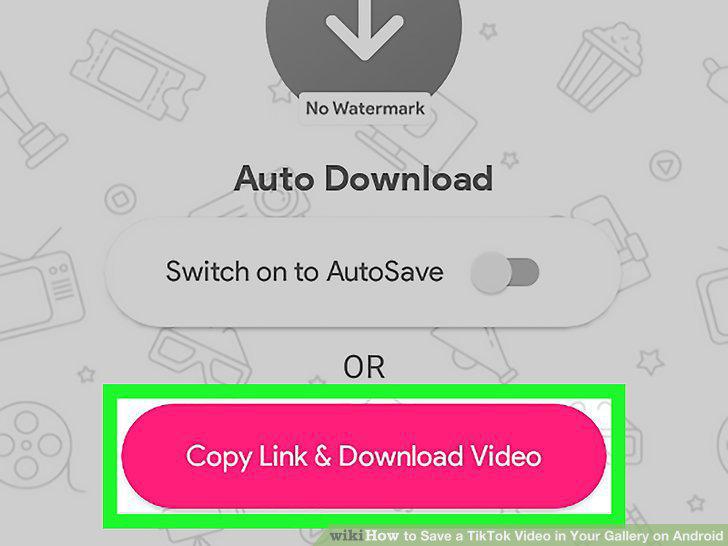
Tap Copy Link & Download Video.
11
Paste the link in the text box.
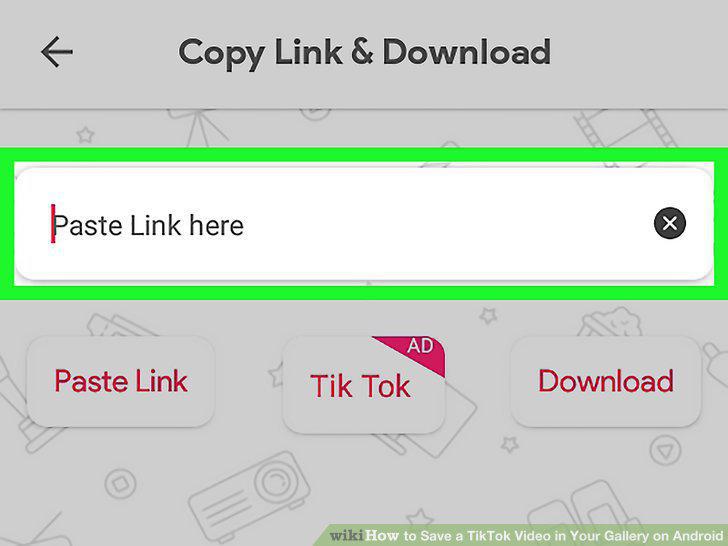
Paste the link in the text box.
12
Tap the Download button.

Tap the Download button.
Comments (0)
No comments yet. Be the first to share your thoughts!