How to Customize the Share Menu on macOS
Click the Apple menu.. Click System Preferences.. Double-click Extensions.
Steps
1
Click the Apple menu.
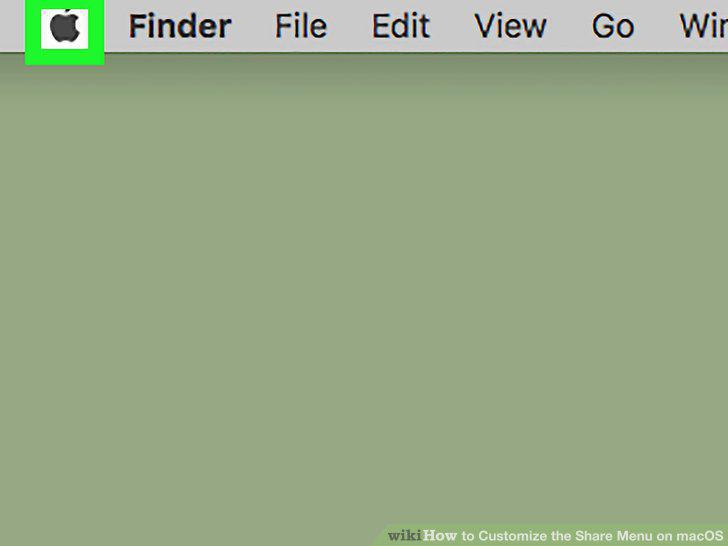
Click the Apple menu.
2
Click System Preferences.
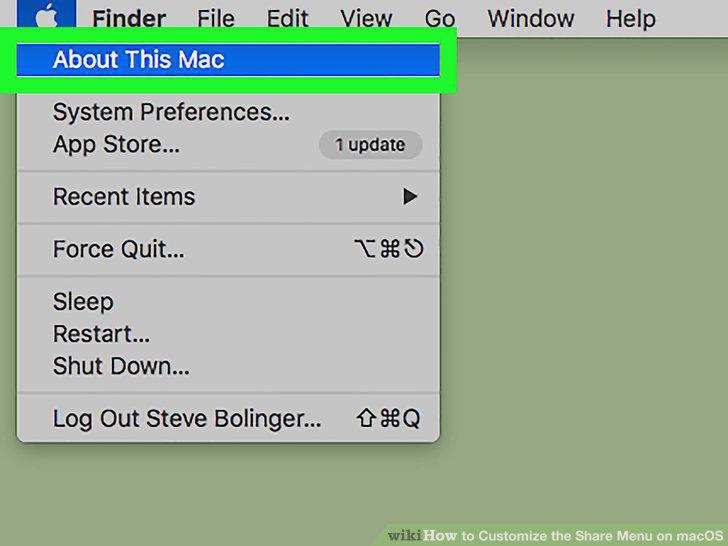
Click System Preferences.
3
Double-click Extensions.
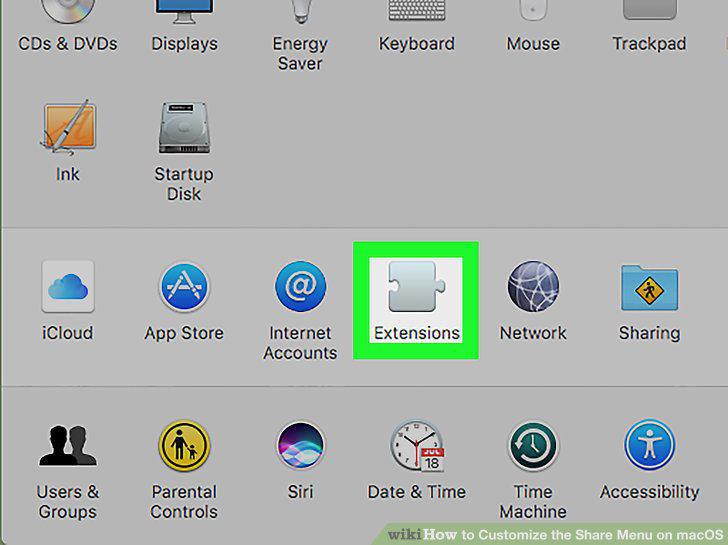
Double-click Extensions.
4
Click Share Menu.
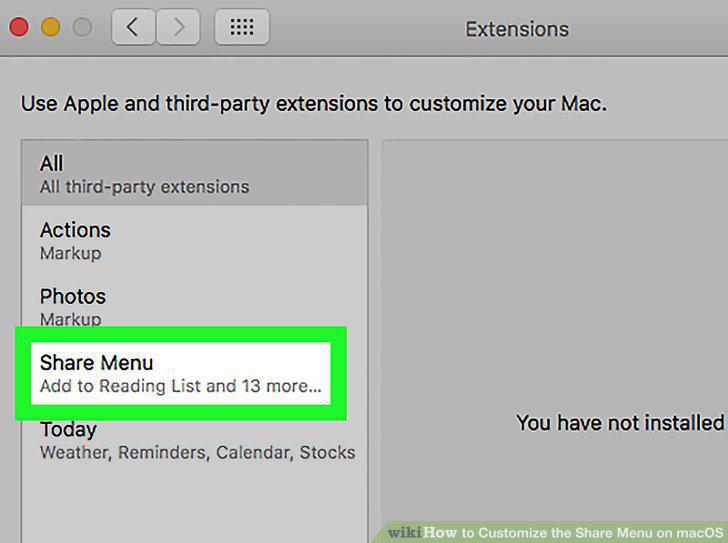
Click Share Menu.
5
Select apps to add or remove.
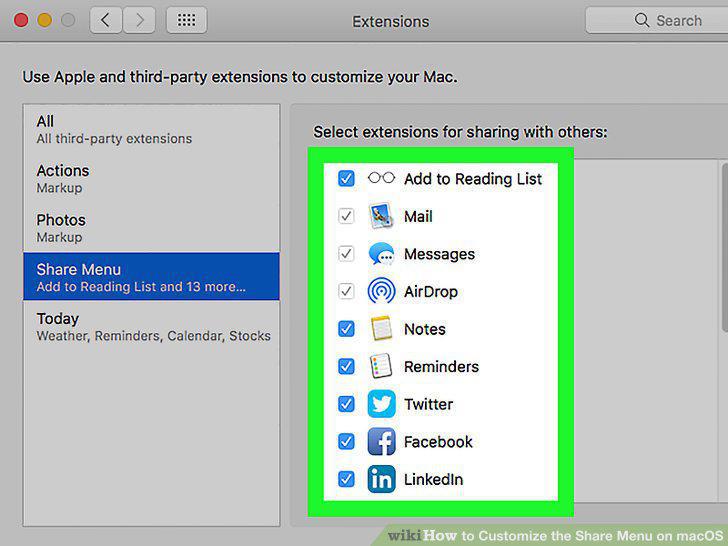
Select apps to add or remove.
Comments (0)
No comments yet. Be the first to share your thoughts!