How to Send Email Using Telnet
Get telnet.. Open a terminal window.. Open a telnet connection.
Steps
1
Get telnet.
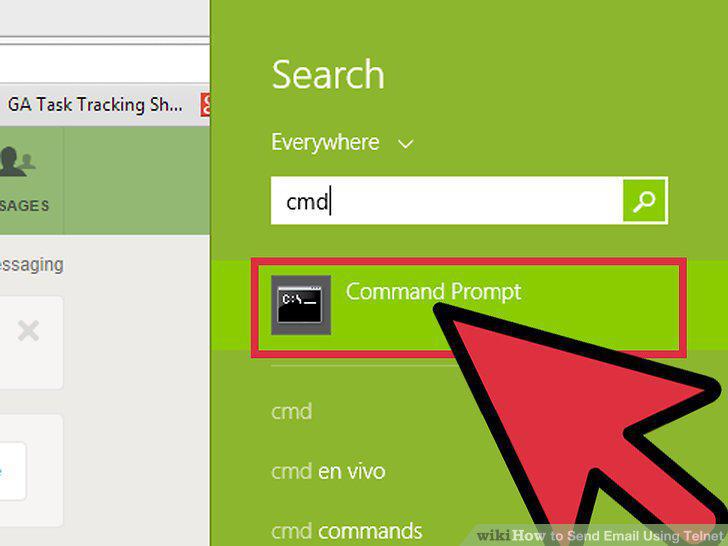
Get telnet.
2
Open a terminal window.
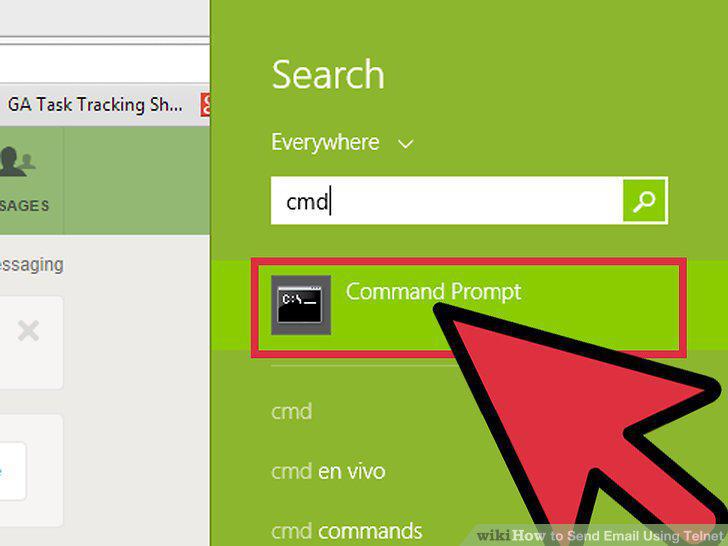
Open a terminal window.
3
Open a telnet connection.
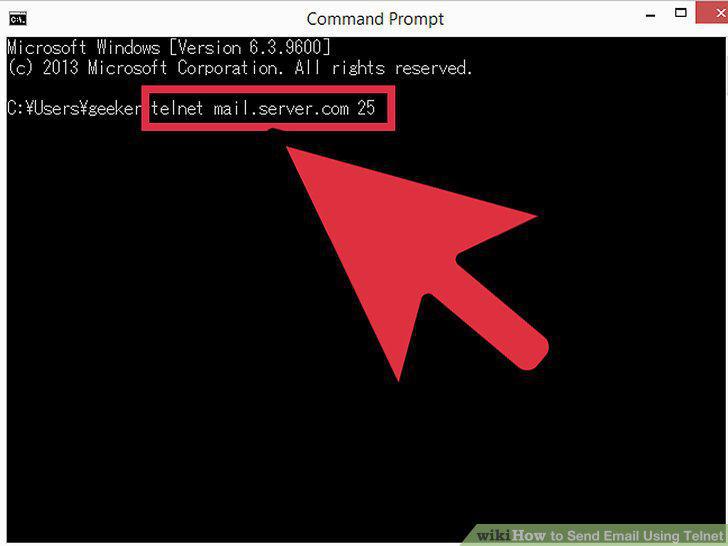
Open a telnet connection.
4
Greet the server.
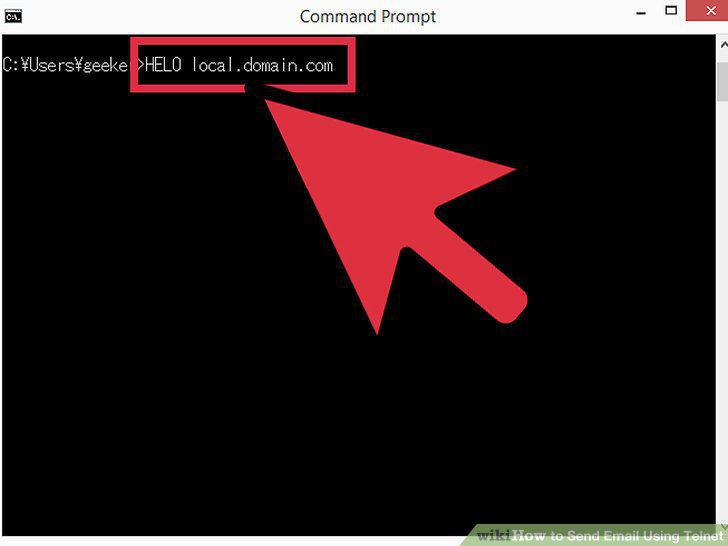
Greet the server.
5
Enter the sender "header" information.
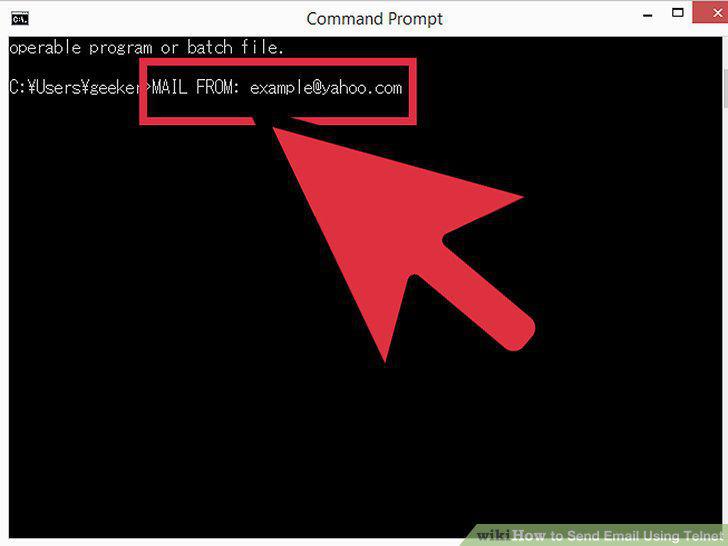
Enter the sender "header" information.
6
Enter the e-mail address of the recipient.
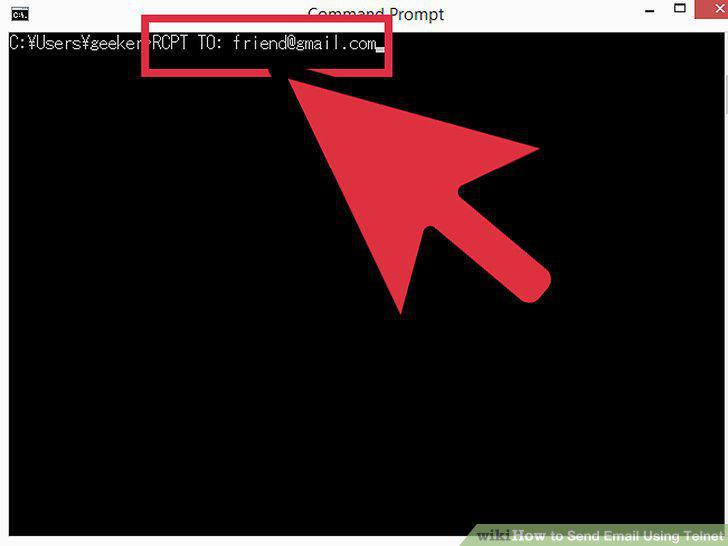
Enter the e-mail address of the recipient.
7
Compose your message.
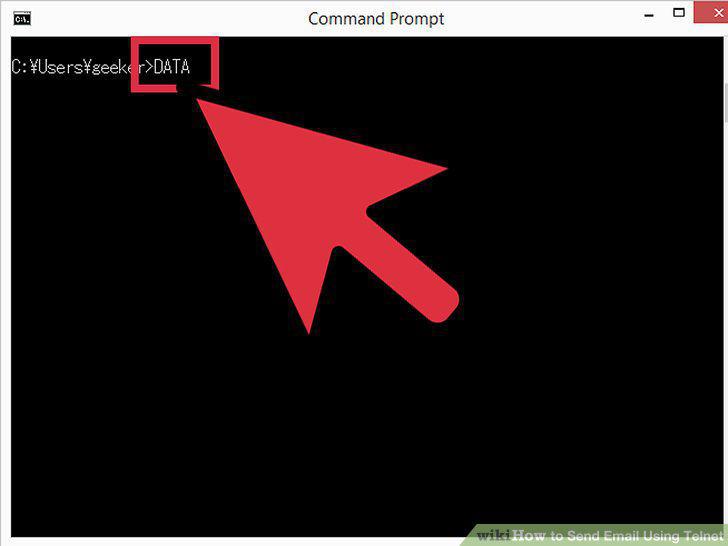
Compose your message.
8
Type quit to exit telnet.
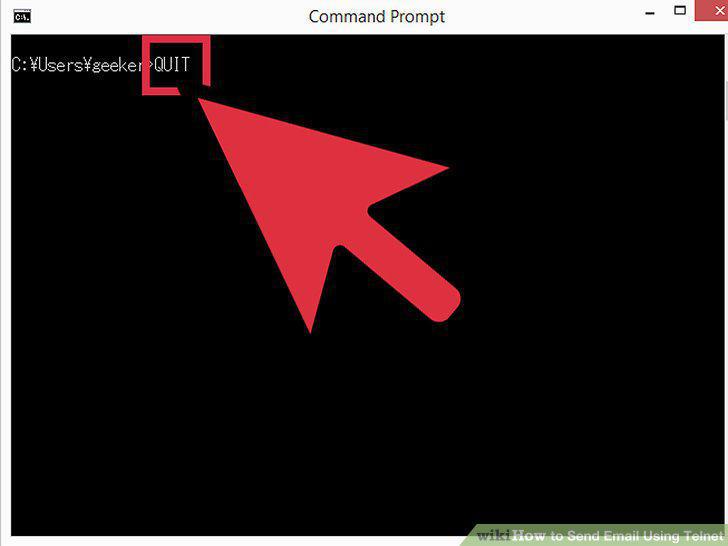
Type quit to exit telnet.
Comments (0)
No comments yet. Be the first to share your thoughts!