How to Identify a DDoS Attack on iPhone or iPad
Watch for constant incoming phone calls or text messages.. Look for outbound calls and text messages that you didn't send yourself.. Check your network logs for IP requests.
Steps
1
Watch for constant incoming phone calls or text messages.
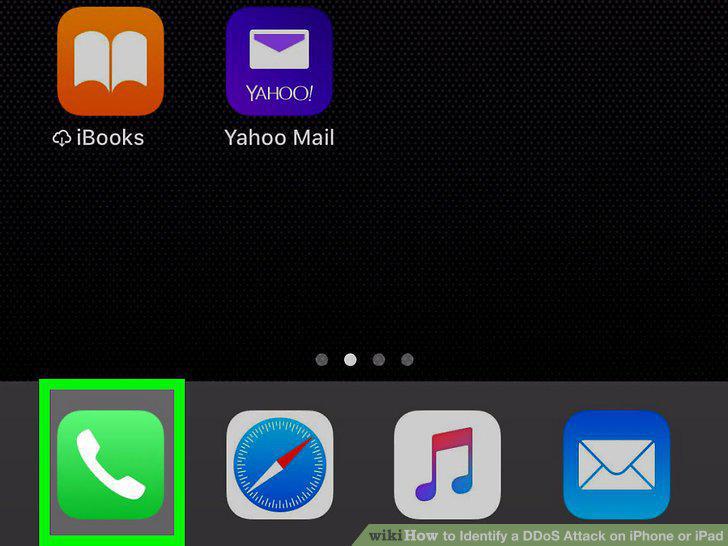
Watch for constant incoming phone calls or text messages.
2
Look for outbound calls and text messages that you didn't send yourself.
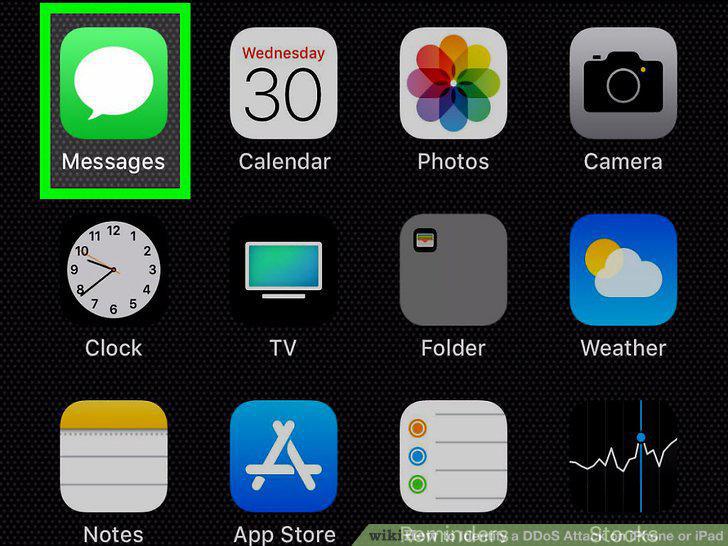
Look for outbound calls and text messages that you didn't send yourself.
3
Check your network logs for IP requests.
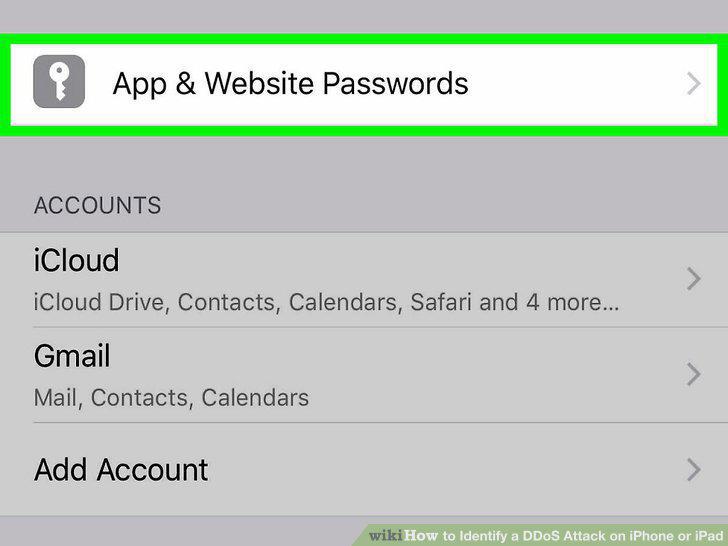
Check your network logs for IP requests.
4
Check for warning or threat messages.
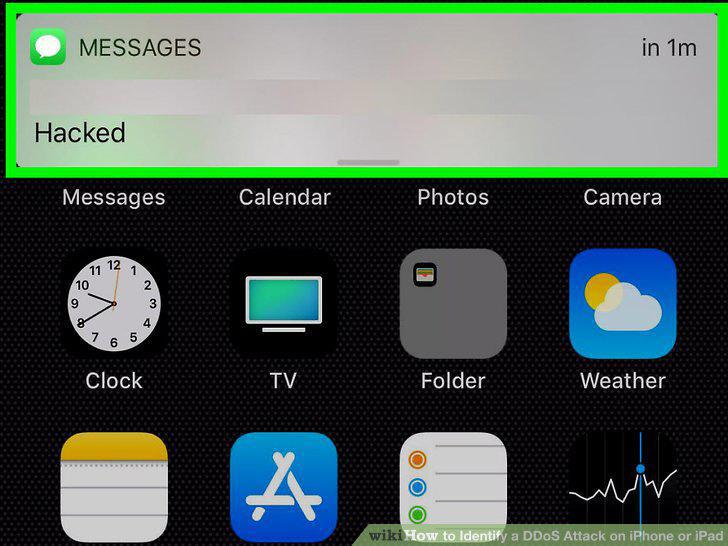
Check for warning or threat messages.
5
Look for signs of malware.
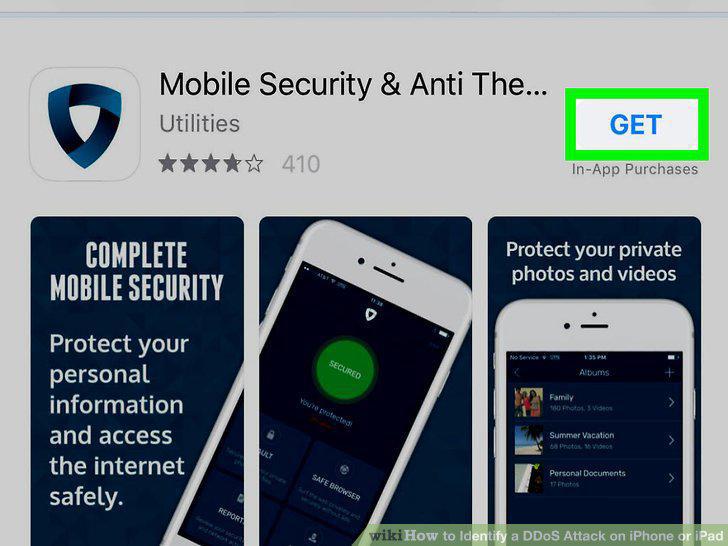
Look for signs of malware.
Comments (0)
No comments yet. Be the first to share your thoughts!