How to Access Samsung Cloud on Samsung Galaxy
Open your Galaxy's Settings.. Tap Cloud and accounts.. Tap Samsung Cloud.
Steps
1
Open your Galaxy's Settings.
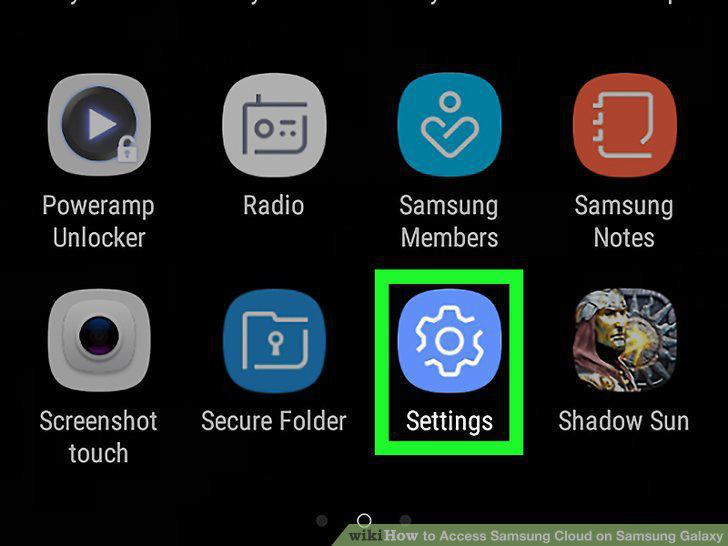
Open your Galaxy's Settings.
2
Tap Cloud and accounts.
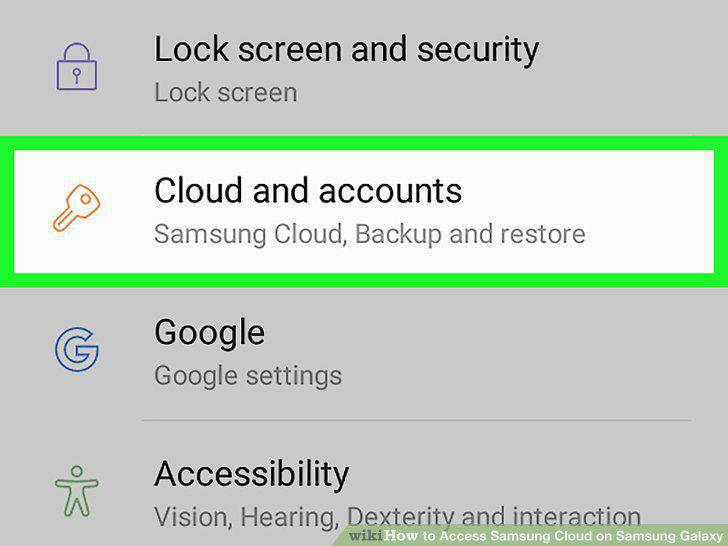
Tap Cloud and accounts.
3
Tap Samsung Cloud.
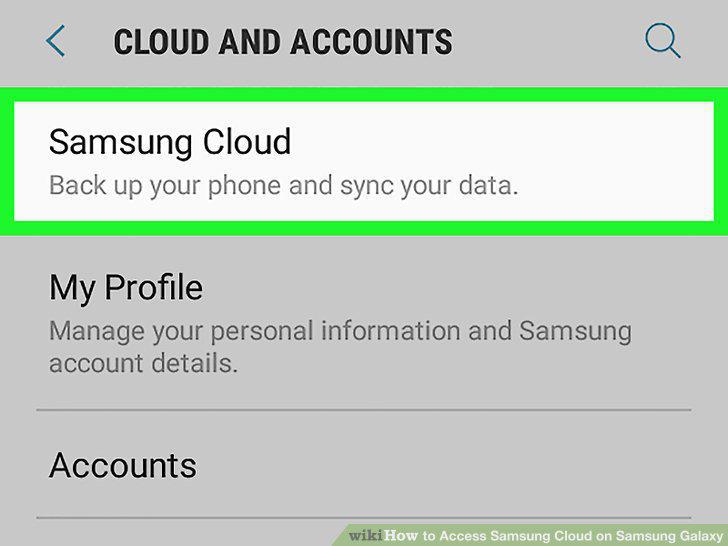
Tap Samsung Cloud.
4
Check your storage.
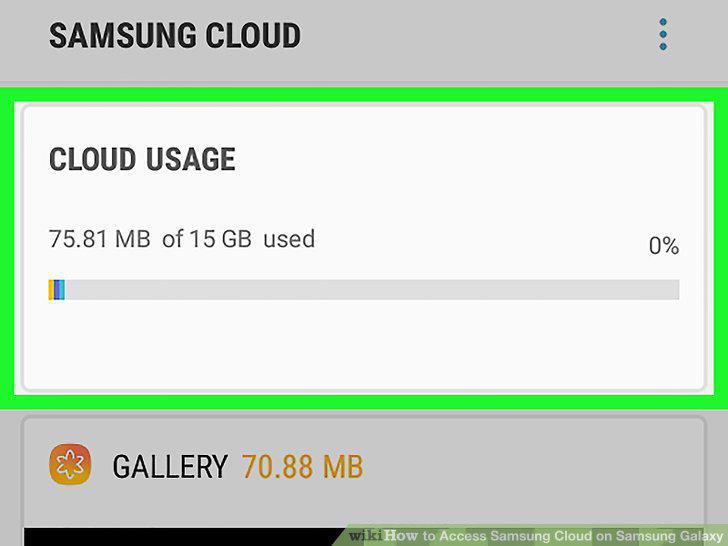
Check your storage.
5
Tap Back-up settings.
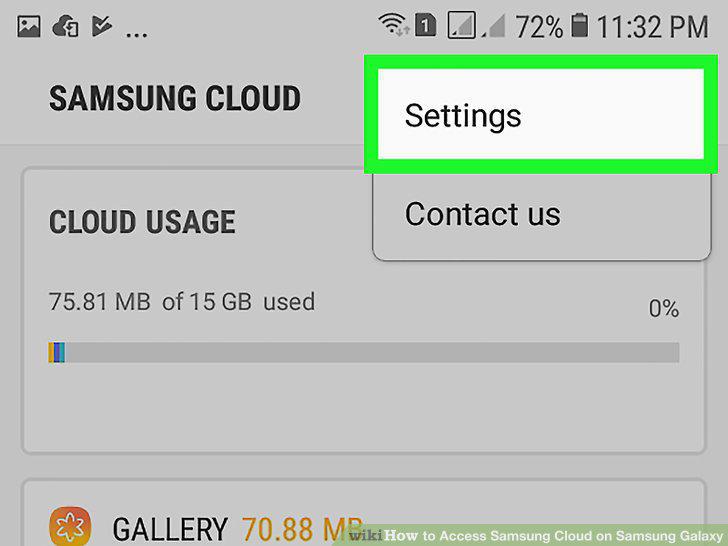
Tap Back-up settings.
6
Manage your backup settings.
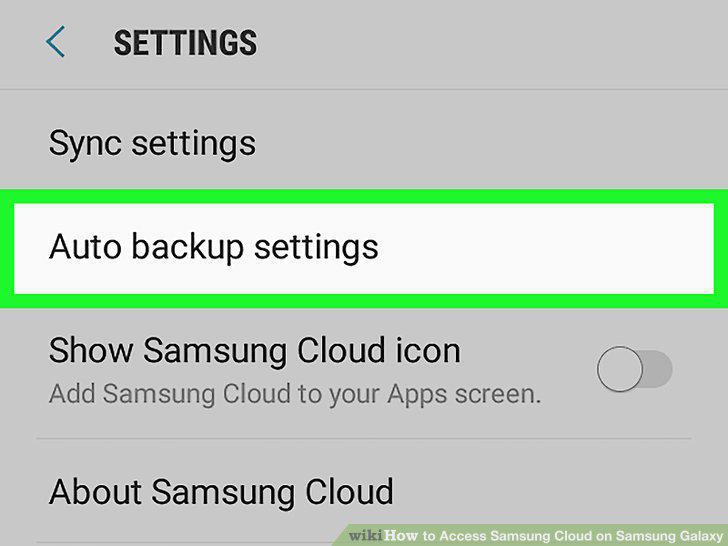
Manage your backup settings.
7
Tap the back button to return to Samsung Cloud settings.
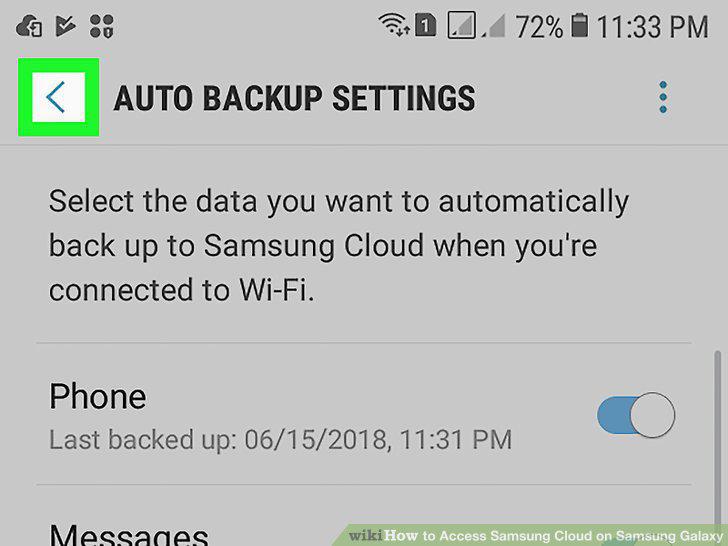
Tap the back button to return to Samsung Cloud settings.
8
Scroll down to the "DATA TO SYNC" section at the bottom of the menu.
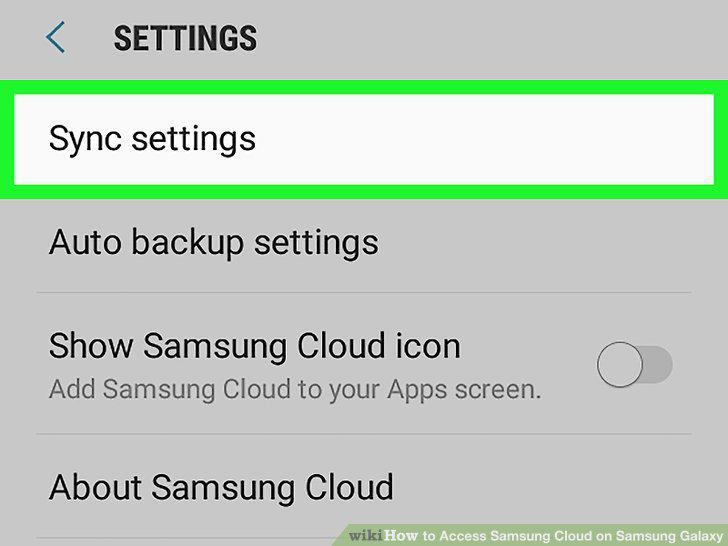
Scroll down to the "DATA TO SYNC" section at the bottom of the menu.
9
Restore from a backup.
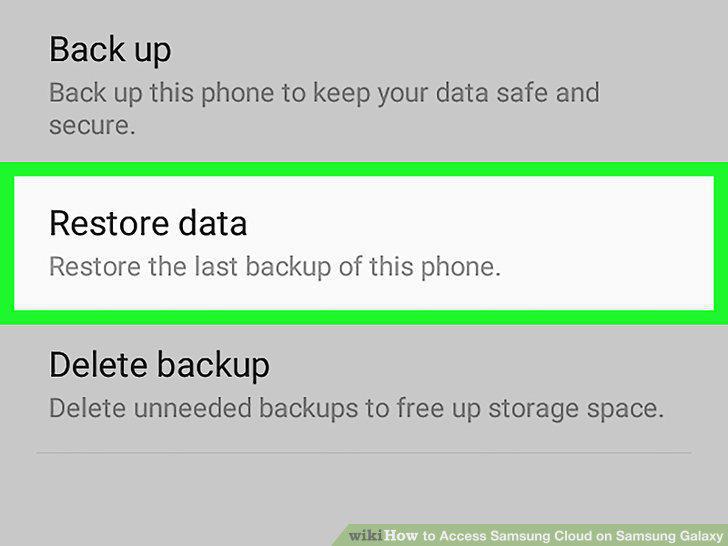
Restore from a backup.
Comments (0)
No comments yet. Be the first to share your thoughts!