How to Password Protect a Web Page
Create a text file called .htpasswd.. Create an encrypted password at http://www.htaccesstools.com/htpasswd-generator.. Paste the copied text into the file.
Steps
Create a text file called .htpasswd.
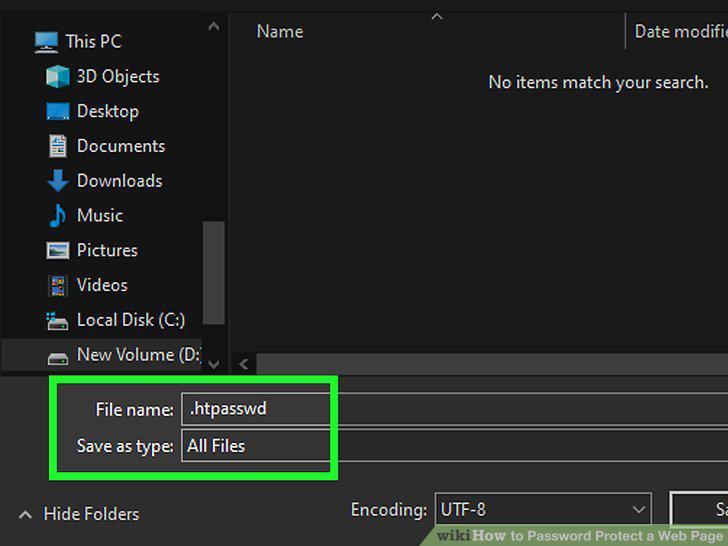
Create a text file called .htpasswd.
Create an encrypted password at http://www.htaccesstools.com/htpasswd-generator.
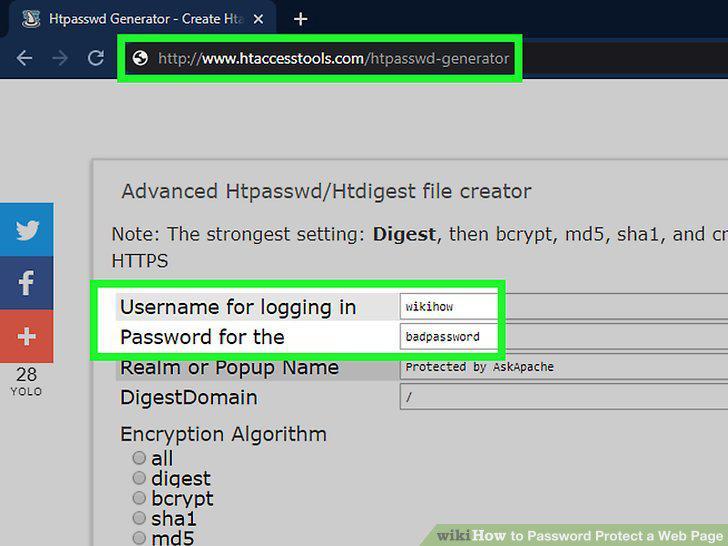
Create an encrypted password at http://www.htaccesstools.com/htpasswd-generator.
Paste the copied text into the file.
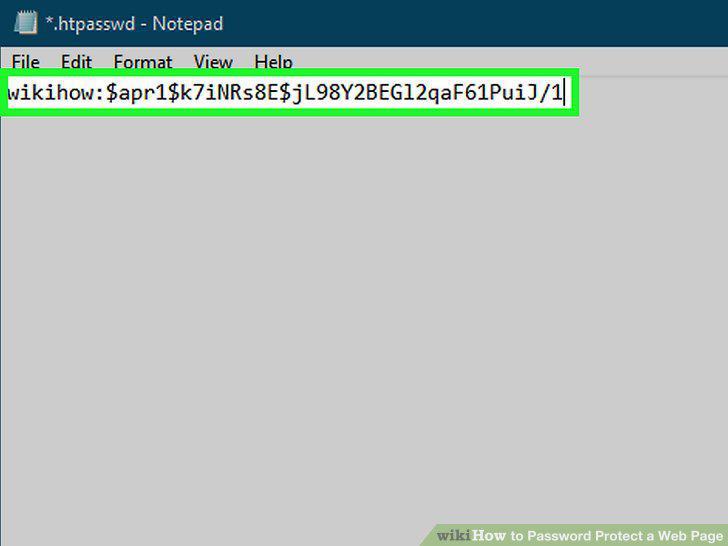
Paste the copied text into the file.
Save and exit the file.
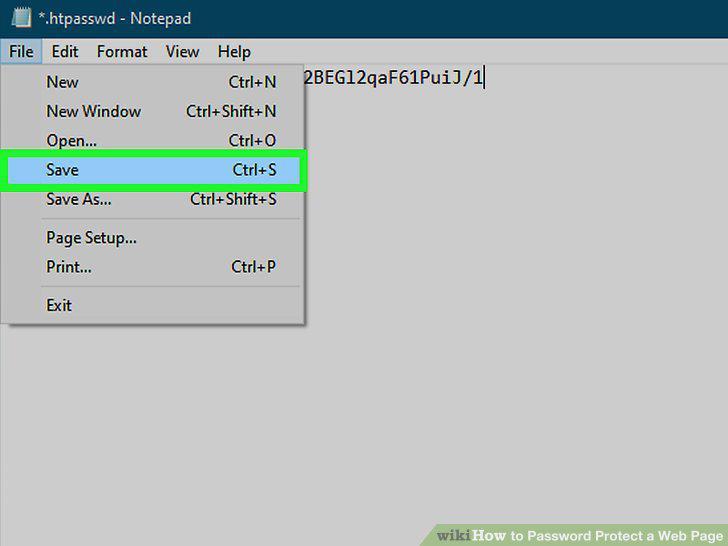
Save and exit the file.
Create a new text file called .htaccess.
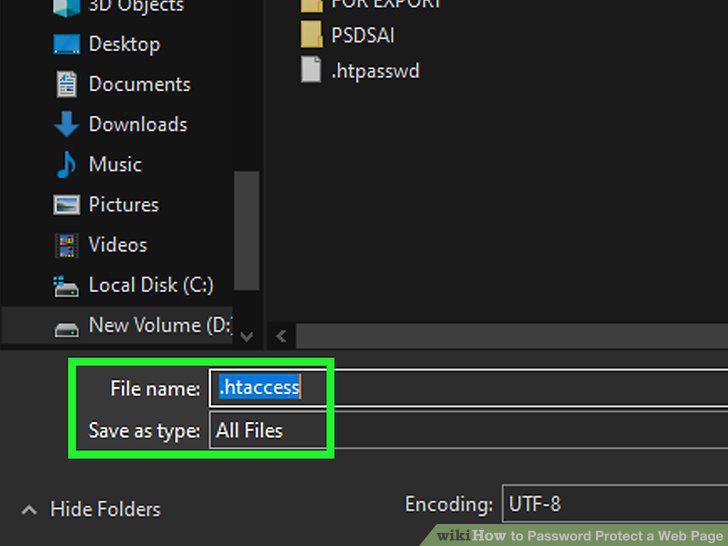
Create a new text file called .htaccess.
Paste the code into the file.
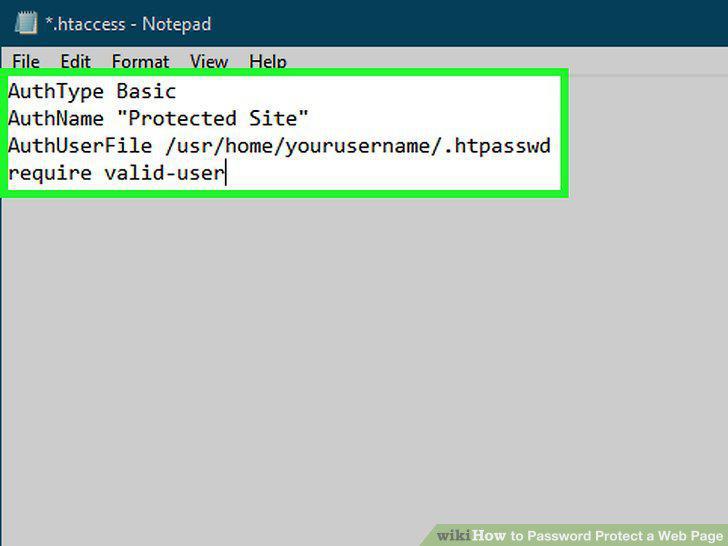
Paste the code into the file.
Save and exit the file.
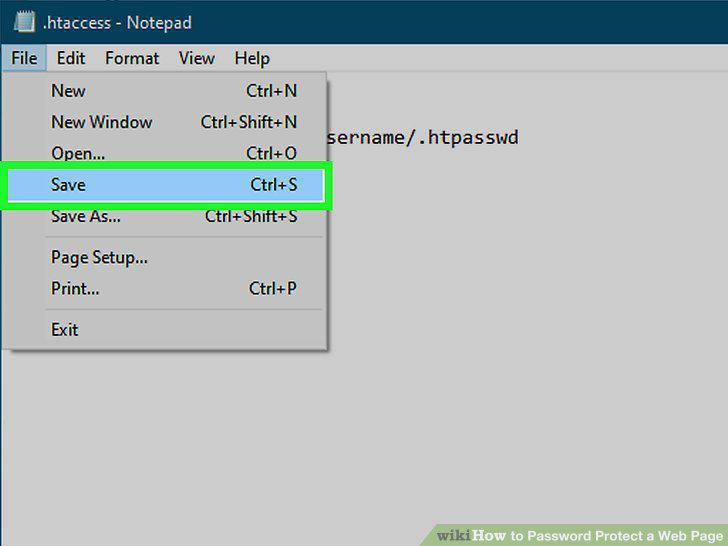
Save and exit the file.
Test it out in a web browser.
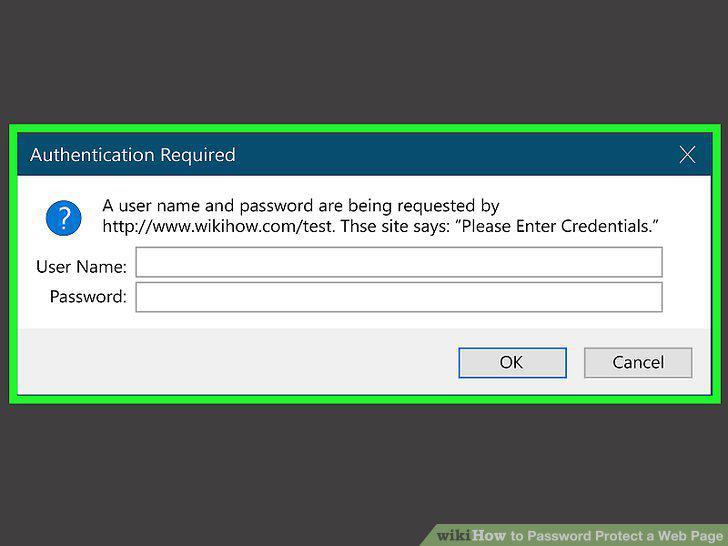
Test it out in a web browser.
Log in to your website's administrative panel.
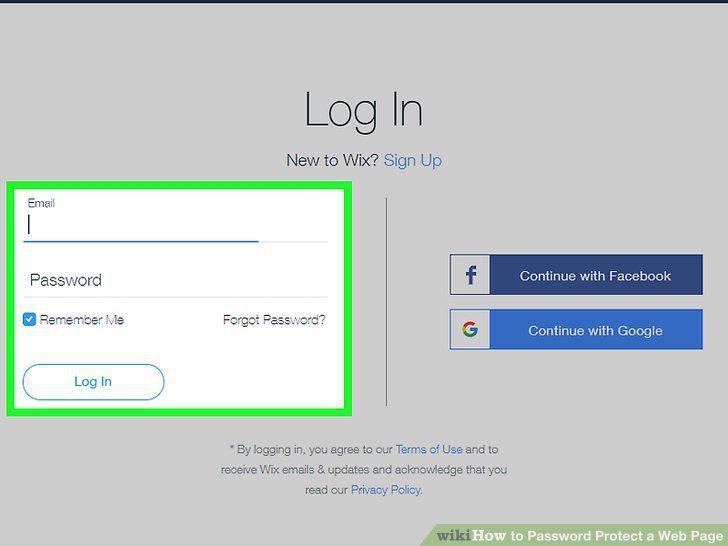
Log in to your website's administrative panel.
Go to the page or area you want to protect.
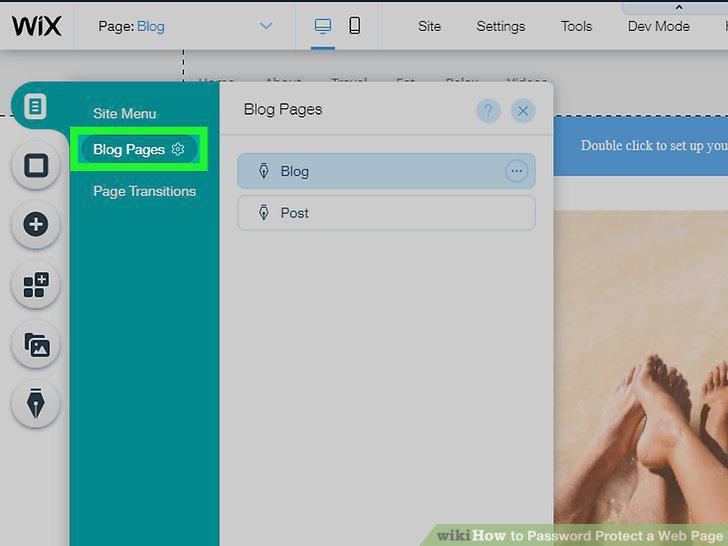
Go to the page or area you want to protect.
Go to the Settings area for the selected page.
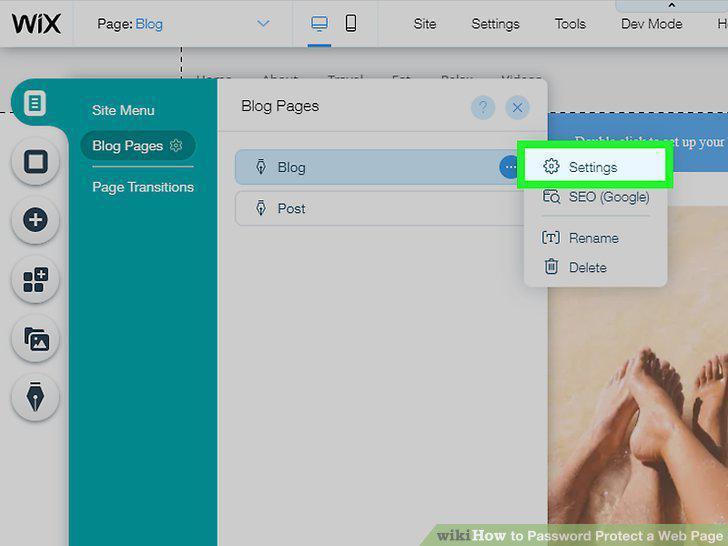
Go to the Settings area for the selected page.
Enable the password-protection feature for the page.
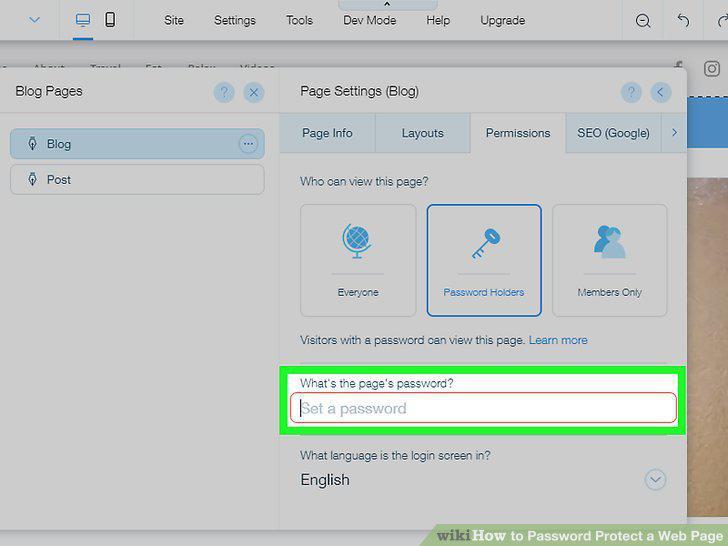
Enable the password-protection feature for the page.
Save your changes and test out the password.
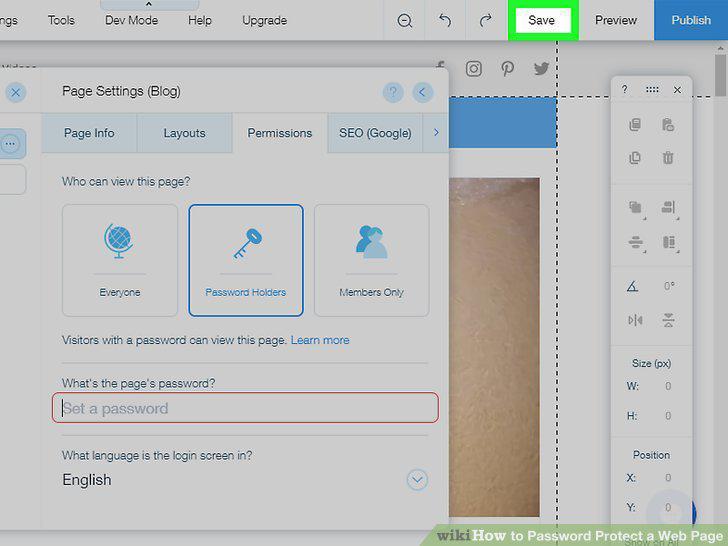
Save your changes and test out the password.
Test the password protection.
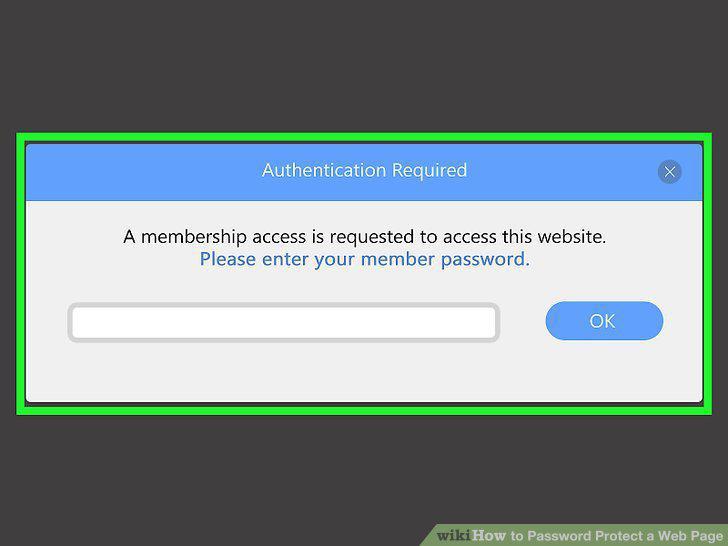
Test the password protection.
Contact your web host for more information.
Contact your web host for more information.
Comments (0)
No comments yet. Be the first to share your thoughts!