How to Convert CSV to XLS
Open the CSV file you want to convert in Excel.. Click the File tab.. Click Save As on the File menu.
Steps
1
Open the CSV file you want to convert in Excel.
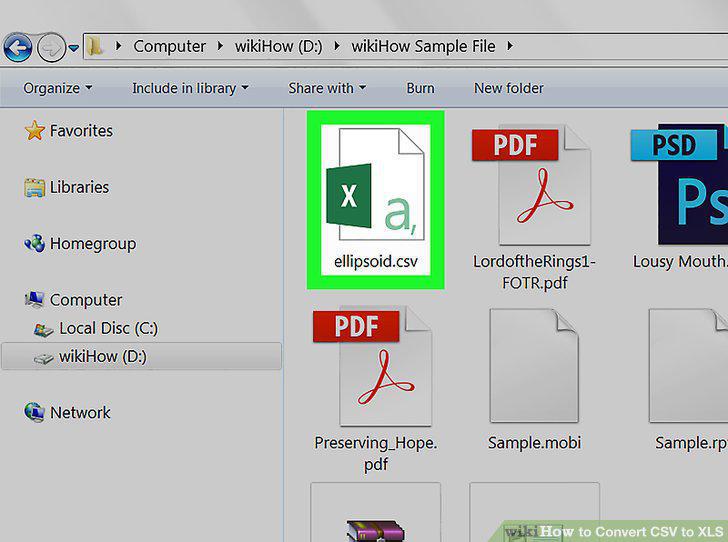
Open the CSV file you want to convert in Excel.
2
Click the File tab.
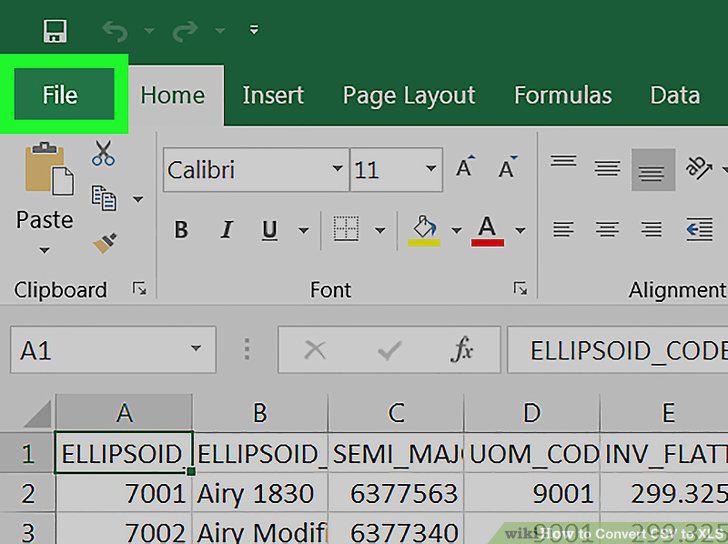
Click the File tab.
3
Click Save As on the File menu.
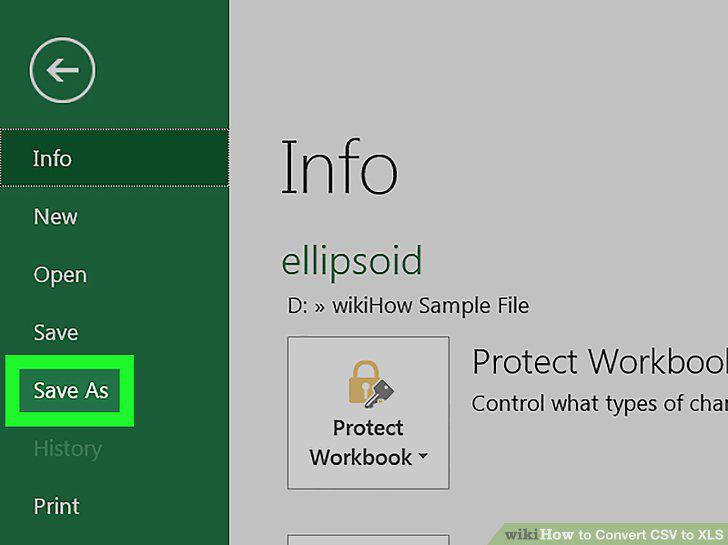
Click Save As on the File menu.
4
Select This PC or On My Mac.
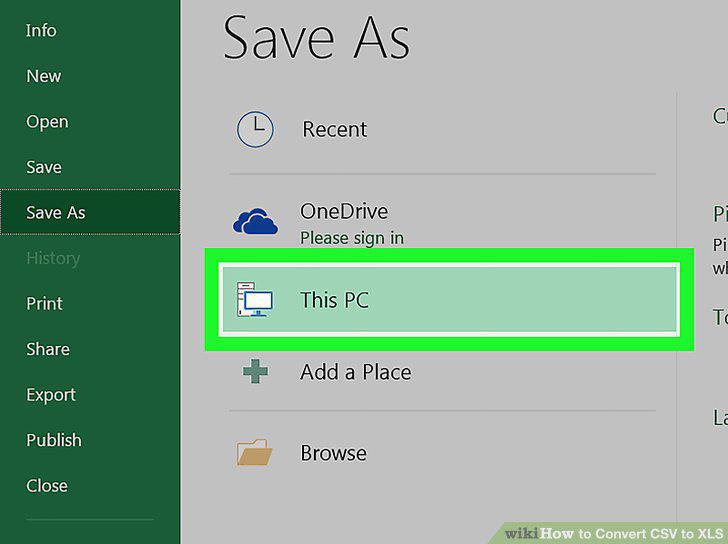
Select This PC or On My Mac.
5
Select Excel 97-2003 Workbook (.xls) as your file format.
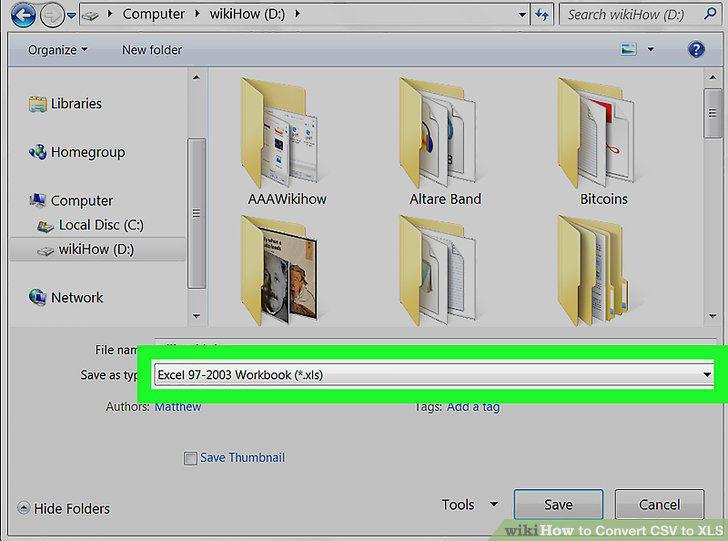
Select Excel 97-2003 Workbook (.xls) as your file format.
6
Select a saving location for your converted XLS file.
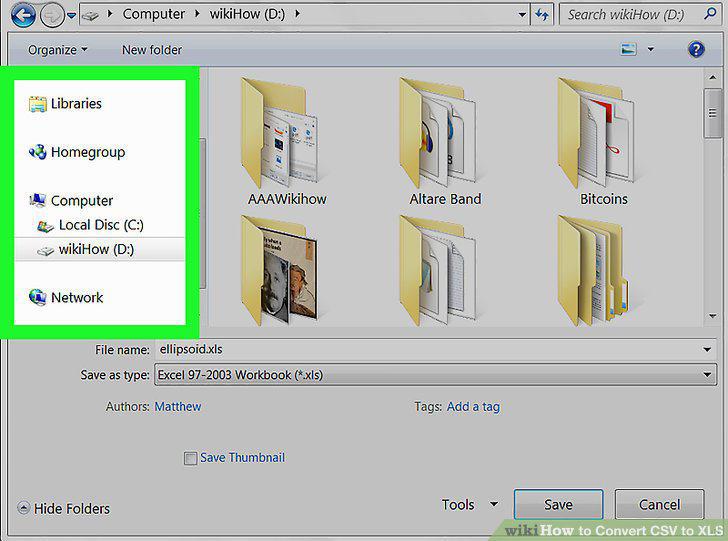
Select a saving location for your converted XLS file.
7
Click the Save button.
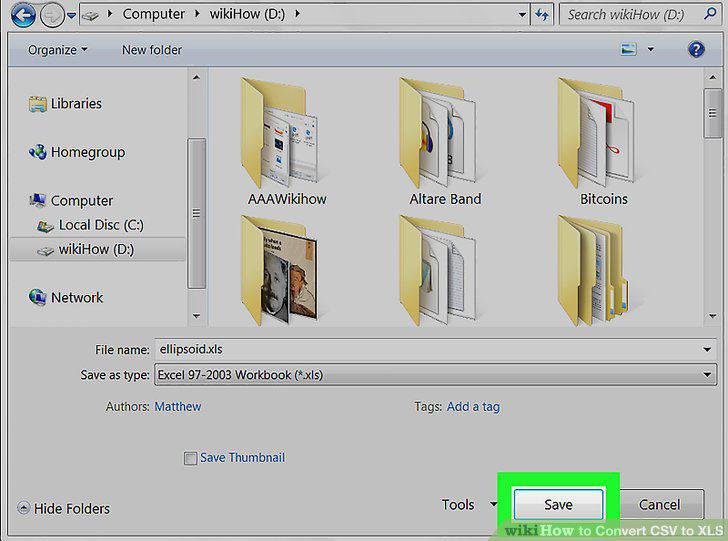
Click the Save button.
Comments (0)
No comments yet. Be the first to share your thoughts!