How to Accept Money on Square Cash
Open the Cash app.. Type a dollar amount.. Tap Request.
Steps
1
Open the Cash app.
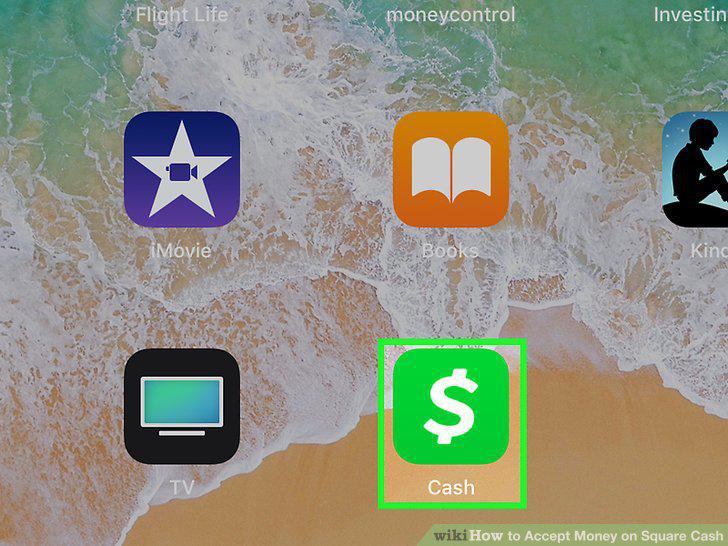
Open the Cash app.
2
Type a dollar amount.

Type a dollar amount.
3
Tap Request.
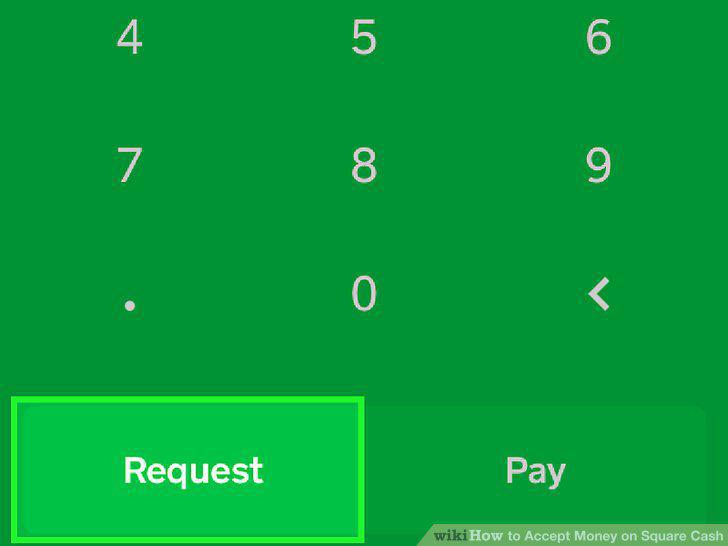
Tap Request.
4
Type a recipient on the "To" line.
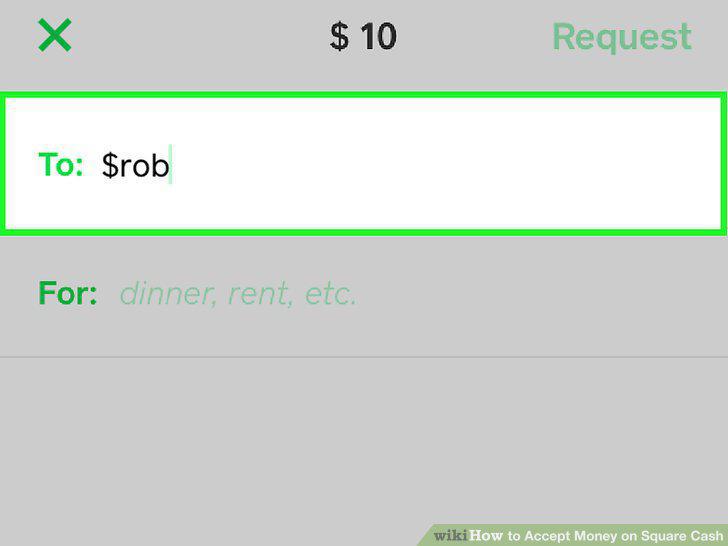
Type a recipient on the "To" line.
5
Type a note.
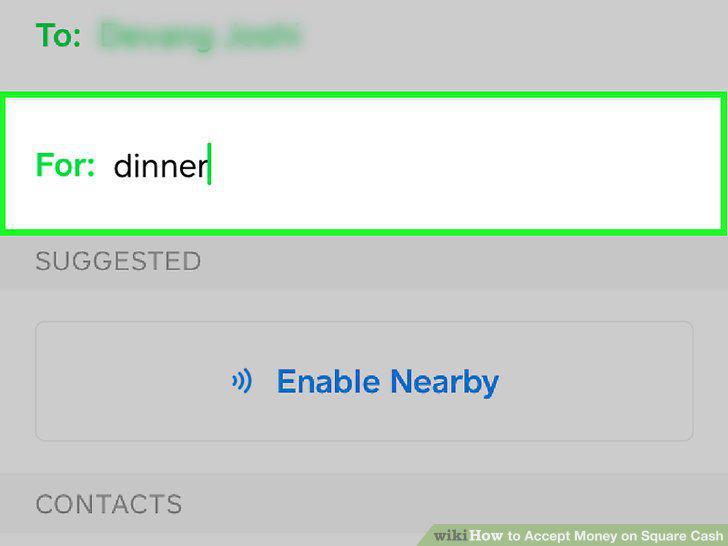
Type a note.
6
Tap Request.
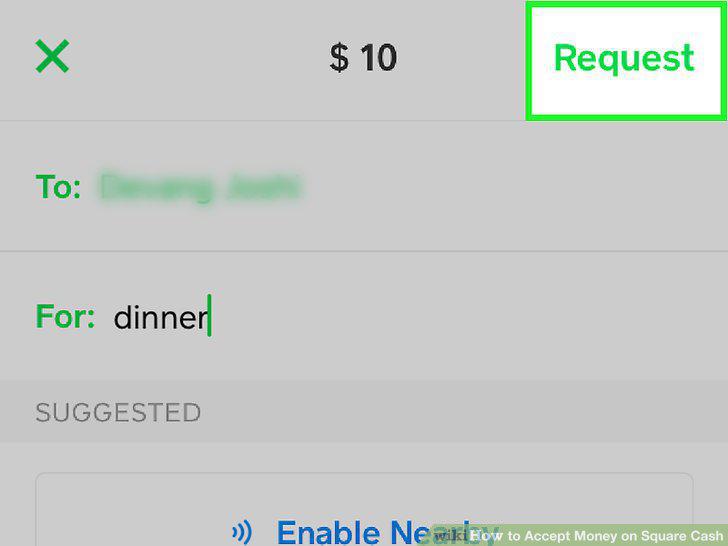
Tap Request.
7
Accept any pending payments.
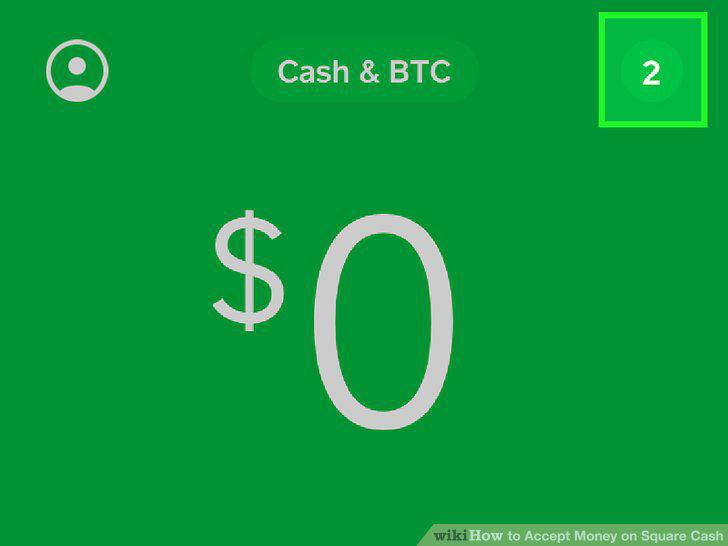
Accept any pending payments.
8
Open the Cash app.
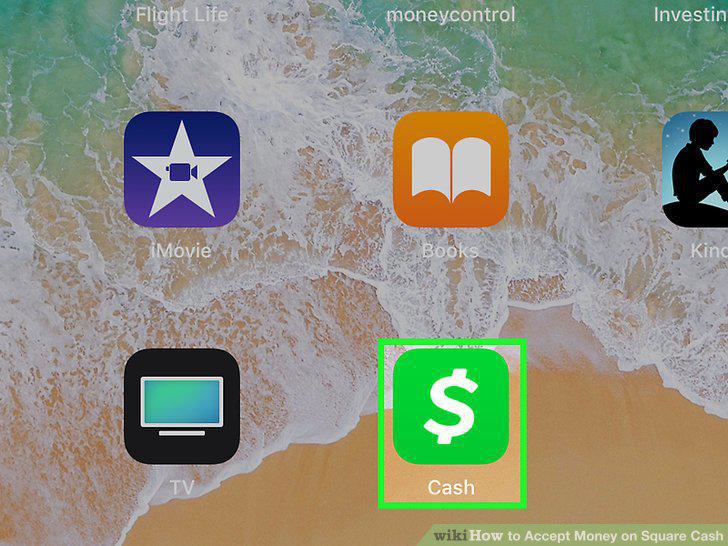
Open the Cash app.
9
Tap the dollar amount.

Tap the dollar amount.
10
Tap Cash Out.
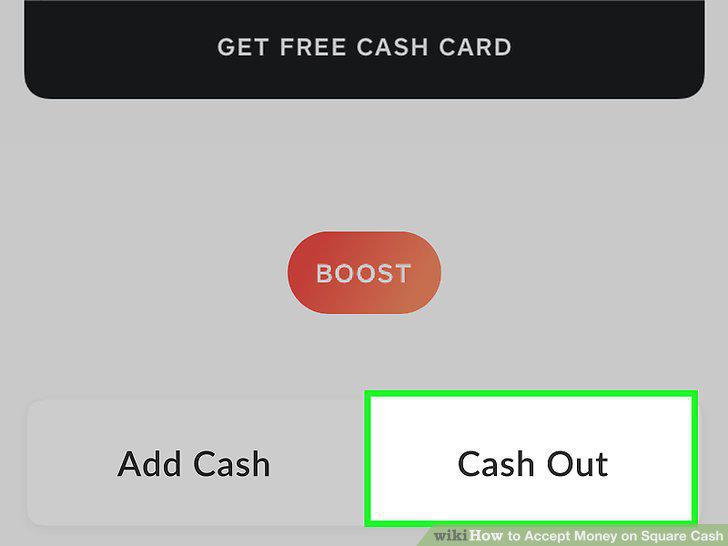
Tap Cash Out.
11
Tap Standard or Instant.
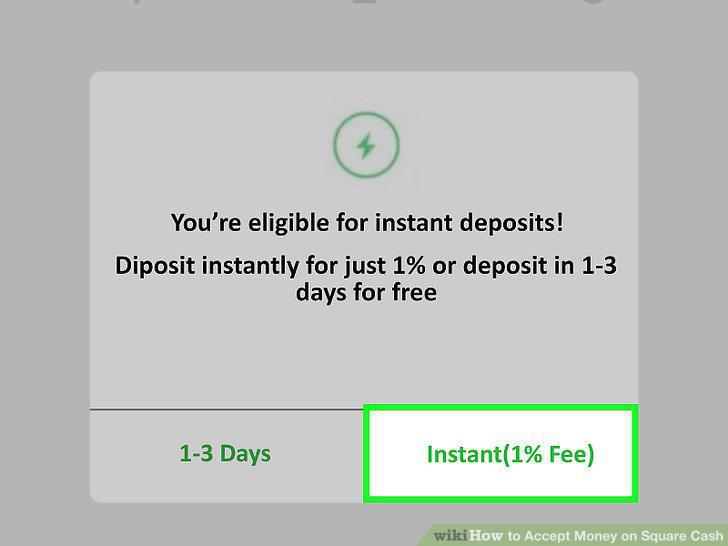
Tap Standard or Instant.
12
Tap your bank.
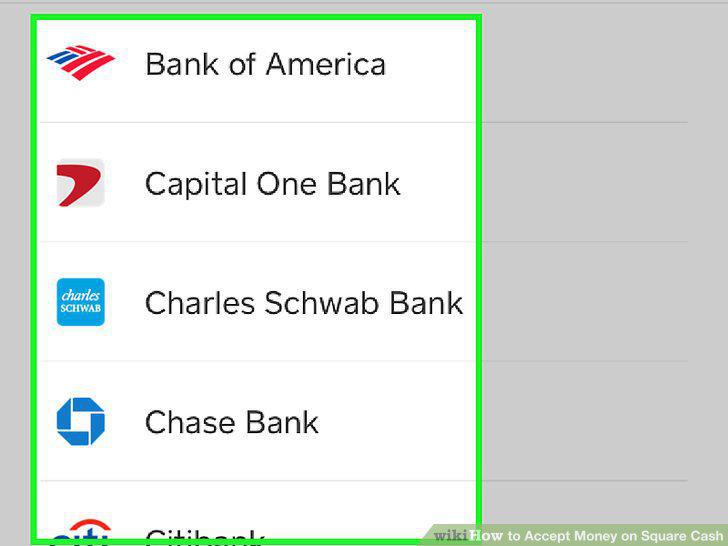
Tap your bank.
13
Sign into your bank.
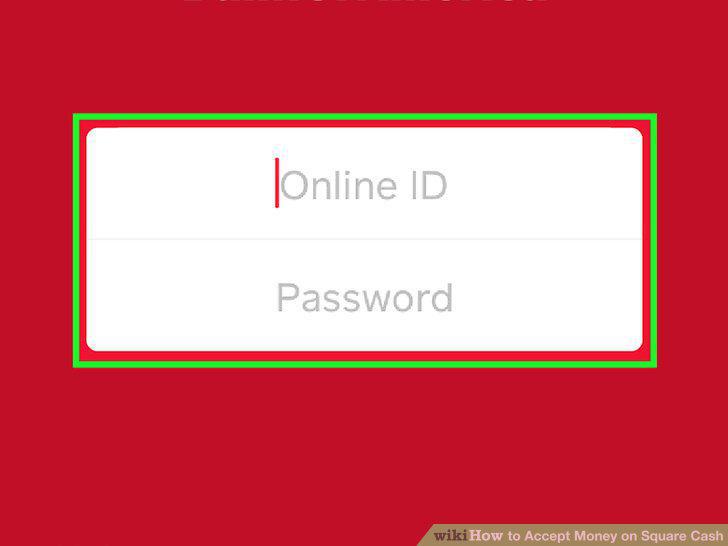
Sign into your bank.
Comments (0)
No comments yet. Be the first to share your thoughts!