How to Read Text Files in Java
Open your project in a Java-editing environment.. Enter the following code where you want the readable text:. Save and test your code.
Steps
1
Open your project in a Java-editing environment.
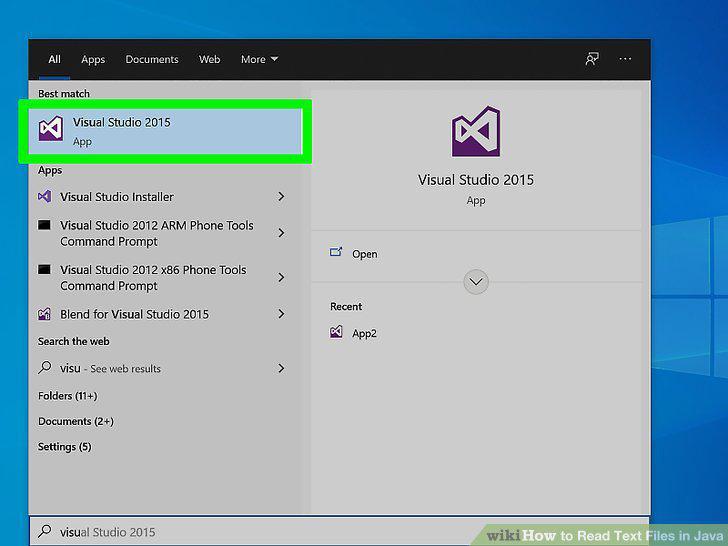
Open your project in a Java-editing environment.
2
Enter the following code where you want the readable text:
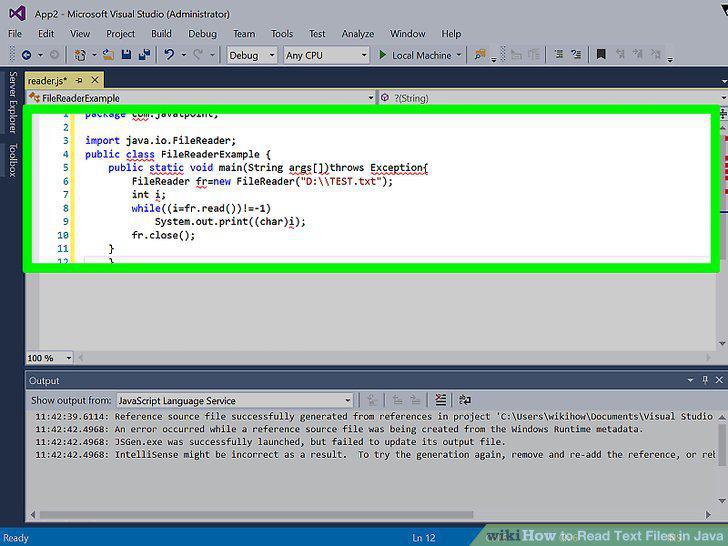
Enter the following code where you want the readable text:
3
Save and test your code.
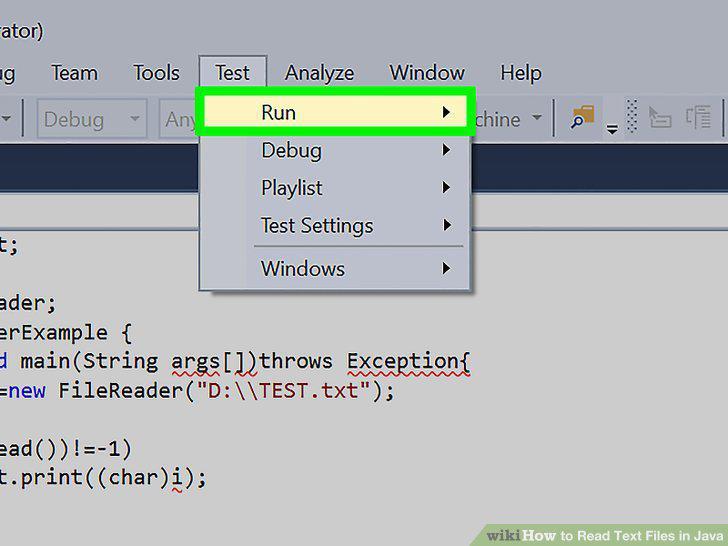
Save and test your code.
Comments (0)
No comments yet. Be the first to share your thoughts!