How to Split a Table in Word
Open the Word document you want to edit.. Click the table you want to split.. Click the row where you want to split your table.
Steps
1
Open the Word document you want to edit.
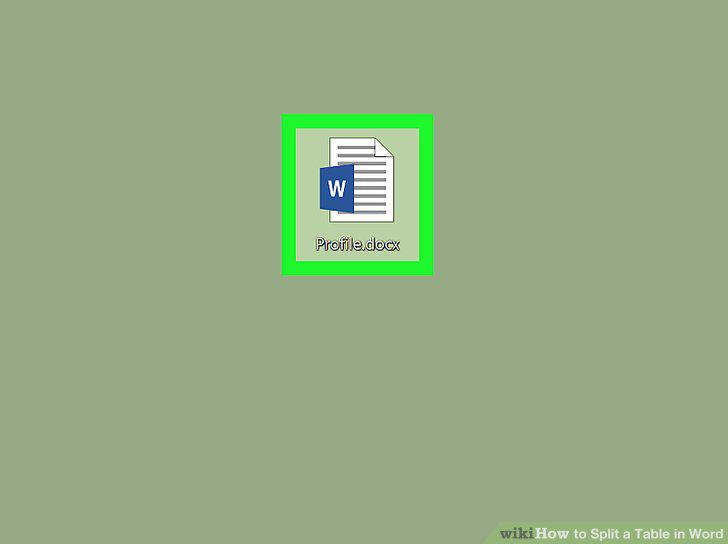
Open the Word document you want to edit.
2
Click the table you want to split.
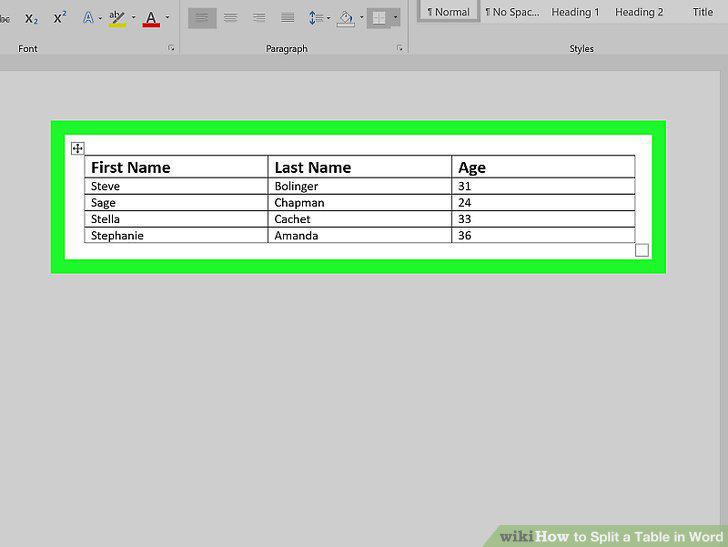
Click the table you want to split.
3
Click the row where you want to split your table.
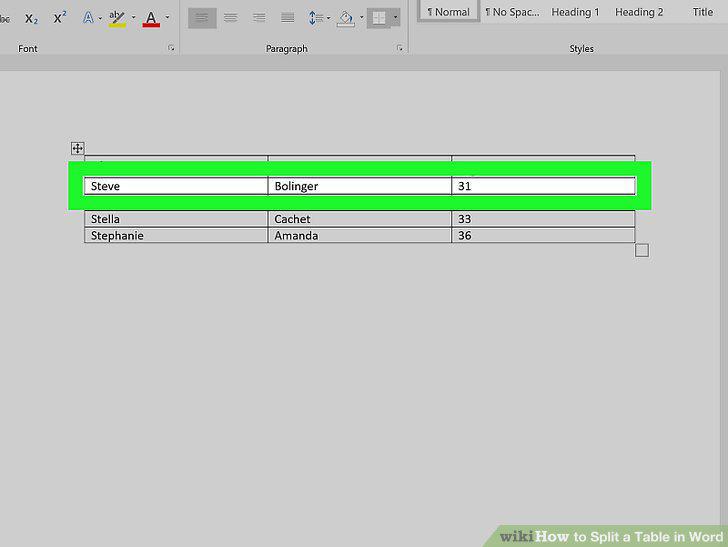
Click the row where you want to split your table.
4
Click the Layout tab on the toolbar ribbon.
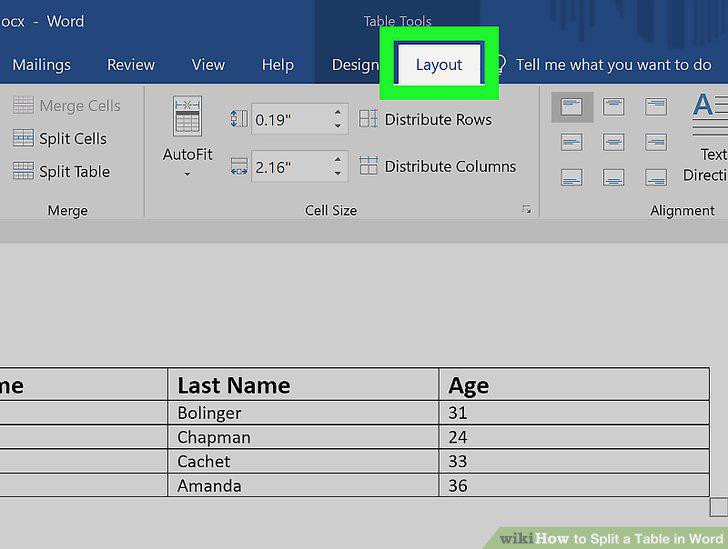
Click the Layout tab on the toolbar ribbon.
5
Click Split Table icon on the Layout toolbar.
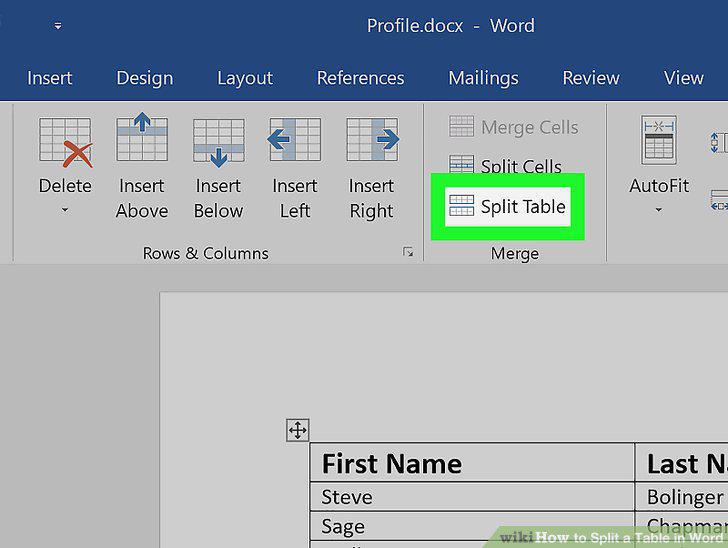
Click Split Table icon on the Layout toolbar.
Comments (0)
No comments yet. Be the first to share your thoughts!