How to Change an Excel Sheet from Read Only
Open your project in Excel.. Click the File tab.. Click Get Info.
Steps
1
Open your project in Excel.
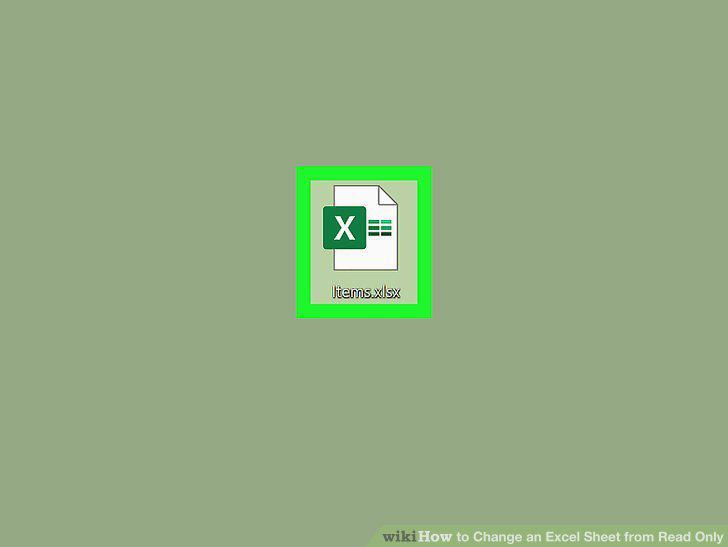
Open your project in Excel.
2
Click the File tab.
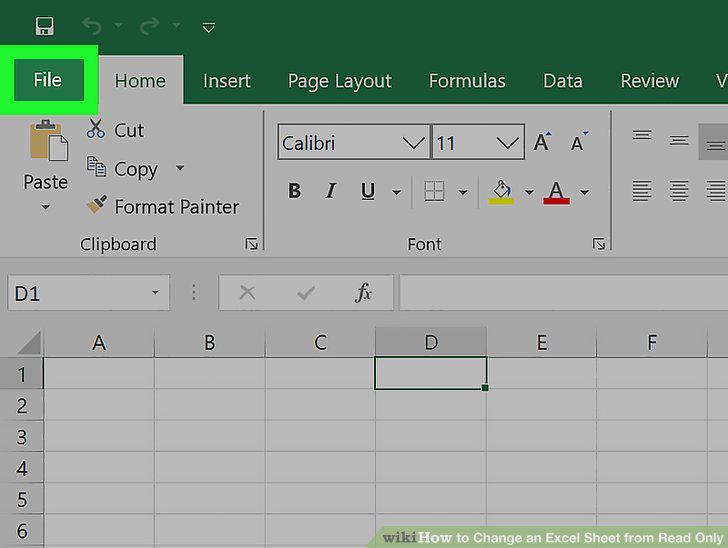
Click the File tab.
3
Click Get Info.
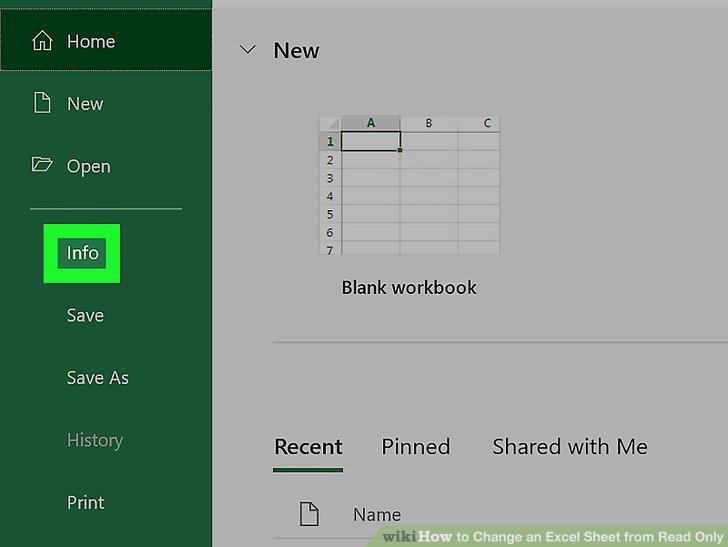
Click Get Info.
4
Click the box to uncheck it next to "Locked.
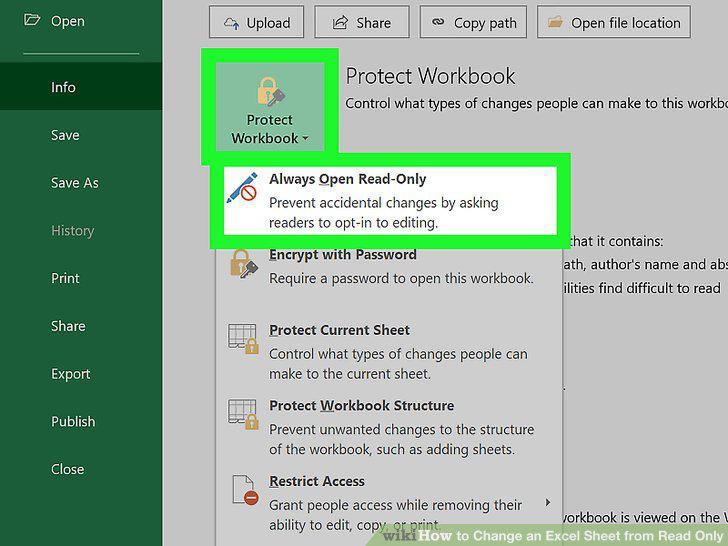
Click the box to uncheck it next to "Locked.
Comments (0)
No comments yet. Be the first to share your thoughts!