How to Make Small Numbers on Google Docs on Android
Tap the Google Docs app icon.. Tap the document you want to edit.. Tap the edit icon.
Steps
1
Tap the Google Docs app icon.
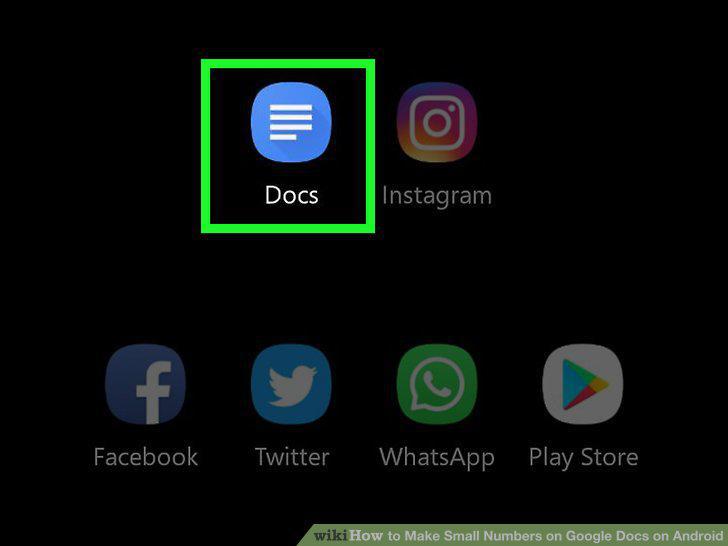
Tap the Google Docs app icon.
2
Tap the document you want to edit.
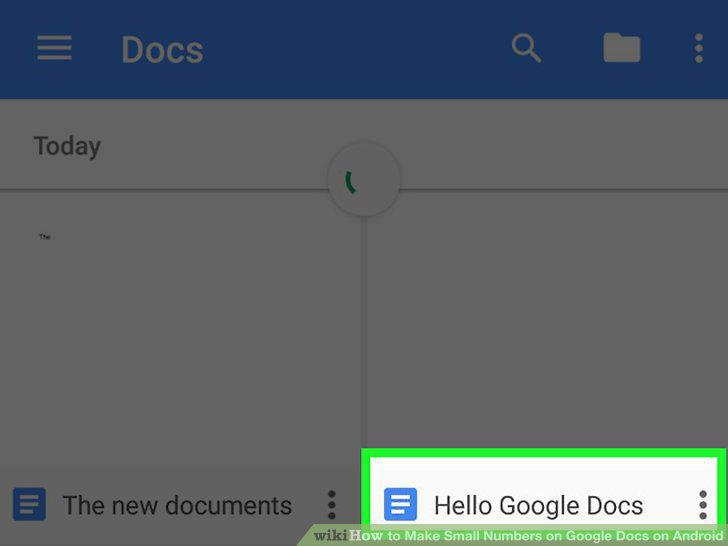
Tap the document you want to edit.
3
Tap the edit icon.

Tap the edit icon.
4
Select the number you would like to make small.
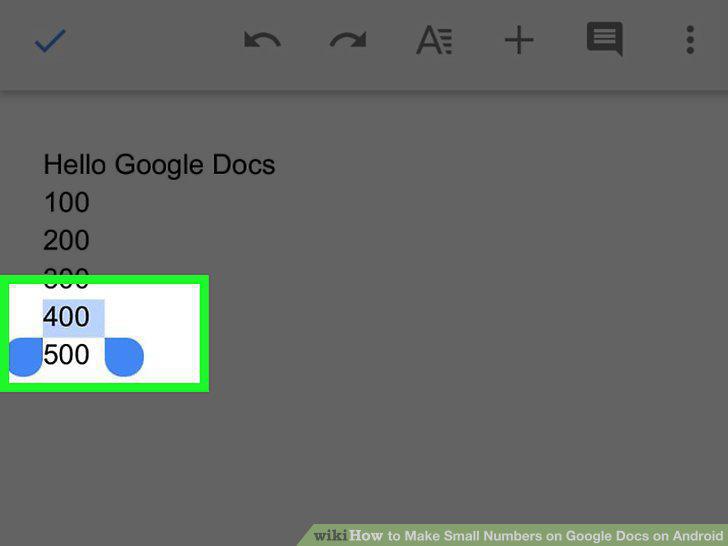
Select the number you would like to make small.
5
Tap the A with lines next to it near the top of the page.
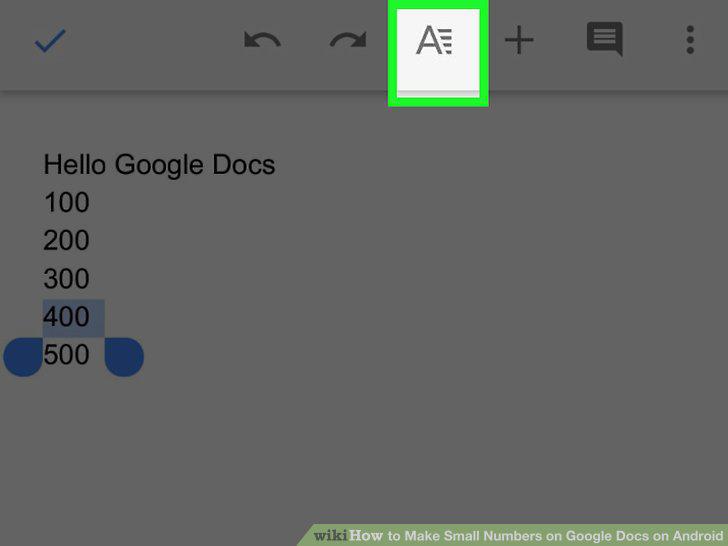
Tap the A with lines next to it near the top of the page.
6
Tap the X with the small 2.
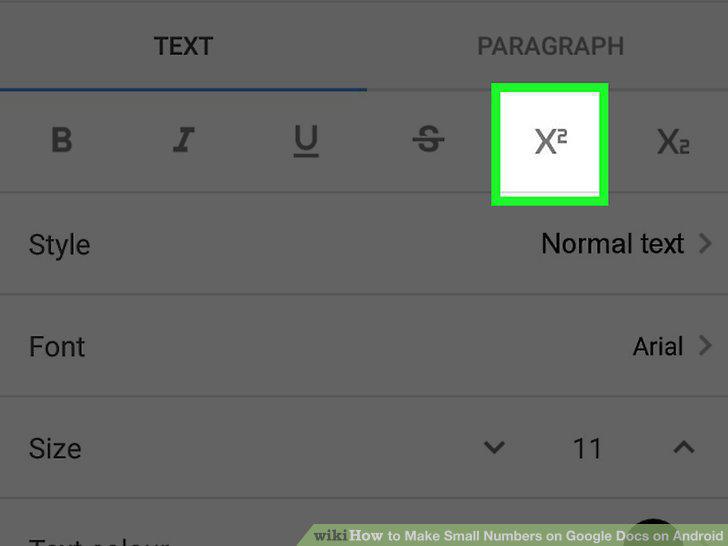
Tap the X with the small 2.
Comments (0)
No comments yet. Be the first to share your thoughts!