How to Use Waze with Carplay on iPhone or iPad
Install Waze on your iPhone or iPad.. Move the Waze icon to an easy-to-find location in CarPlay.. Connect your iPhone or iPad to your car with CarPlay.
Steps
1
Install Waze on your iPhone or iPad.
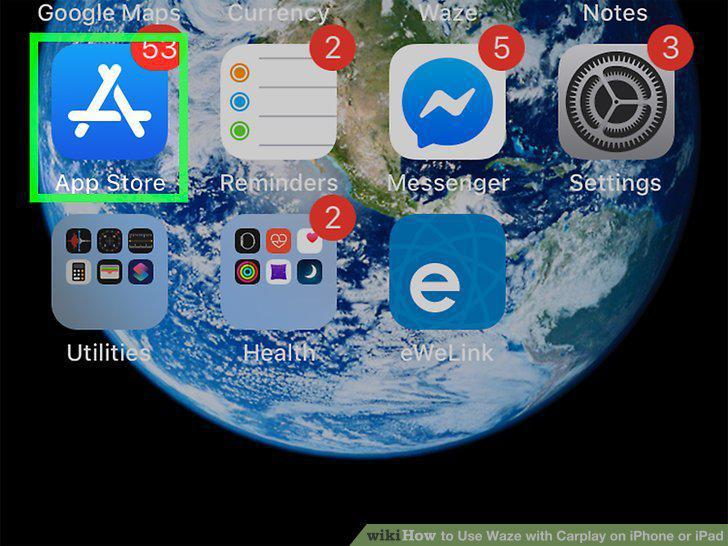
Install Waze on your iPhone or iPad.
2
Move the Waze icon to an easy-to-find location in CarPlay.
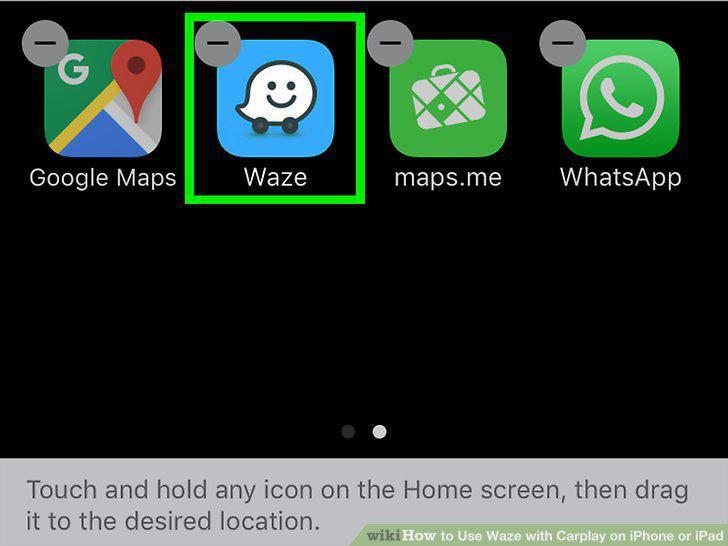
Move the Waze icon to an easy-to-find location in CarPlay.
3
Connect your iPhone or iPad to your car with CarPlay.
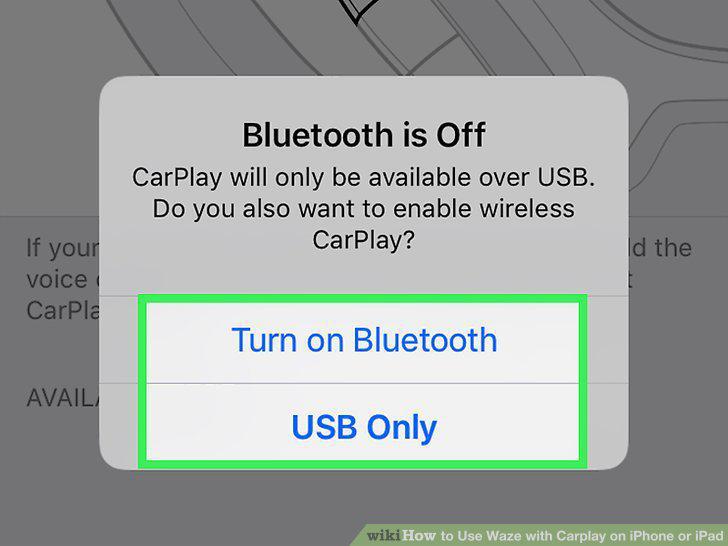
Connect your iPhone or iPad to your car with CarPlay.
4
Tap Waze on the car's screen.
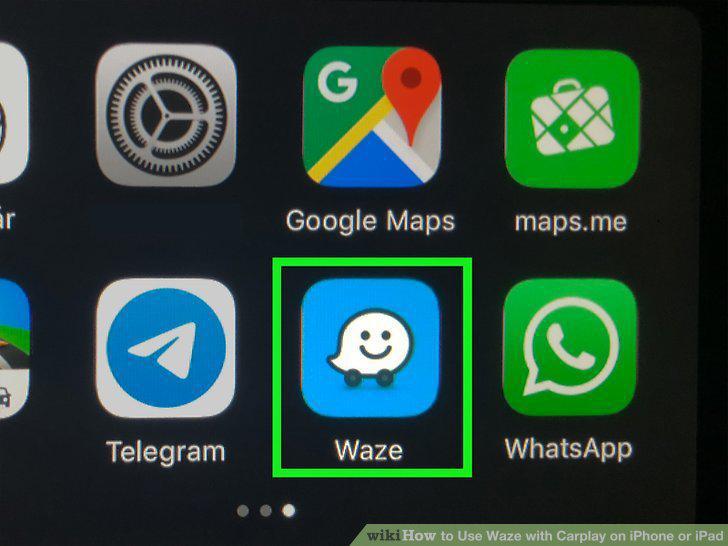
Tap Waze on the car's screen.
5
Set favorites and frequently-used locations in Waze.
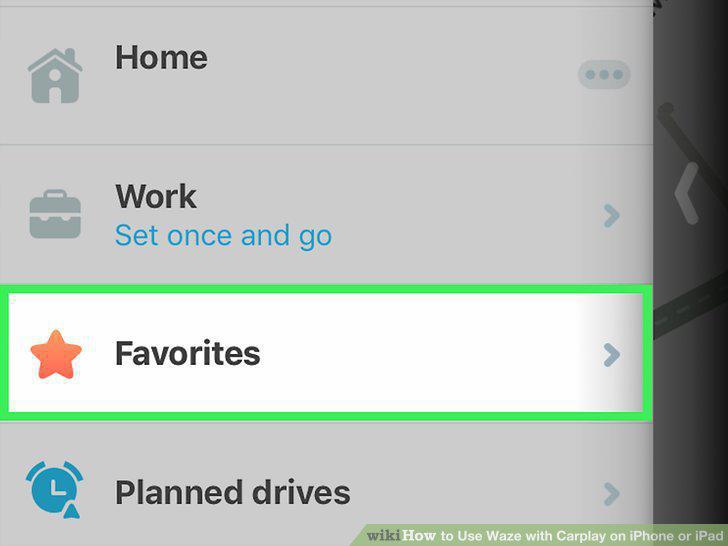
Set favorites and frequently-used locations in Waze.
6
Tap Waze on the car's screen.
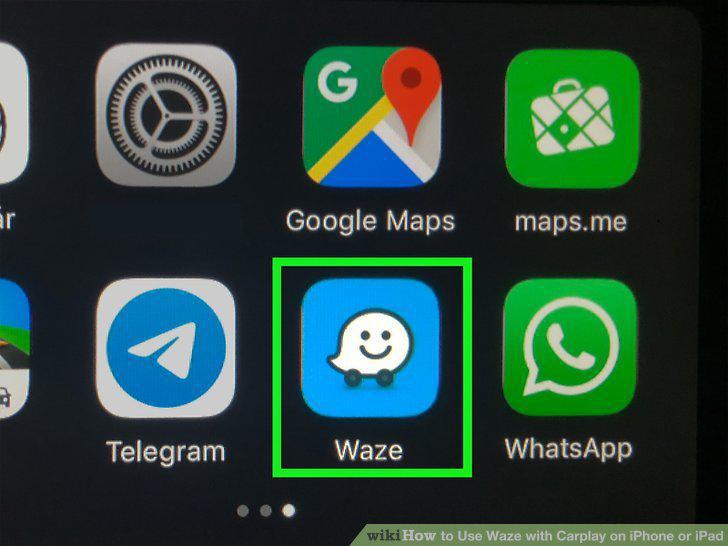
Tap Waze on the car's screen.
7
Navigate to a destination.
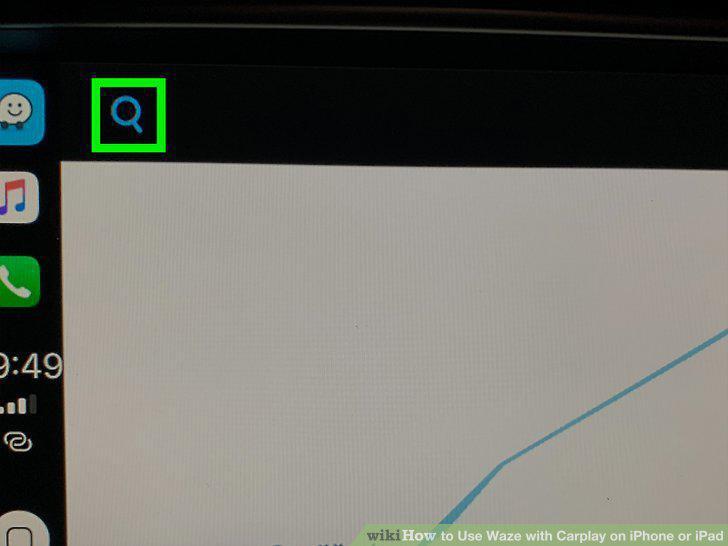
Navigate to a destination.
8
Report accidents or hazards to other Waze users.
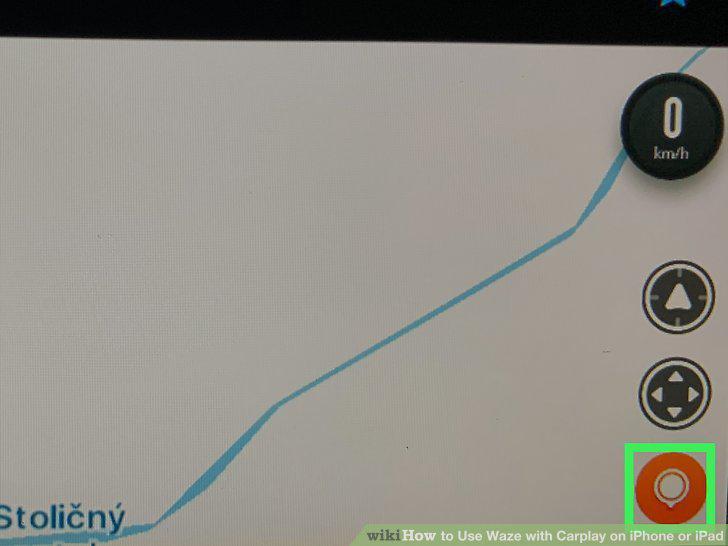
Report accidents or hazards to other Waze users.
9
End navigation.
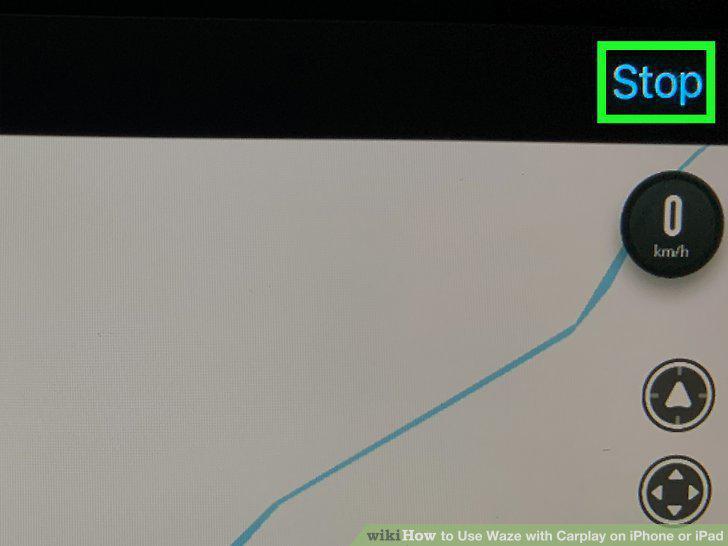
End navigation.
Comments (0)
No comments yet. Be the first to share your thoughts!