How to Recover Accidentally Deleted Sticky Notes in Windows 10
Go to https://outlook.live.com/mail/0/inbox and sign in.. Click Deleted Items.. Right-click the note you want to recover.
Steps
1
Go to https://outlook.live.com/mail/0/inbox and sign in.
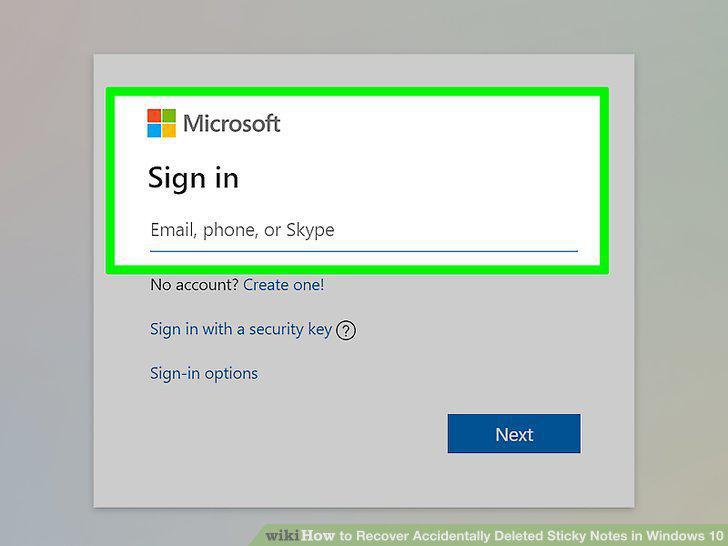
Go to https://outlook.live.com/mail/0/inbox and sign in.
2
Click Deleted Items.
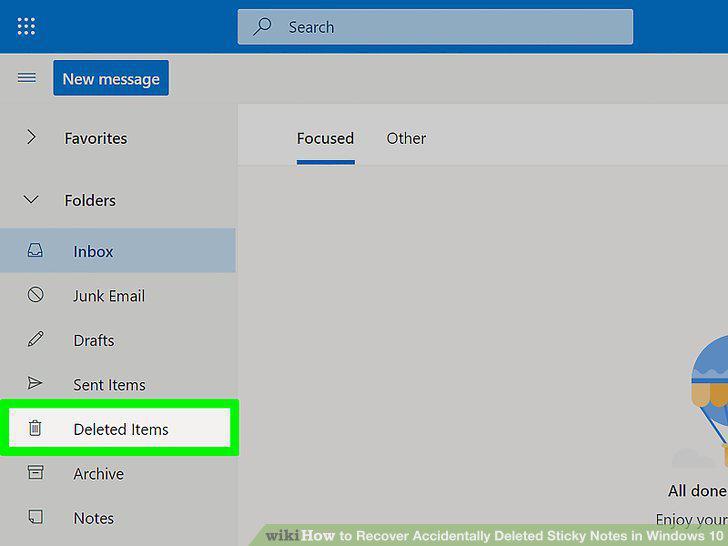
Click Deleted Items.
3
Right-click the note you want to recover.
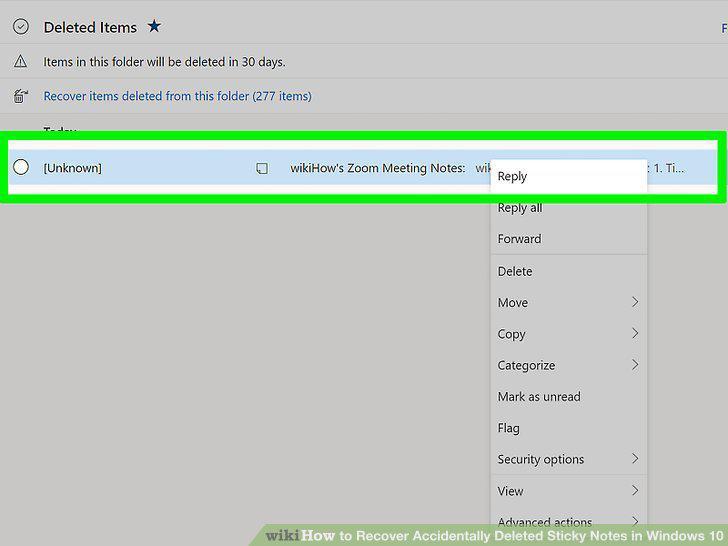
Right-click the note you want to recover.
4
Click Restore.
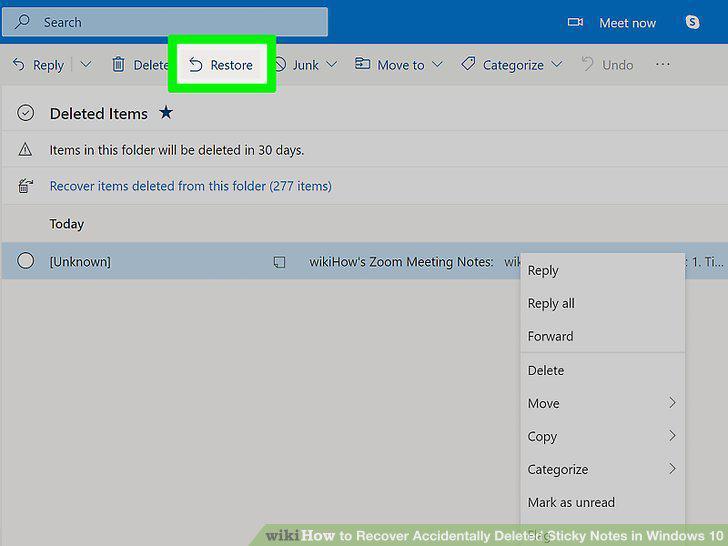
Click Restore.
Comments (0)
No comments yet. Be the first to share your thoughts!