How to Change Your Default Language on Gmail
Open Gmail in the browser of your choice.. Log into Gmail if you aren't logged in already.. Click the gear icon under your account picture.
Steps
Open Gmail in the browser of your choice.
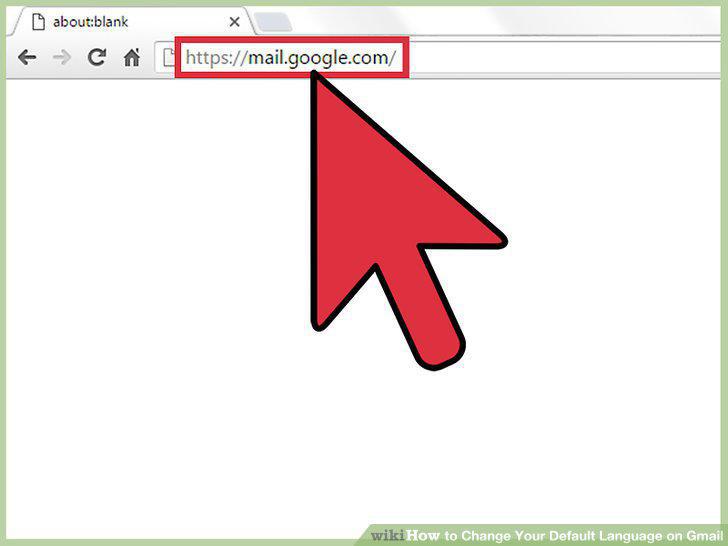
Open Gmail in the browser of your choice.
Log into Gmail if you aren't logged in already.
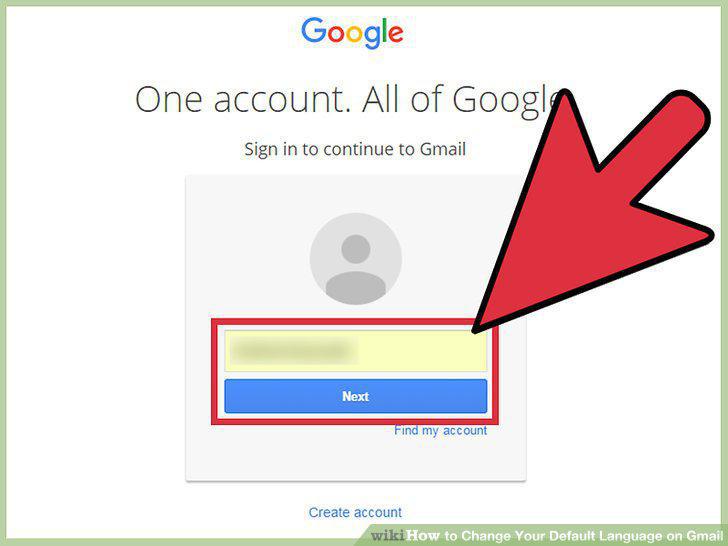
Log into Gmail if you aren't logged in already.
Click the gear icon under your account picture.
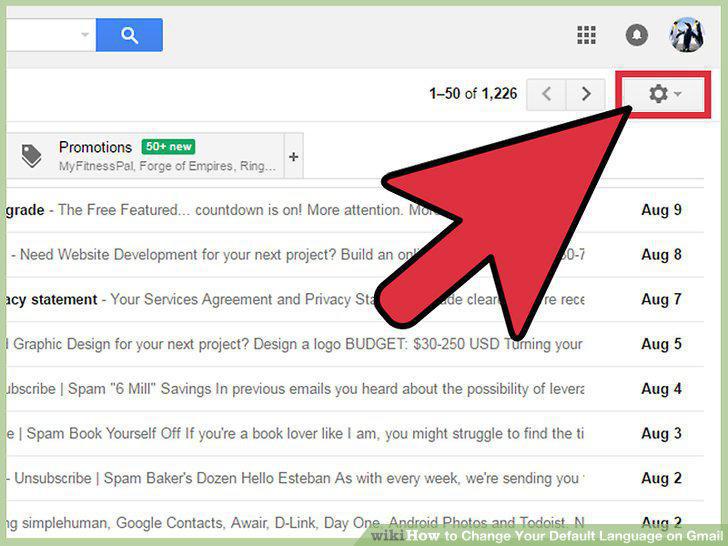
Click the gear icon under your account picture.
Click "Settings" in the drop-down menu.
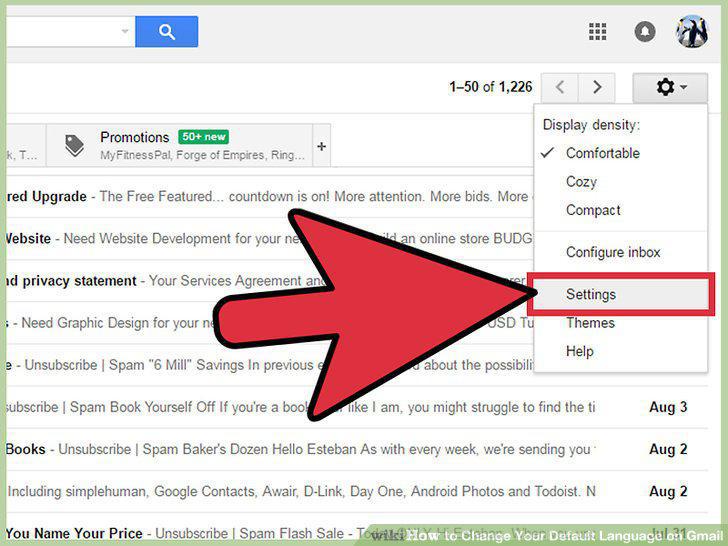
Click "Settings" in the drop-down menu.
Locate the "Language" tab.
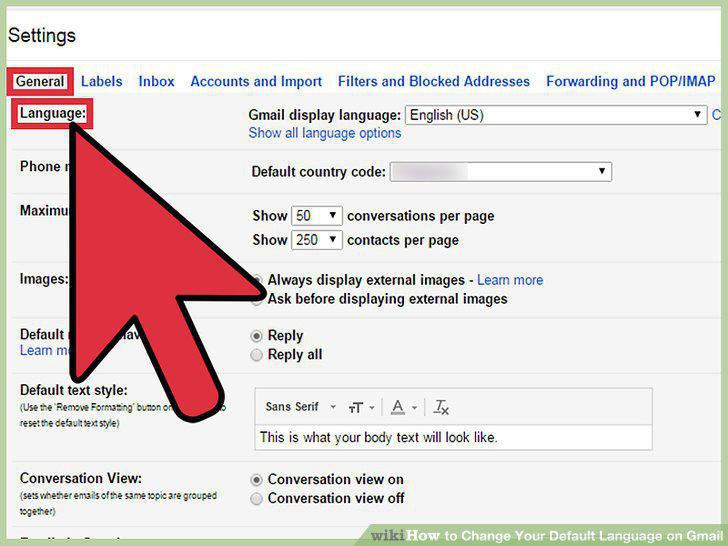
Locate the "Language" tab.
Find and click the "Gmail Display Language" bar.
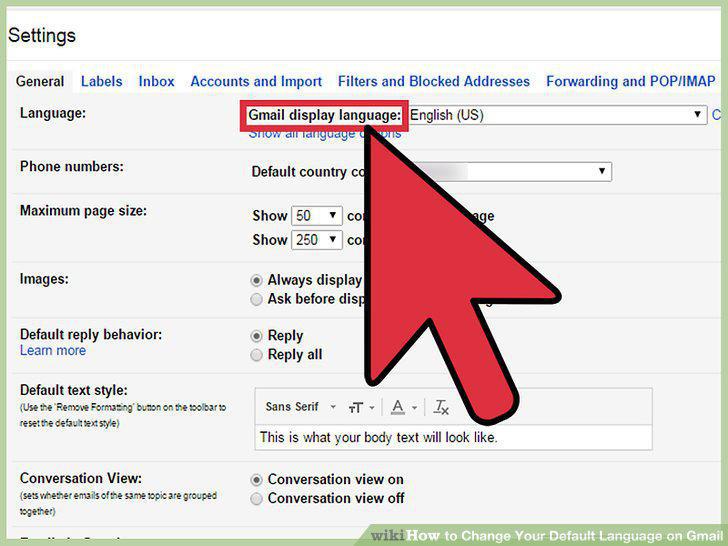
Find and click the "Gmail Display Language" bar.
Click your preferred language in the drop-down menu.
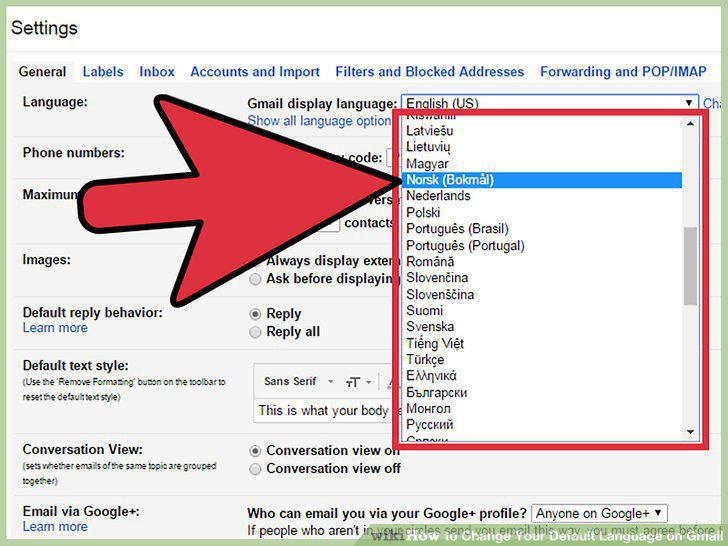
Click your preferred language in the drop-down menu.
Click "Save Changes" to save your changes.
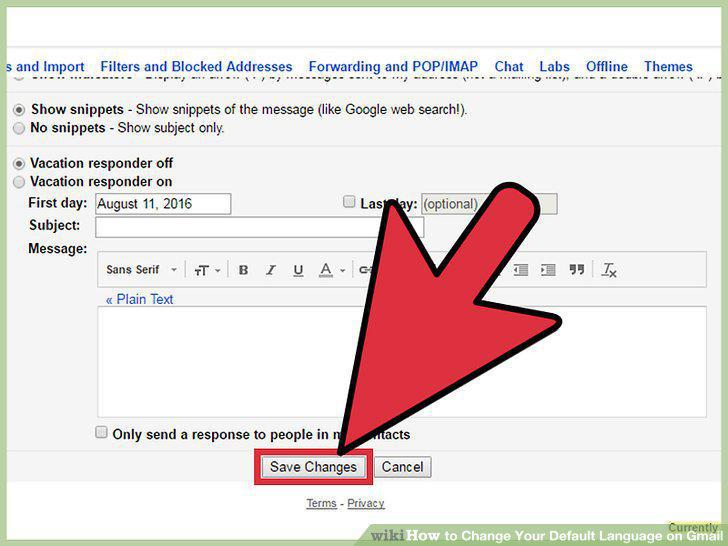
Click "Save Changes" to save your changes.
Open a browser of your choice.
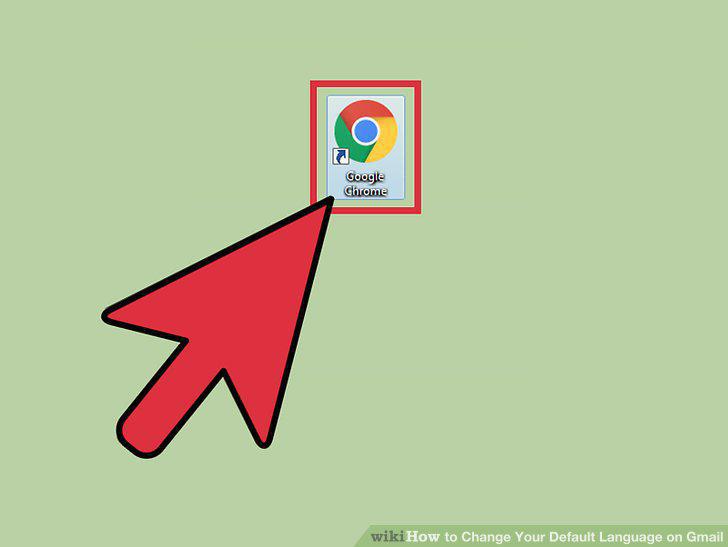
Open a browser of your choice.
Go to "My Account".
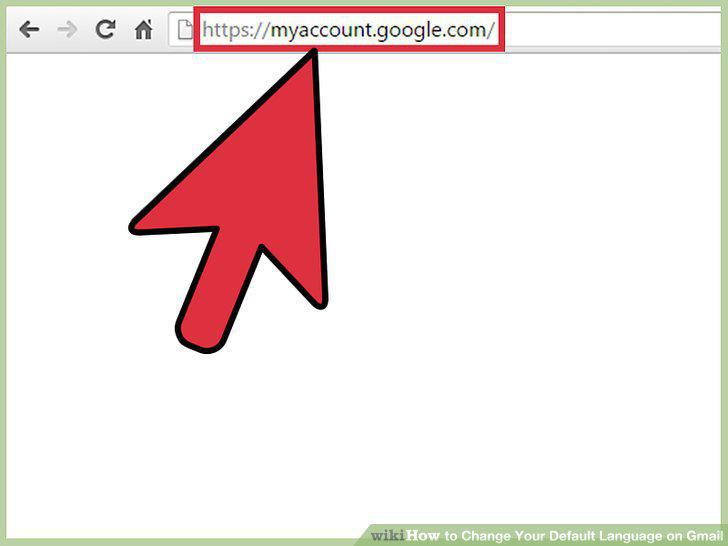
Go to "My Account".
Log into your Google account if you haven't already done so.
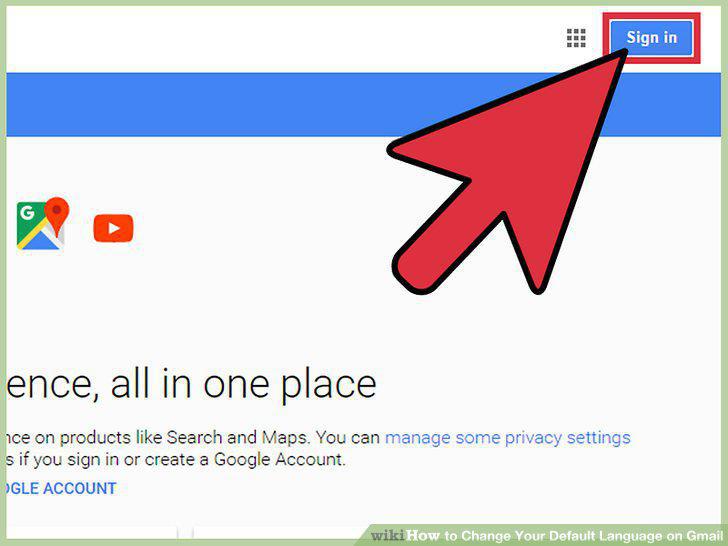
Log into your Google account if you haven't already done so.
Click "Language & Input Tools" in the "Account Preferences" section.
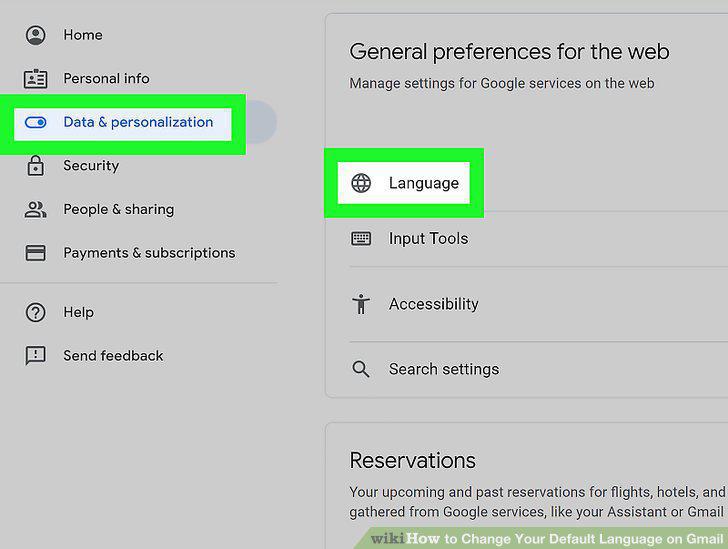
Click "Language & Input Tools" in the "Account Preferences" section.
Click "Language" under the "Language & Input Tools" heading.
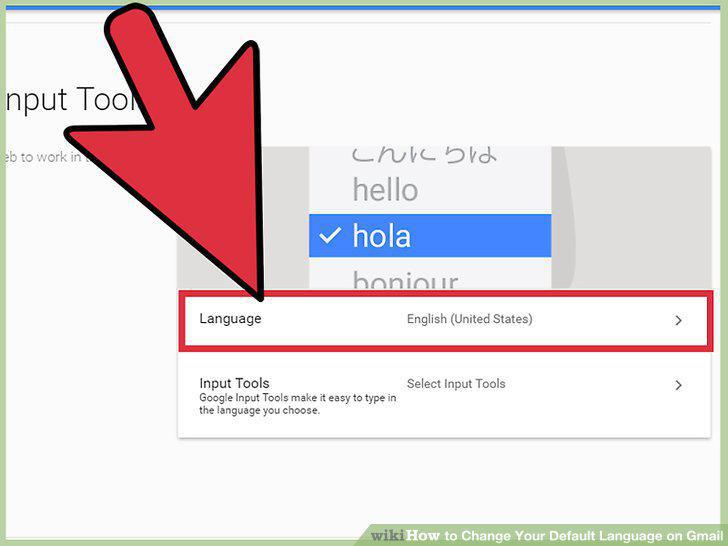
Click "Language" under the "Language & Input Tools" heading.
Click the pencil-shaped icon next to your current language.
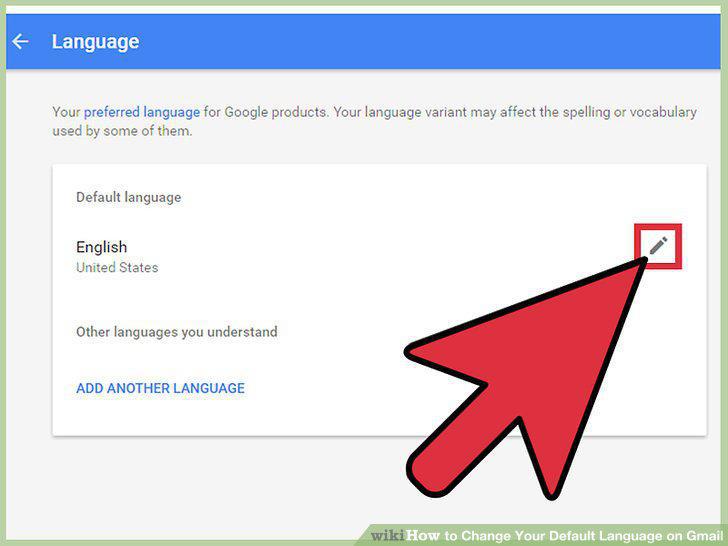
Click the pencil-shaped icon next to your current language.
Select your language of choice, then click "OK" to save your changes.
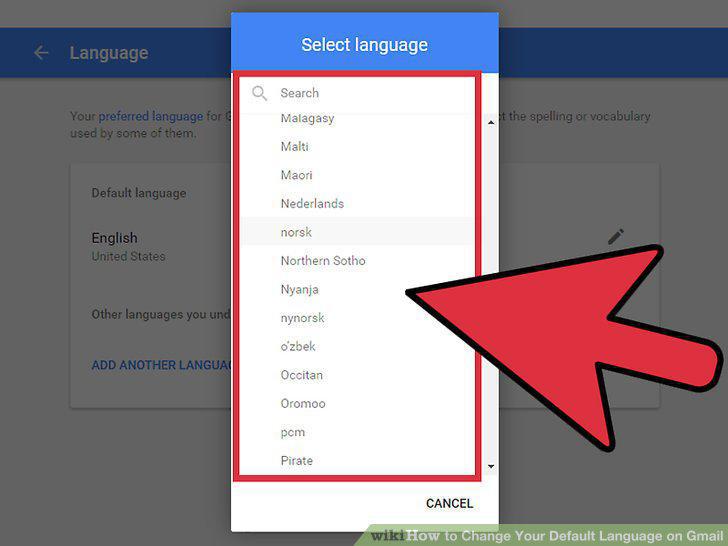
Select your language of choice, then click "OK" to save your changes.
Comments (0)
No comments yet. Be the first to share your thoughts!