How to Use Google Scholar
Go to the Google scholar webpage.. Sign in to your Google account.. Sign in to an institutional or library account if you have one.
Steps
1
Go to the Google scholar webpage.
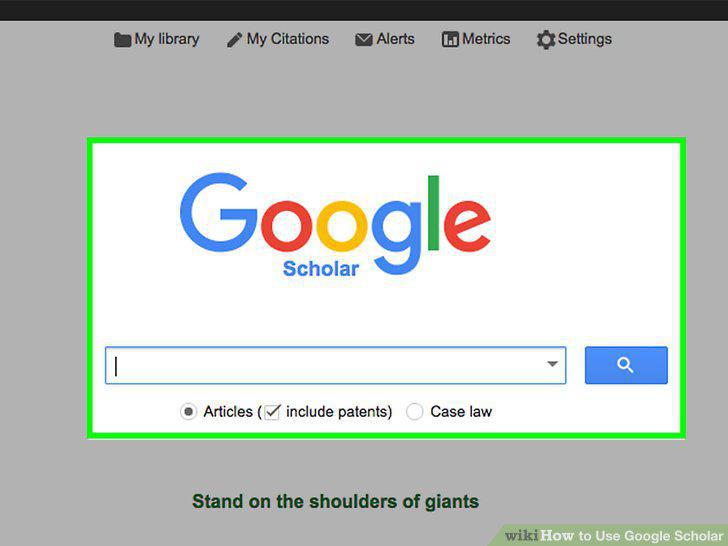
Go to the Google scholar webpage.
2
Sign in to your Google account.
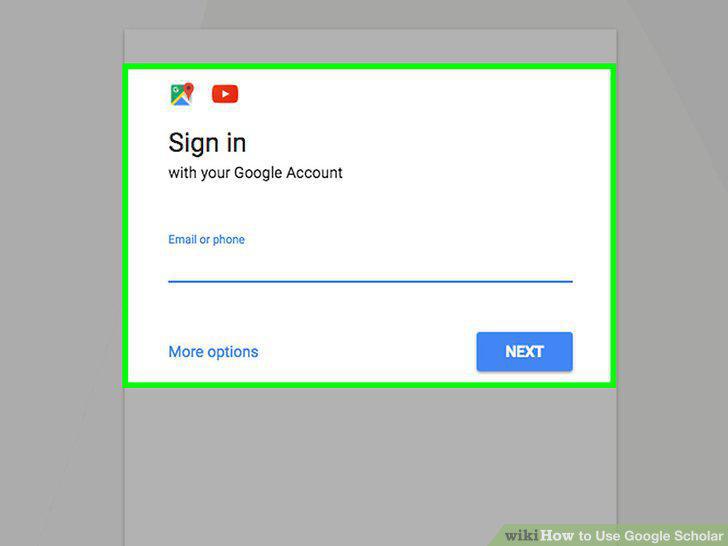
Sign in to your Google account.
3
Sign in to an institutional or library account if you have one.
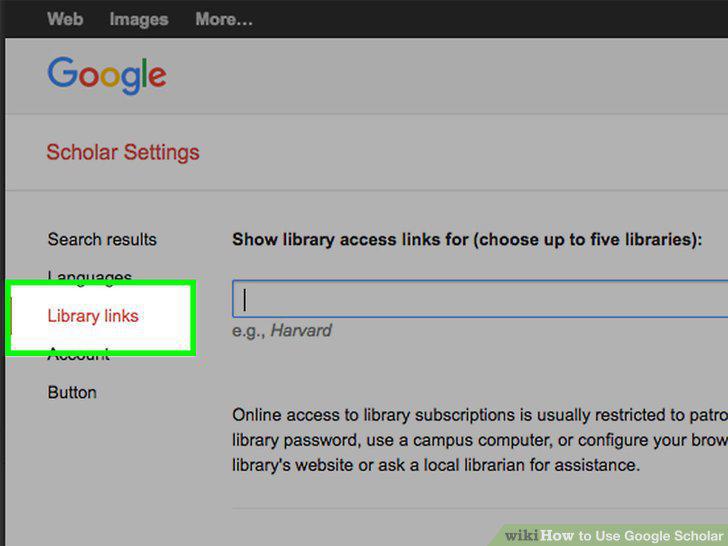
Sign in to an institutional or library account if you have one.
4
Enter search terms.
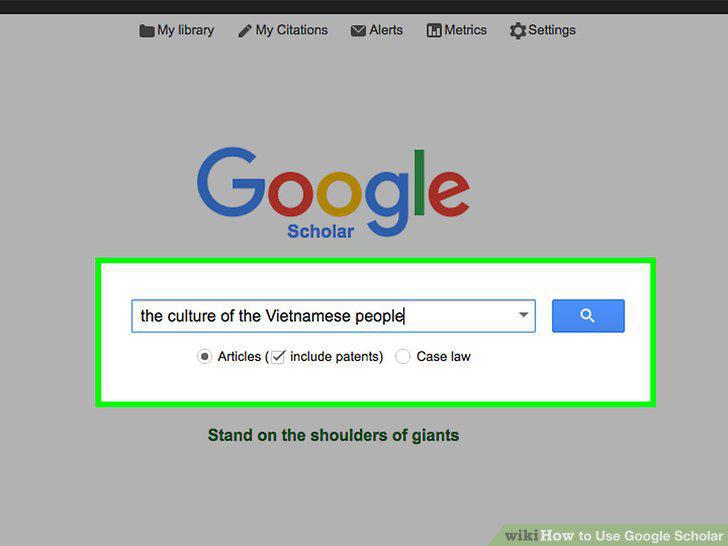
Enter search terms.
5
Get citation information.
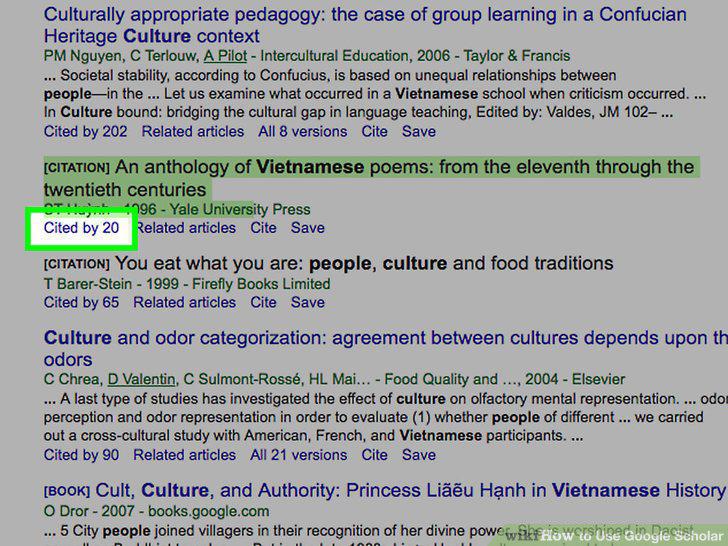
Get citation information.
6
Go to the full text, if possible.
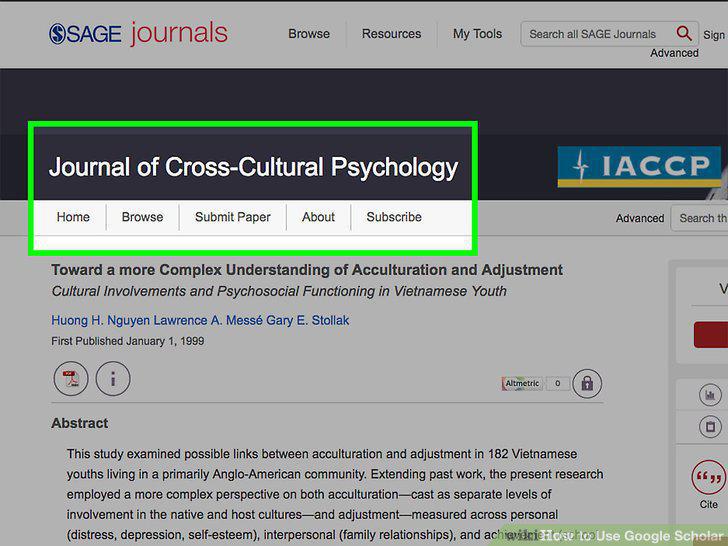
Go to the full text, if possible.
7
Try an advanced search.
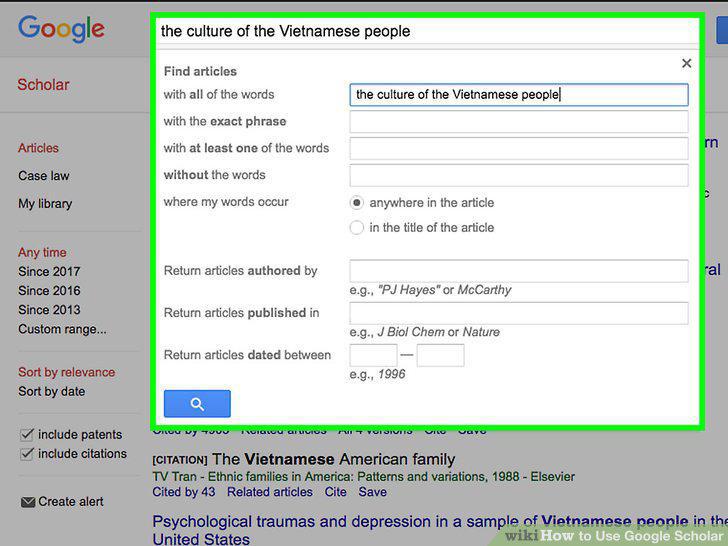
Try an advanced search.
8
Use Boolean search connectors.
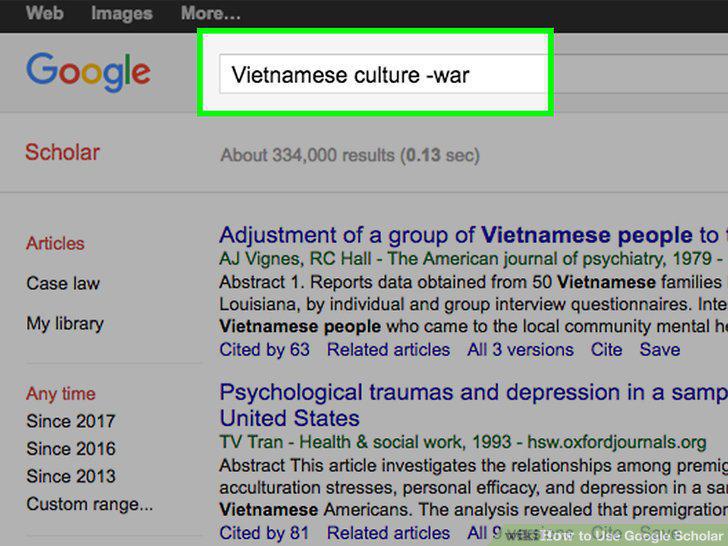
Use Boolean search connectors.
9
Restrict your search using other commands.
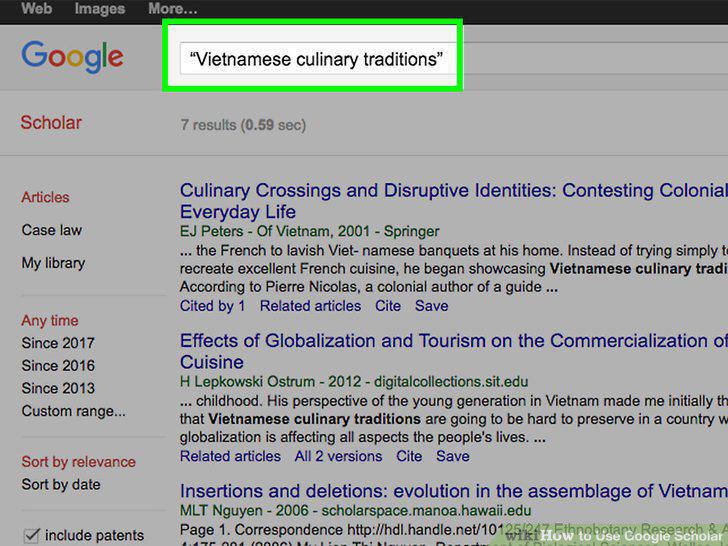
Restrict your search using other commands.
10
Check the "Related articles" to find similar results.
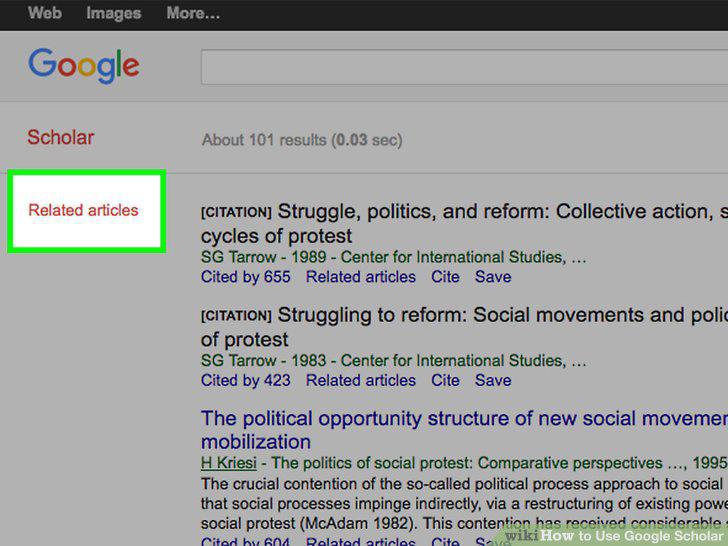
Check the "Related articles" to find similar results.
11
Click "cited by" to get a sense of a source's impact.
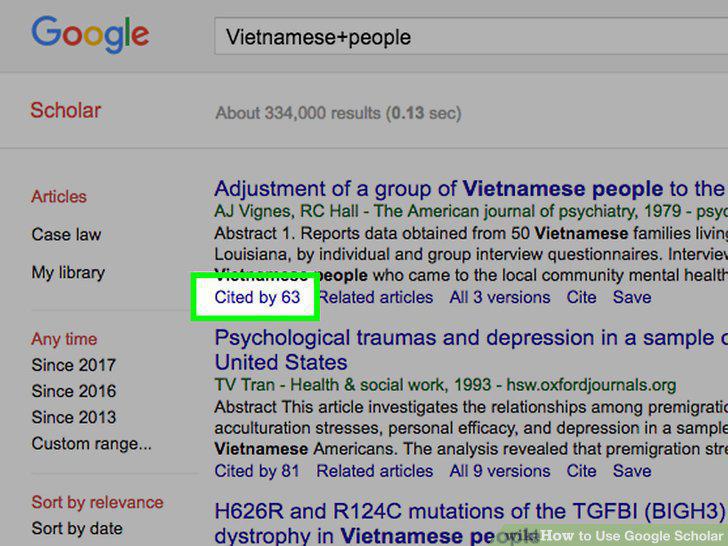
Click "cited by" to get a sense of a source's impact.
12
Sign up for email alerts.
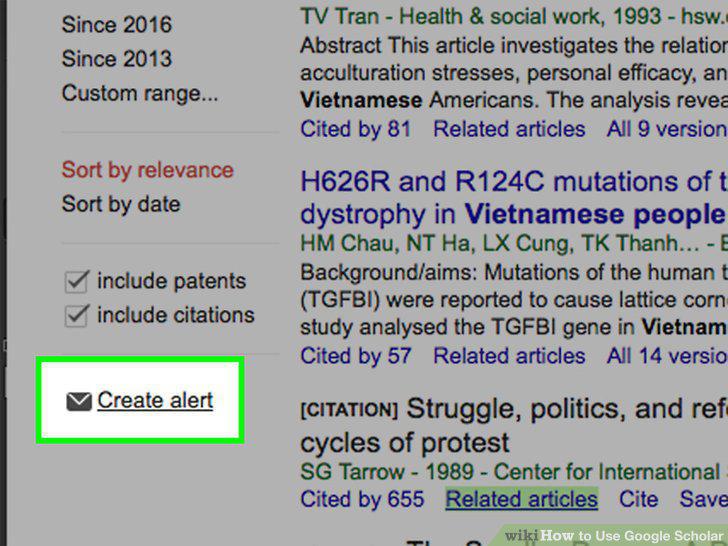
Sign up for email alerts.
13
Save sources to your Google Scholar library.
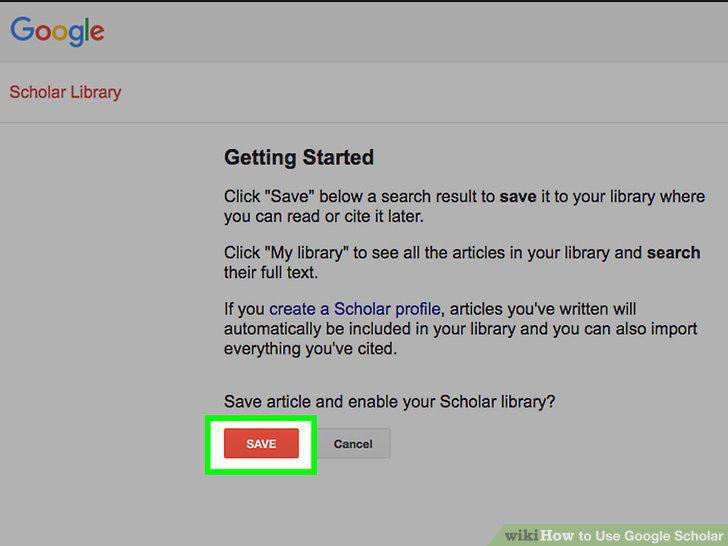
Save sources to your Google Scholar library.
14
Be aware of Google Scholar's strengths and weaknesses.
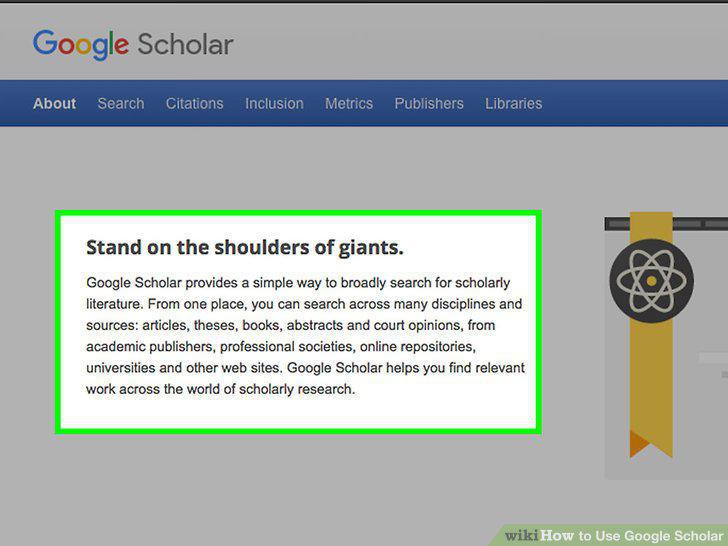
Be aware of Google Scholar's strengths and weaknesses.
Comments (0)
No comments yet. Be the first to share your thoughts!