How to Play Games on Telegram on Android
Open Telegram on your Android.. Tap .. Type gamee.
Steps
1
Open Telegram on your Android.
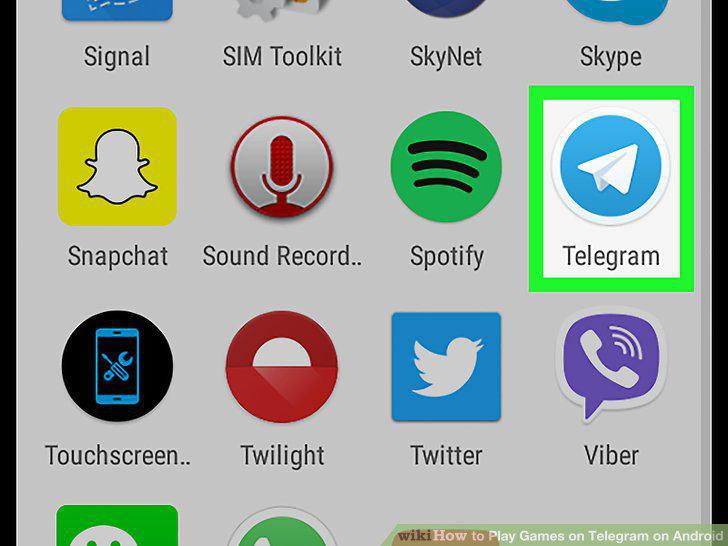
Open Telegram on your Android.
2
Tap .
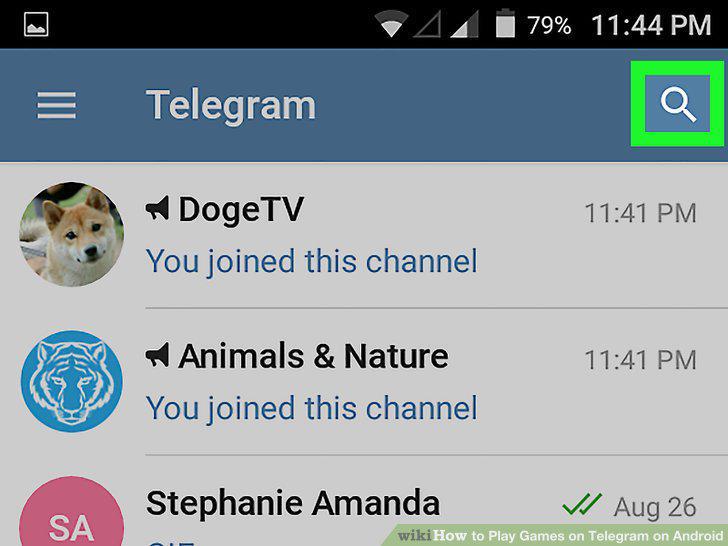
Tap .
3
Type gamee.
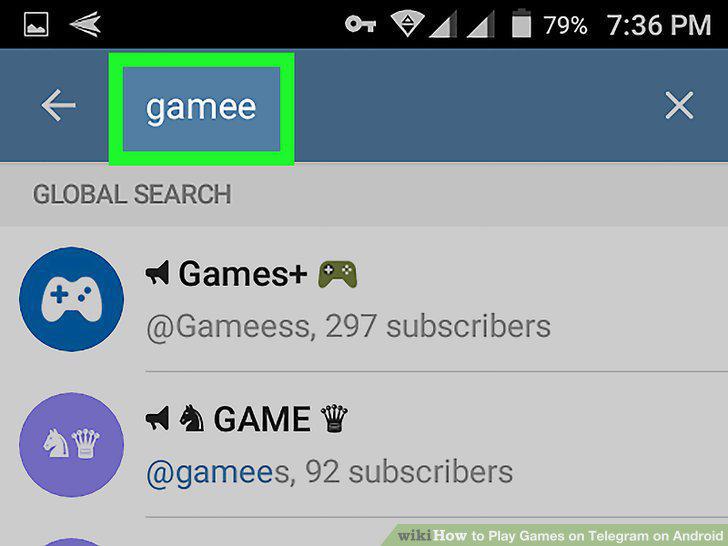
Type gamee.
4
Tap Gamee.
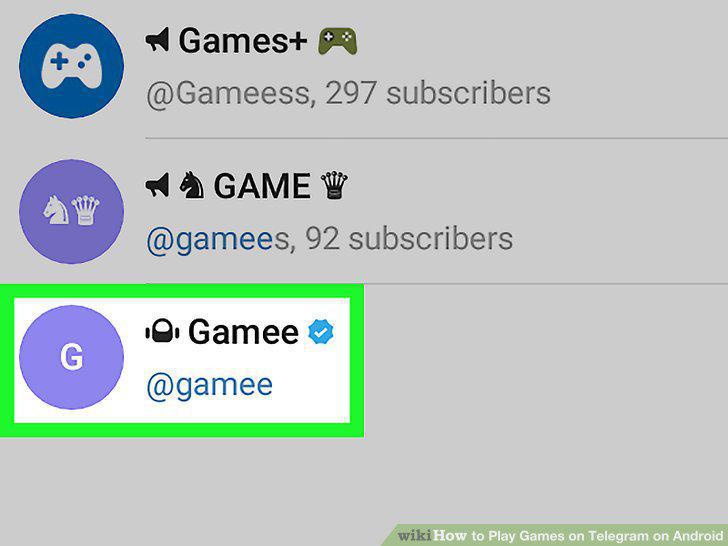
Tap Gamee.
5
Tap START.

Tap START.
6
Tap Yes.
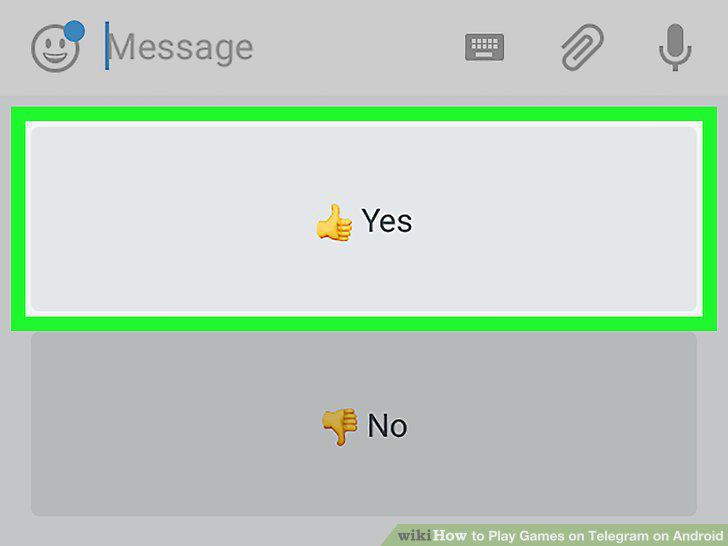
Tap Yes.
7
Send the bot a random response.
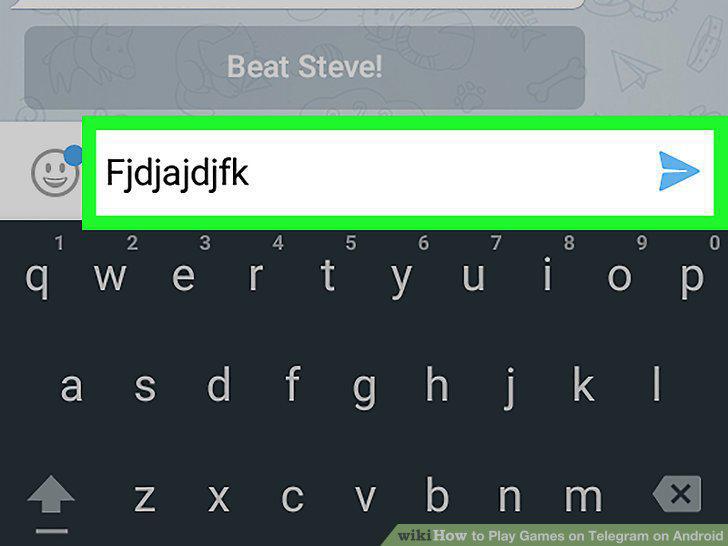
Send the bot a random response.
8
Select a game option.
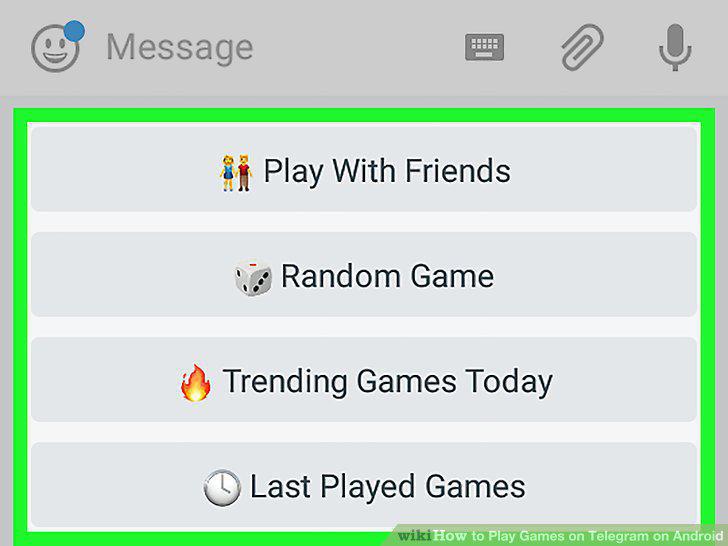
Select a game option.
Comments (0)
No comments yet. Be the first to share your thoughts!