How to Turn on WiFi Calling on Android
Open your Android's Settings .. Tap Connections.. Tap More connection settings.
Steps
1
Open your Android's Settings .
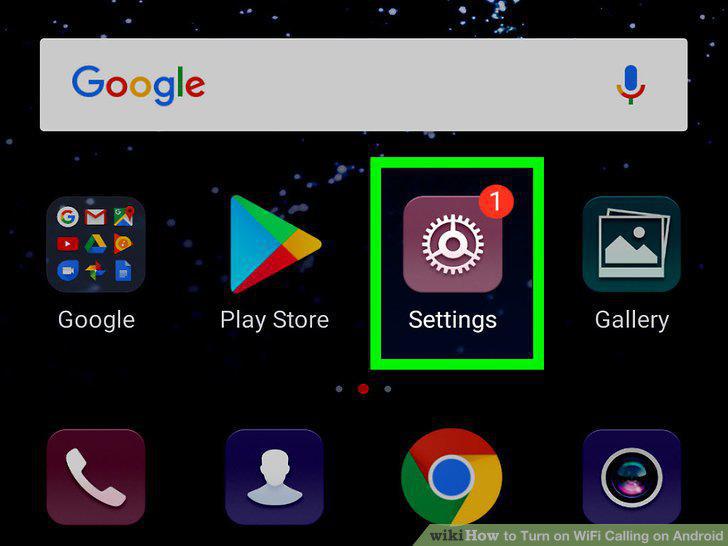
Open your Android's Settings .
2
Tap Connections.
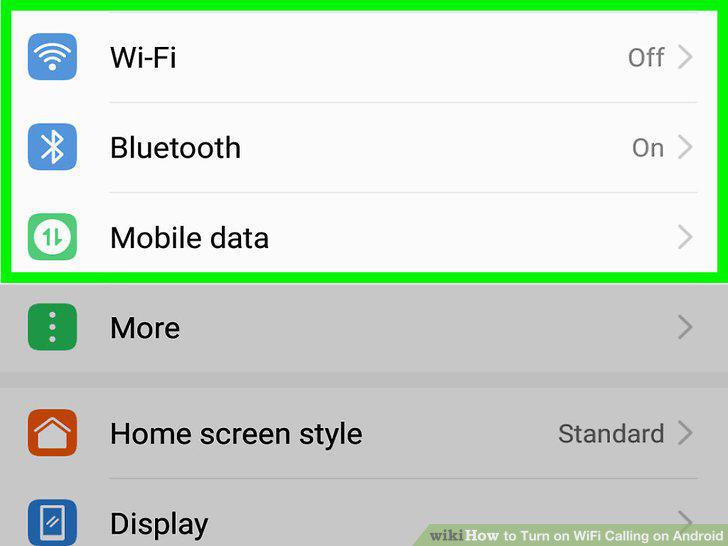
Tap Connections.
3
Tap More connection settings.
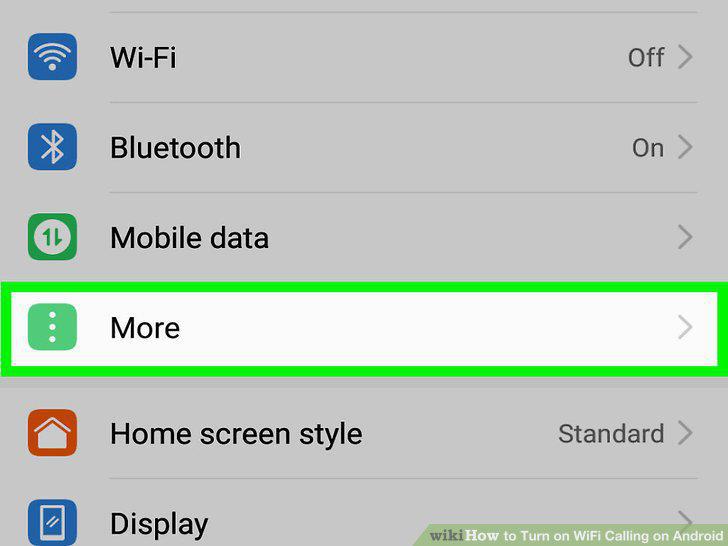
Tap More connection settings.
4
Tap Wi-Fi Calling.
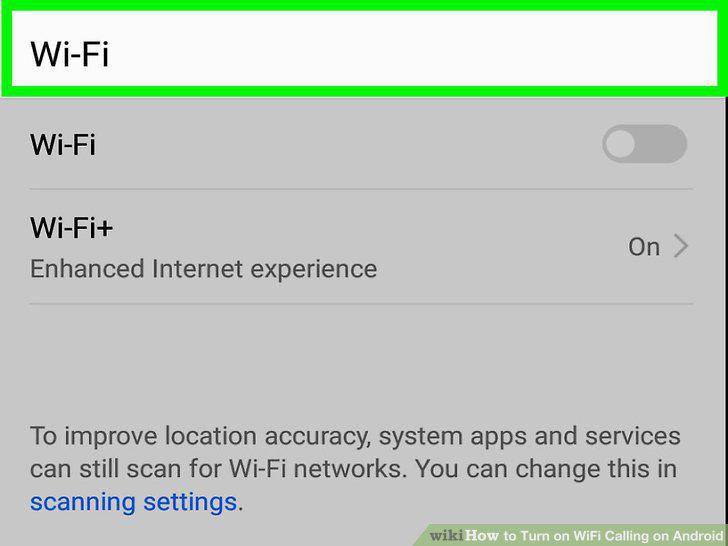
Tap Wi-Fi Calling.
5
Tap the switch next to "Wi-Fi Calling" to the 'ON' position.
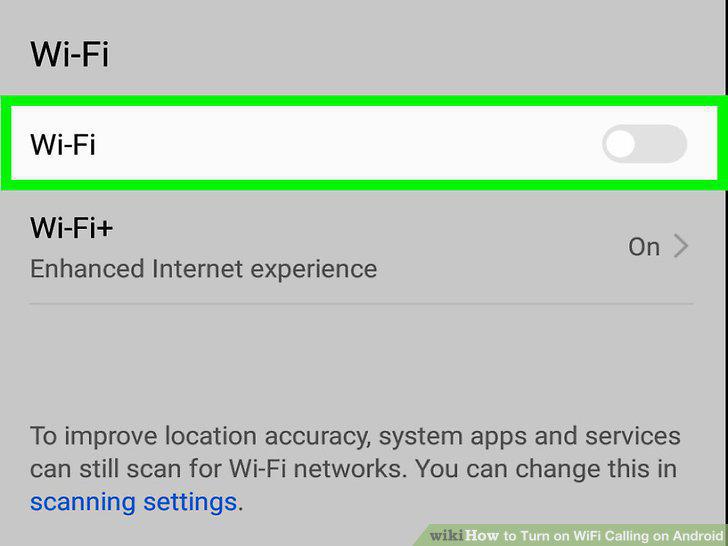
Tap the switch next to "Wi-Fi Calling" to the 'ON' position.
6
Select a Wi-Fi calling option.
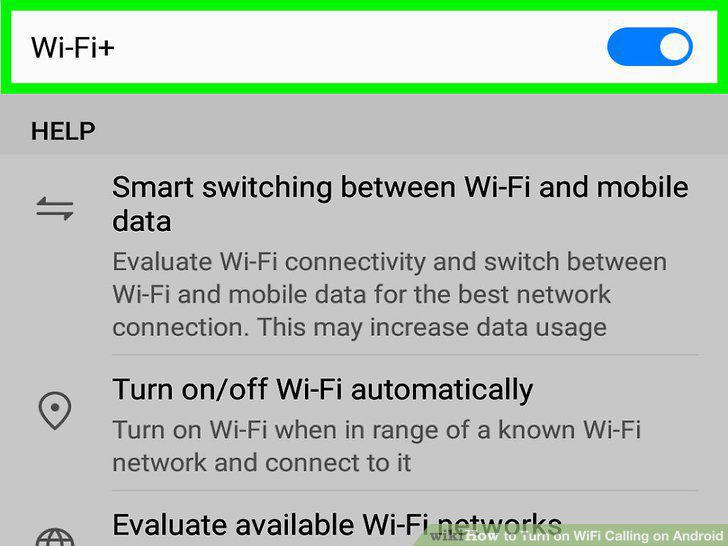
Select a Wi-Fi calling option.
Comments (0)
No comments yet. Be the first to share your thoughts!