How to Delete Garageband
Drag the Garageband app to Trash.. Navigate to the Library folder in Finder.. Delete the files inside the folders including:
Steps
1
Drag the Garageband app to Trash.
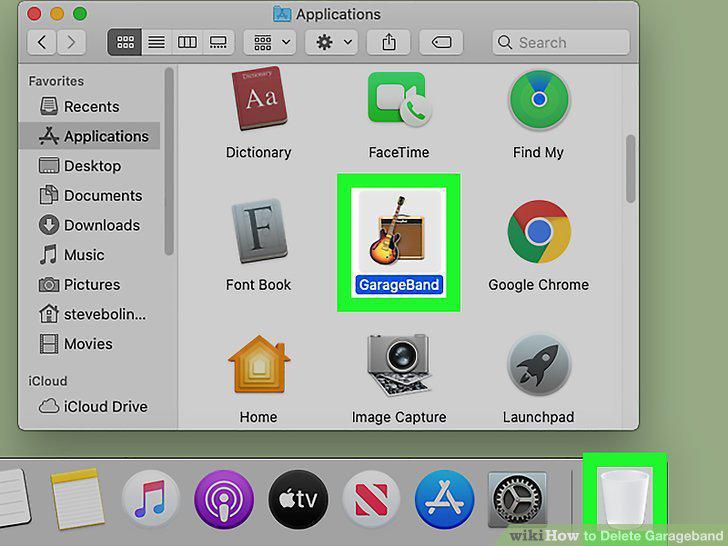
Drag the Garageband app to Trash.
2
Navigate to the Library folder in Finder.
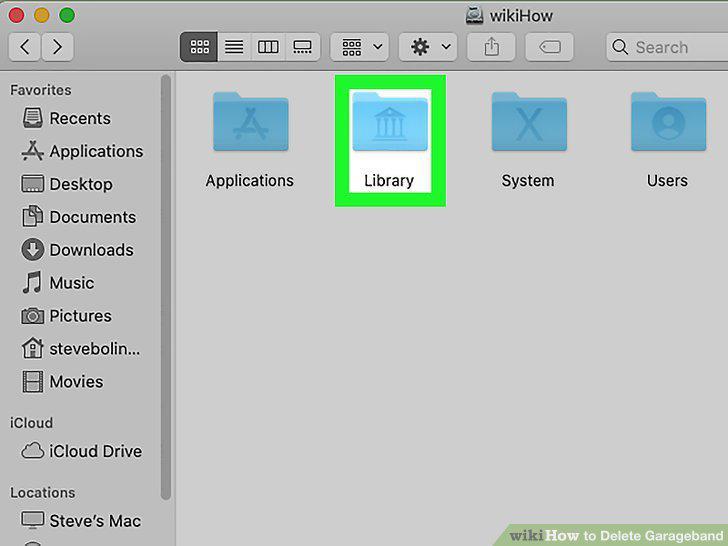
Navigate to the Library folder in Finder.
3
Delete the files inside the folders including:
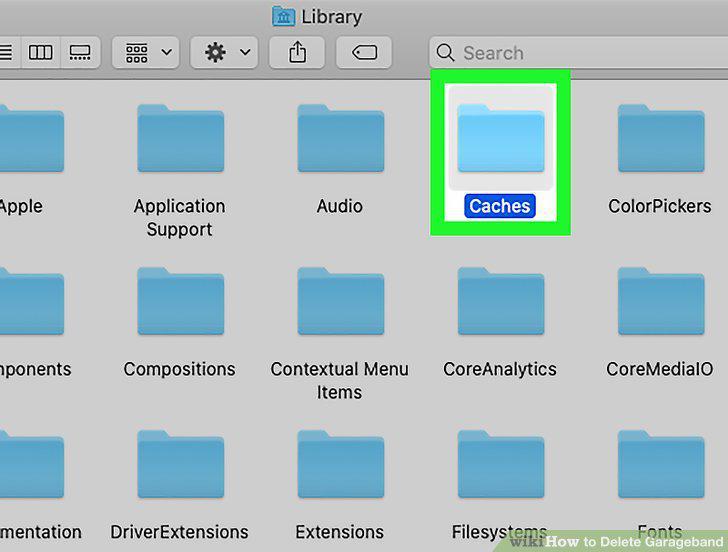
Delete the files inside the folders including:
4
Empty the Trash by clicking File and Empty Trash.
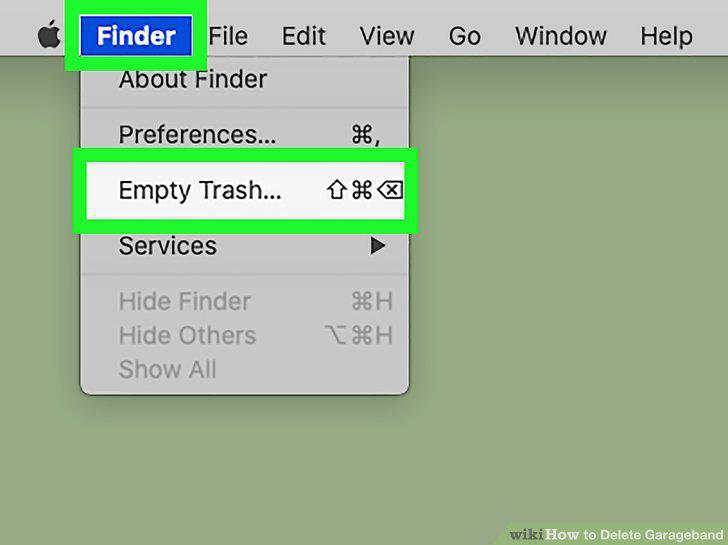
Empty the Trash by clicking File and Empty Trash.
5
Find the GarageBand app icon.
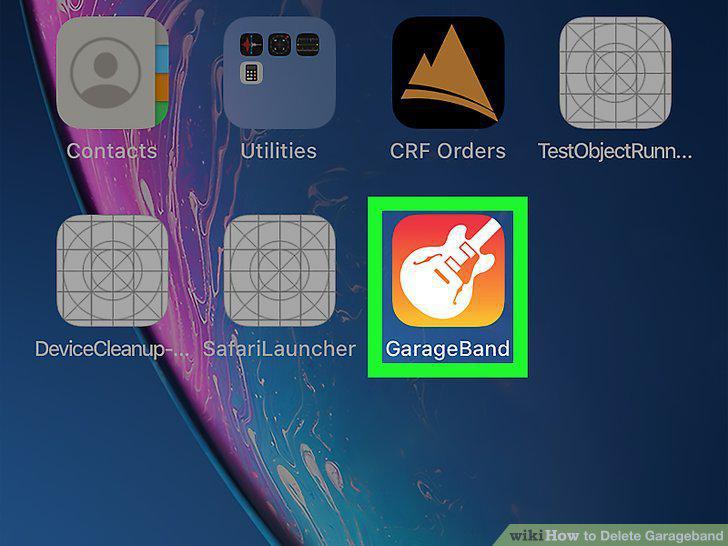
Find the GarageBand app icon.
6
Tap and hold the app icon.
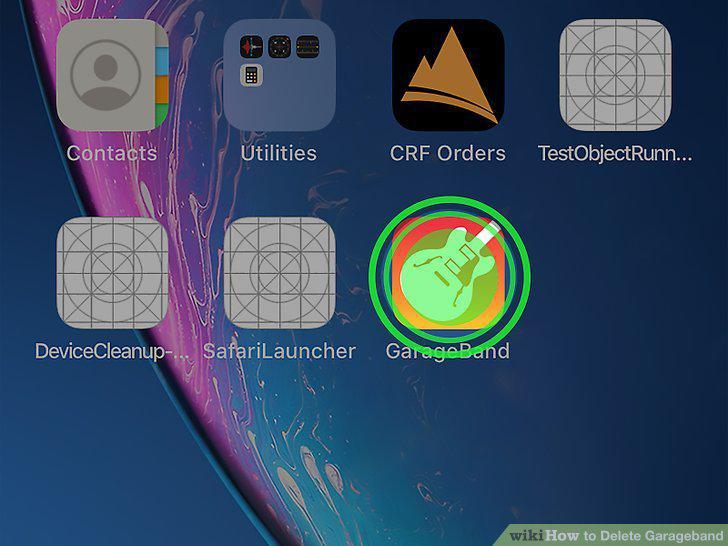
Tap and hold the app icon.
7
Tap Delete App and Delete.
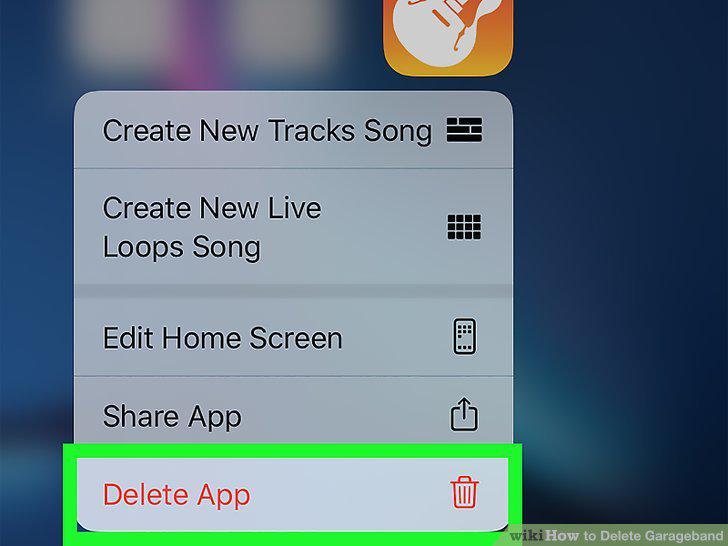
Tap Delete App and Delete.
Comments (0)
No comments yet. Be the first to share your thoughts!