How to Call Bixby on Samsung Galaxy
Make sure Bixby is activated on your Galaxy.. Say "Hi Bixby" to activate Bixby Voice.. Press and hold the Bixby button on the side of your Galaxy's casing (optional).
Steps
1
Make sure Bixby is activated on your Galaxy.
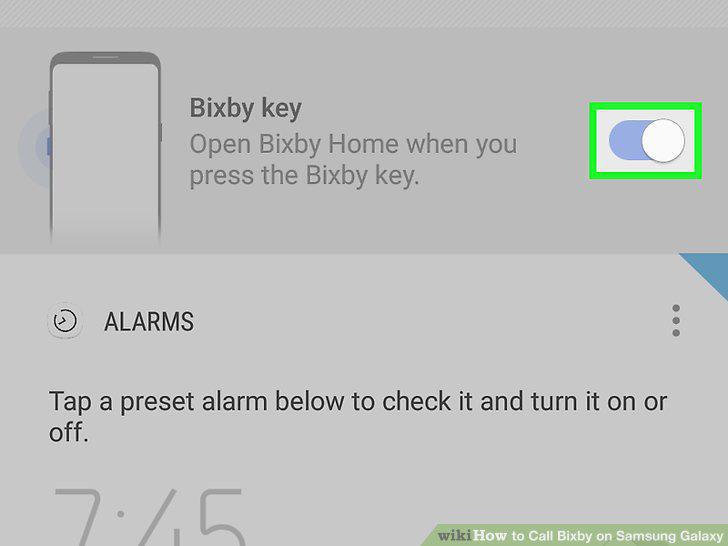
Make sure Bixby is activated on your Galaxy.
2
Say "Hi Bixby" to activate Bixby Voice.
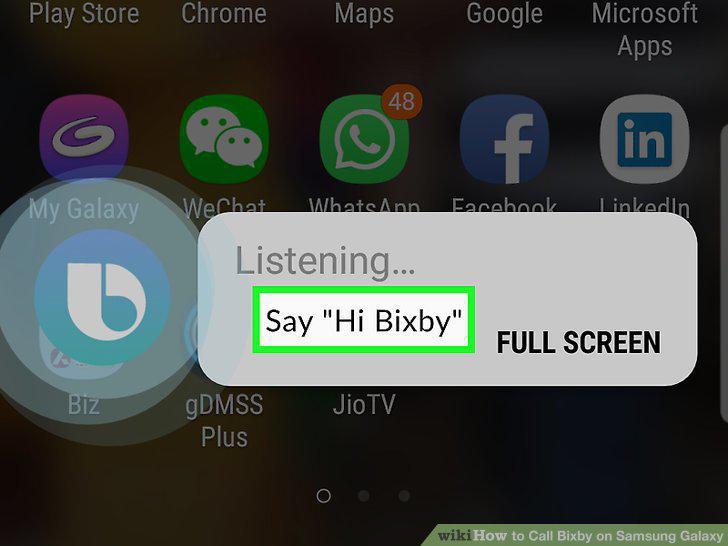
Say "Hi Bixby" to activate Bixby Voice.
3
Press and hold the Bixby button on the side of your Galaxy's casing (optional).
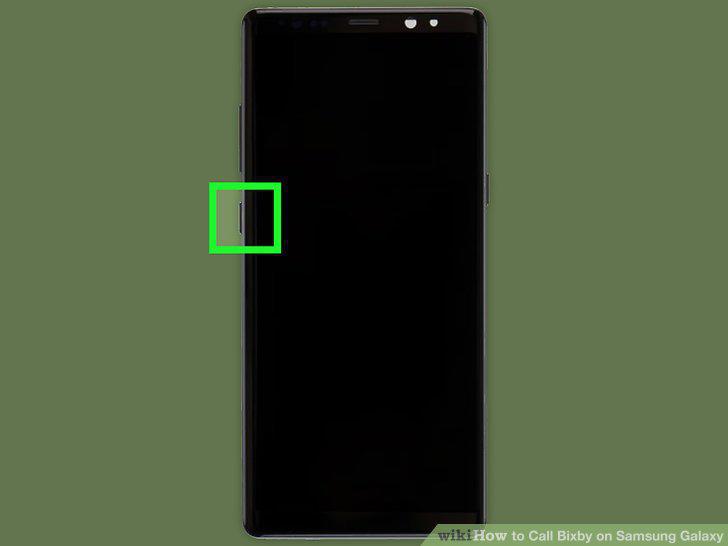
Press and hold the Bixby button on the side of your Galaxy's casing (optional).
4
Speak out your voice command.
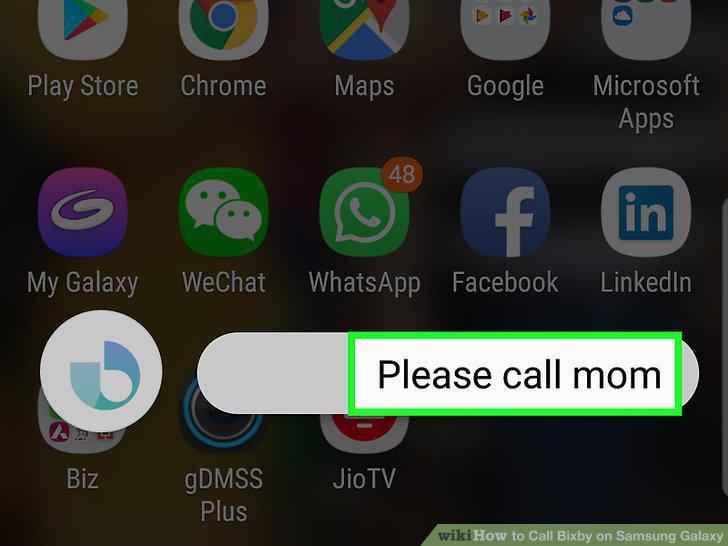
Speak out your voice command.
Comments (0)
No comments yet. Be the first to share your thoughts!