How to Upload New iPhone Photos to iCloud Automatically
Open the iPhone's Settings.. Scroll down and tap iCloud.. Sign in to your iCloud account (if necessary).
Steps
1
Open the iPhone's Settings.
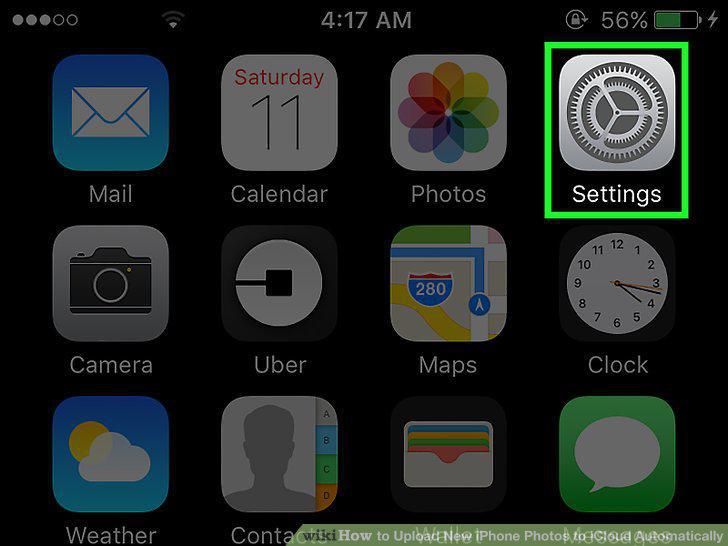
Open the iPhone's Settings.
2
Scroll down and tap iCloud.
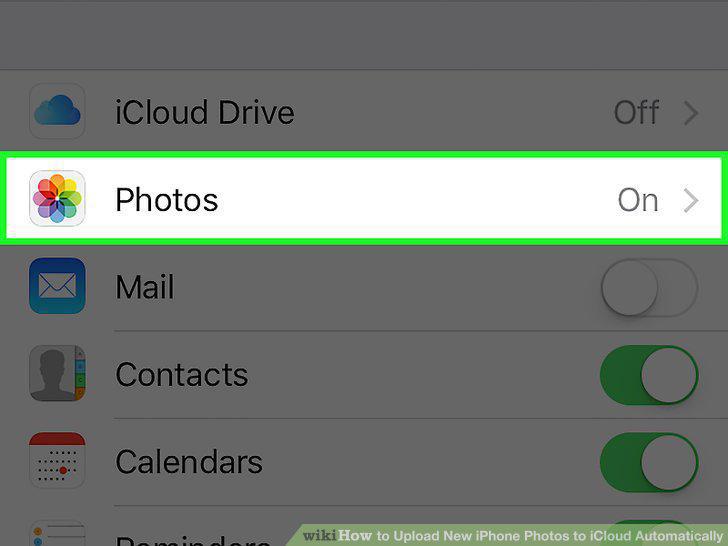
Scroll down and tap iCloud.
3
Sign in to your iCloud account (if necessary).
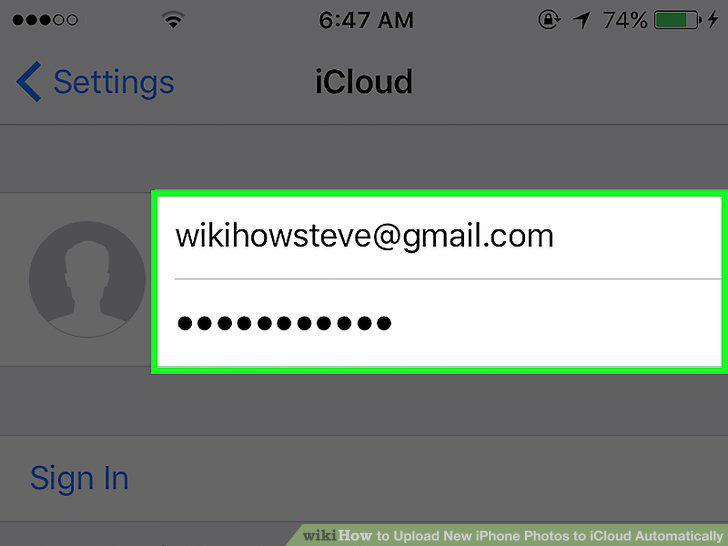
Sign in to your iCloud account (if necessary).
4
Tap Photos.
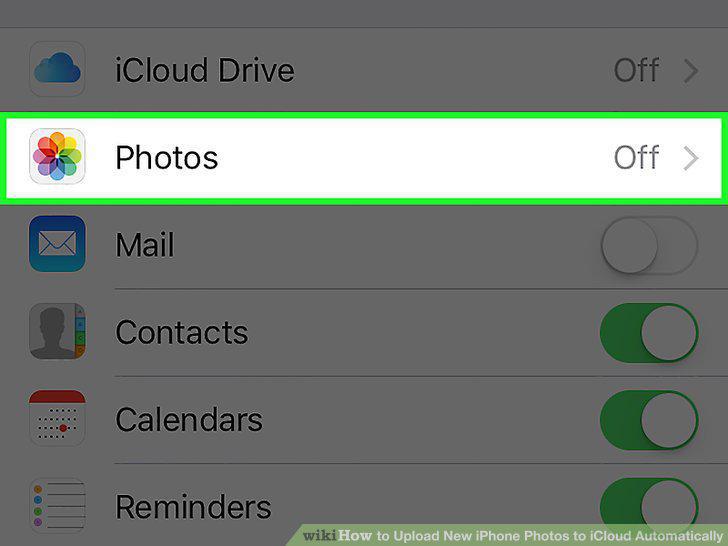
Tap Photos.
5
Slide the iCloud Photo Library button to the On position.
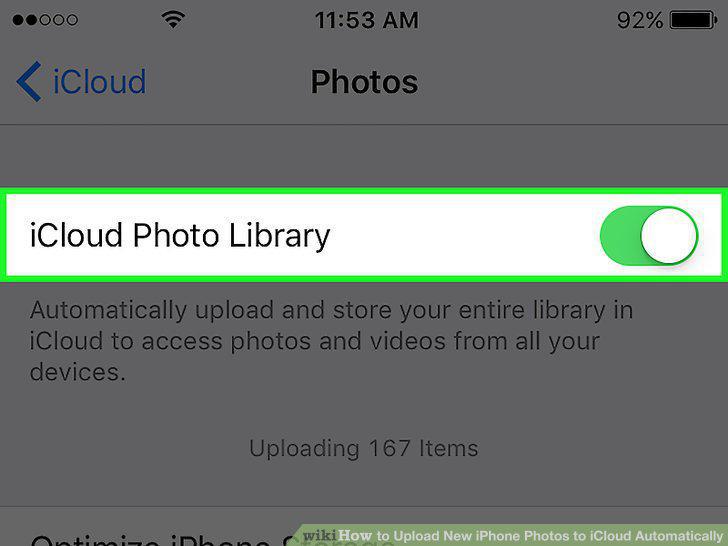
Slide the iCloud Photo Library button to the On position.
6
Slide the My Photo Stream button to the On position.
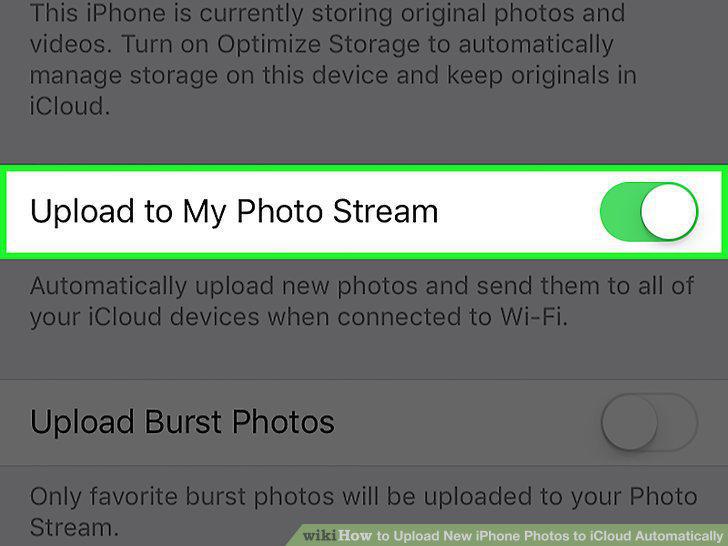
Slide the My Photo Stream button to the On position.
Comments (0)
No comments yet. Be the first to share your thoughts!