How to Make a TikTok Account on Android
Open the TikTok app on your Android.. Tap the video on your screen.. Select your sign-up option.
Steps
1
Open the TikTok app on your Android.
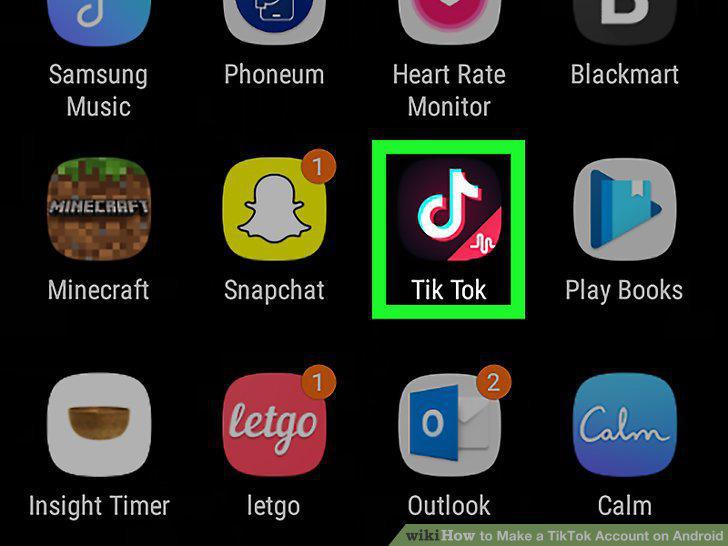
Open the TikTok app on your Android.
2
Tap the video on your screen.
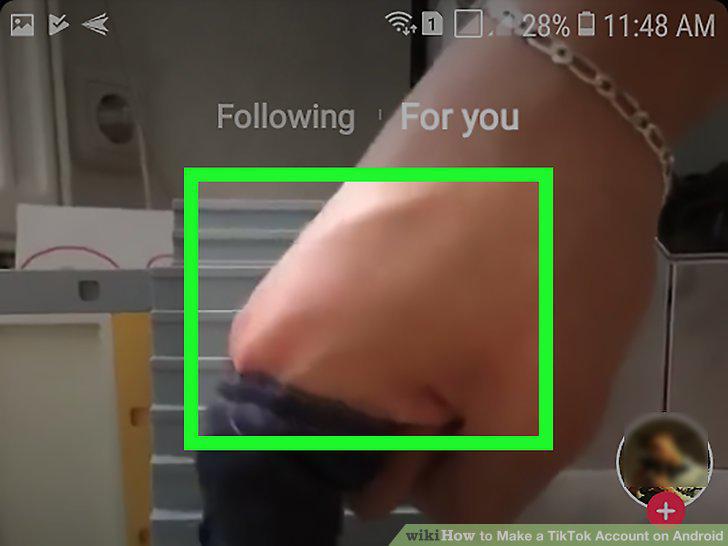
Tap the video on your screen.
3
Select your sign-up option.

Select your sign-up option.
4
Enter your birthday.
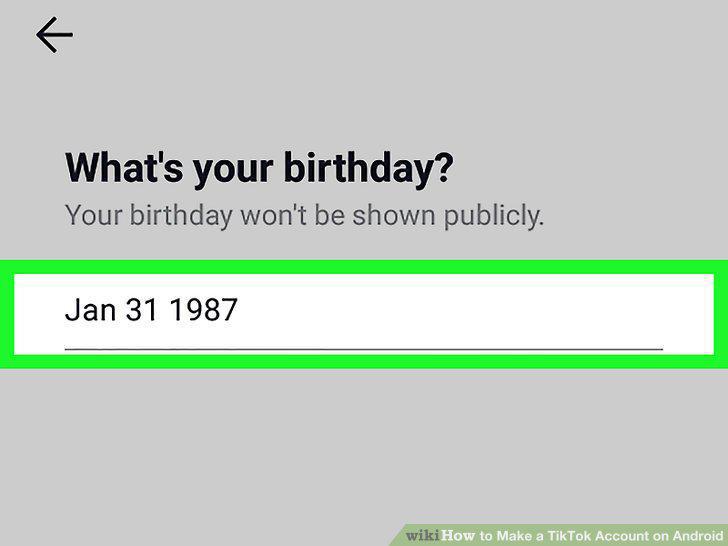
Enter your birthday.
5
Select if you'd like to receive confirmation via phone or email.
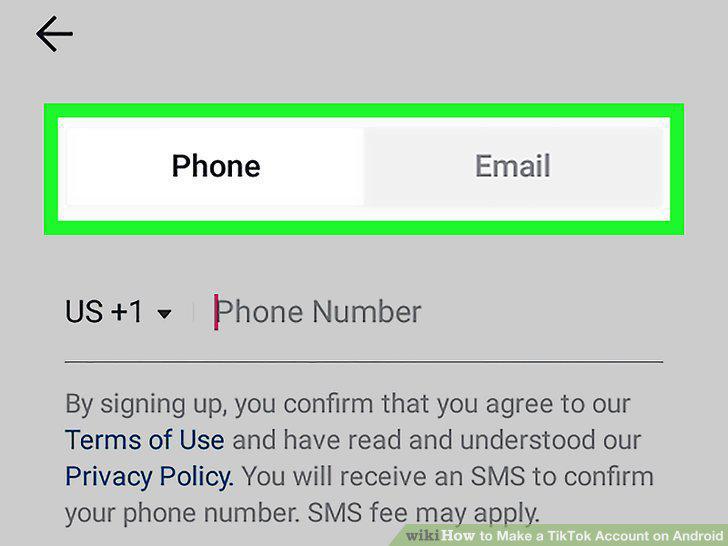
Select if you'd like to receive confirmation via phone or email.
6
Enter your phone number or email address.
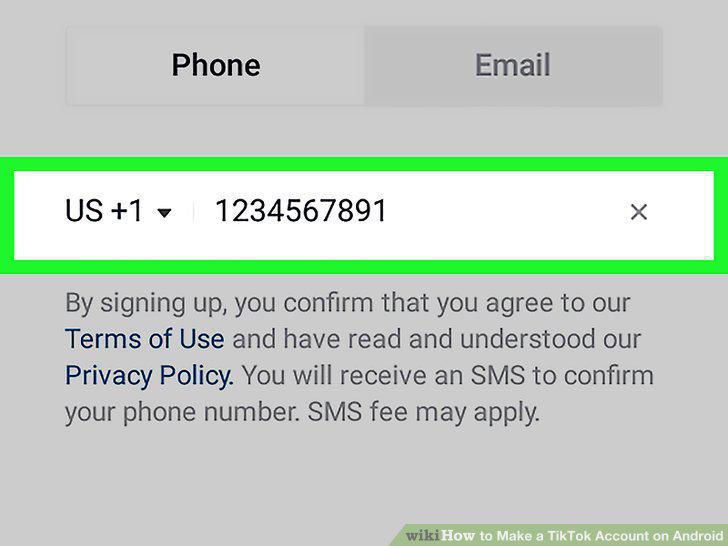
Enter your phone number or email address.
7
Enter your confirmation code.
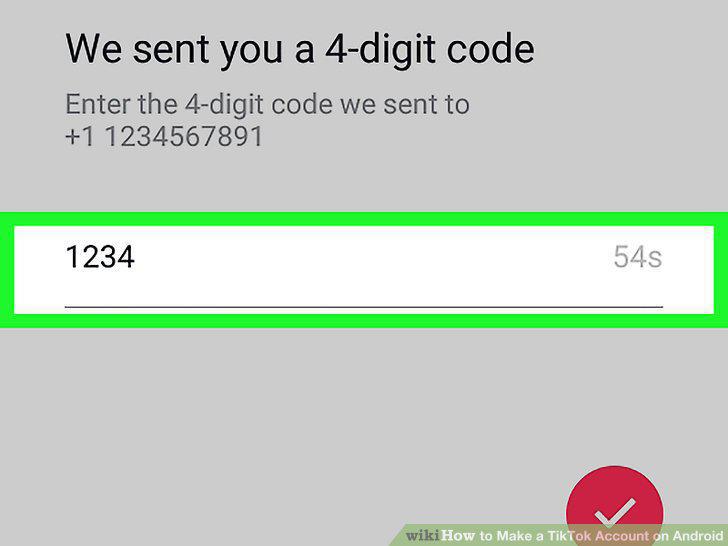
Enter your confirmation code.
8
Set a password for your new account.
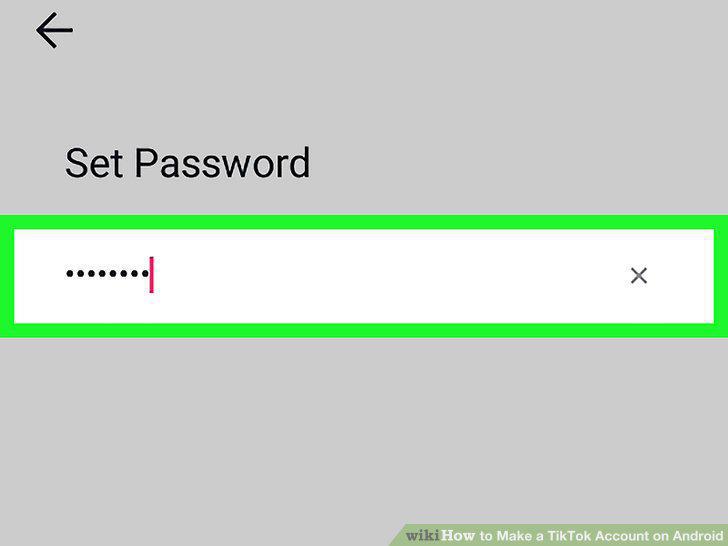
Set a password for your new account.
9
Tap and check the I'm not a robot box.
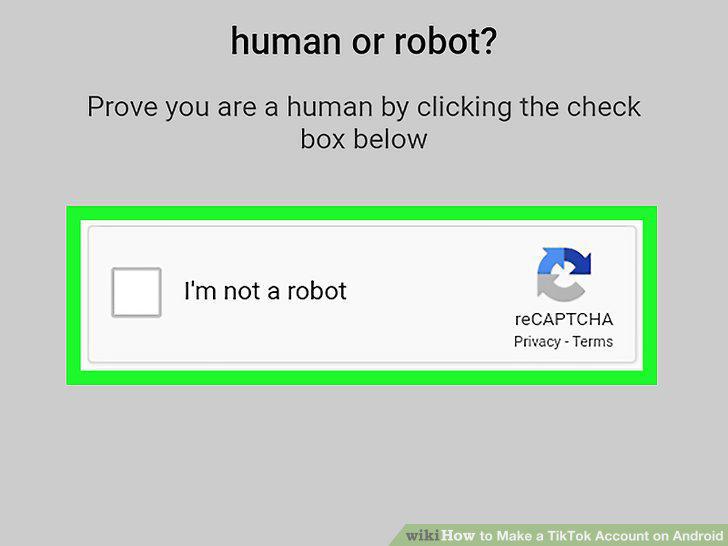
Tap and check the I'm not a robot box.
Comments (0)
No comments yet. Be the first to share your thoughts!