How to Use a Mixer
Turn the master volume and channel faders down completely.. Plug microphones into channels using XLR cables.. Attach instruments to the line inputs on your mixer.
Steps
Turn the master volume and channel faders down completely.
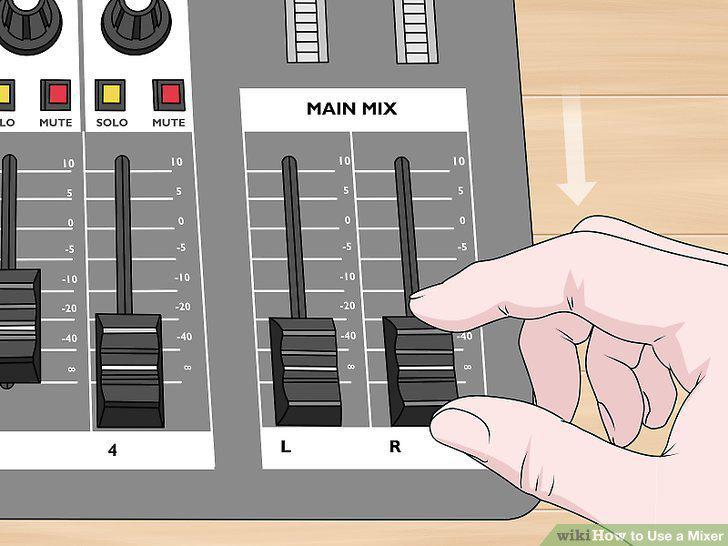
Turn the master volume and channel faders down completely.
Plug microphones into channels using XLR cables.
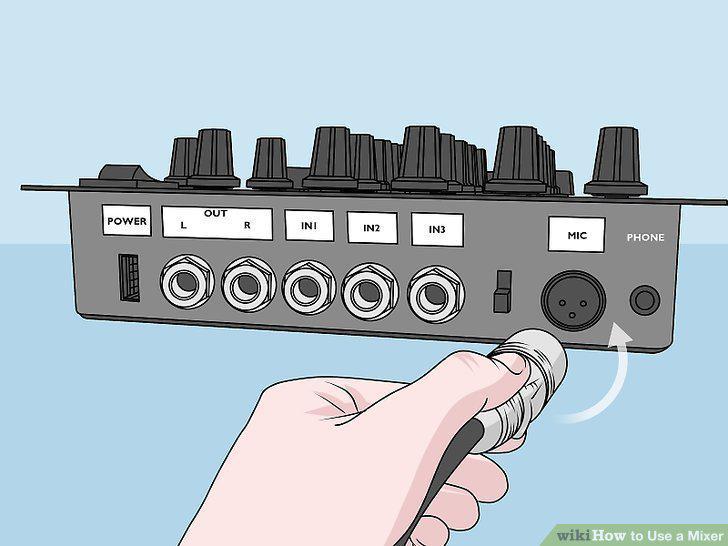
Plug microphones into channels using XLR cables.
Attach instruments to the line inputs on your mixer.
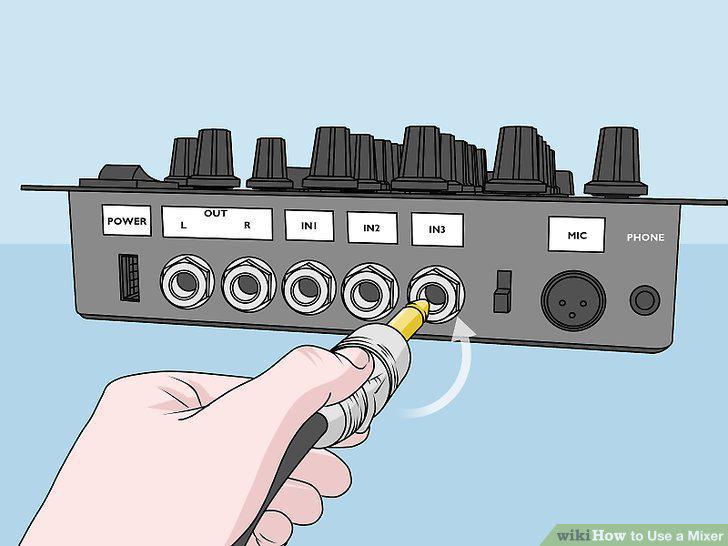
Attach instruments to the line inputs on your mixer.
Connect the mixer output to an audio interface with TRS cables to use monitors.
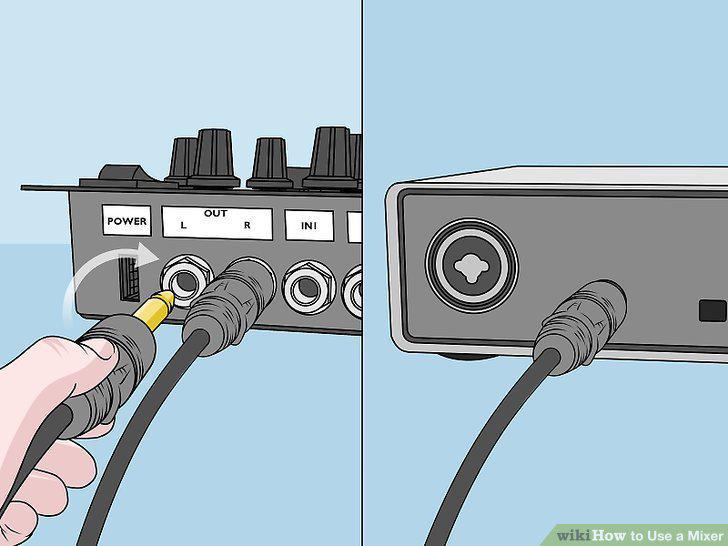
Connect the mixer output to an audio interface with TRS cables to use monitors.
Plug headphones into the "Phones" port on the mixer.
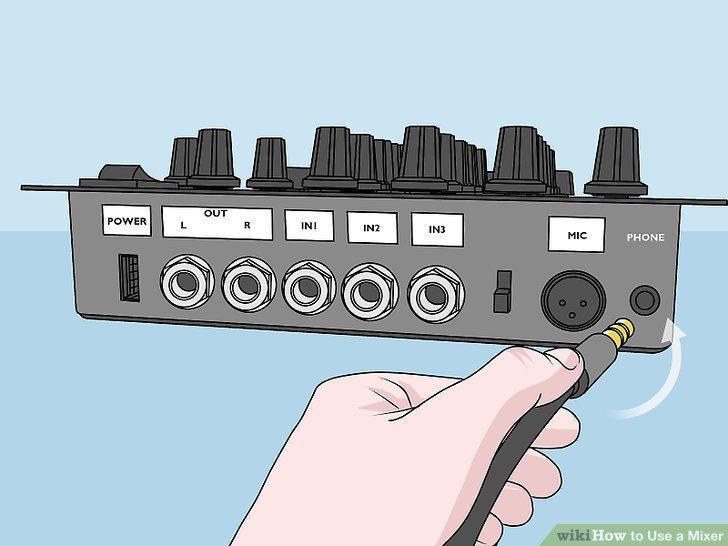
Plug headphones into the "Phones" port on the mixer.
Turn on your mixer using the power switch.
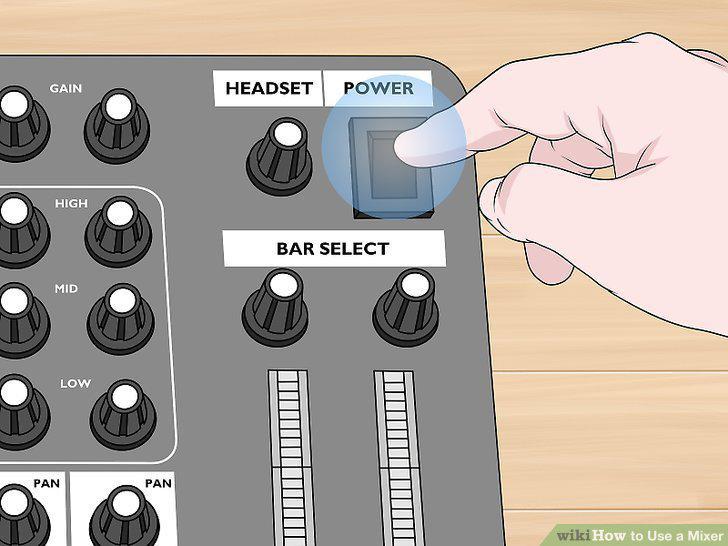
Turn on your mixer using the power switch.
Turn the main volume so it's at 0 dB.
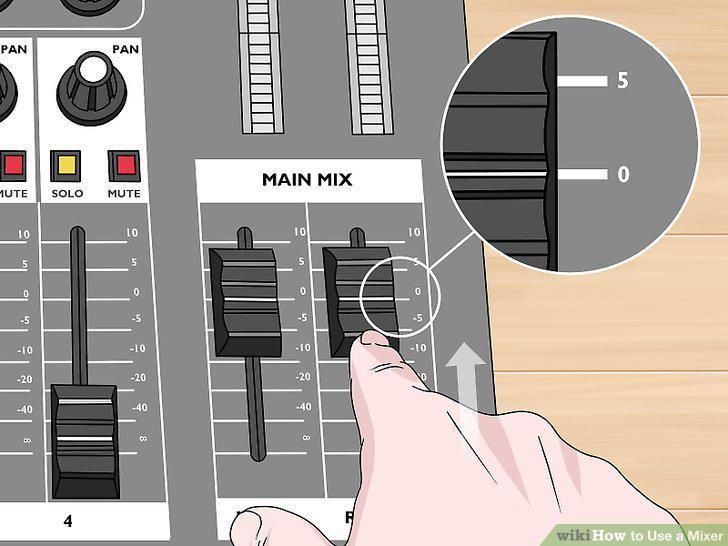
Turn the main volume so it's at 0 dB.
Balance the channel faders so you can hear all of the inputs clearly.
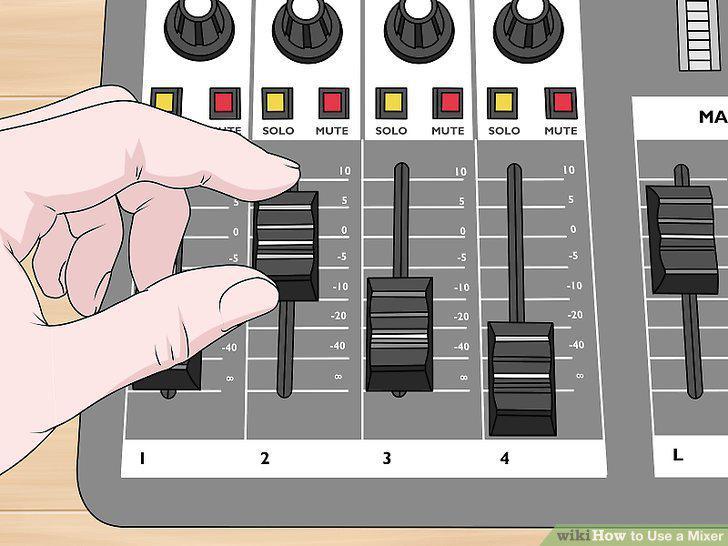
Balance the channel faders so you can hear all of the inputs clearly.
Change the treble, mid, and bass to adjust which frequencies come through.
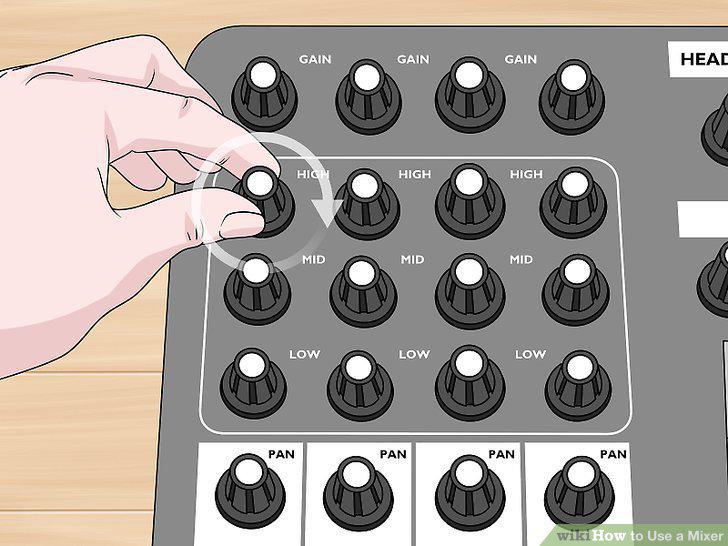
Change the treble, mid, and bass to adjust which frequencies come through.
Use the gain knobs to continue increasing the volume of specific channels.
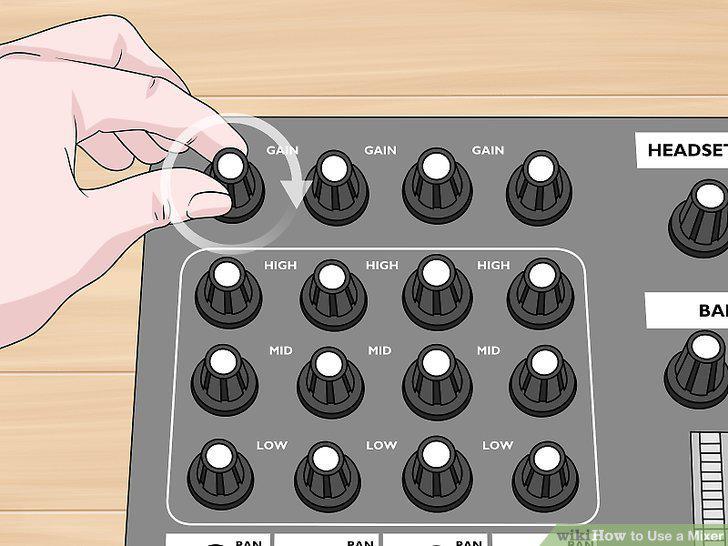
Use the gain knobs to continue increasing the volume of specific channels.
Adjust the pan knobs to put the channel's audio in the left or right speaker.
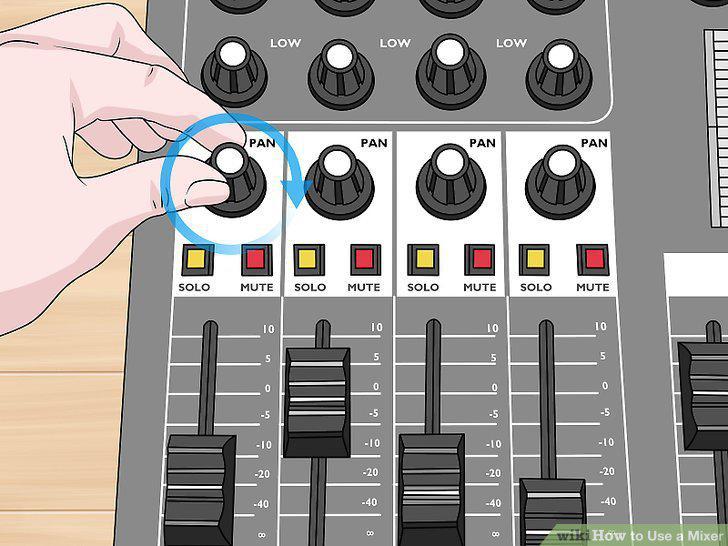
Adjust the pan knobs to put the channel's audio in the left or right speaker.
Press the "Mute" button on a channel to turn off its audio.
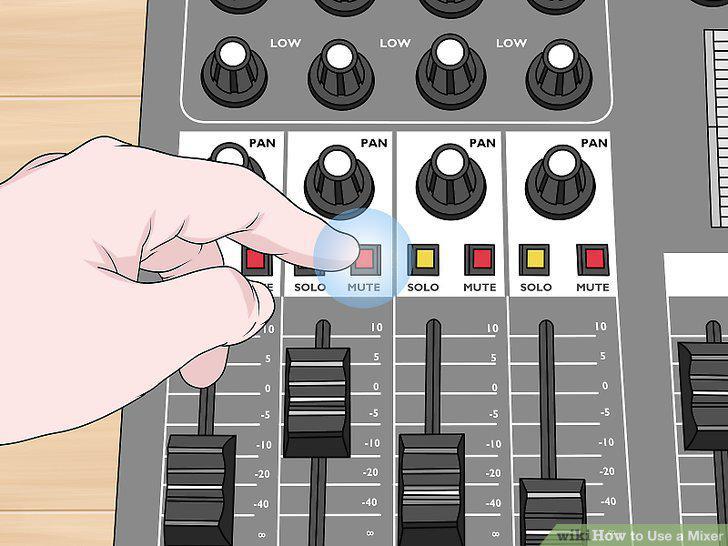
Press the "Mute" button on a channel to turn off its audio.
Click the "Solo" button on a channel to isolate it.
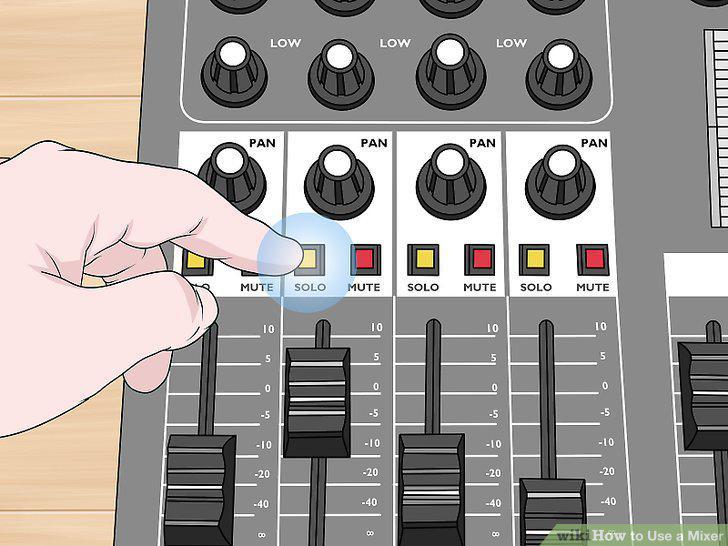
Click the "Solo" button on a channel to isolate it.
Use an auxiliary channel to "send" an audio signal to another source.
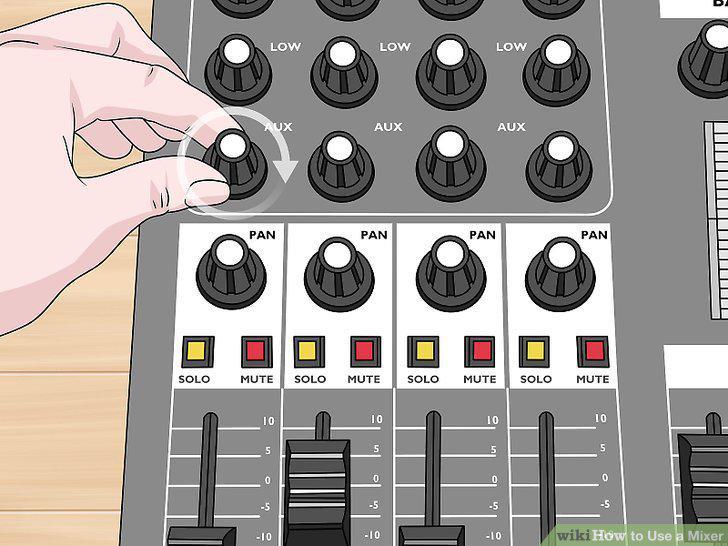
Use an auxiliary channel to "send" an audio signal to another source.
Comments (0)
No comments yet. Be the first to share your thoughts!