How to Get Audible Credits on PC or Mac
Go to https://www.audible.com/ in a web browser.. Click Sign In and sign in to your Audible account.. Click your username.
Steps
Go to https://www.audible.com/ in a web browser.
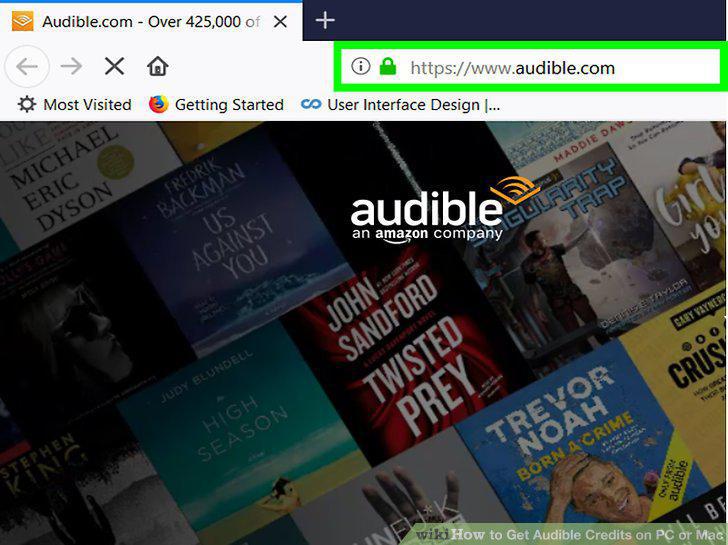
Go to https://www.audible.com/ in a web browser.
Click Sign In and sign in to your Audible account.
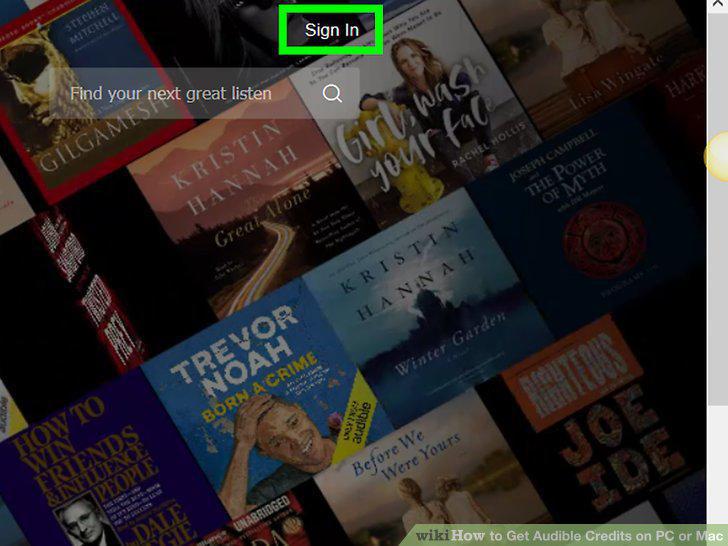
Click Sign In and sign in to your Audible account.
Click your username.
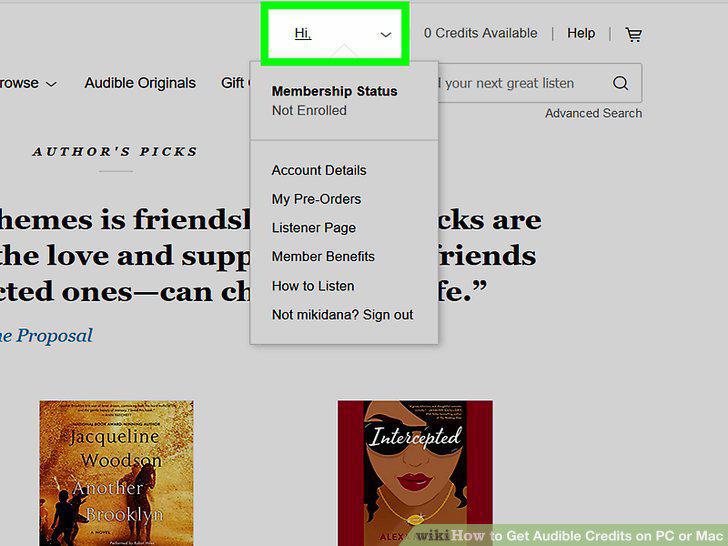
Click your username.
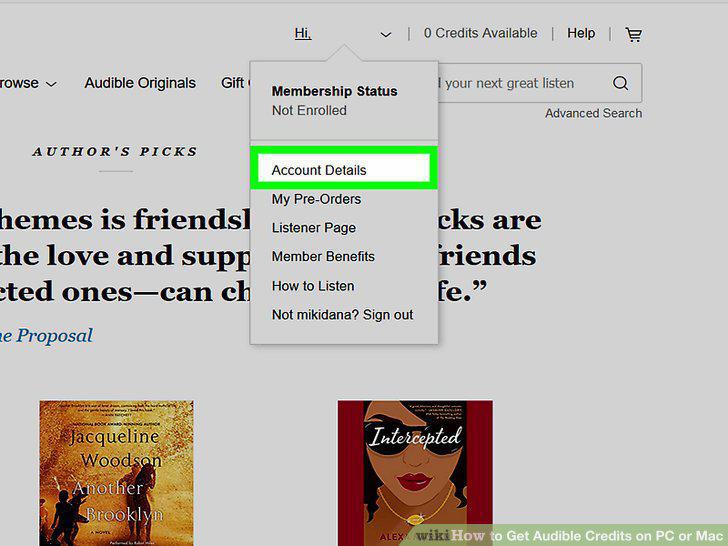
Click Account Details.
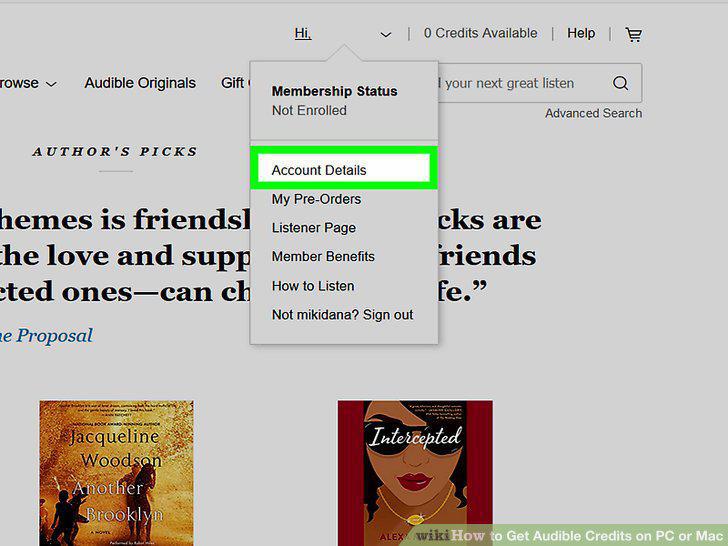
Click Account Details.
Click Start your free trial.
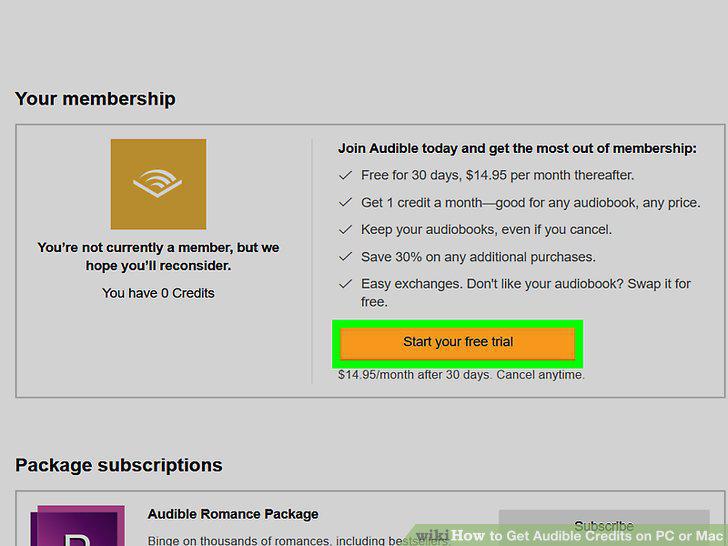
Click Start your free trial.
Click the radio button for "Existing Payment Method".
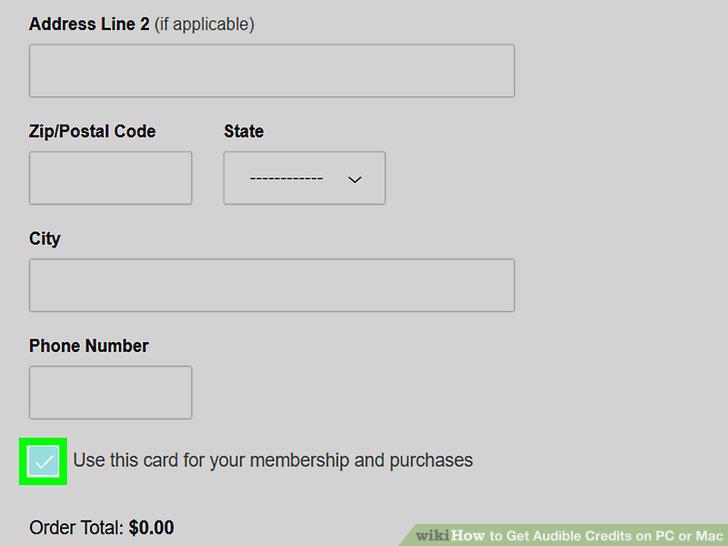
Click the radio button for "Existing Payment Method".
Click Start Your Free Trial Now.
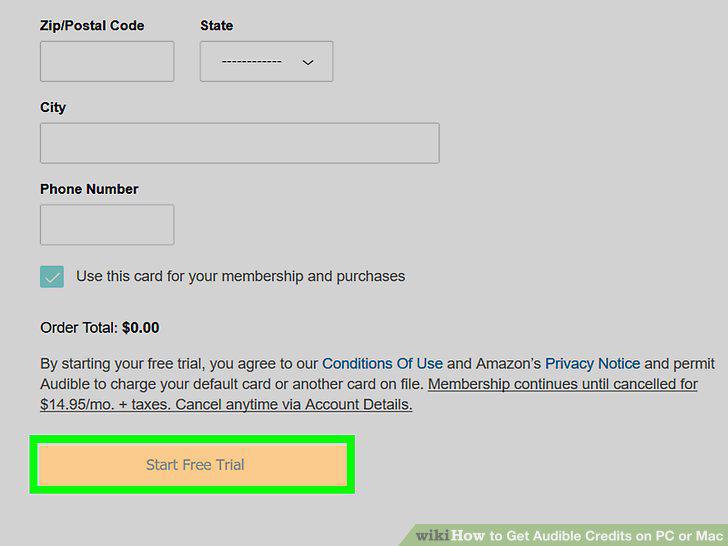
Click Start Your Free Trial Now.
Go to https://www.audible.com/ in a web browser.
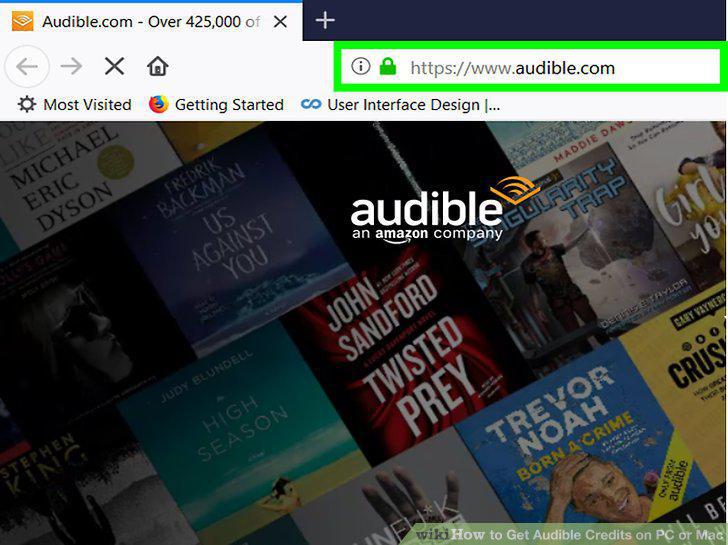
Go to https://www.audible.com/ in a web browser.
Click Sign In and sign in to your Audible account.
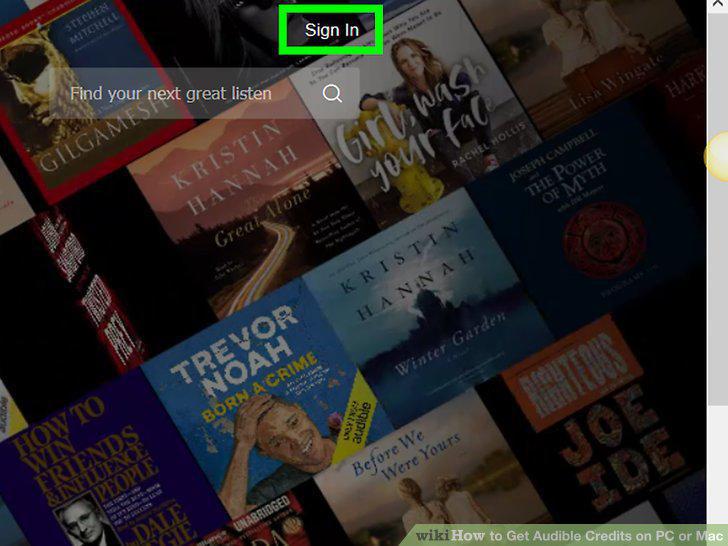
Click Sign In and sign in to your Audible account.
Click your username.
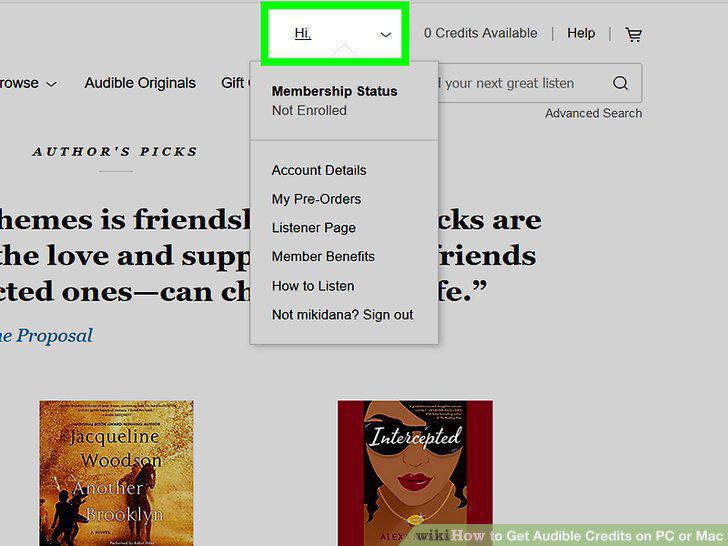
Click your username.
Click Account Details.
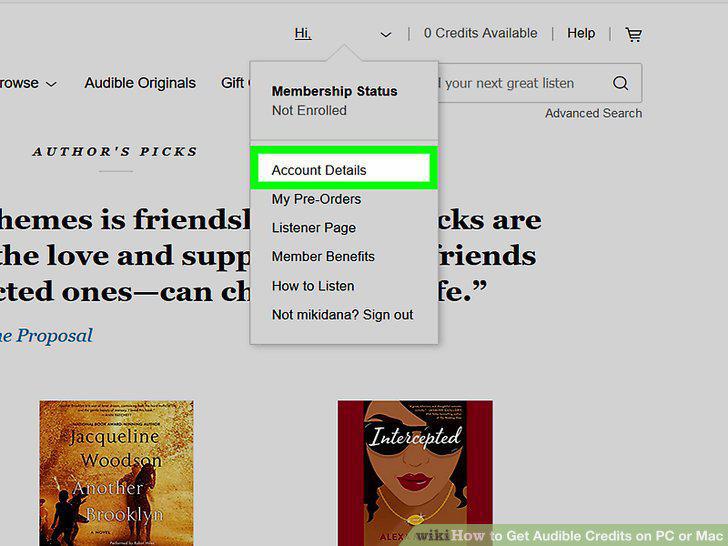
Click Account Details.
Click Switch Membership.
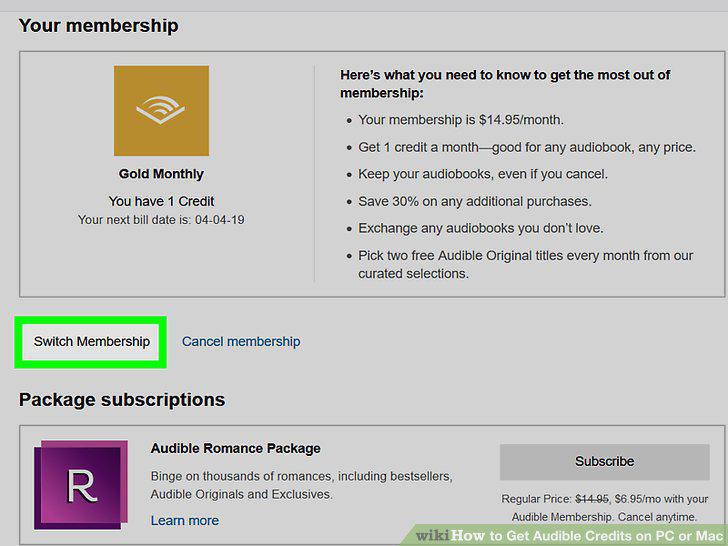
Click Switch Membership.
Click Select on a Platinum memberships.
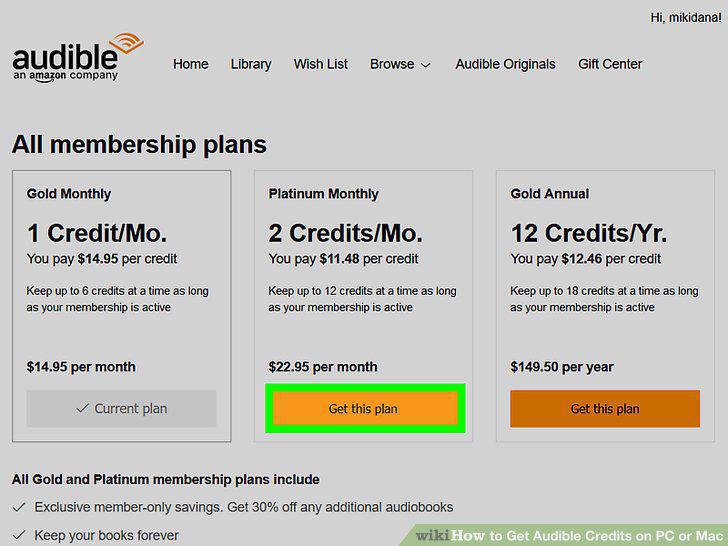
Click Select on a Platinum memberships.
Click Confirm Switch.
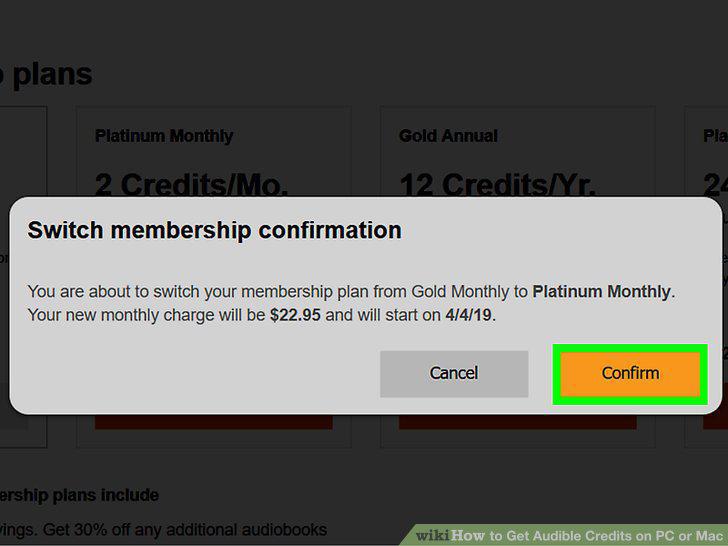
Click Confirm Switch.
Go to https://www.audible.com/ in a web browser.
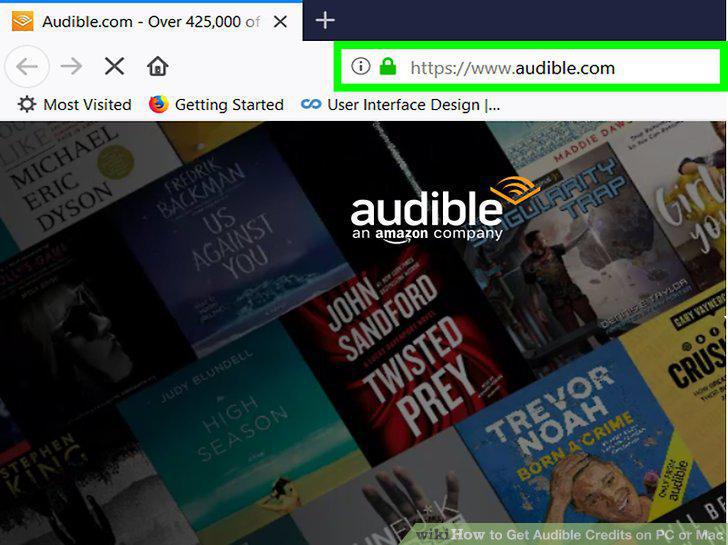
Go to https://www.audible.com/ in a web browser.
Click Sign In and sign in to your Audible account.
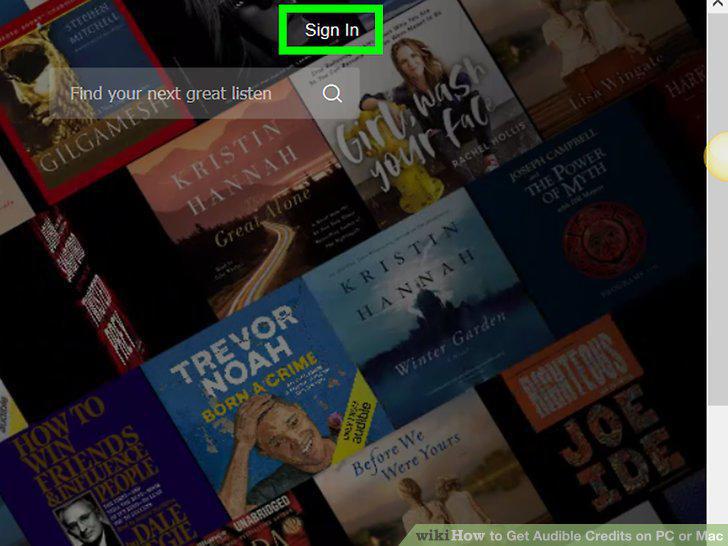
Click Sign In and sign in to your Audible account.
Check if you meet the requirements.
Check if you meet the requirements.
Click Buy 3 Extra Credits.

Click Buy 3 Extra Credits.
Click Buy Now.
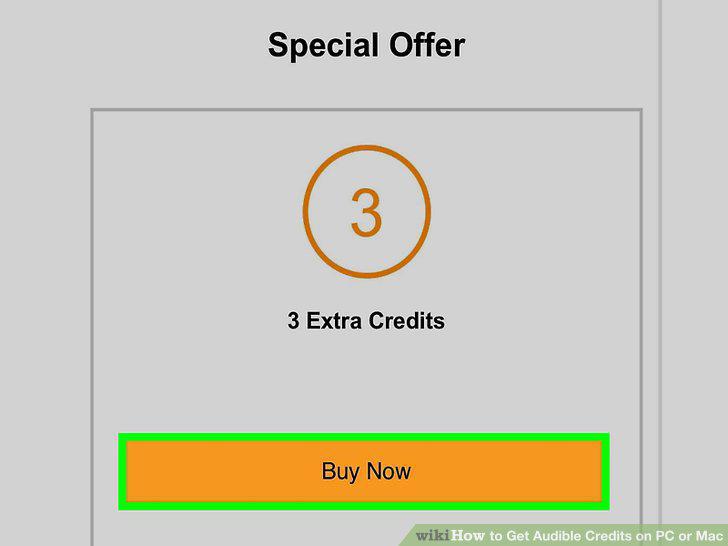
Click Buy Now.
Comments (0)
No comments yet. Be the first to share your thoughts!