How to Create a Blogger Blog
Open Blogger in your internet browser.. Click the CREATE YOUR BLOG button.. Sign in with your Google account.
Steps
1
Open Blogger in your internet browser.
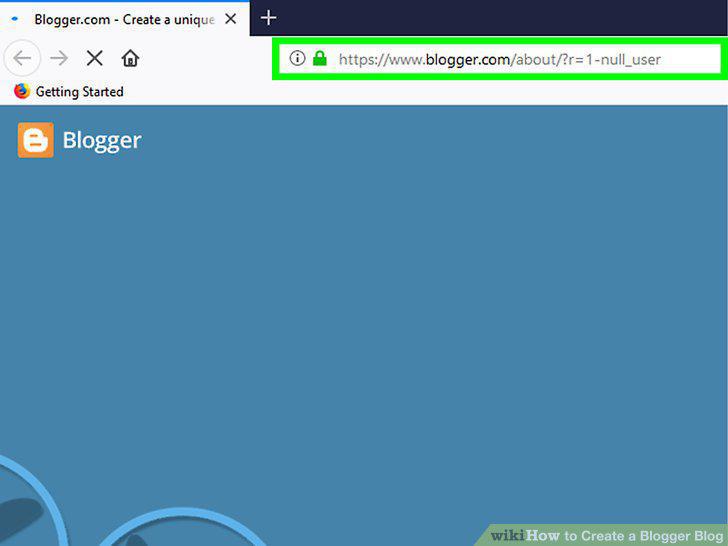
Open Blogger in your internet browser.
2
Click the CREATE YOUR BLOG button.
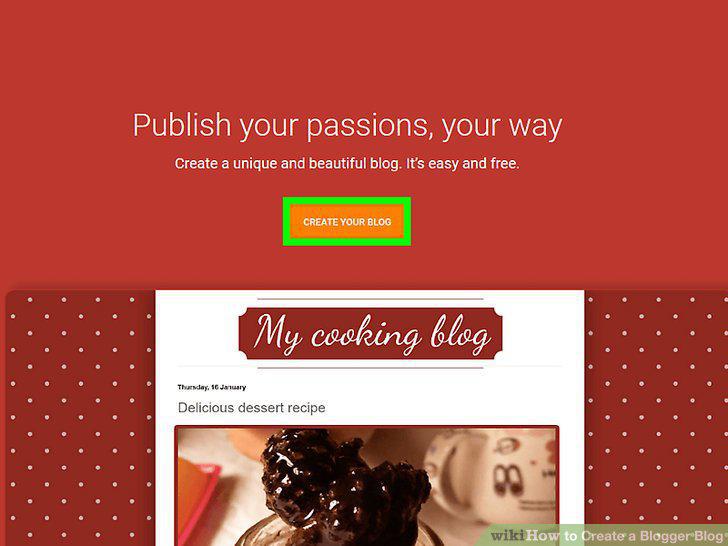
Click the CREATE YOUR BLOG button.
3
Sign in with your Google account.
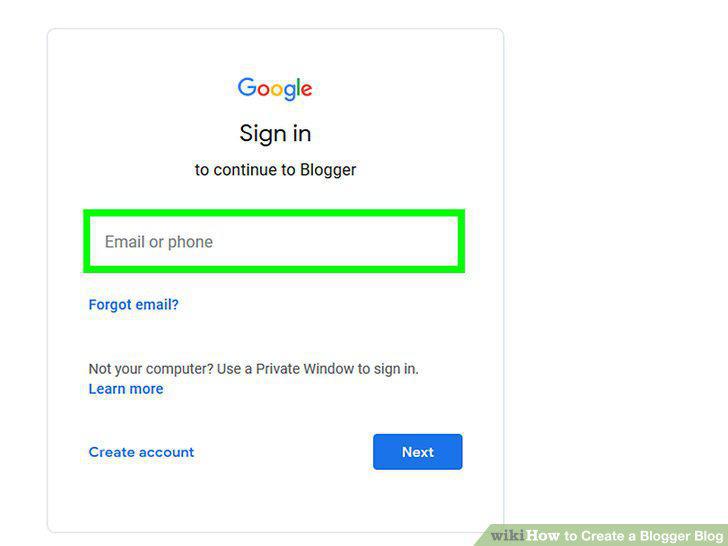
Sign in with your Google account.
4
Enter a title for your blog in the "Title" field.
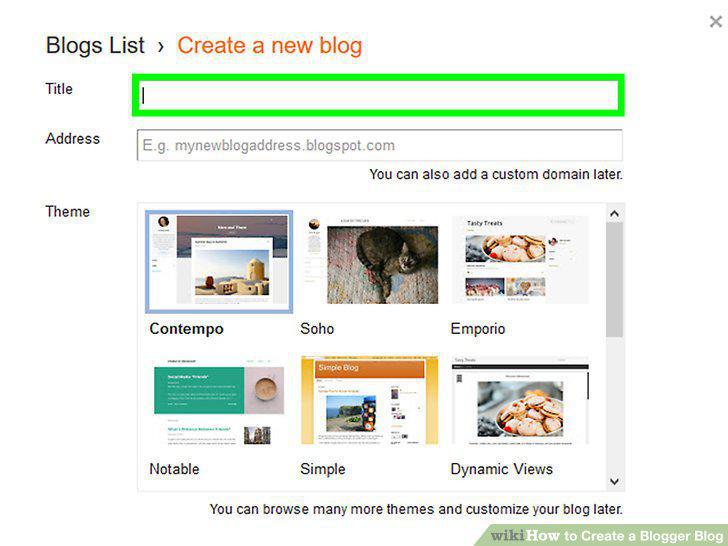
Enter a title for your blog in the "Title" field.
5
Enter a URL address for your blog in the "Address" field.
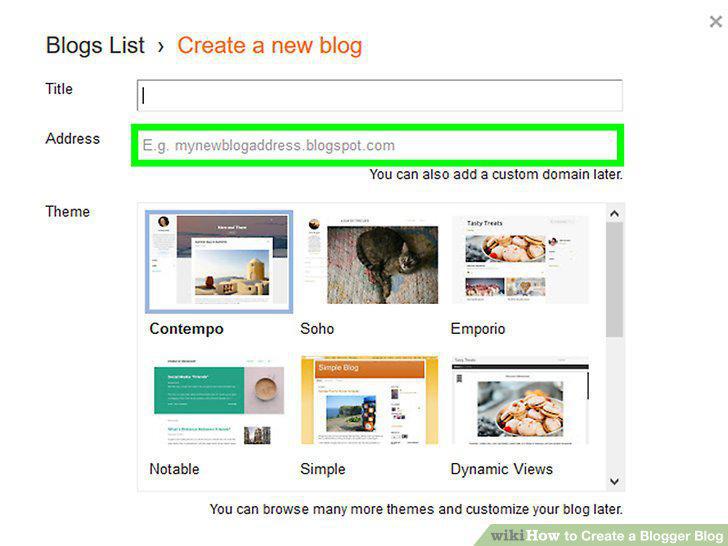
Enter a URL address for your blog in the "Address" field.
6
Select a theme for your blog page.
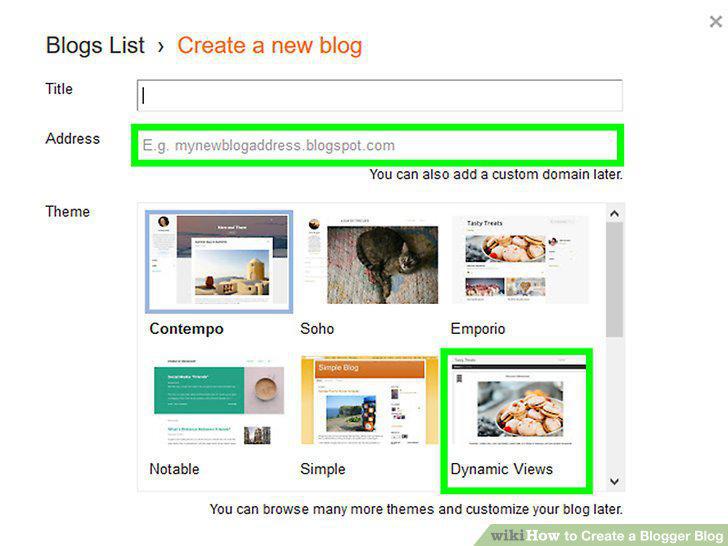
Select a theme for your blog page.
7
Click the Create blog button.
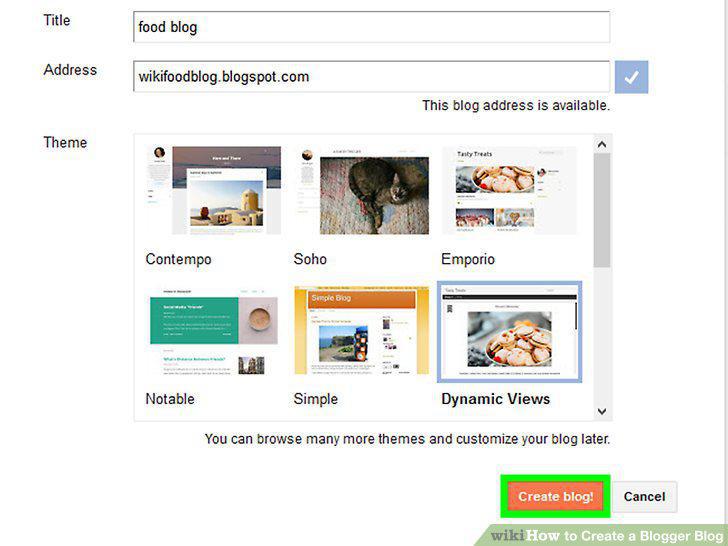
Click the Create blog button.
8
Click the New post button.
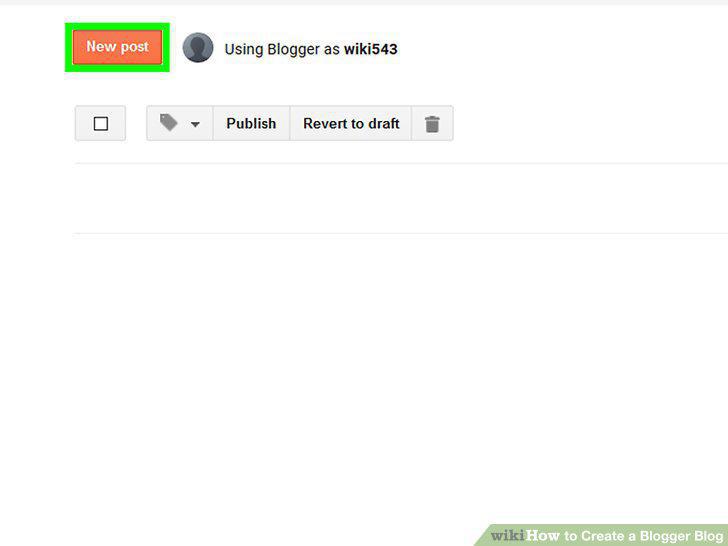
Click the New post button.
9
Enter a title into the "Post title" field.
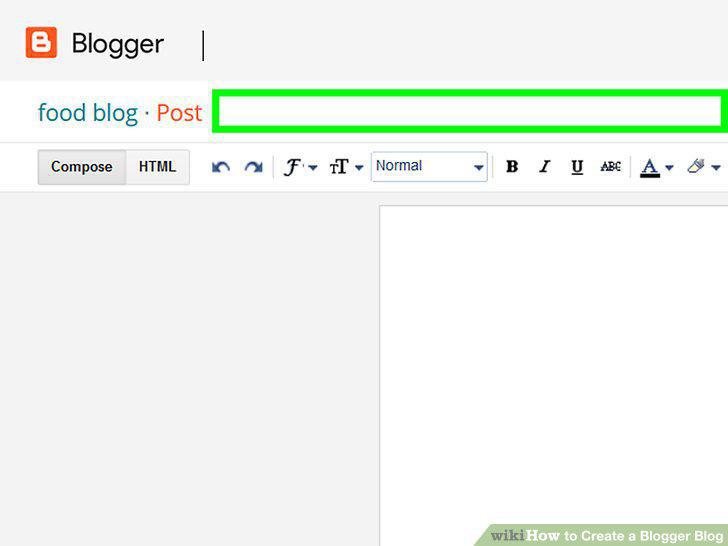
Enter a title into the "Post title" field.
10
Write your blog post.
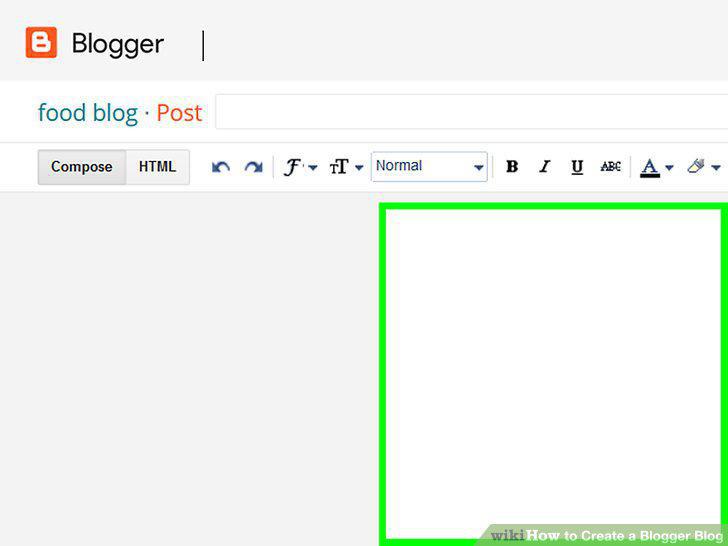
Write your blog post.
11
Click Post settings on the right (optional).
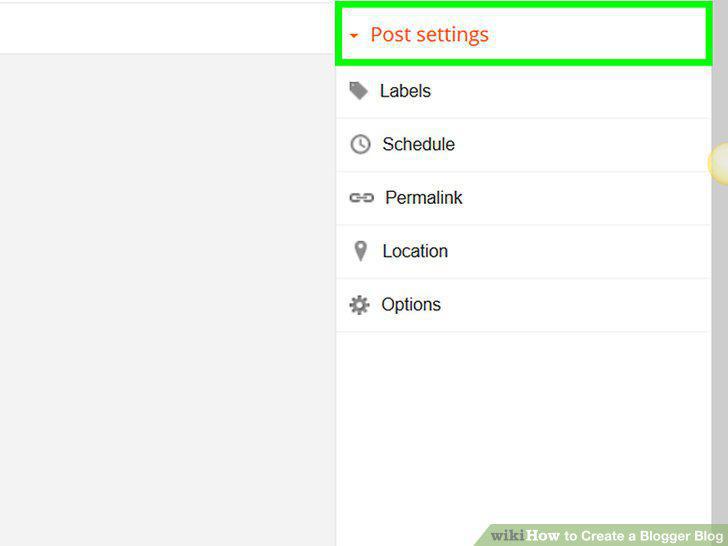
Click Post settings on the right (optional).
12
Click the Preview button (optional).
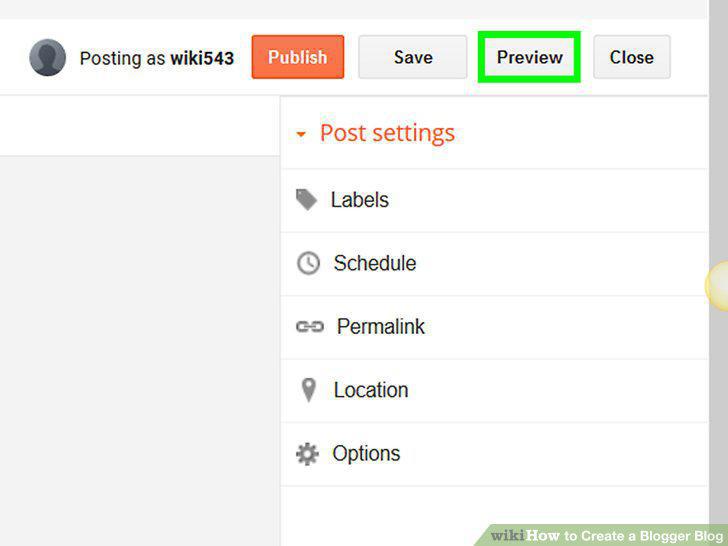
Click the Preview button (optional).
13
Click the Publish button.
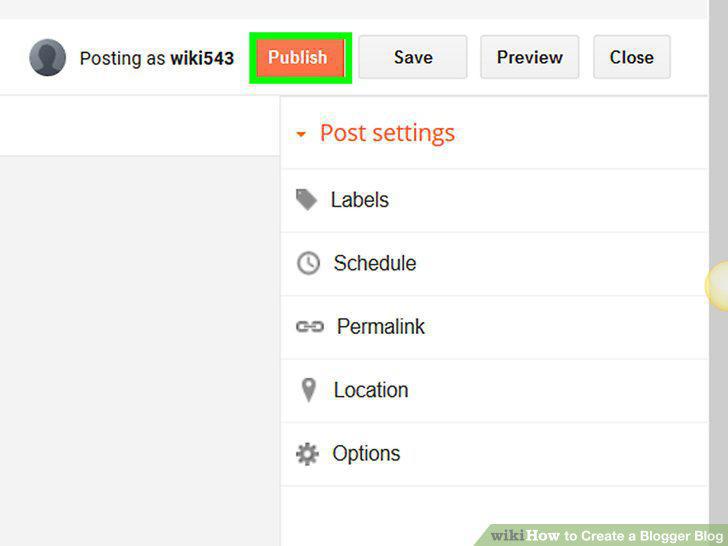
Click the Publish button.
Comments (0)
No comments yet. Be the first to share your thoughts!