How to Search Your Google Photos on Android
Open Google Photos on your Android.. Tap the search bar at the top.. Enter a keyword into the search bar.
Steps
1
Open Google Photos on your Android.
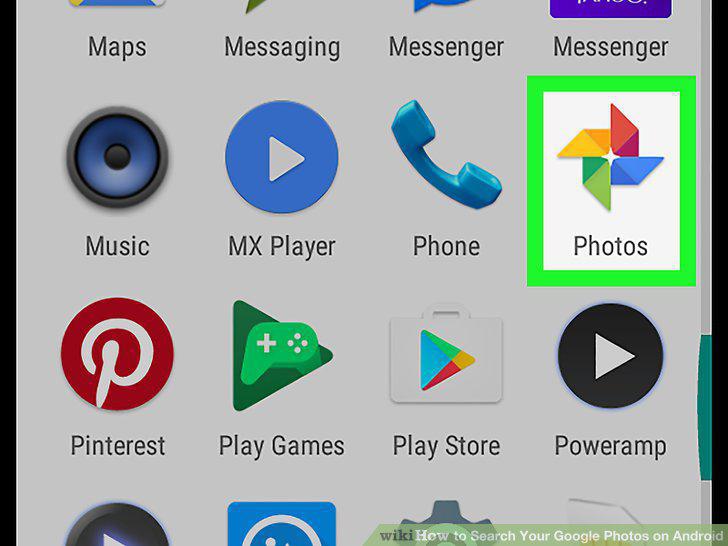
Open Google Photos on your Android.
2
Tap the search bar at the top.
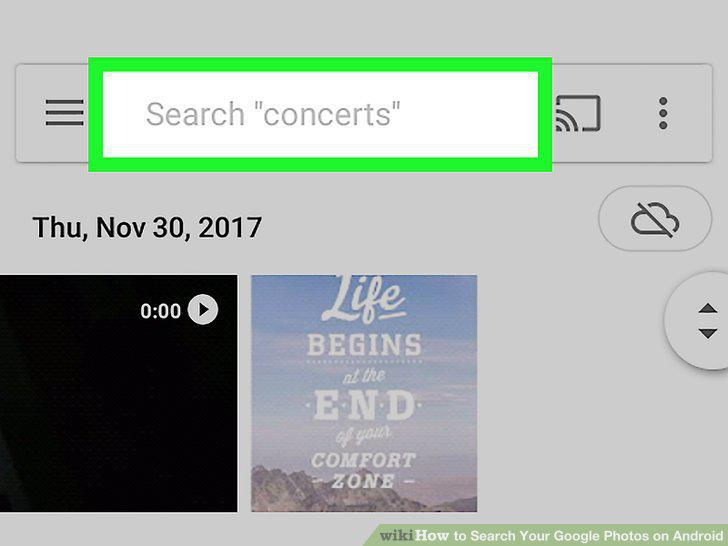
Tap the search bar at the top.
3
Enter a keyword into the search bar.
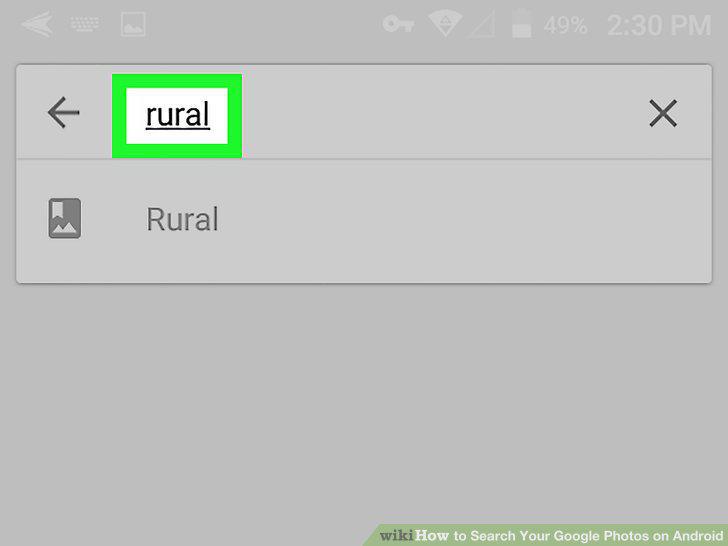
Enter a keyword into the search bar.
4
Click Done on your keyboard.
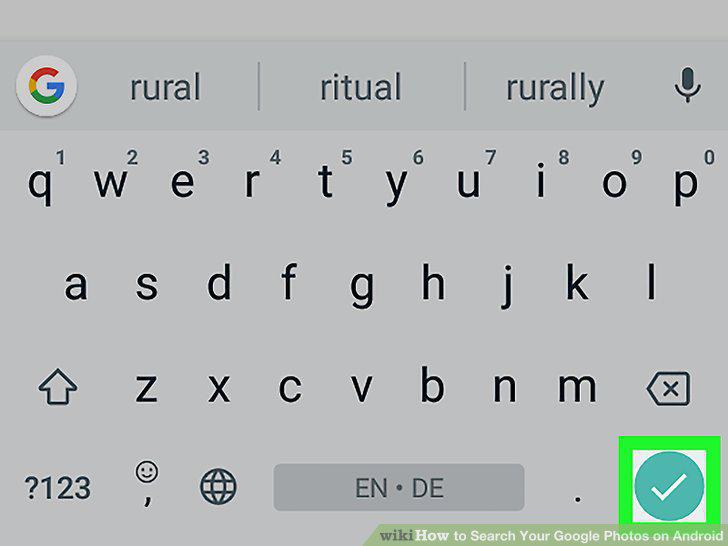
Click Done on your keyboard.
Comments (0)
No comments yet. Be the first to share your thoughts!