How to Answer Call on Viber on Android
Tap and hold the white phone icon.. Drag the icon to the green phone receiver icon.. Lift your finger from the screen.
Steps
1
Tap and hold the white phone icon.
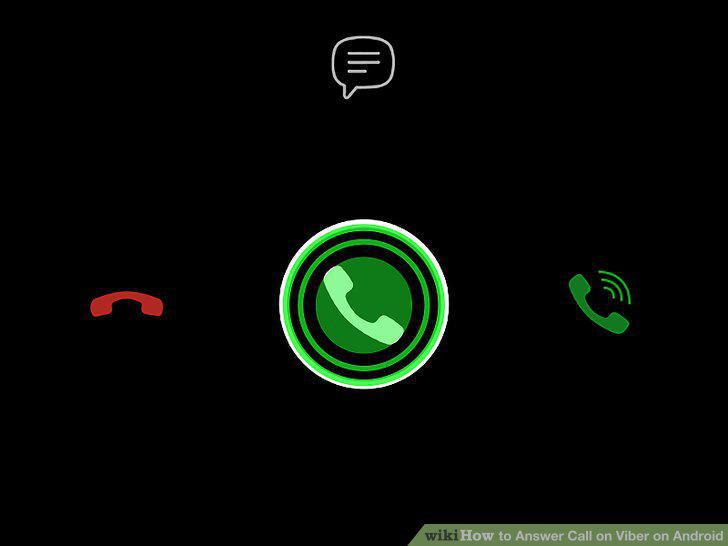
Tap and hold the white phone icon.
2
Drag the icon to the green phone receiver icon.
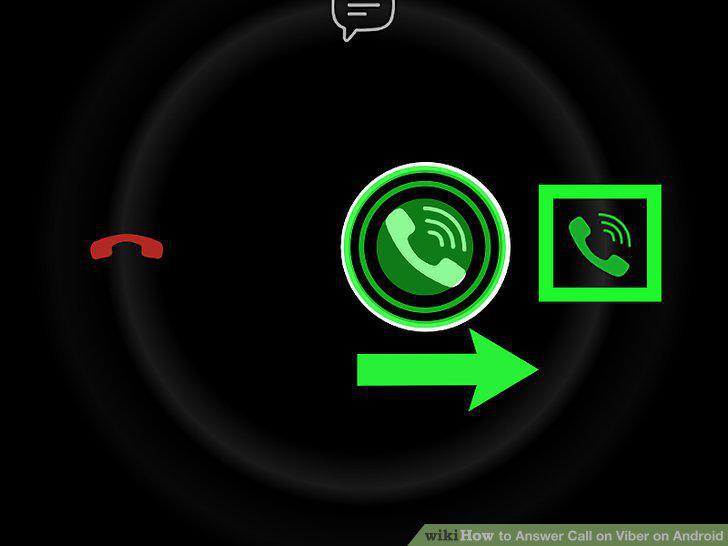
Drag the icon to the green phone receiver icon.
3
Lift your finger from the screen.
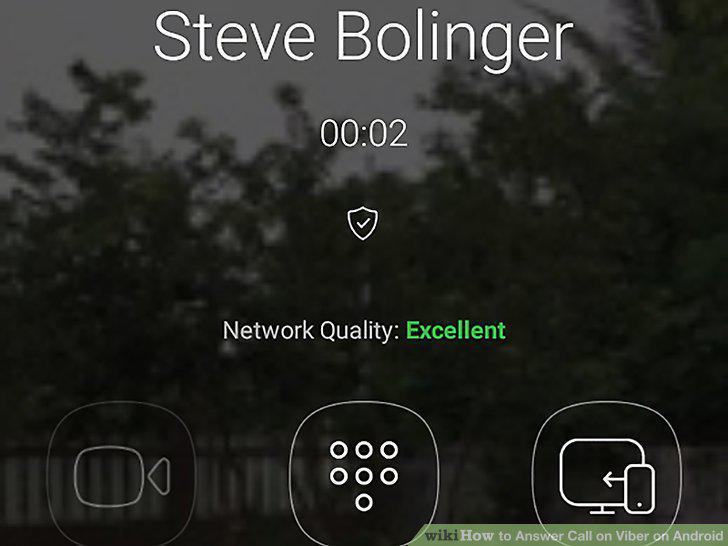
Lift your finger from the screen.
Comments (0)
No comments yet. Be the first to share your thoughts!