How to Change an Email Address
Create a new address to change.. Decide on an email service.. Sign up for a free account.
Steps
Create a new address to change.
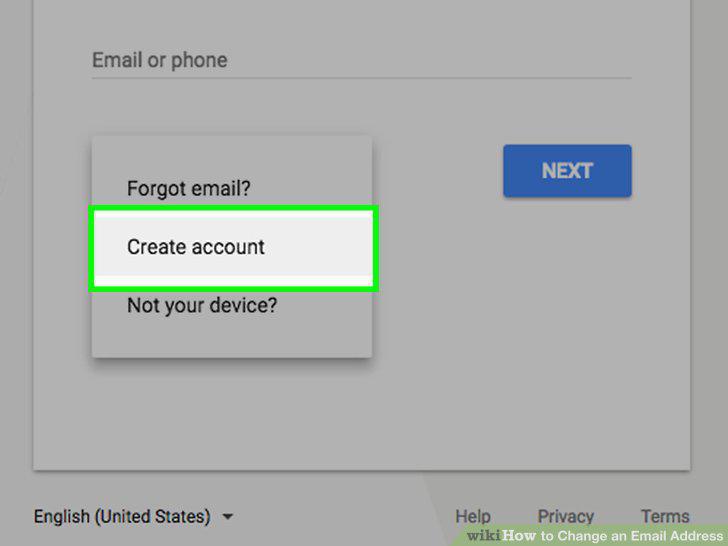
Create a new address to change.
Decide on an email service.
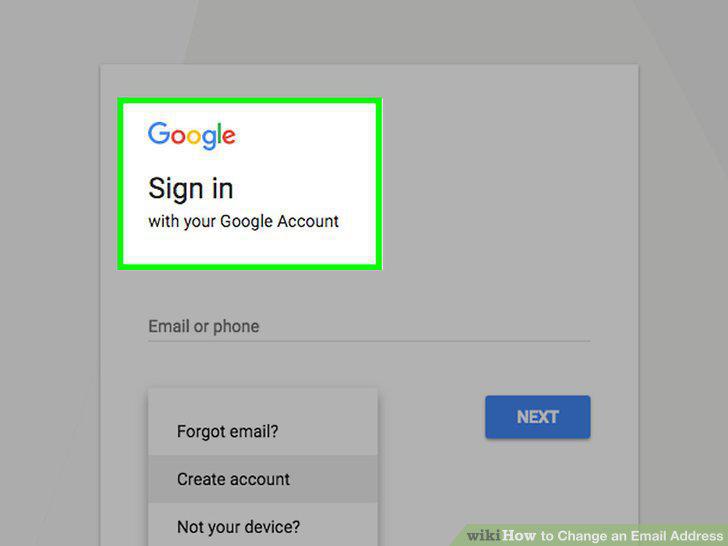
Decide on an email service.
Sign up for a free account.
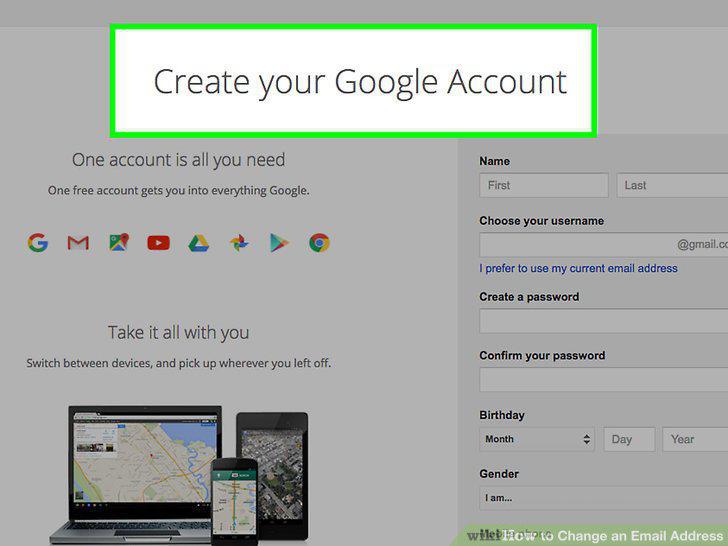
Sign up for a free account.
Create an account that you'll want to keep.
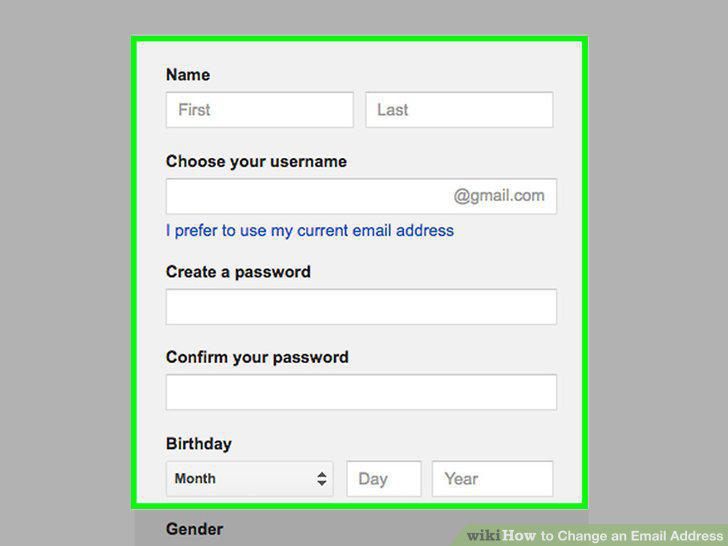
Create an account that you'll want to keep.
Create a strong password.
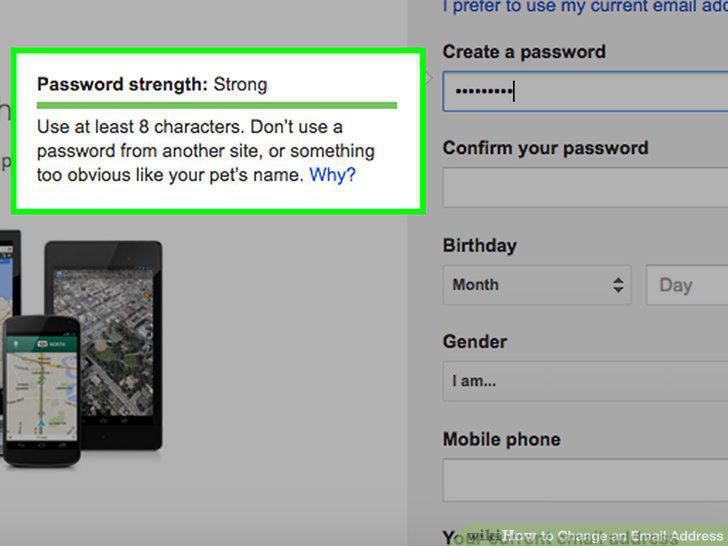
Create a strong password.
Set up two-factor authentication if it's available on your new service.
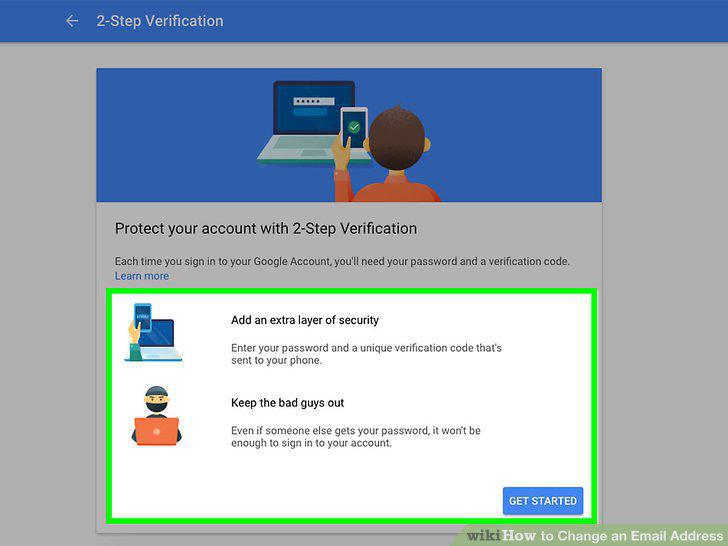
Set up two-factor authentication if it's available on your new service.
Get familiar with the new interface.
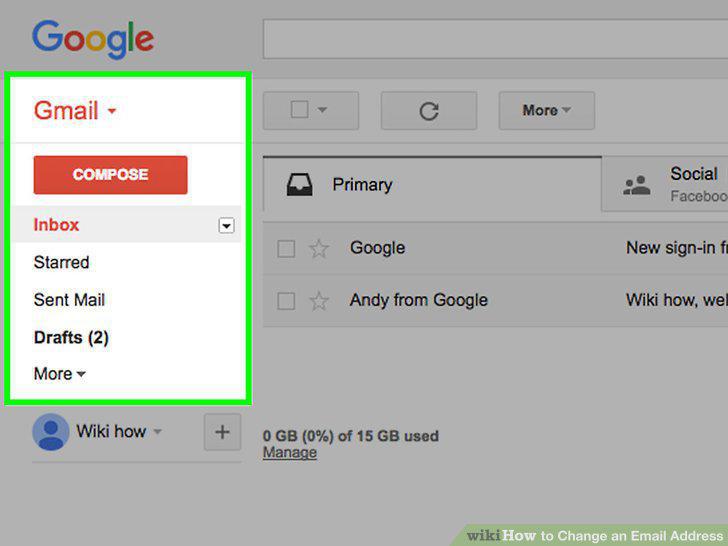
Get familiar with the new interface.
Log into your new account in your email client (if applicable).
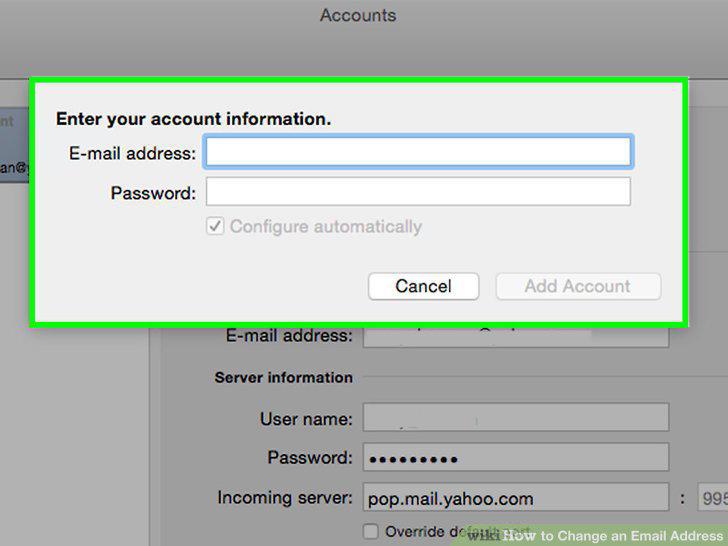
Log into your new account in your email client (if applicable).
Inform your contacts that your email address is changing.
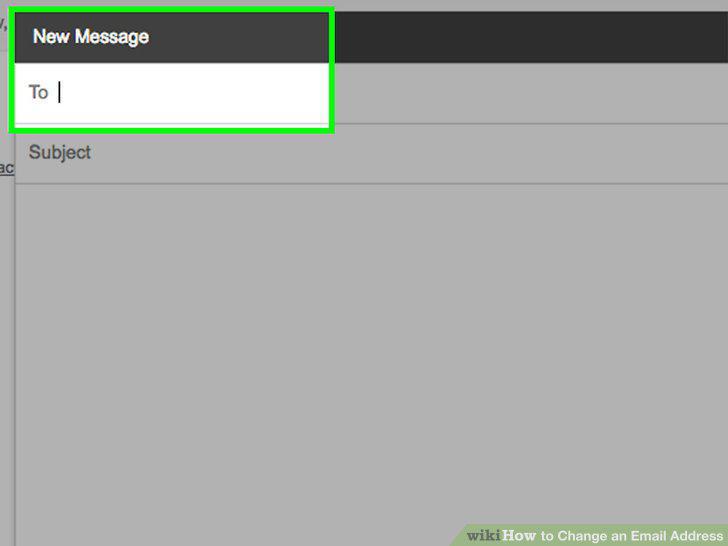
Inform your contacts that your email address is changing.
Update your accounts online with your new email address.
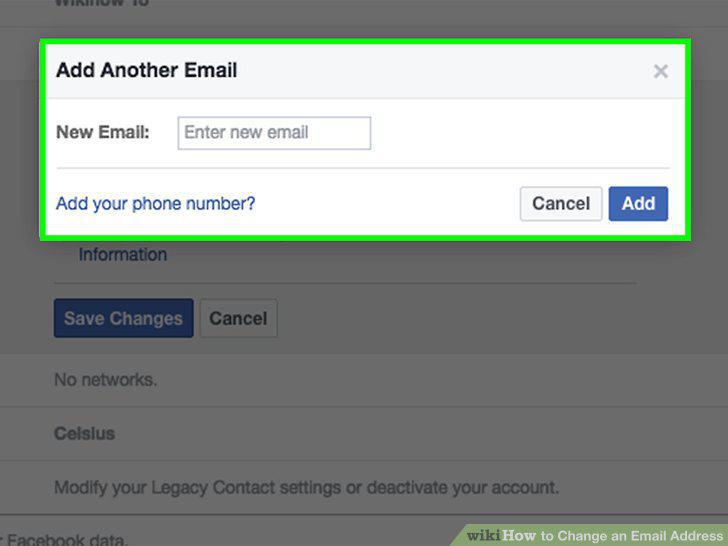
Update your accounts online with your new email address.
Check if your new mail service has an "Import" or "Merge" option.
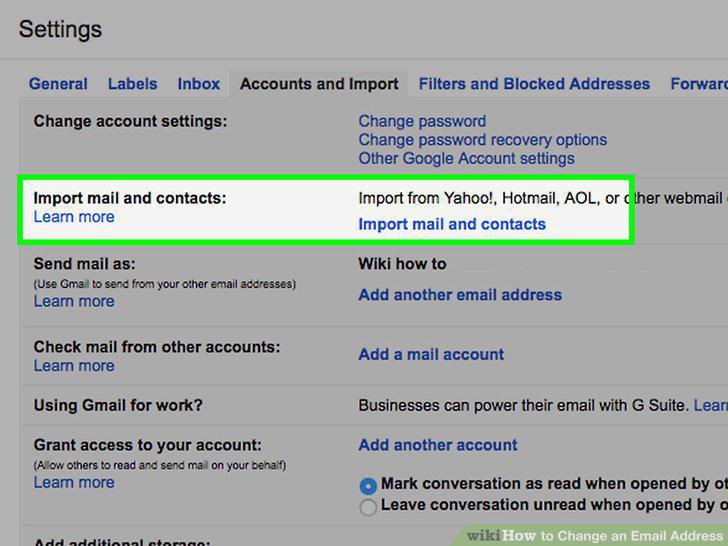
Check if your new mail service has an "Import" or "Merge" option.
Export your contacts from your old email address.
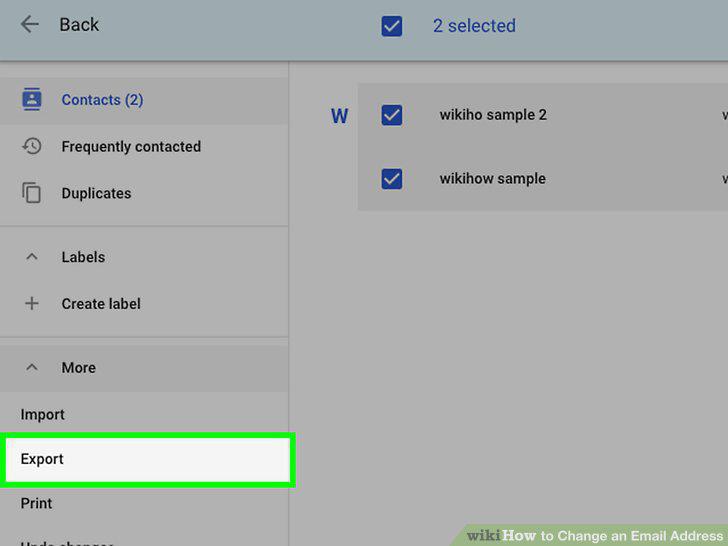
Export your contacts from your old email address.
Import your contacts into your new email account.
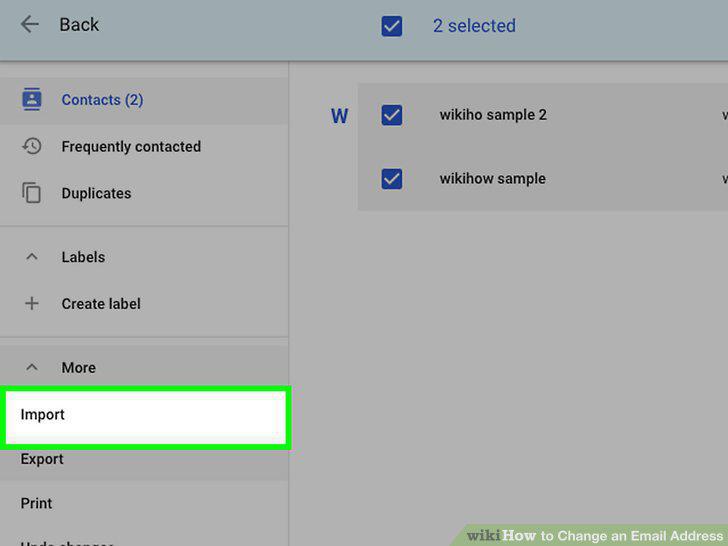
Import your contacts into your new email account.
Set up mail forwarding on your old account to your new address.
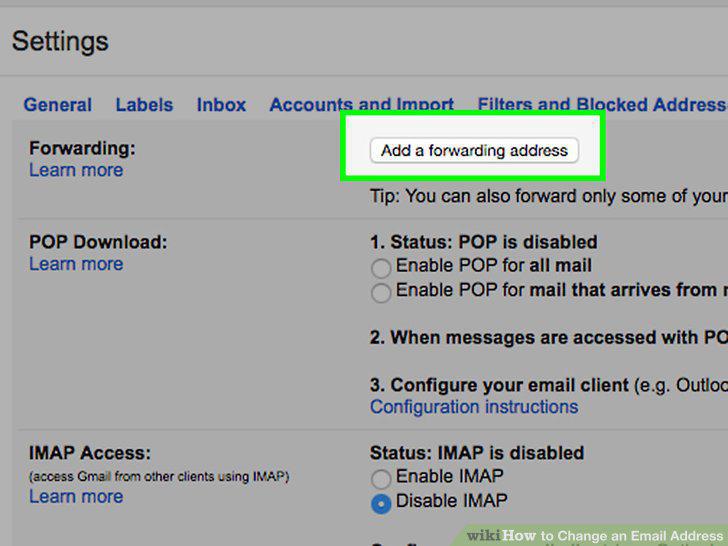
Set up mail forwarding on your old account to your new address.
Add your new address to your mobile devices.
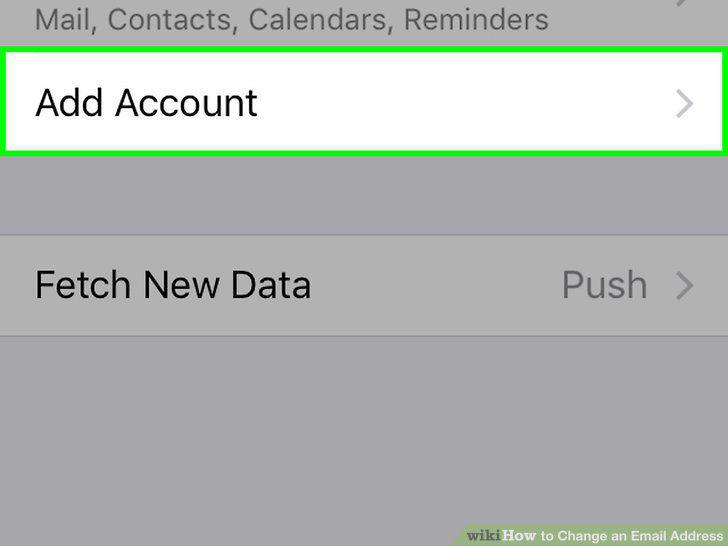
Add your new address to your mobile devices.
Decide if you want to delete your old address.
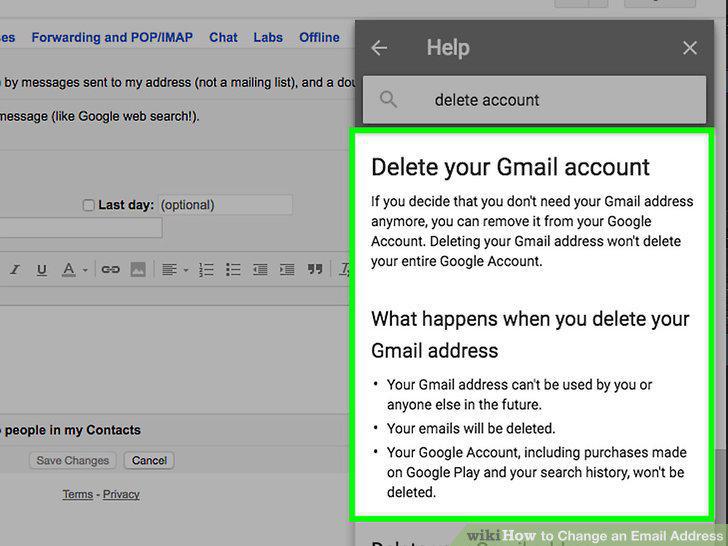
Decide if you want to delete your old address.
Leave your address for at least six months, even if you plan to delete it.
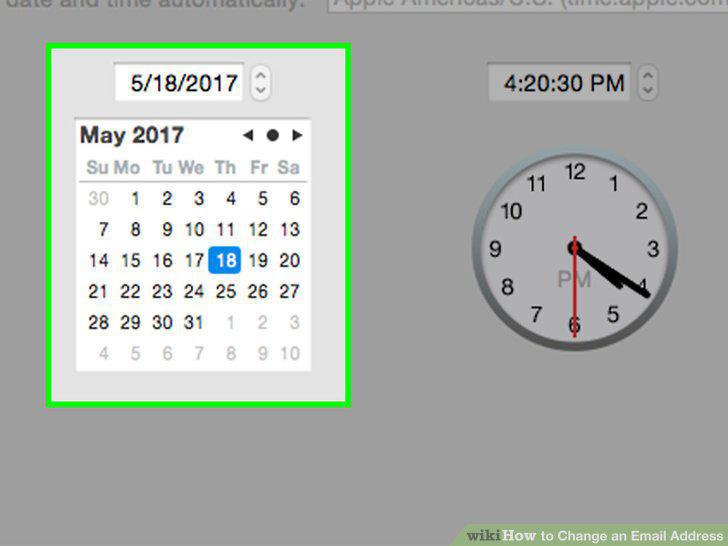
Leave your address for at least six months, even if you plan to delete it.
Set up an auto-responder on your old account.
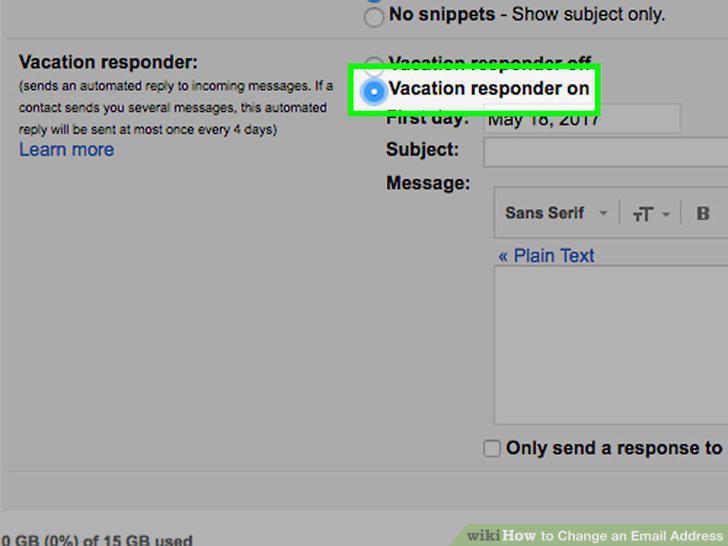
Set up an auto-responder on your old account.
Delete your old address when you're sure you aren't receiving important messages
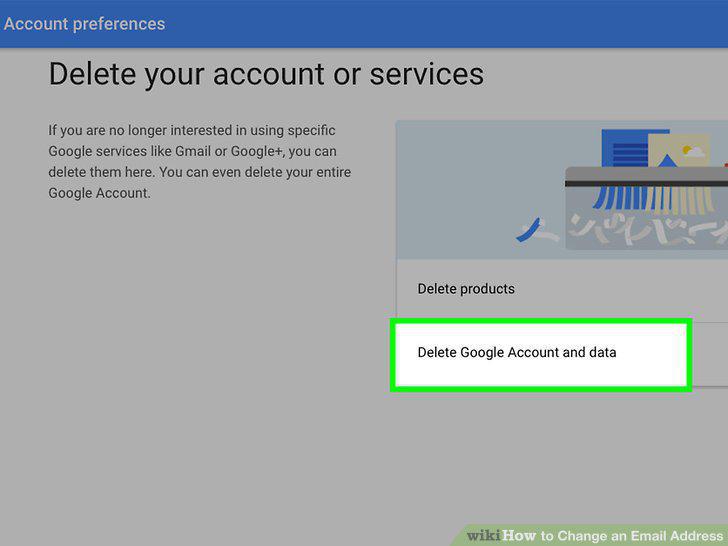
Delete your old address when you're sure you aren't receiving important messages on it anymore.
Comments (0)
No comments yet. Be the first to share your thoughts!