How to Post Something on LinkedIn on Android
Open LinkedIn on your Android.. Tap the New Post icon.. Type the contents of your post into the box.
Steps
1
Open LinkedIn on your Android.
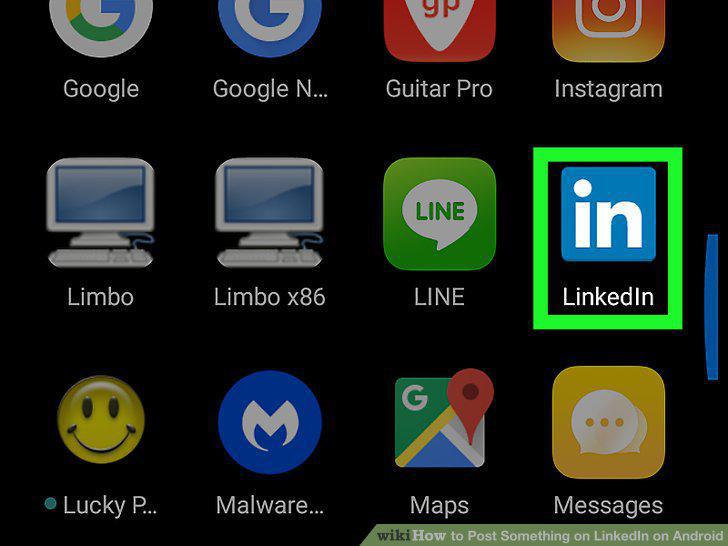
Open LinkedIn on your Android.
2
Tap the New Post icon.

Tap the New Post icon.
3
Type the contents of your post into the box.
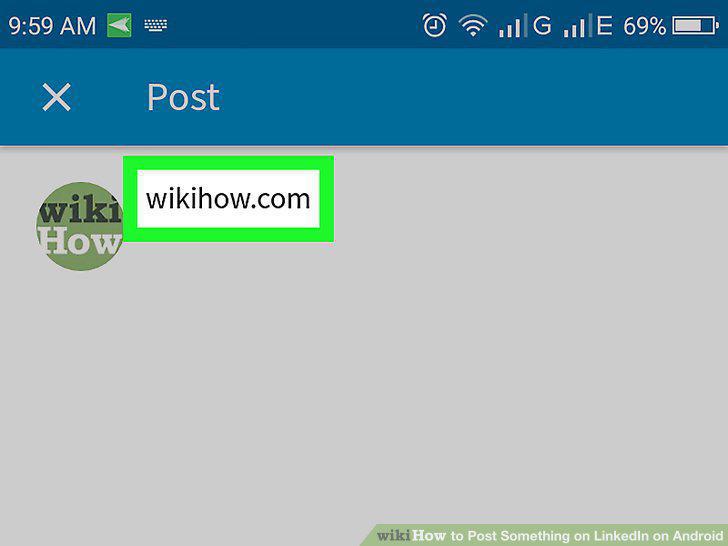
Type the contents of your post into the box.
4
Add a photo or video to the post (optional).
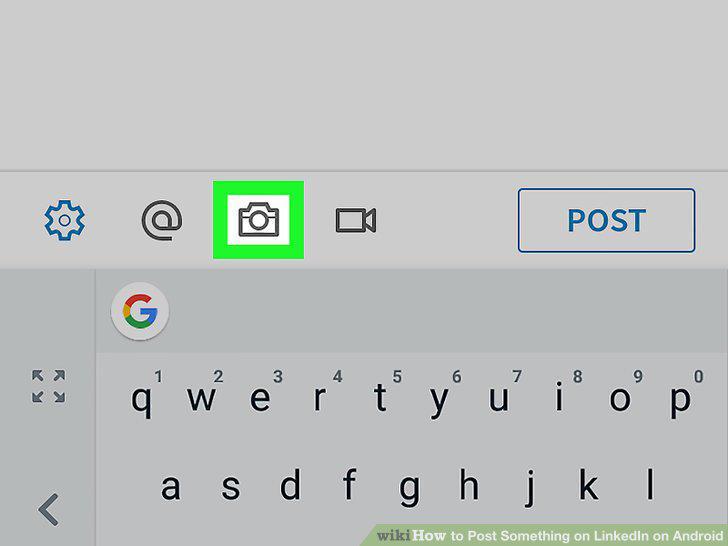
Add a photo or video to the post (optional).
5
Tap @ to tag someone (optional).
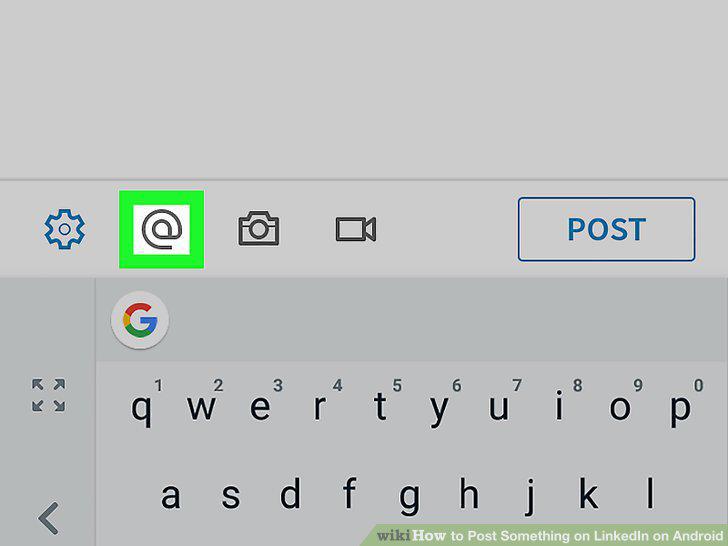
Tap @ to tag someone (optional).
6
Tap the gear icon to adjust your privacy settings.
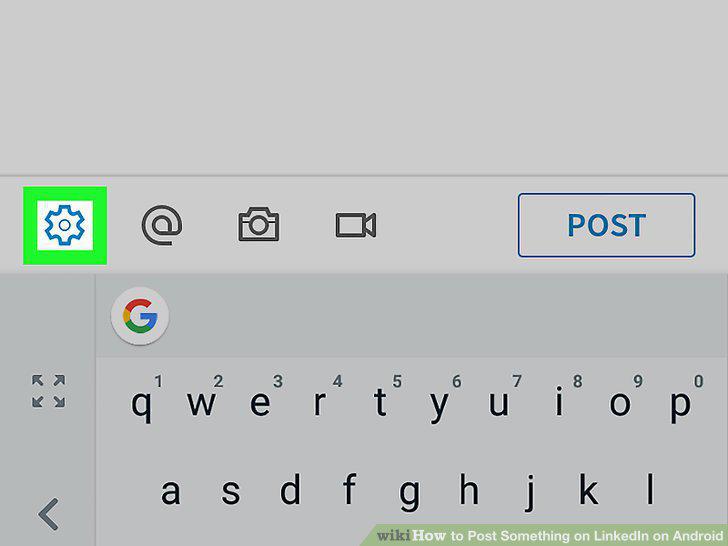
Tap the gear icon to adjust your privacy settings.
7
Tap Post.
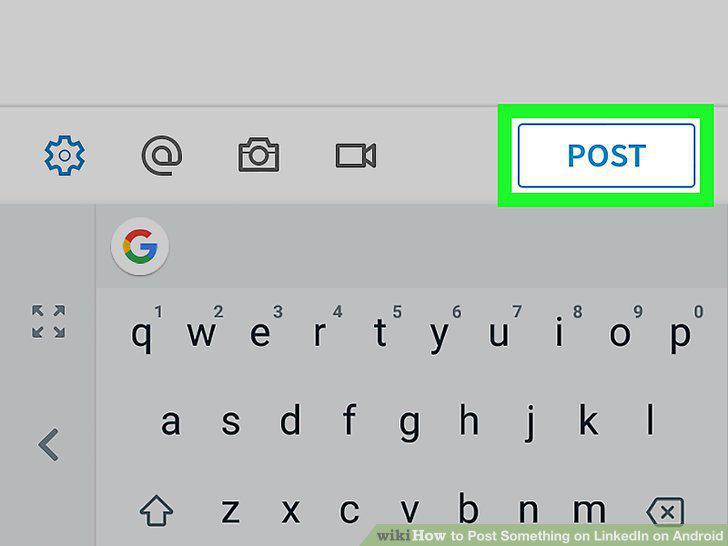
Tap Post.
Comments (0)
No comments yet. Be the first to share your thoughts!