How to Connect Bluetooth Speakers to Android
Turn on your Bluetooth speaker and put it in pairing mode.. Swipe down from the top with two fingers on your Android device.. Tap and Hold the Bluetooth icon.
Steps
1
Turn on your Bluetooth speaker and put it in pairing mode.
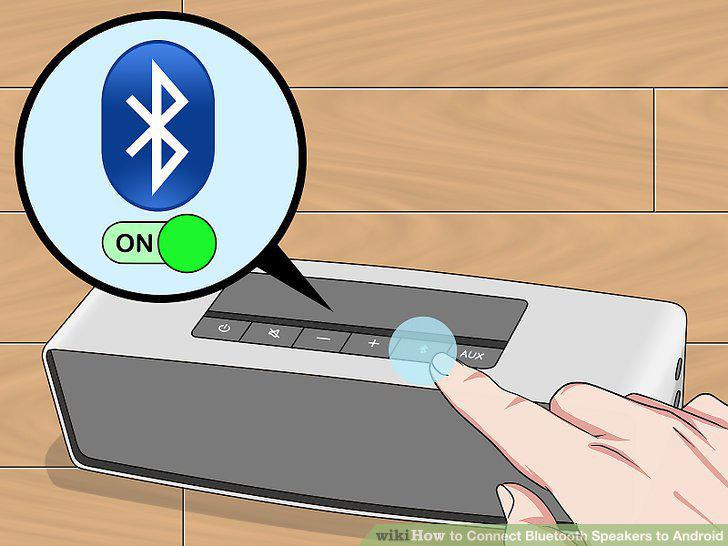
Turn on your Bluetooth speaker and put it in pairing mode.
2
Swipe down from the top with two fingers on your Android device.
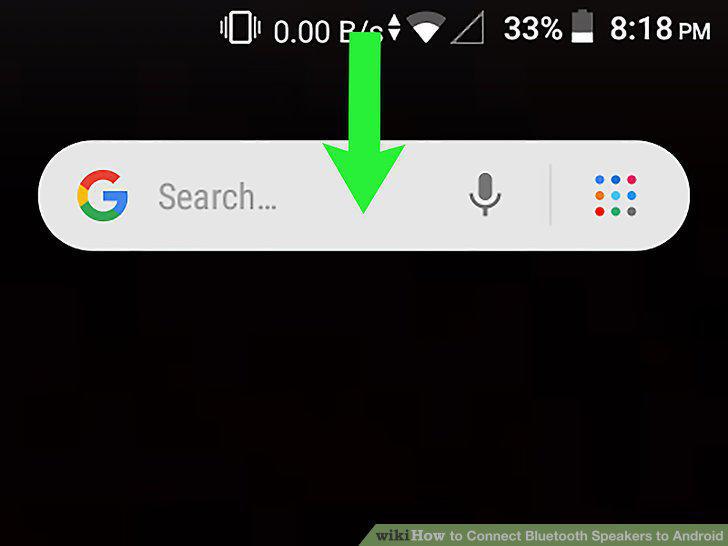
Swipe down from the top with two fingers on your Android device.
3
Tap and Hold the Bluetooth icon.
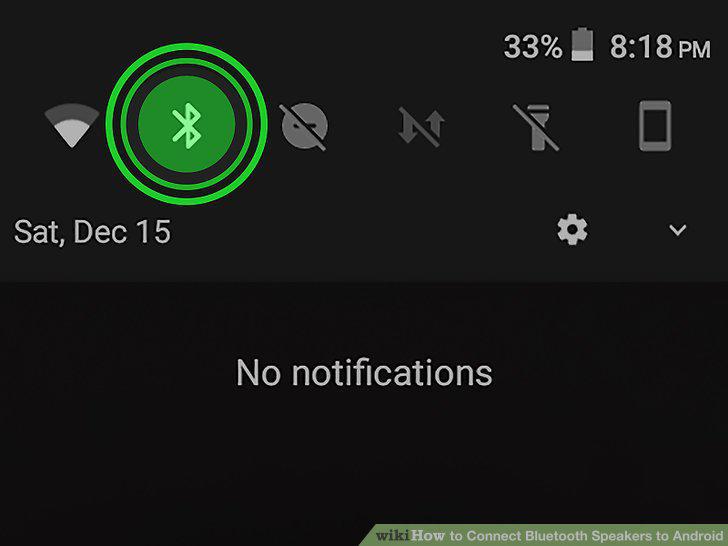
Tap and Hold the Bluetooth icon.
4
Tap + Pair new device.
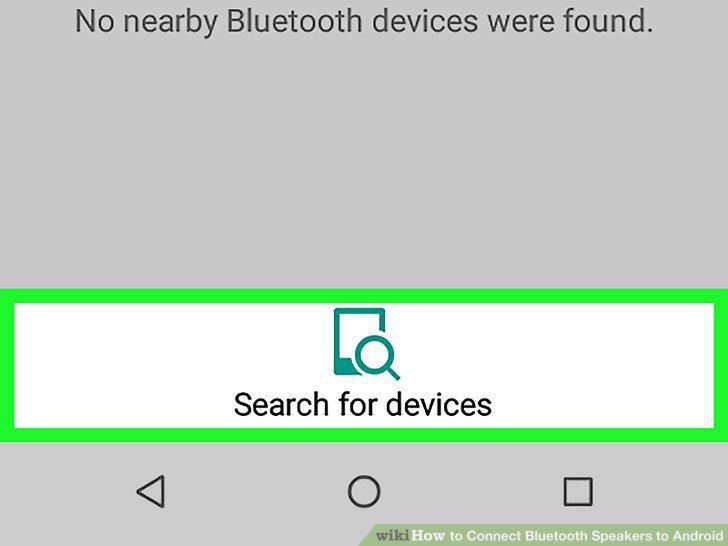
Tap + Pair new device.
5
Tap the name of your Bluetooth speaker in the Bluetooth Settings menu.
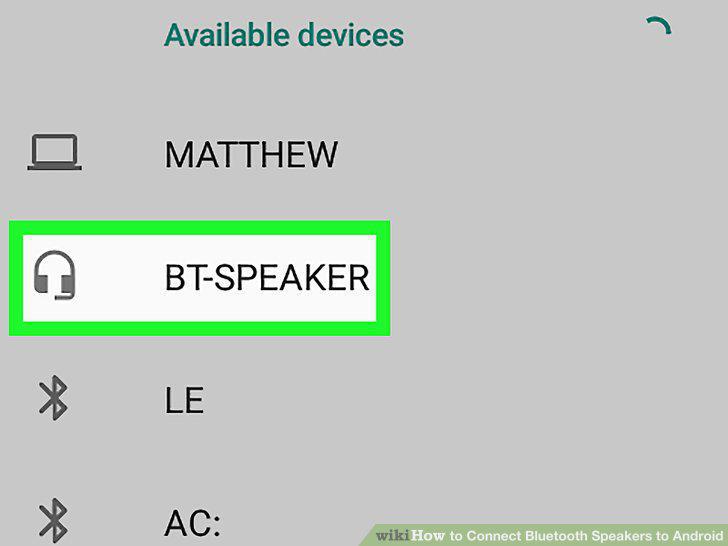
Tap the name of your Bluetooth speaker in the Bluetooth Settings menu.
Comments (0)
No comments yet. Be the first to share your thoughts!