How to Sync Messages in Viber
Get the Viber computer app from https://www.viber.com/en/download/ (if you don't have it).. Open the Viber app on your phone.. Open the Viber app on your computer.
Steps
1
Get the Viber computer app from https://www.viber.com/en/download/ (if you don't
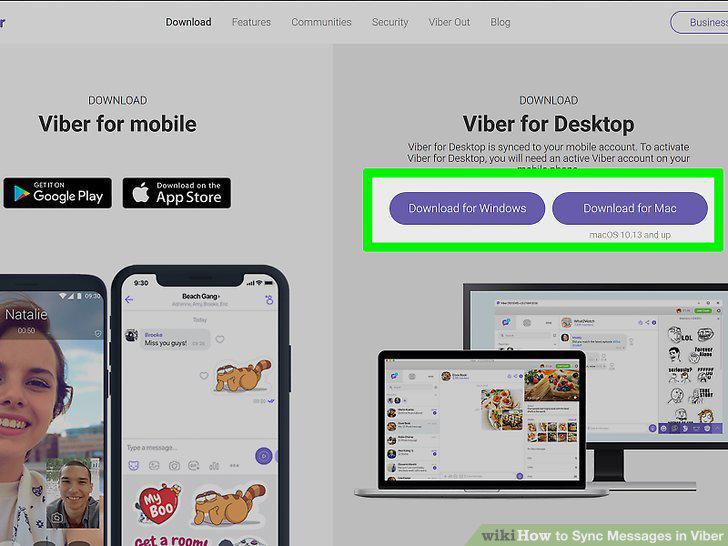
Get the Viber computer app from https://www.viber.com/en/download/ (if you don't have it).
2
Open the Viber app on your phone.
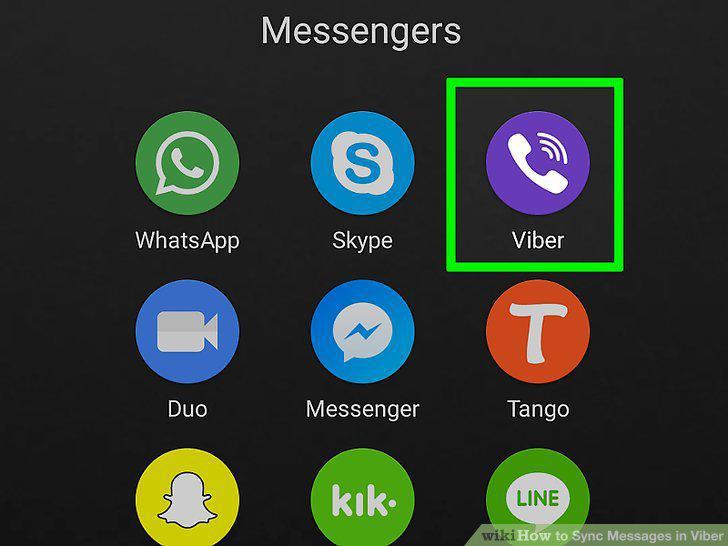
Open the Viber app on your phone.
3
Open the Viber app on your computer.
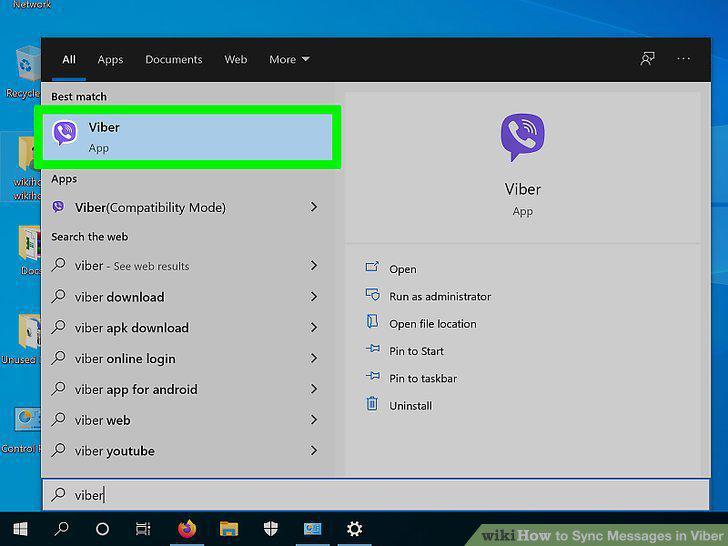
Open the Viber app on your computer.
4
Click Sync.
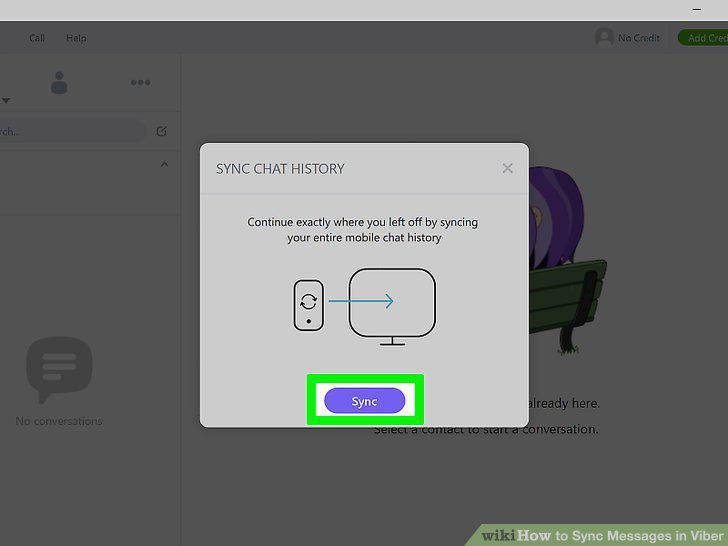
Click Sync.
5
Tap Sync on your phone.
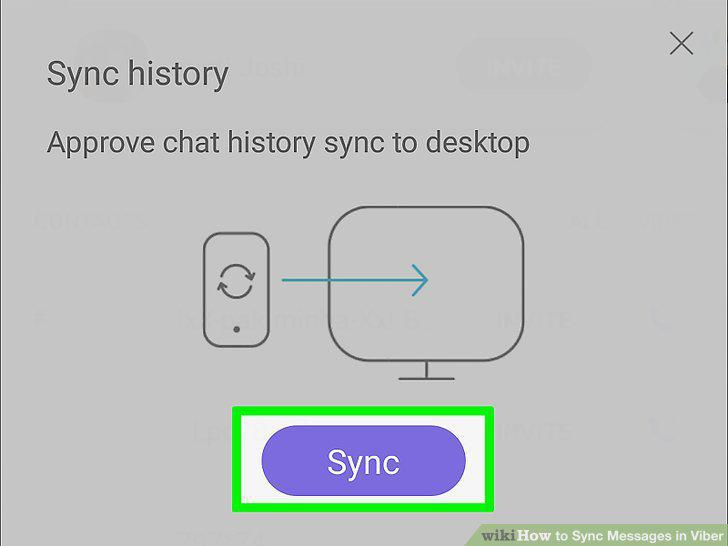
Tap Sync on your phone.
Comments (0)
No comments yet. Be the first to share your thoughts!