How to Download Fonts from Dafont
Go to http://www.dafont.com in a Web browser on your computer.. Click a font category.. Scroll down to browse the fonts in the category.
Steps
1
Go to http://www.dafont.com in a Web browser on your computer.
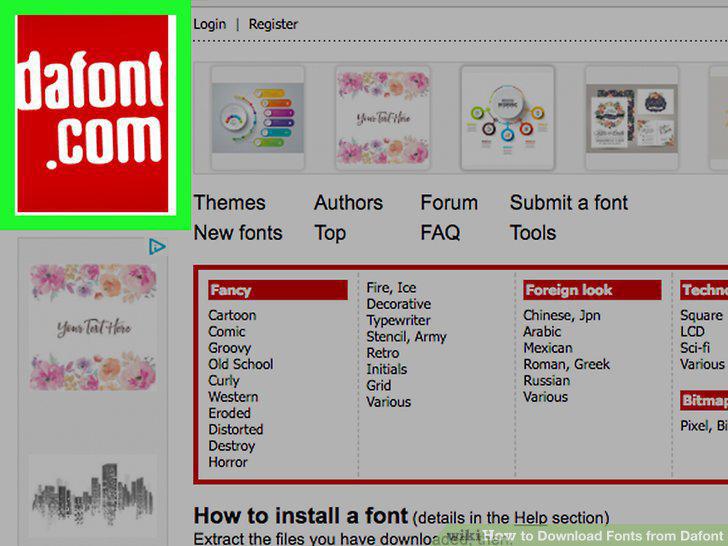
Go to http://www.dafont.com in a Web browser on your computer.
2
Click a font category.
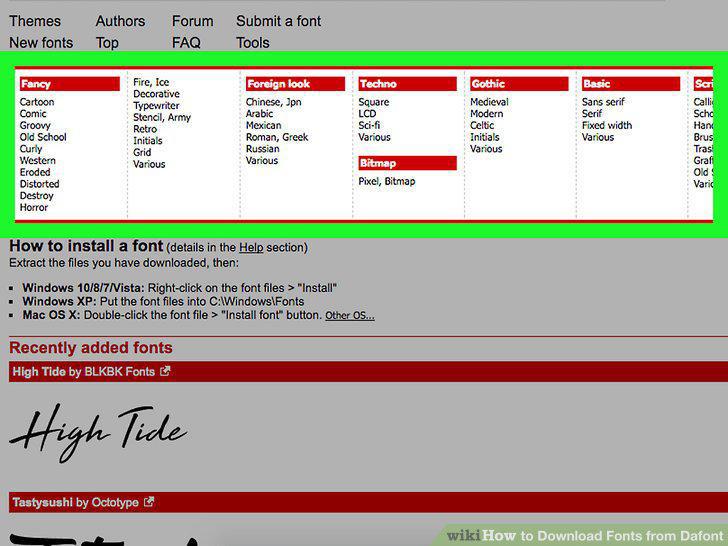
Click a font category.
3
Scroll down to browse the fonts in the category.
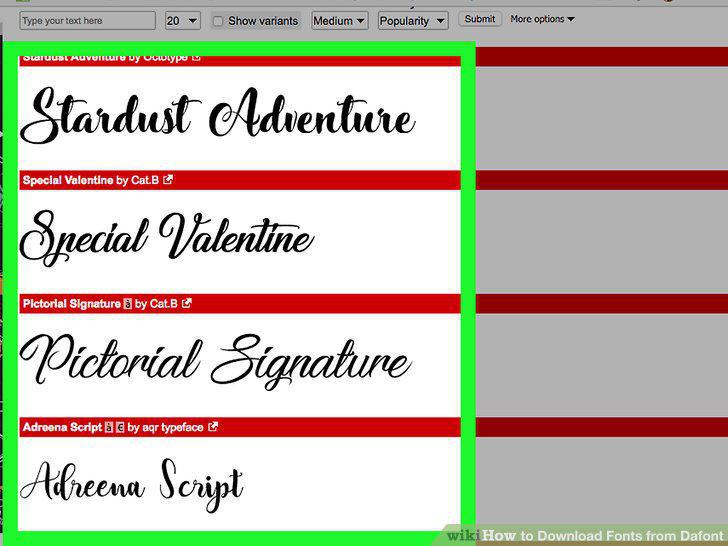
Scroll down to browse the fonts in the category.
4
Click Download when you find a font you want.
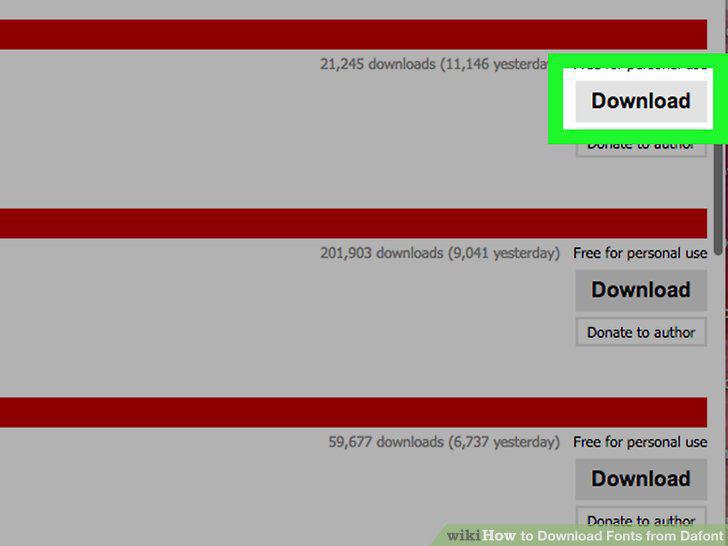
Click Download when you find a font you want.
5
Locate the font file and extract it.
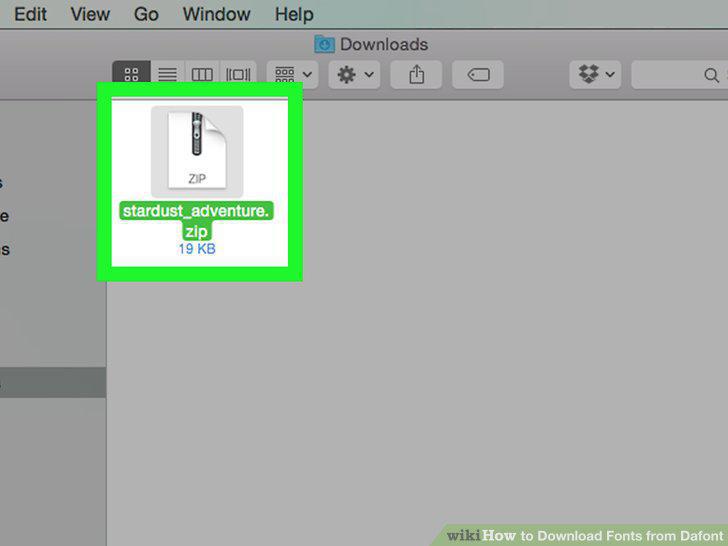
Locate the font file and extract it.
6
Double-click the extracted folder to open it.
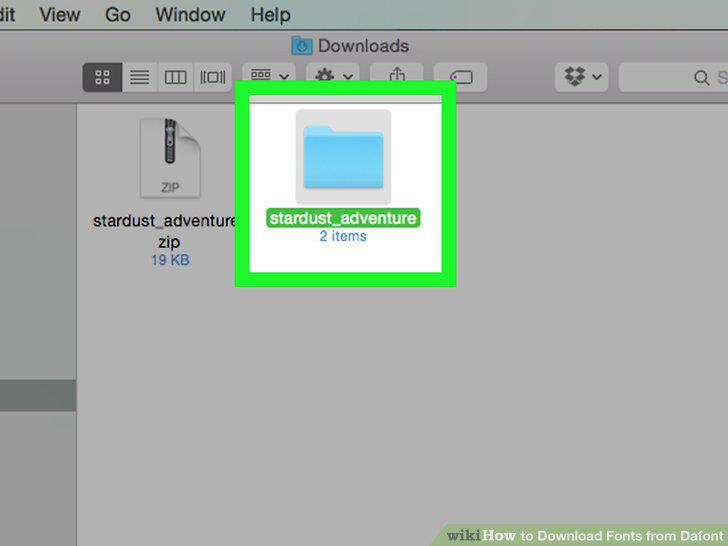
Double-click the extracted folder to open it.
7
Install the font.
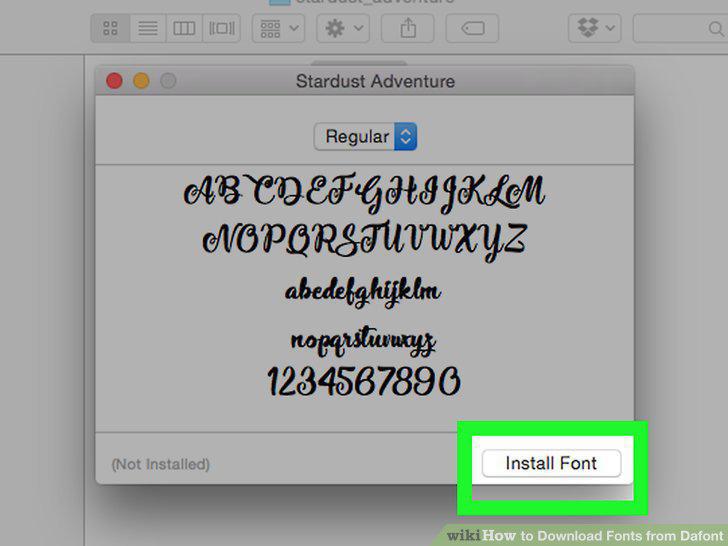
Install the font.
Comments (0)
No comments yet. Be the first to share your thoughts!