How to Advertise Cars on Facebook
Include the asking price based on the vehicle's market value.. Write a full, honest, and detailed description of the car you're selling.. List several photos of the car you're selling from every angle.
Steps
Include the asking price based on the vehicle's market value.
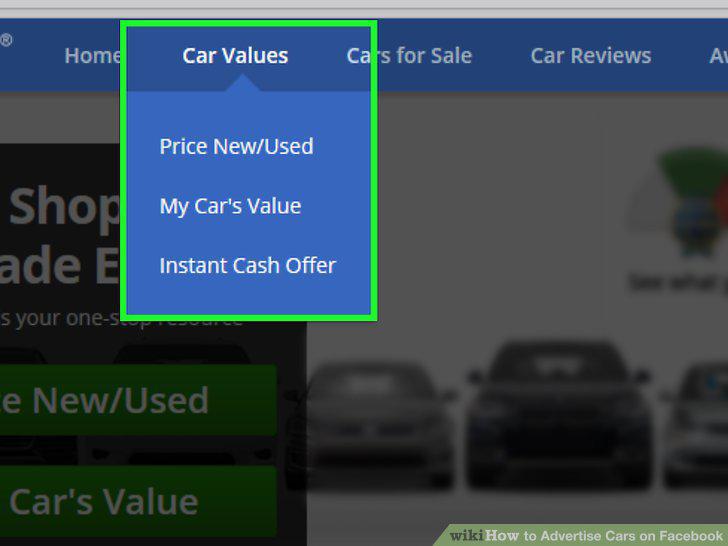
Include the asking price based on the vehicle's market value.
Write a full, honest, and detailed description of the car you're selling.
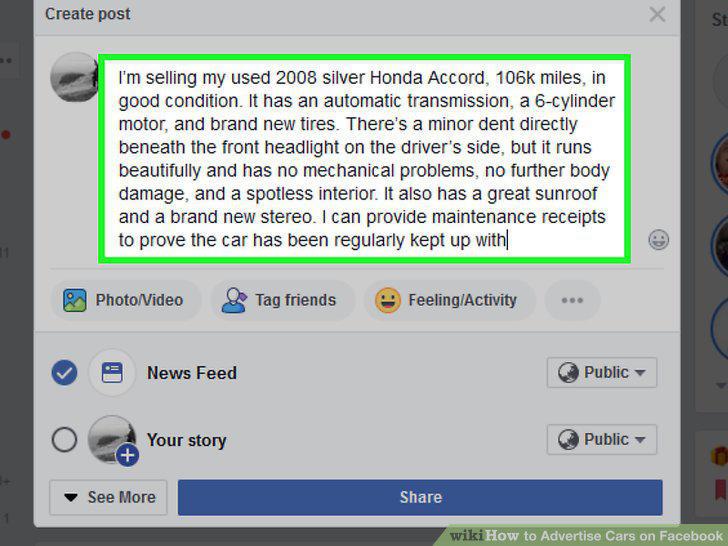
Write a full, honest, and detailed description of the car you're selling.
List several photos of the car you're selling from every angle.
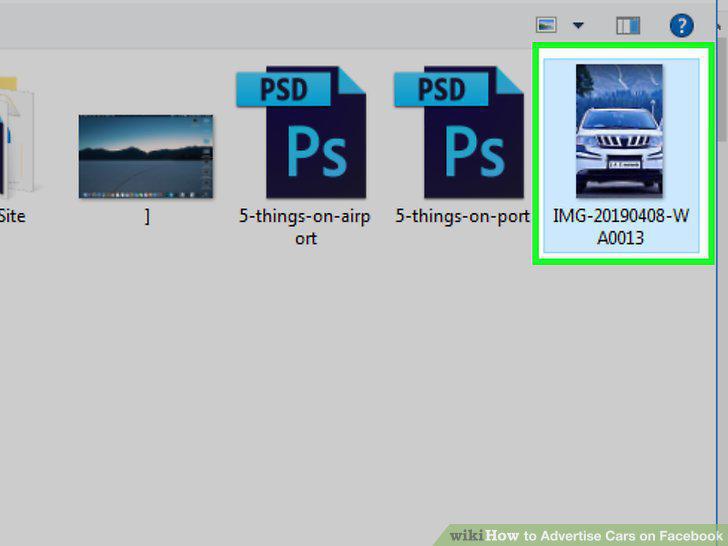
List several photos of the car you're selling from every angle.
Post a walk-around video of the car you're selling.
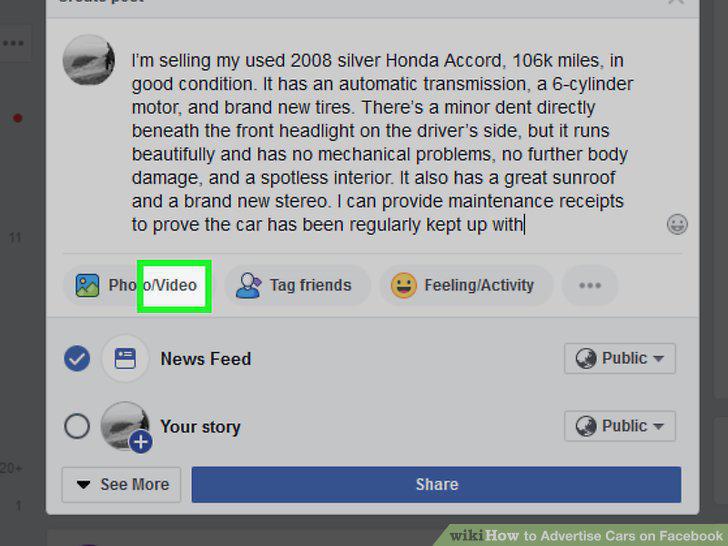
Post a walk-around video of the car you're selling.
Include a contact phone number in your listing.
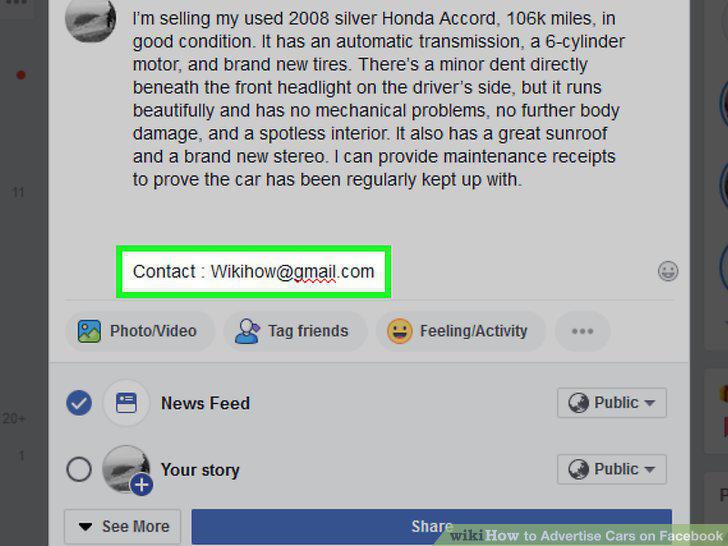
Include a contact phone number in your listing.
Let potential buyers know what payment options you accept.
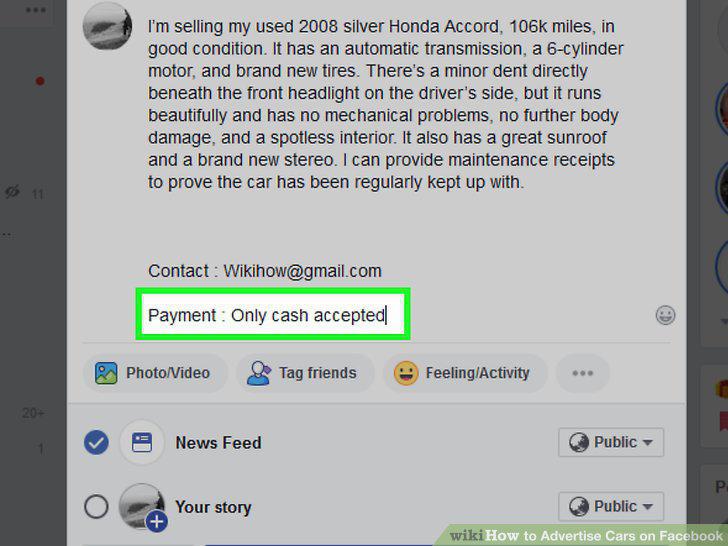
Let potential buyers know what payment options you accept.
Post the listing you created on your Facebook profile page.
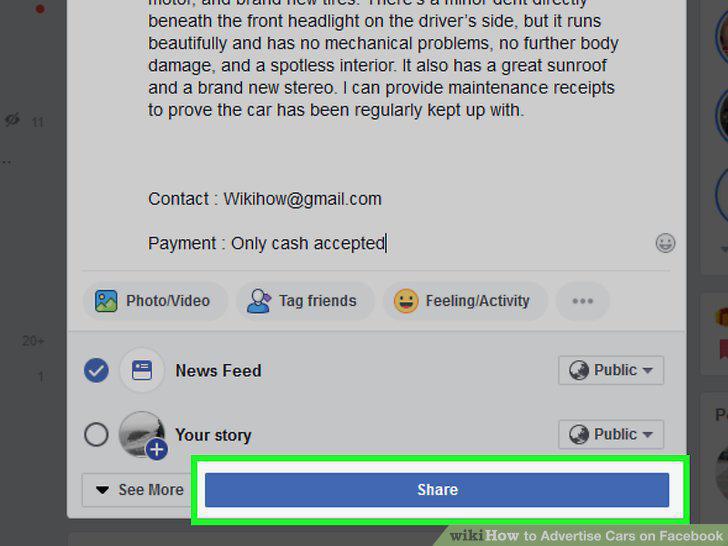
Post the listing you created on your Facebook profile page.
Create a post on Facebook Marketplace to reach more potential buyers.
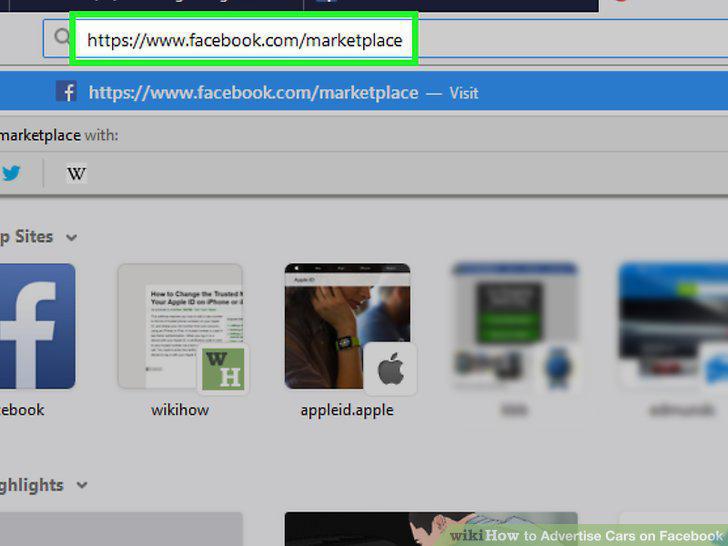
Create a post on Facebook Marketplace to reach more potential buyers.
Share your listing in Facebook groups that advertise cars.
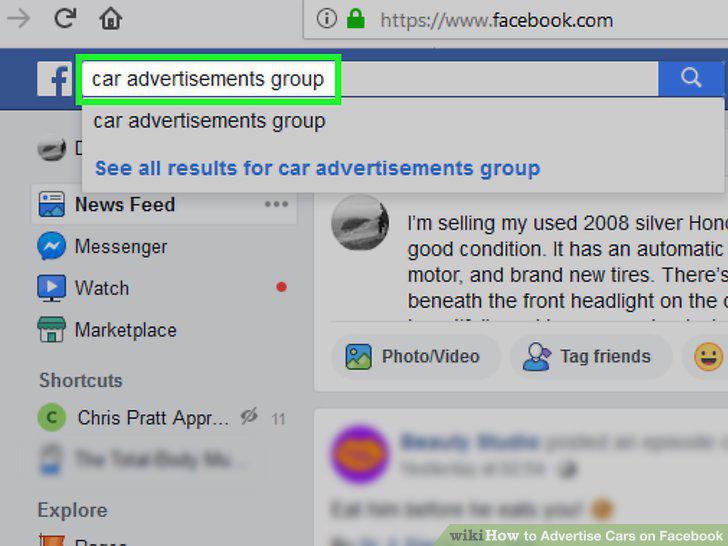
Share your listing in Facebook groups that advertise cars.
Create a separate Facebook page
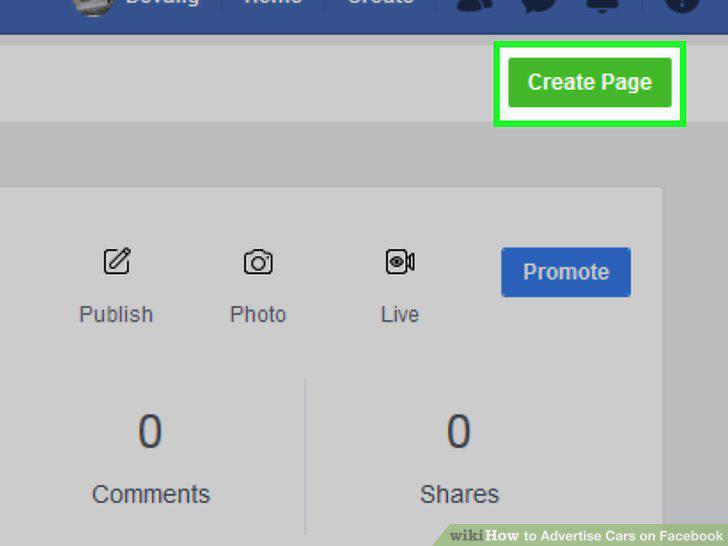
Create a separate Facebook page
Respond to all inquiries within 48 hours.
Respond to all inquiries within 48 hours.
Negotiate the price with the potential buyer.
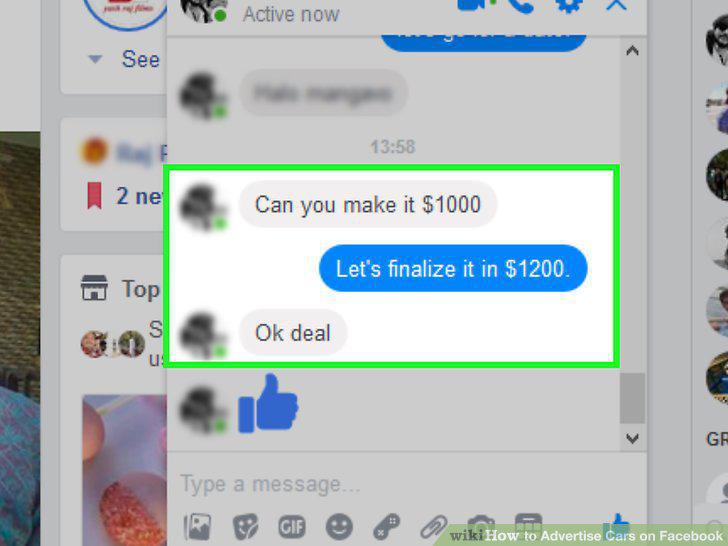
Negotiate the price with the potential buyer.
Get the potential buyer's contact information.
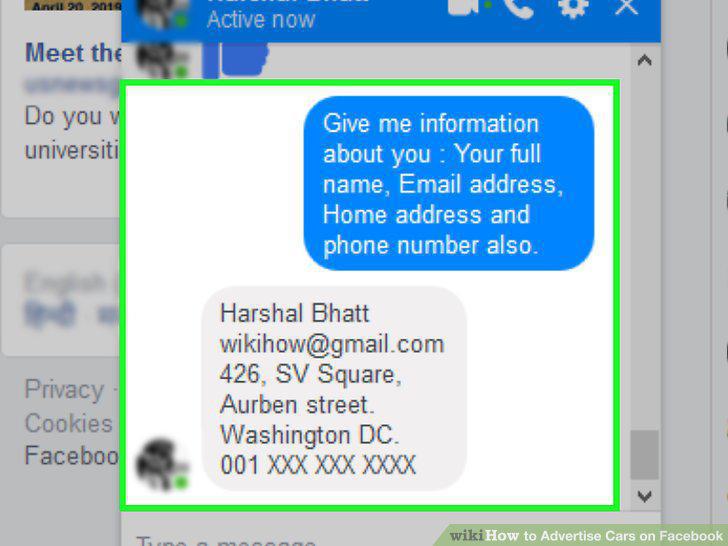
Get the potential buyer's contact information.
Meet with the buyer in person to finalize the sale and collect payment.
Meet with the buyer in person to finalize the sale and collect payment.
Fill out the sales paperwork as required by the state you live in.
Fill out the sales paperwork as required by the state you live in.
Sign the title over to the buyer once you receive payment.
Sign the title over to the buyer once you receive payment.
Mark your listing as "sold" when the transaction is complete.
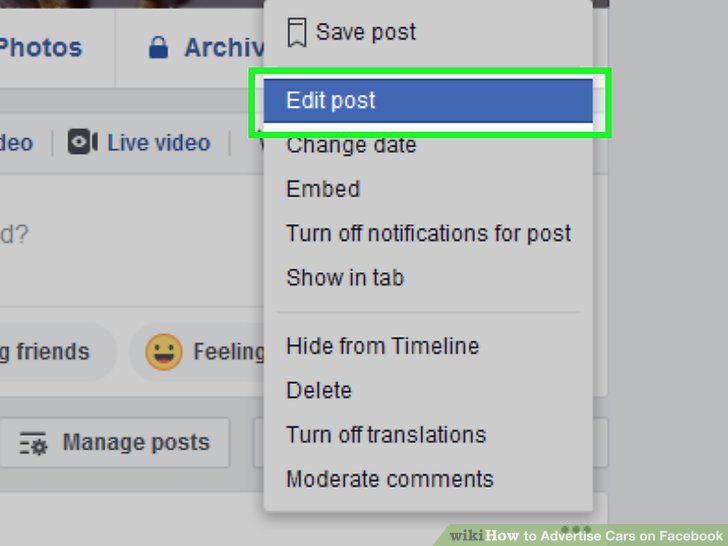
Mark your listing as "sold" when the transaction is complete.
Comments (0)
No comments yet. Be the first to share your thoughts!