How to Video on VLC
Find your subtitle file.. Copy the subtitle file.. Go to the video's location.
Steps
1
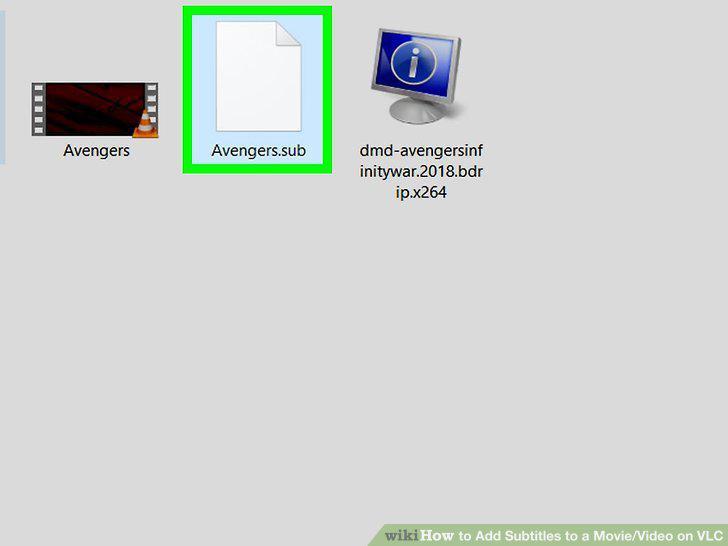
Find your subtitle file.
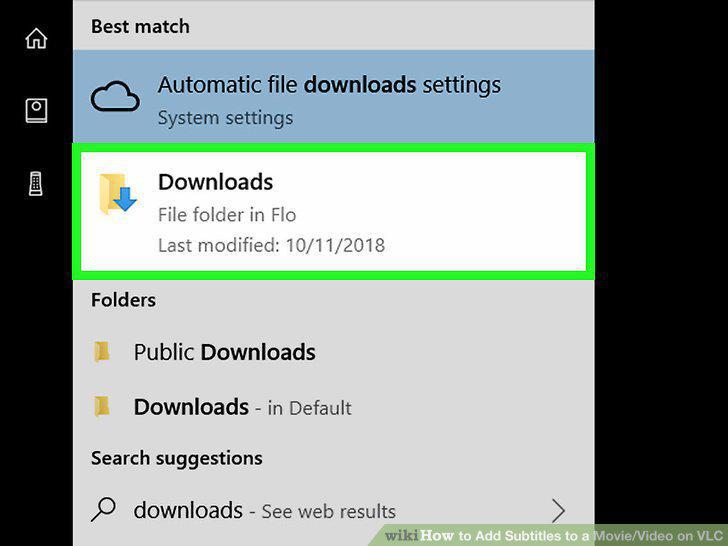
Find your subtitle file.
2
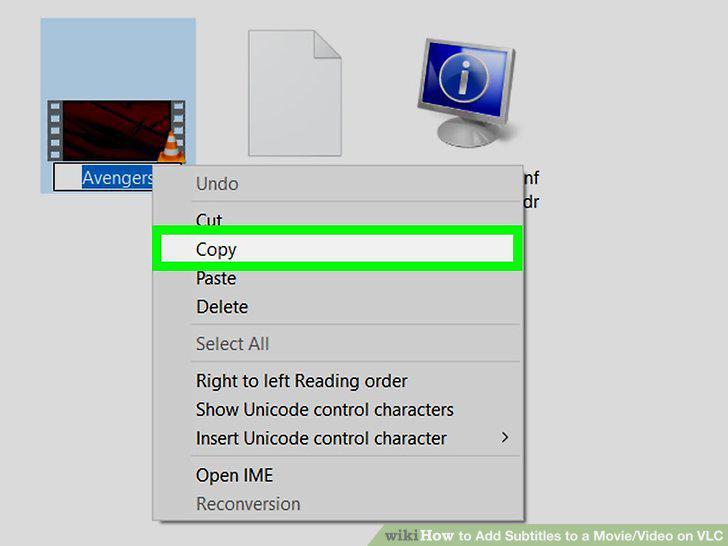
Copy the subtitle file.
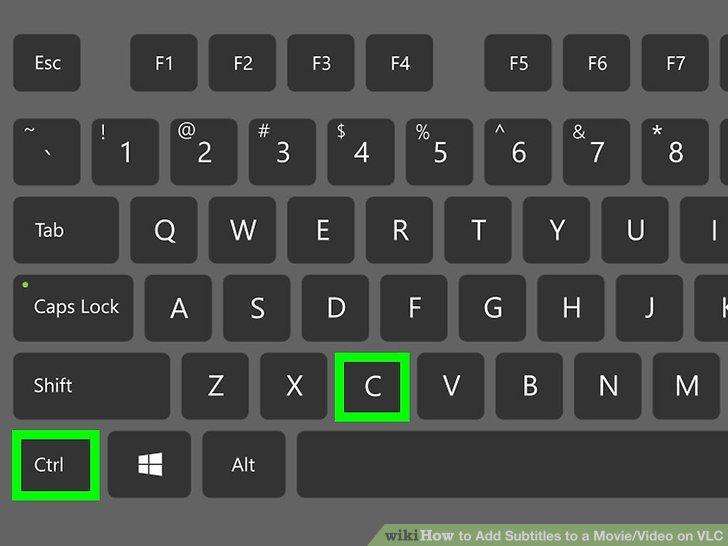
Copy the subtitle file.
3
Go to the video's location.
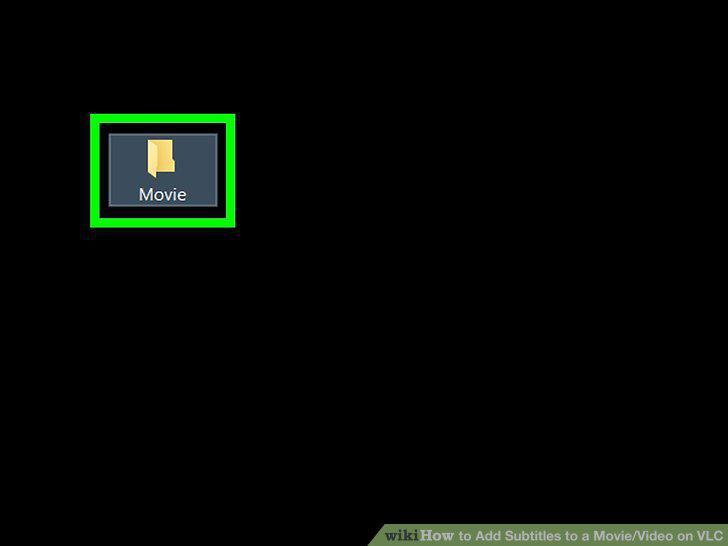
Go to the video's location.
4
Paste in the subtitle file.
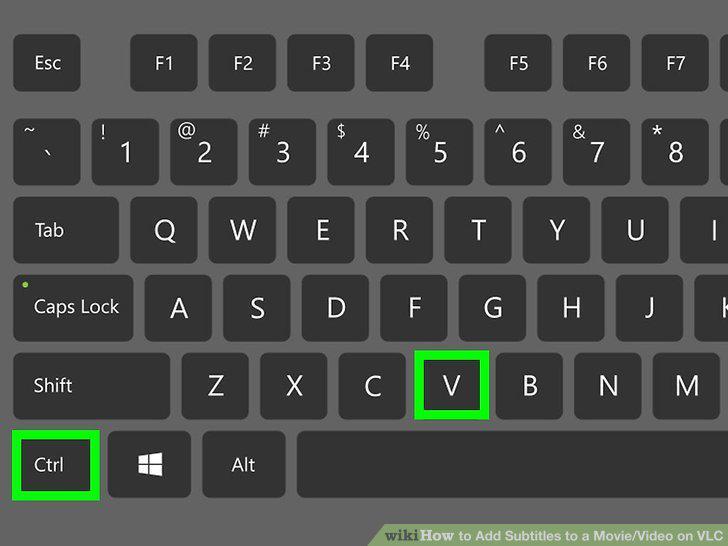
Paste in the subtitle file.
5
Copy the video's name.
Copy the video's name.
6
Rename the subtitle file using the video's name.
Rename the subtitle file using the video's name.
7
Select the video.
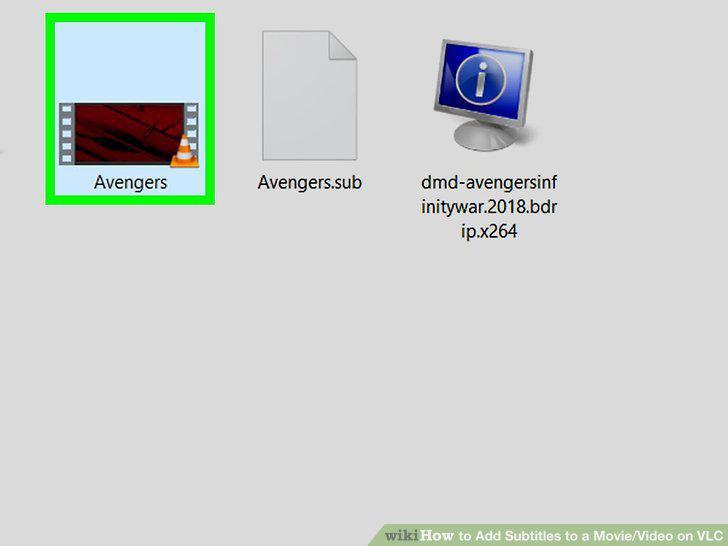
Select the video.
8
Right-click the video.
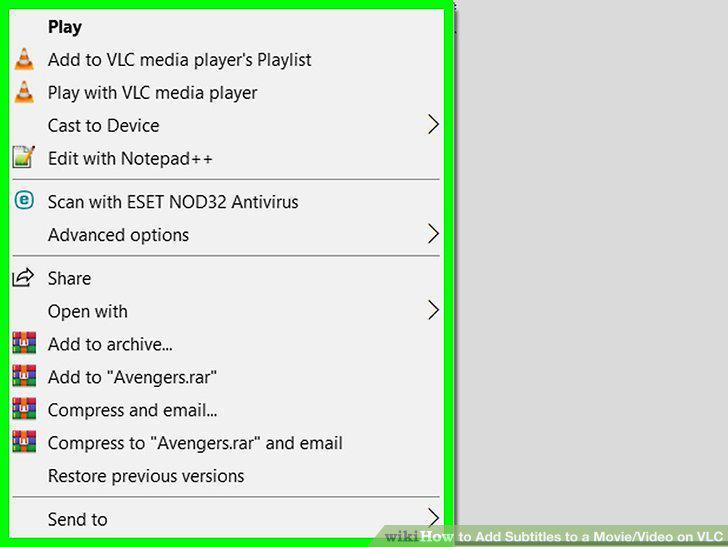
Right-click the video.
9
Select Open with.
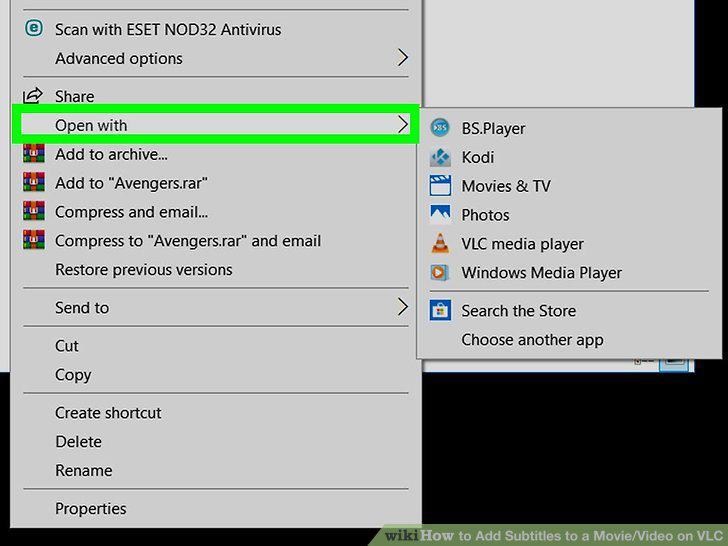
Select Open with.
10
Click VLC media player.
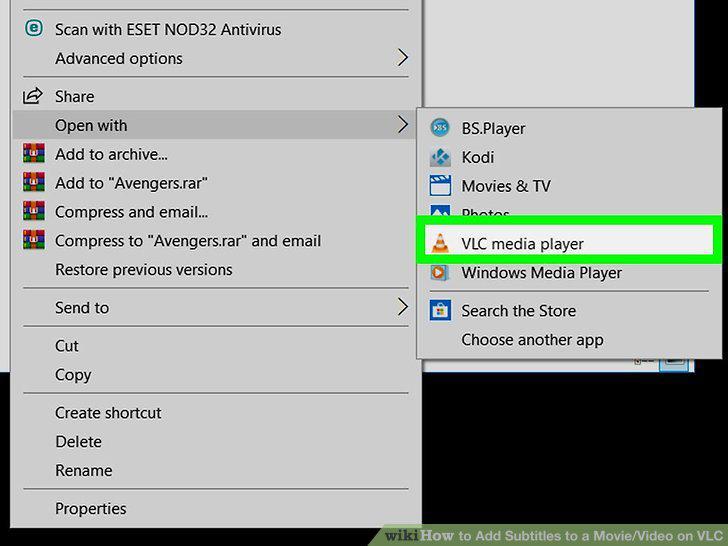
Click VLC media player.
11
Click Subtitle.
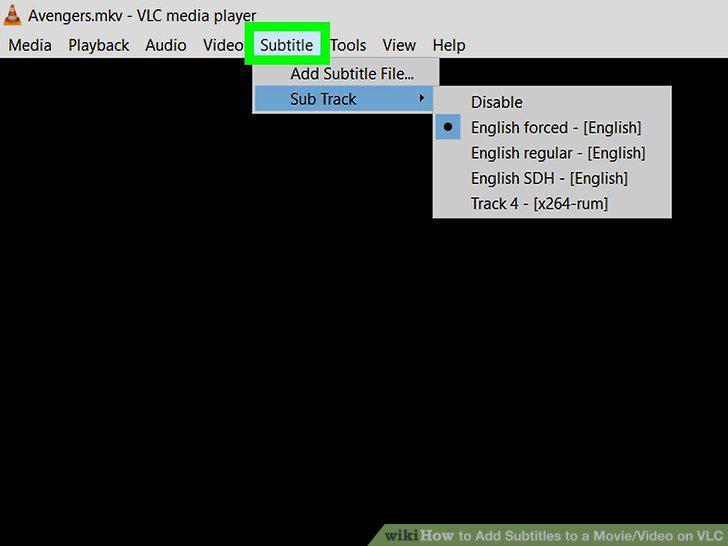
Click Subtitle.
12
Select Sub Track.
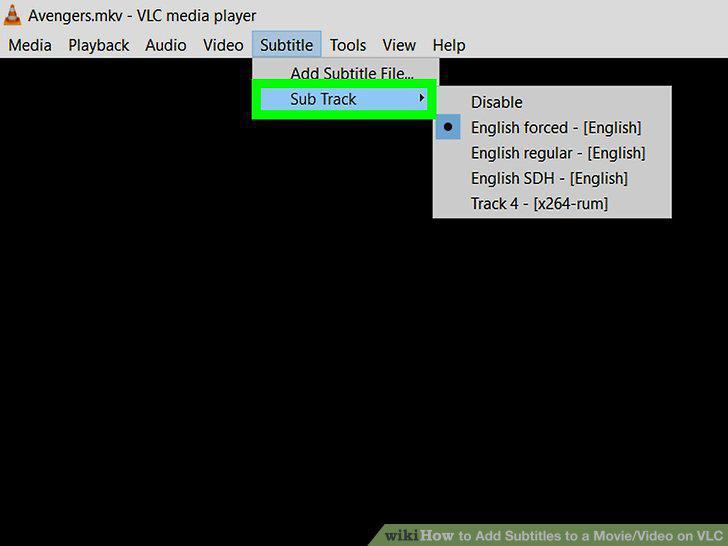
Select Sub Track.
13
Click Track 1.
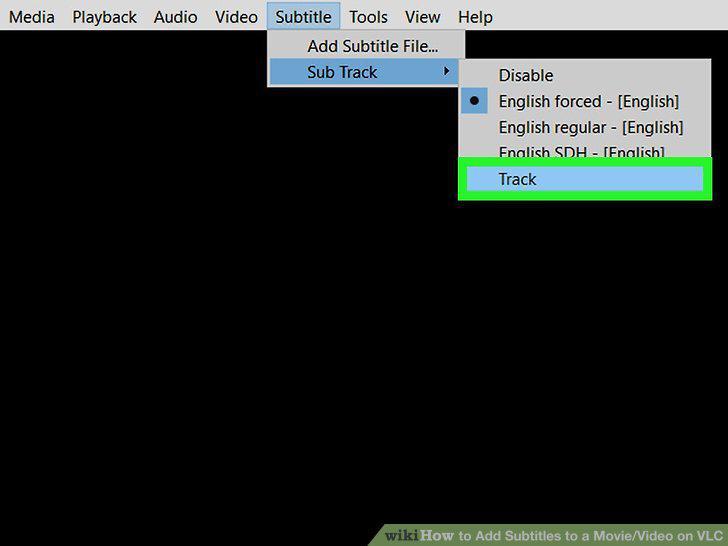
Click Track 1.
14
Import the subtitle file if necessary.
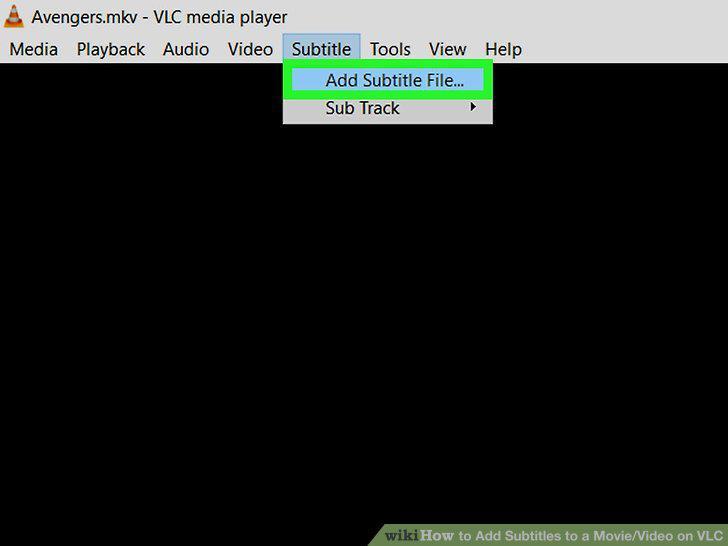
Import the subtitle file if necessary.
Comments (0)
No comments yet. Be the first to share your thoughts!