How to Set Print Area on Google Sheets on PC or Mac
Navigate to https://sheets.google.com in any web browser.. Click the spreadsheet you want to print.. Select the cells you want to print.
Steps
1
Navigate to https://sheets.google.com in any web browser.
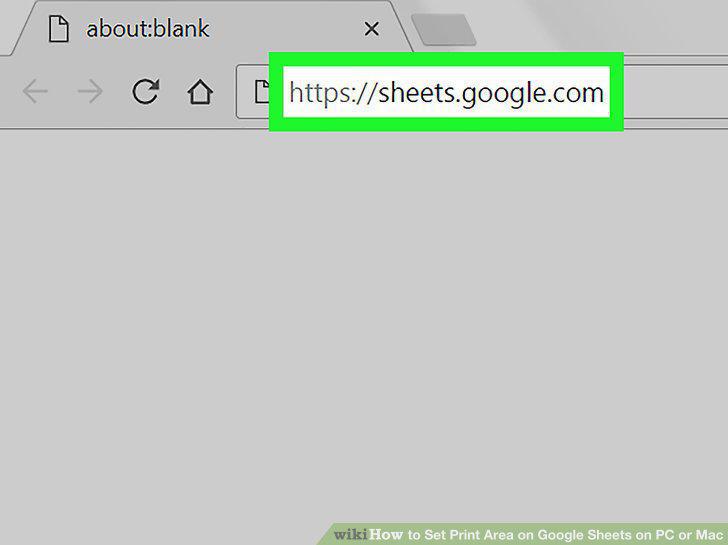
Navigate to https://sheets.google.com in any web browser.
2
Click the spreadsheet you want to print.
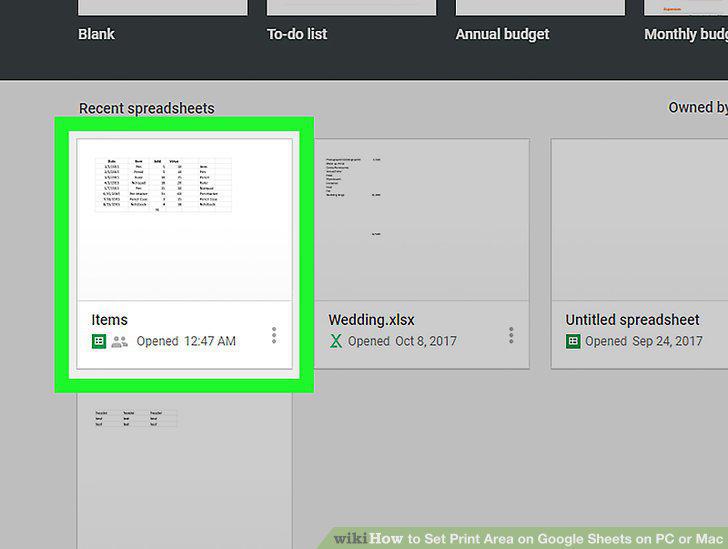
Click the spreadsheet you want to print.
3
Select the cells you want to print.
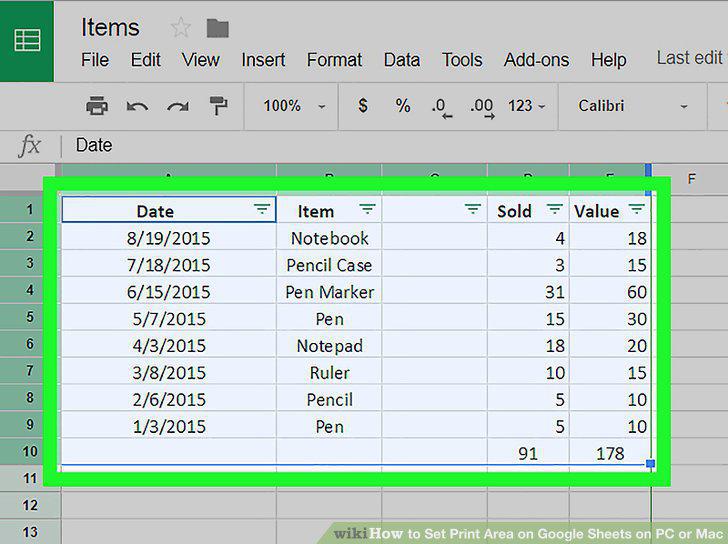
Select the cells you want to print.
4
Click the print icon.
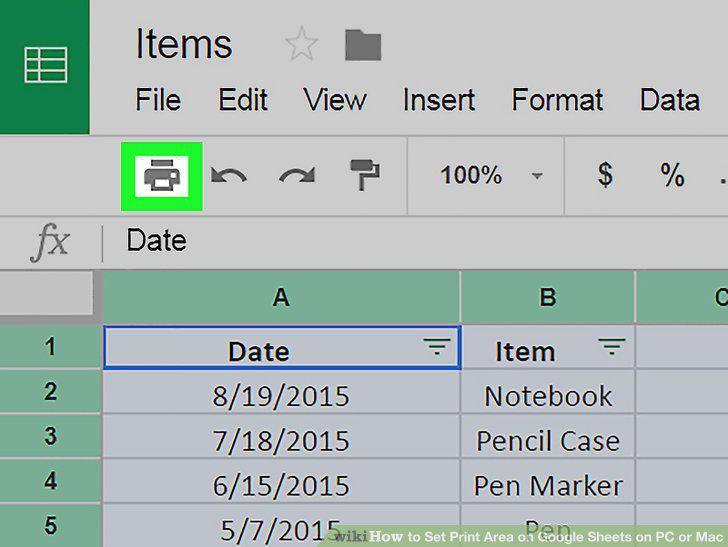
Click the print icon.
5
Select Selected Cells from the "Print" drop-down menu.
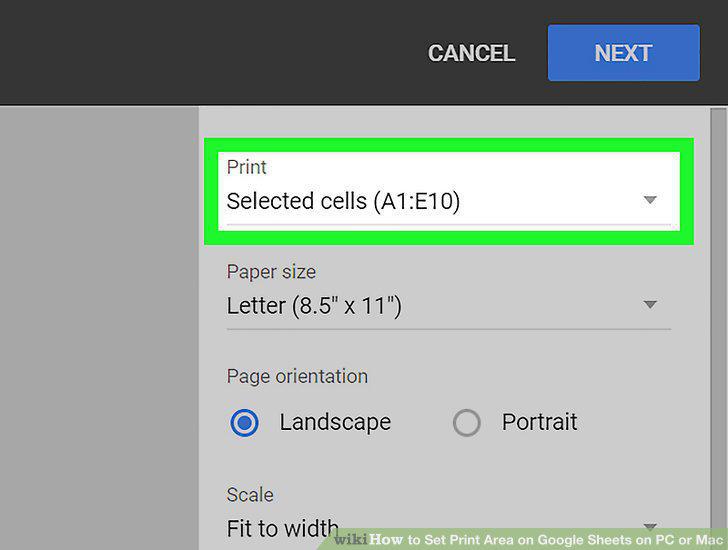
Select Selected Cells from the "Print" drop-down menu.
6
Click Next.
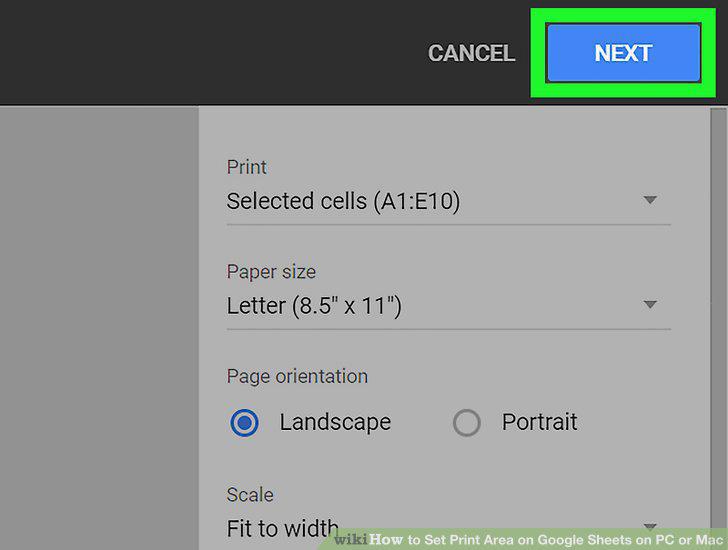
Click Next.
7
Click Print.
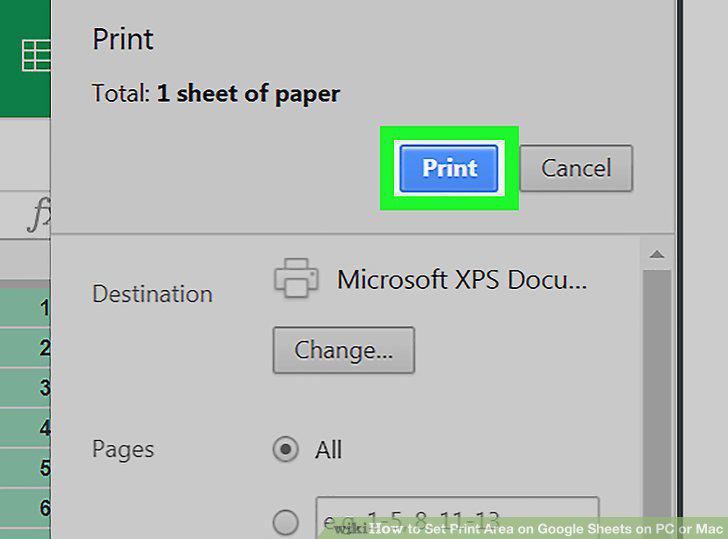
Click Print.
Comments (0)
No comments yet. Be the first to share your thoughts!