How to Change the Background on PowerPoint Slides
Display the slide you want to customize.. View background fill options.. Create a solid background.
Steps
1
Display the slide you want to customize.
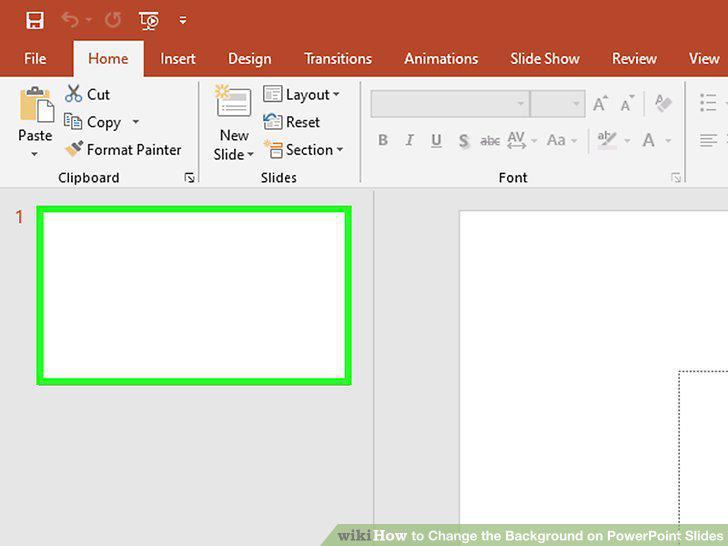
Display the slide you want to customize.
2
View background fill options.
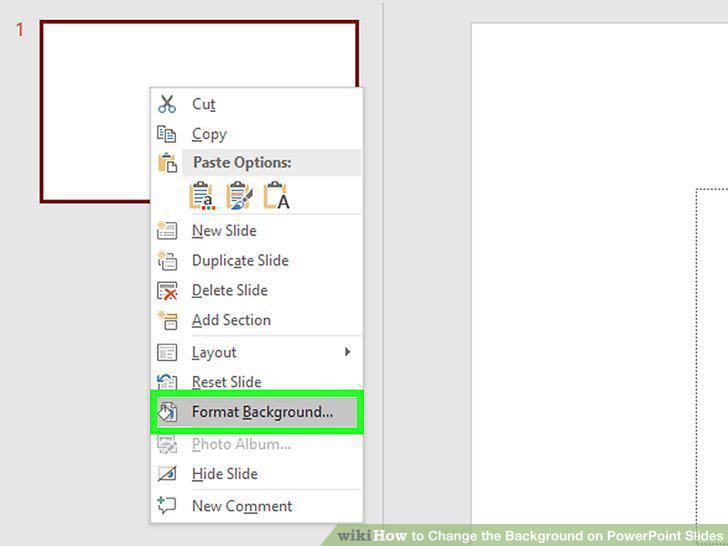
View background fill options.
3
Create a solid background.
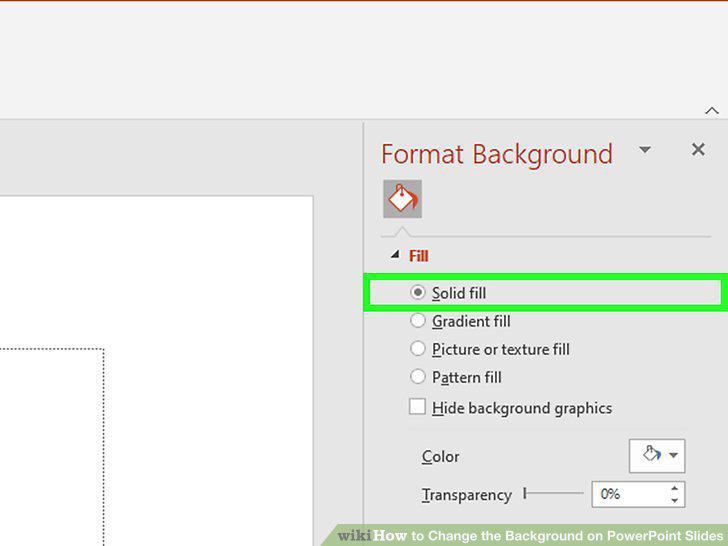
Create a solid background.
4
Fill your background with a colored gradient.
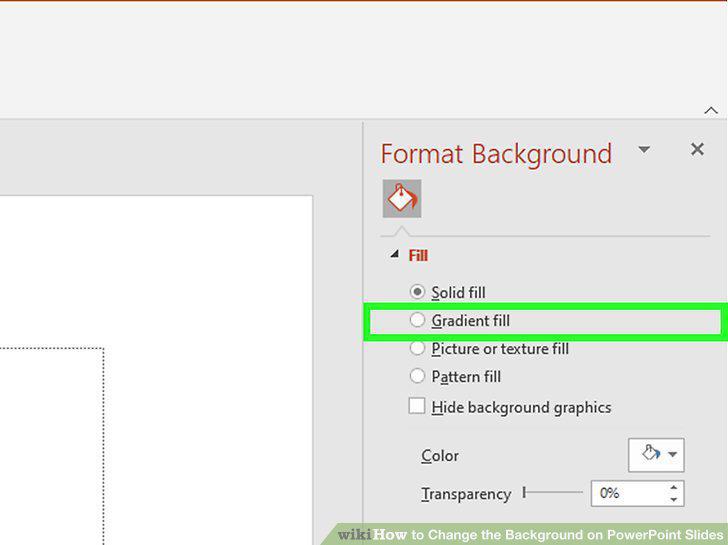
Fill your background with a colored gradient.
5
Make the background an image or texture.
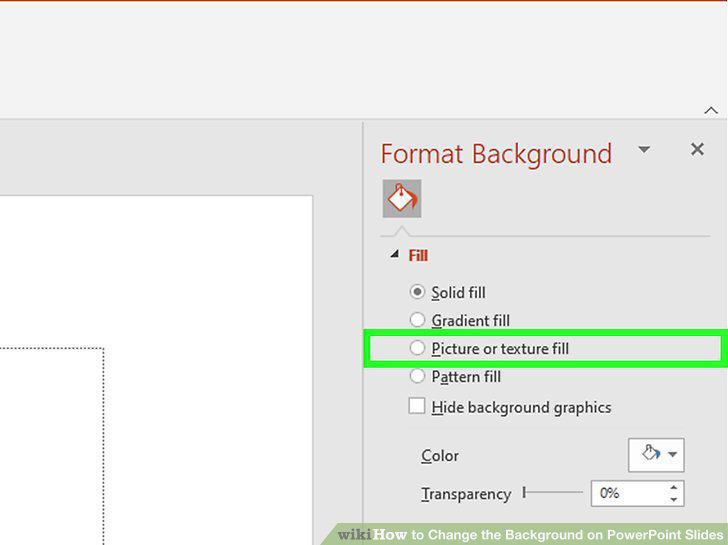
Make the background an image or texture.
6
Fill the background with a preset pattern.
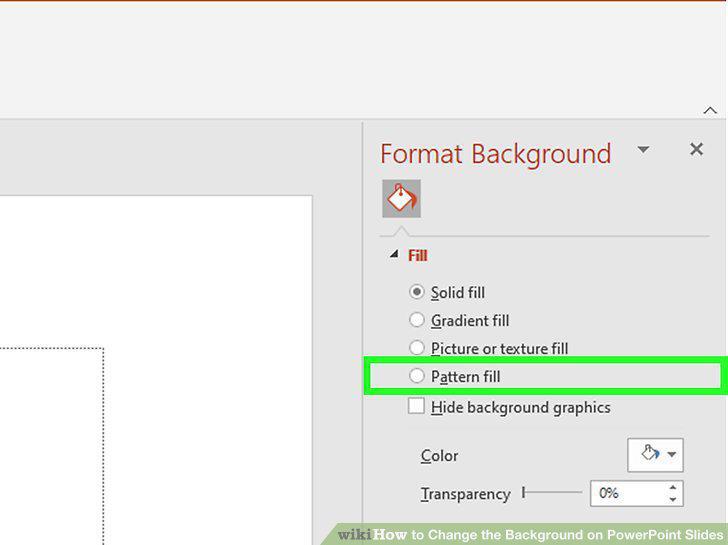
Fill the background with a preset pattern.
7
Apply the changes.

Apply the changes.
8
Open Google Drive.
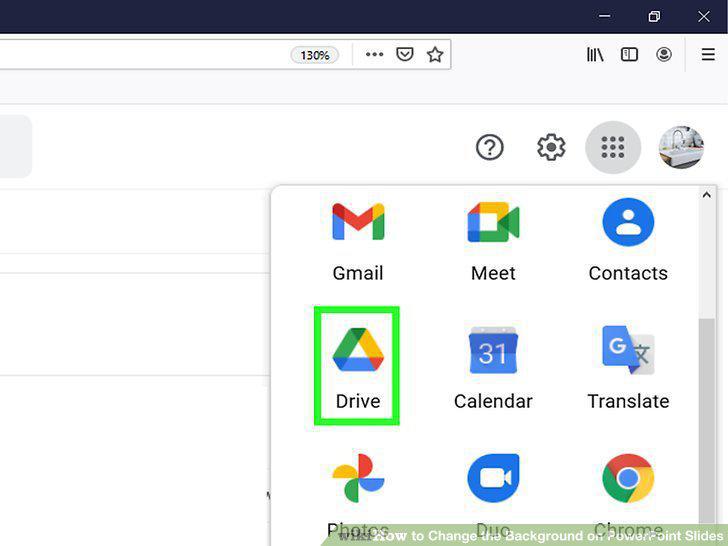
Open Google Drive.
9
Upload your PowerPoint presentation.
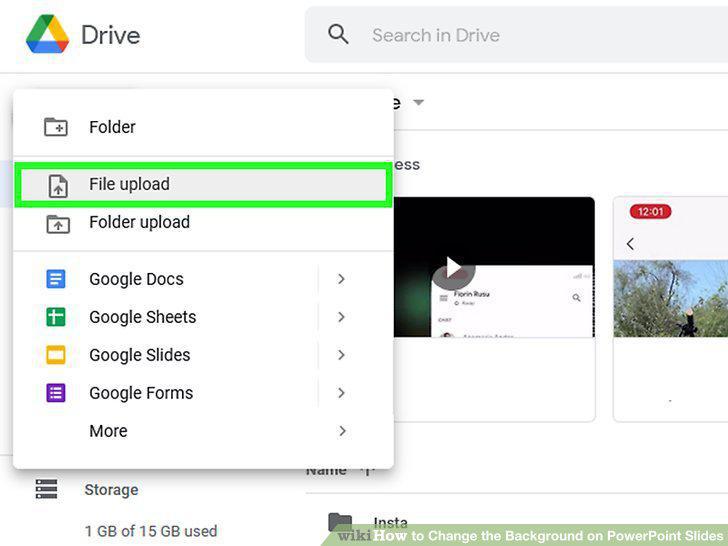
Upload your PowerPoint presentation.
10
Select a slide to modify.
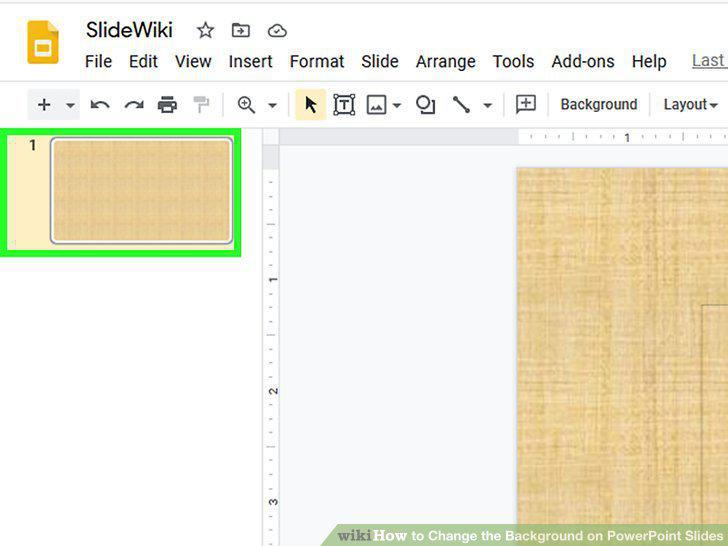
Select a slide to modify.
11
View slide background options.
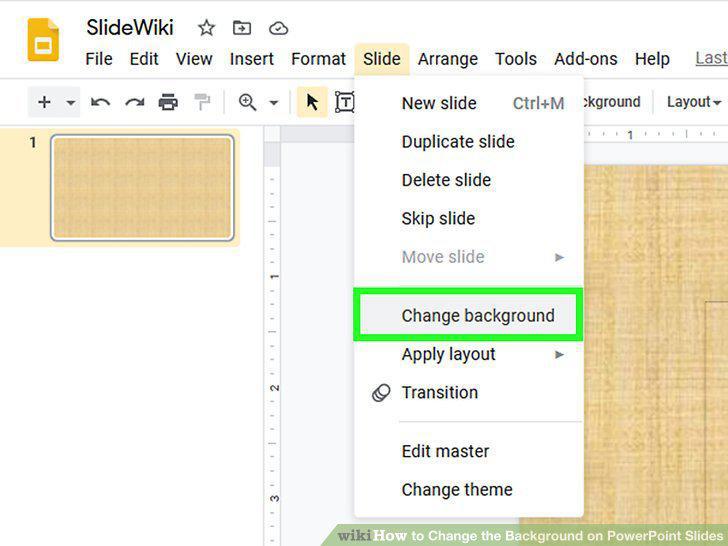
View slide background options.
12
Choose a single color as the background.
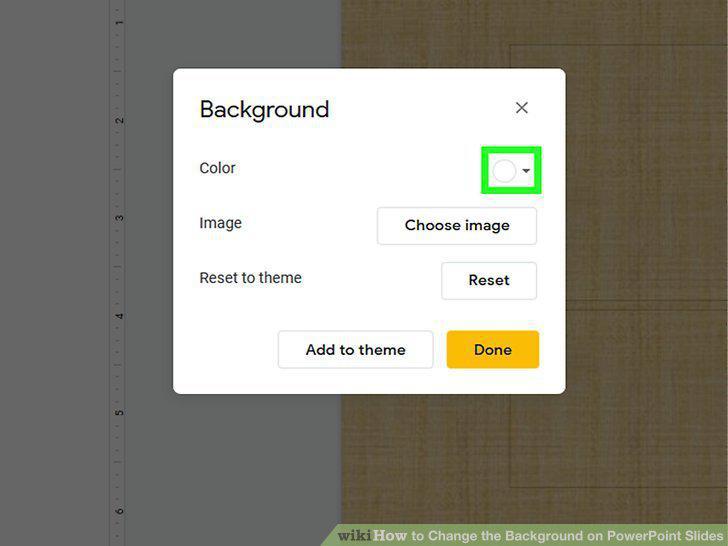
Choose a single color as the background.
13
Use an image as the background.
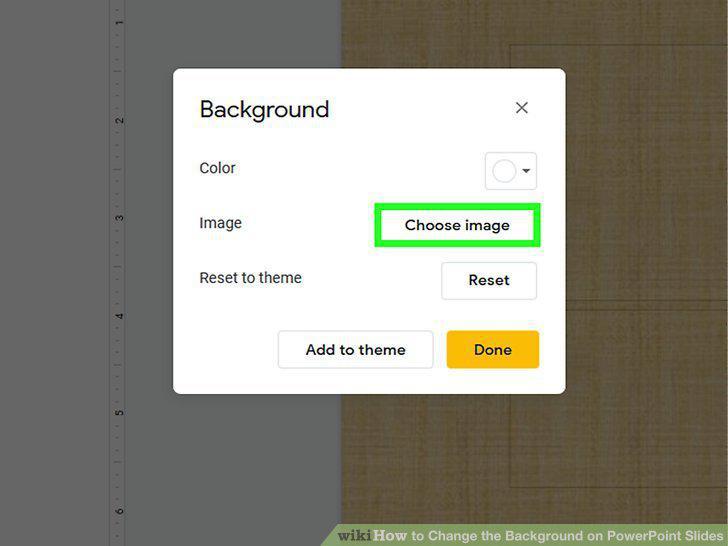
Use an image as the background.
14
Click "Reset Theme" to undo your changes.
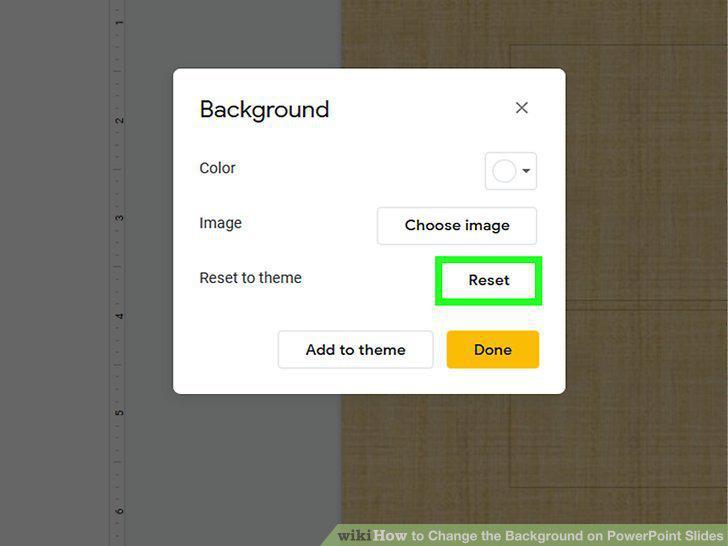
Click "Reset Theme" to undo your changes.
15
Save your background.
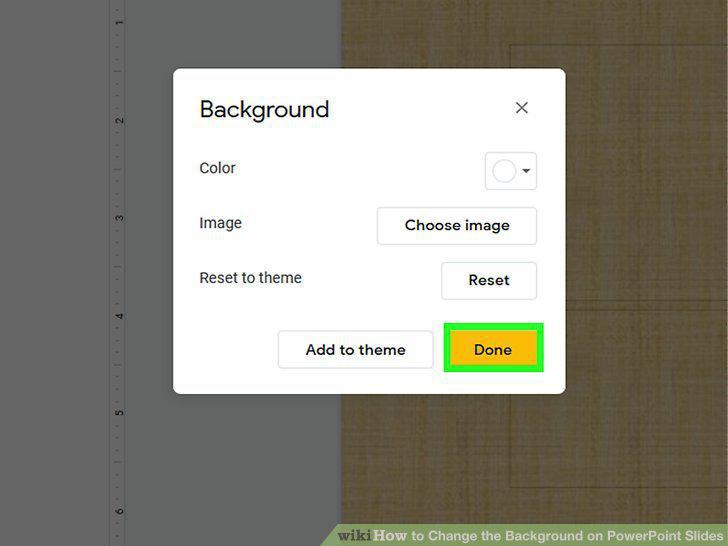
Save your background.
Comments (0)
No comments yet. Be the first to share your thoughts!