How to Print an Excel Spreadsheet on PC or Mac
Open the Excel spreadsheet you want to print.. Click the File tab.. Click Print on the File menu.
Steps
1
Open the Excel spreadsheet you want to print.
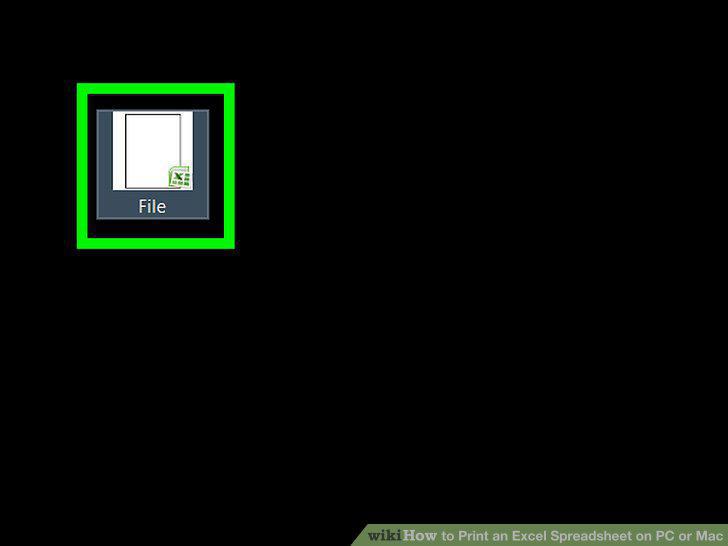
Open the Excel spreadsheet you want to print.
2
Click the File tab.
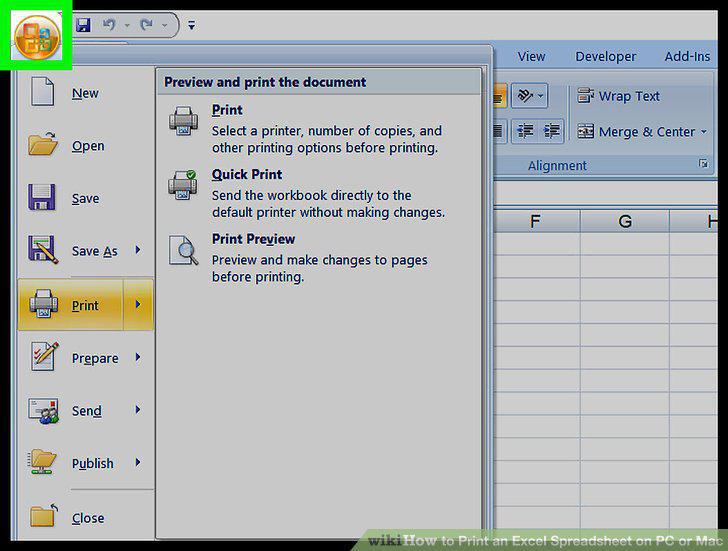
Click the File tab.
3
Click Print on the File menu.
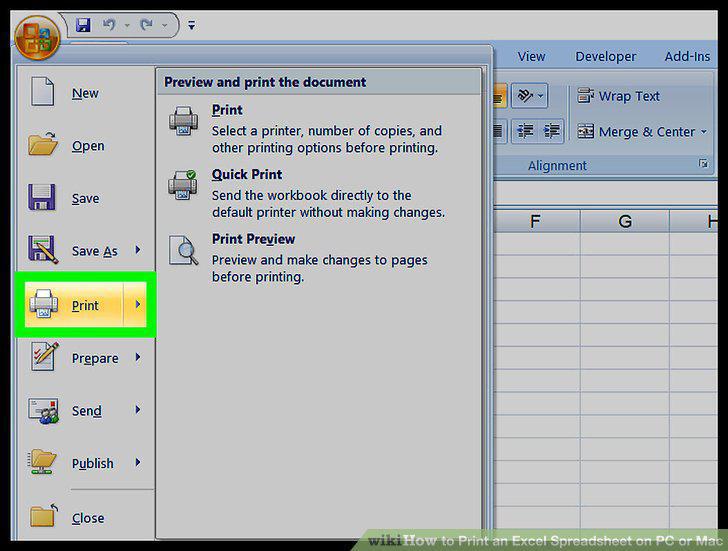
Click Print on the File menu.
4
Select the printer you want to use.
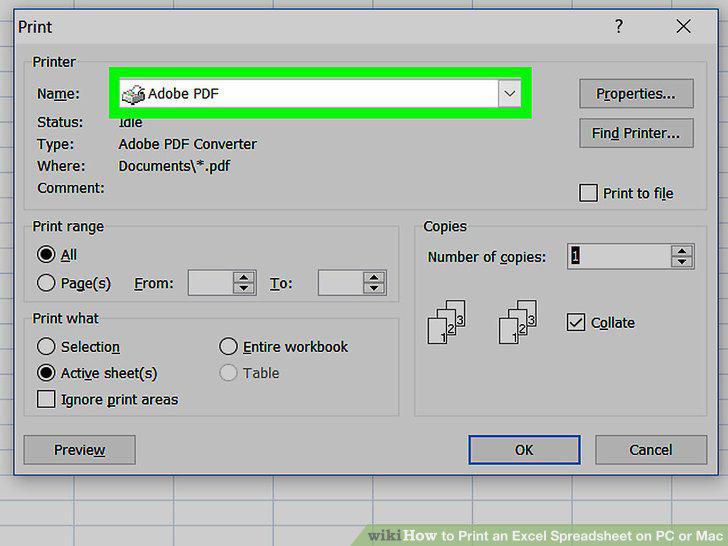
Select the printer you want to use.
5
Set the number of copies you want to print.
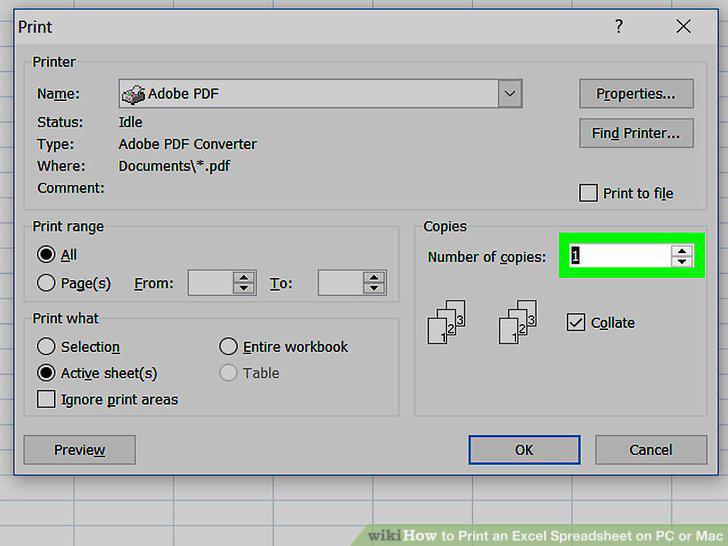
Set the number of copies you want to print.
6
Indicate which pages you want to print out.
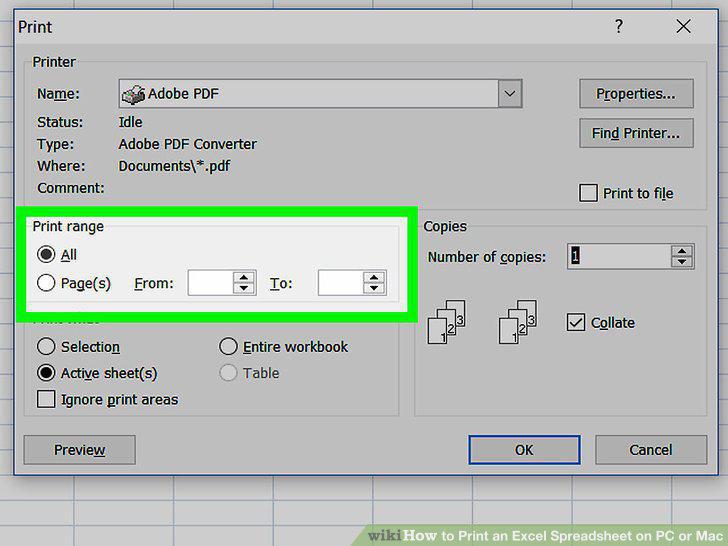
Indicate which pages you want to print out.
7
Customize other printing settings before you print your file.
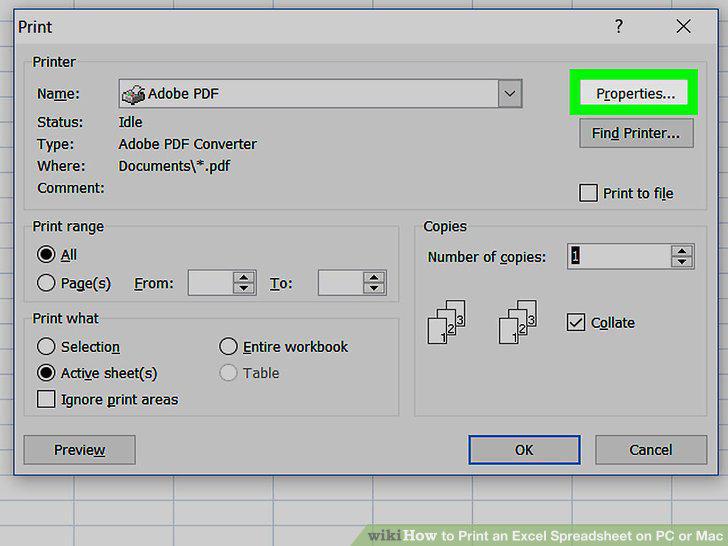
Customize other printing settings before you print your file.
8
Click the Print button.
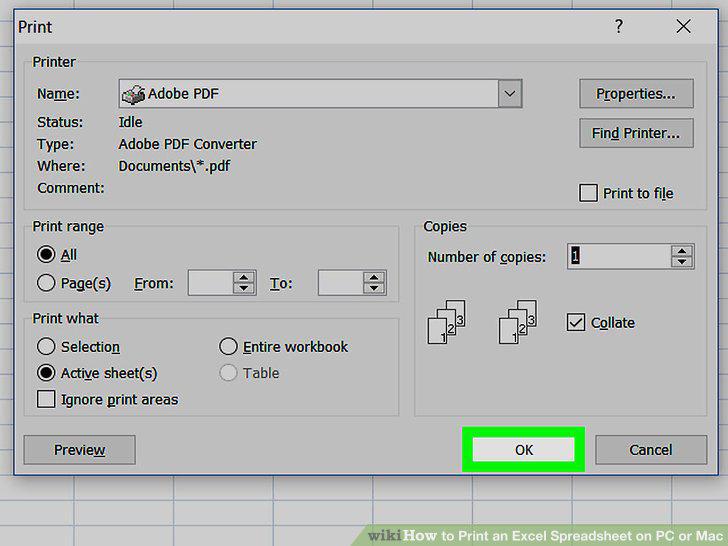
Click the Print button.
9
Collect your hard copy from the printer.
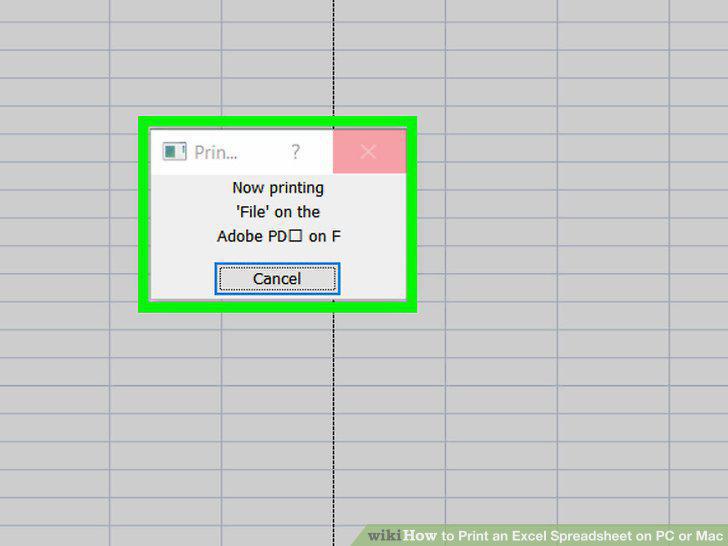
Collect your hard copy from the printer.
Comments (0)
No comments yet. Be the first to share your thoughts!