How to Charge an iPhone or iPod
Plug the power adapter into a wall socket.. Attach the large end of the cable to the power adapter.. Determine the type of charger cable you have.
Steps
Plug the power adapter into a wall socket.
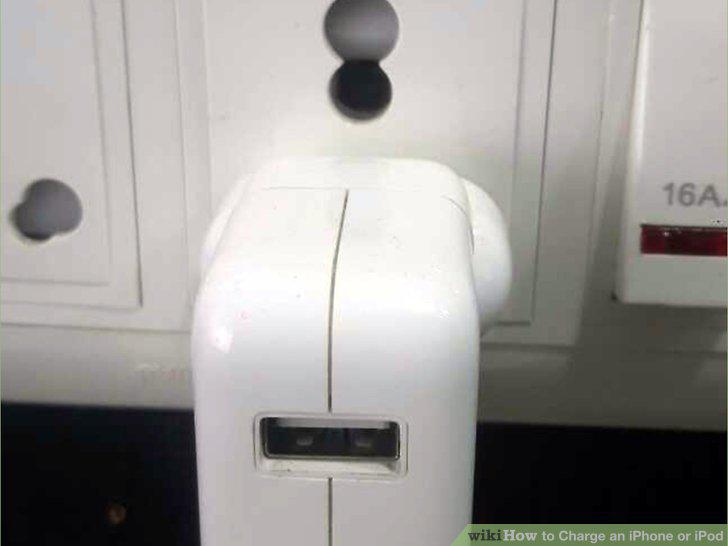
Plug the power adapter into a wall socket.
Attach the large end of the cable to the power adapter.
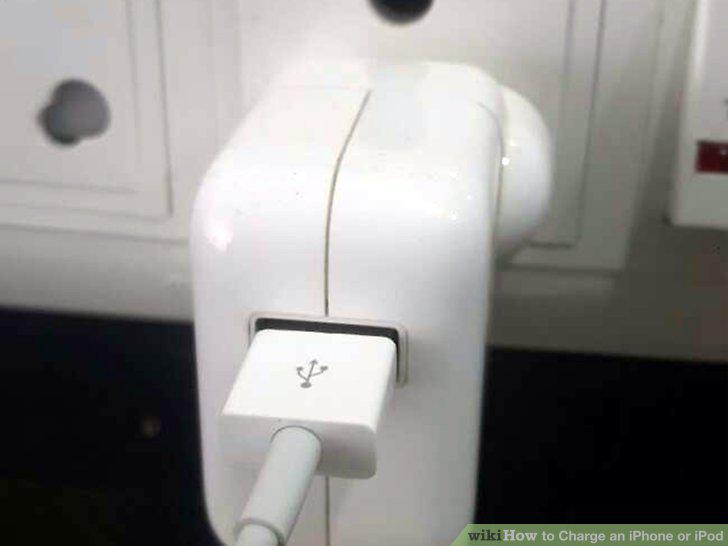
Attach the large end of the cable to the power adapter.
Determine the type of charger cable you have.
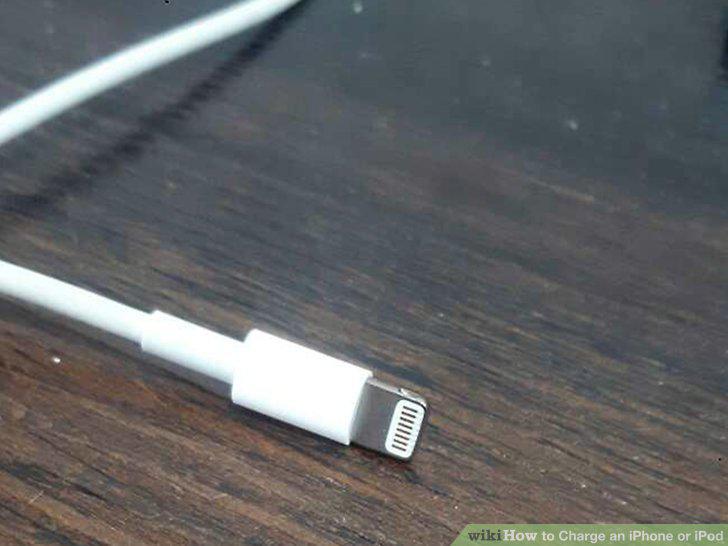
Determine the type of charger cable you have.
Insert the other end of the cable into the bottom of the iPhone/iPod.
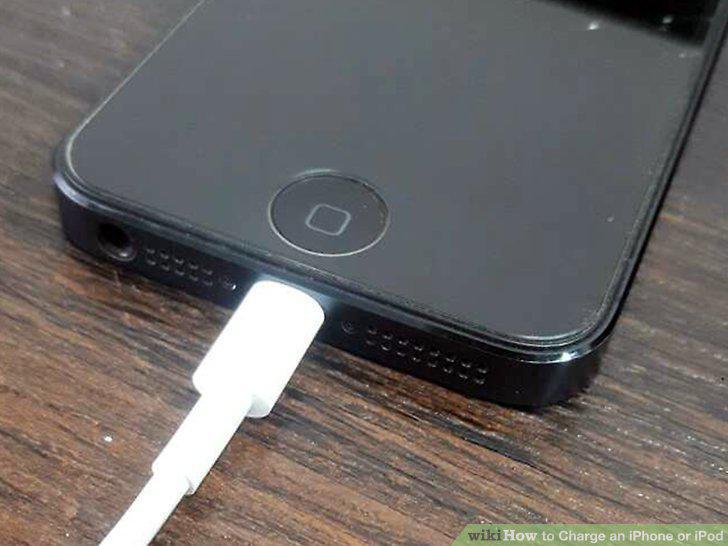
Insert the other end of the cable into the bottom of the iPhone/iPod.
Wait for your device to begin charging.
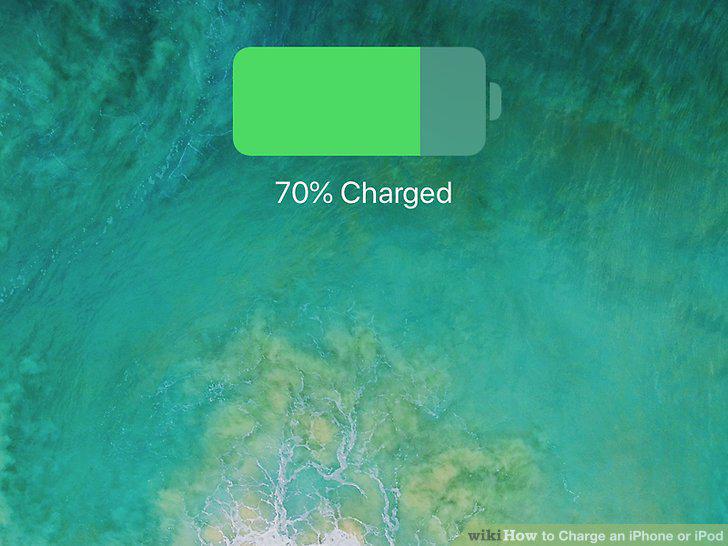
Wait for your device to begin charging.
Locate a USB port on your computer.
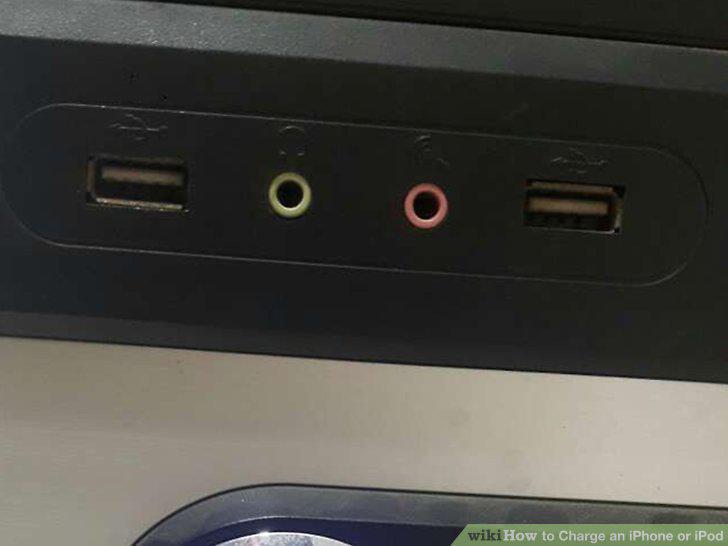
Locate a USB port on your computer.
Plug your iPhone or iPod cable into a USB port.
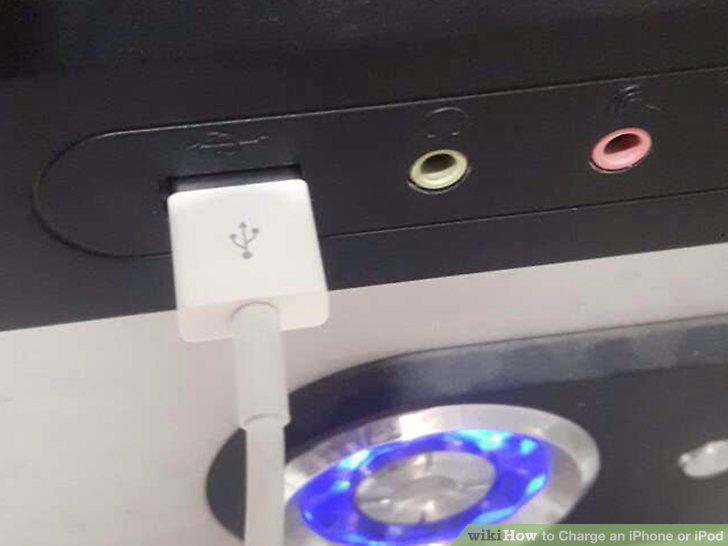
Plug your iPhone or iPod cable into a USB port.
Determine the type of charger cable you have.
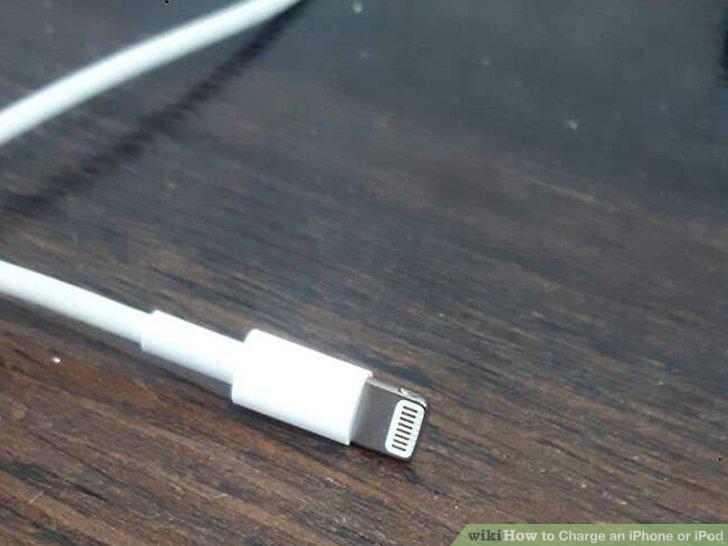
Determine the type of charger cable you have.
Insert the other end of the cable into the bottom of the device.
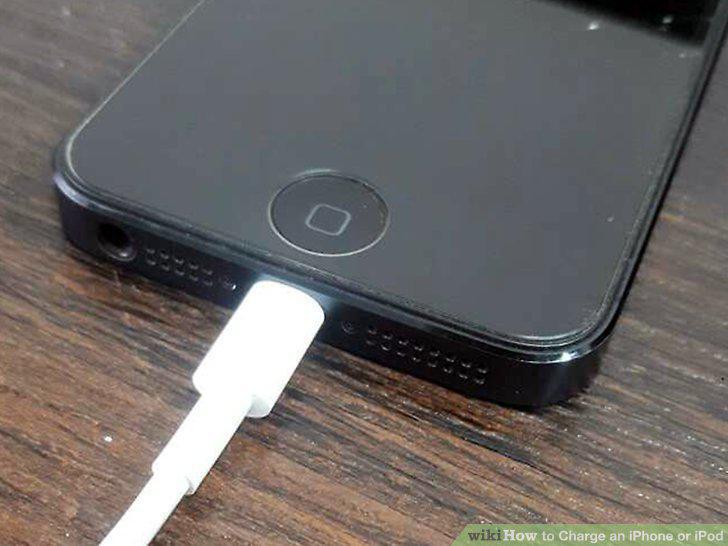
Insert the other end of the cable into the bottom of the device.
Wait for your device to begin charging.
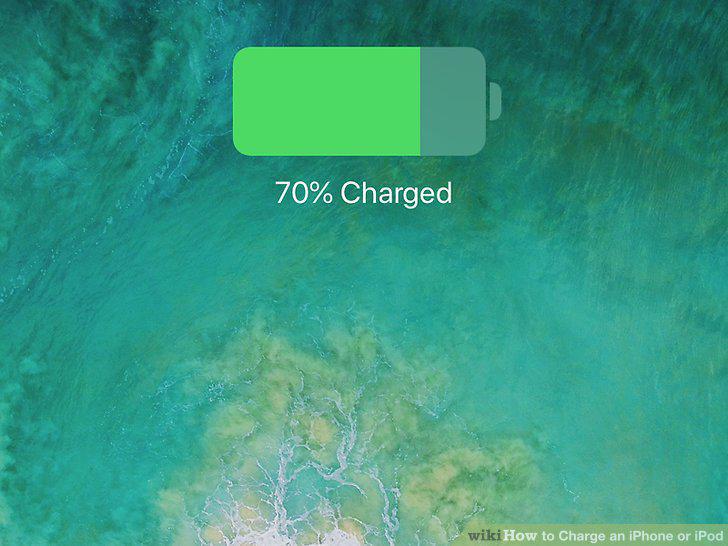
Wait for your device to begin charging.
Make sure your software is up-to-date.
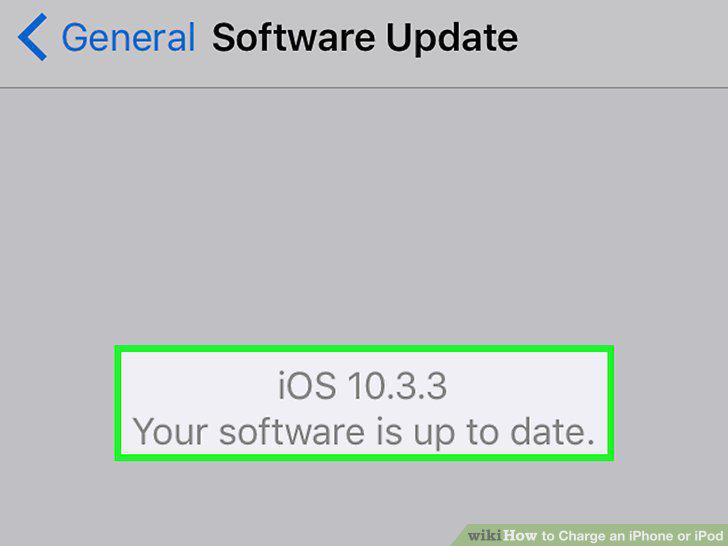
Make sure your software is up-to-date.
Adjust your device's auto-lock settings.
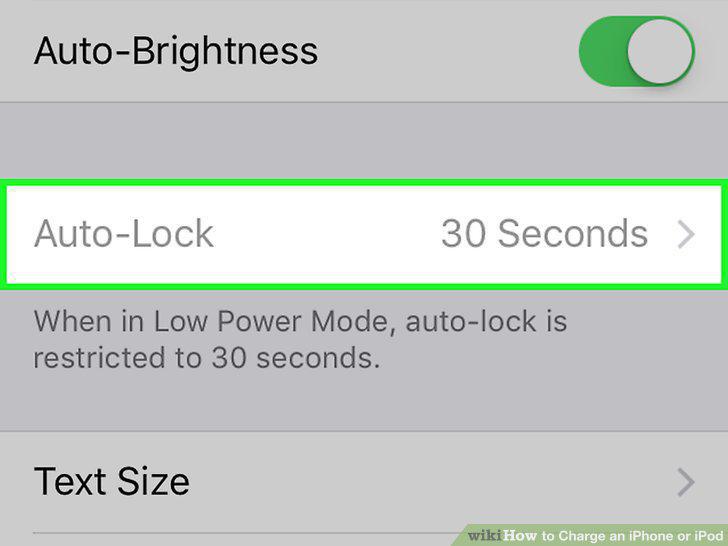
Adjust your device's auto-lock settings.
Use your device's "Low Power Mode" feature.
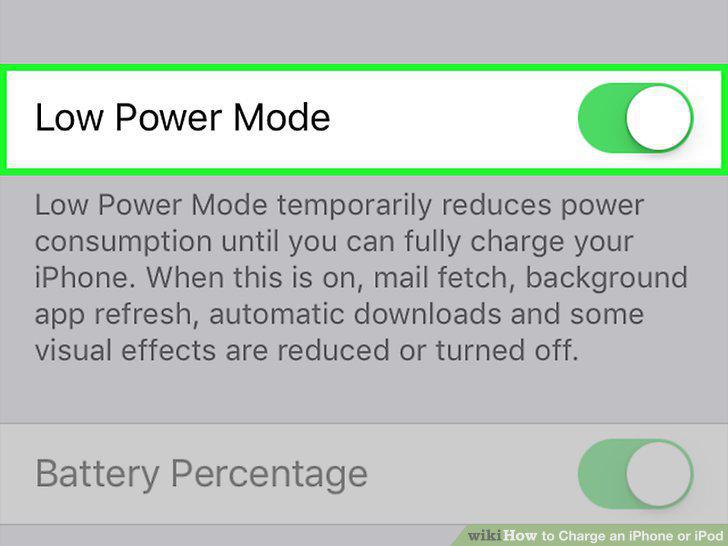
Use your device's "Low Power Mode" feature.
Enable auto-brightness.
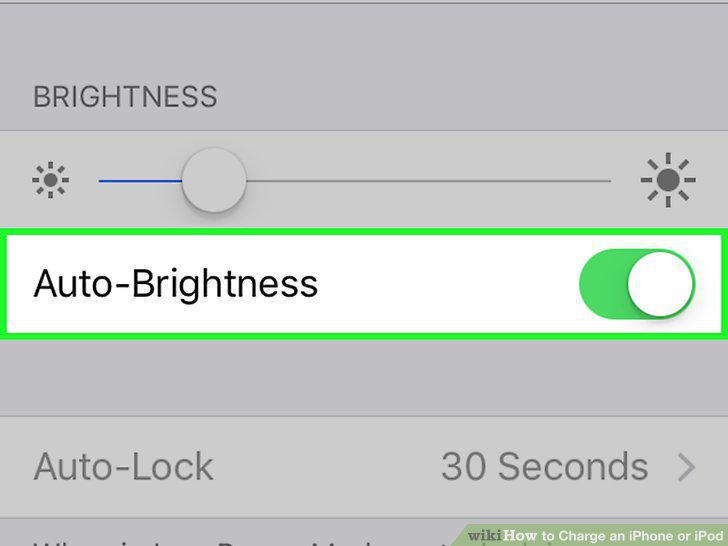
Enable auto-brightness.
Disable your device's Mail fetching.
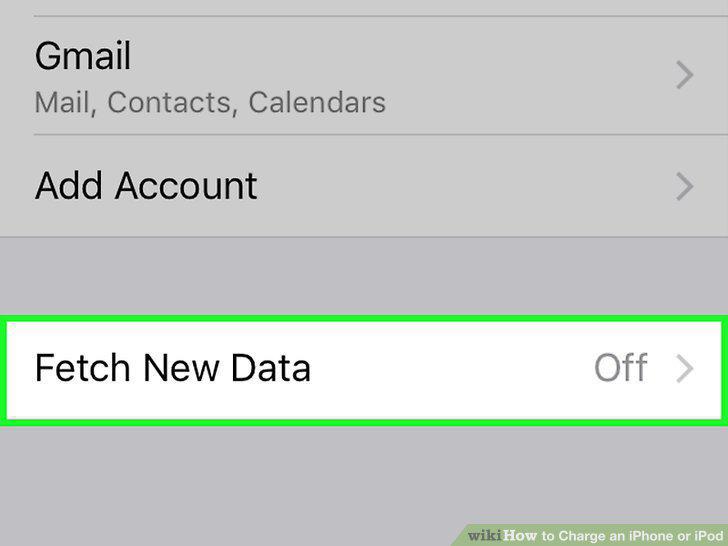
Disable your device's Mail fetching.
Turn on Airplane Mode when you have no coverage.
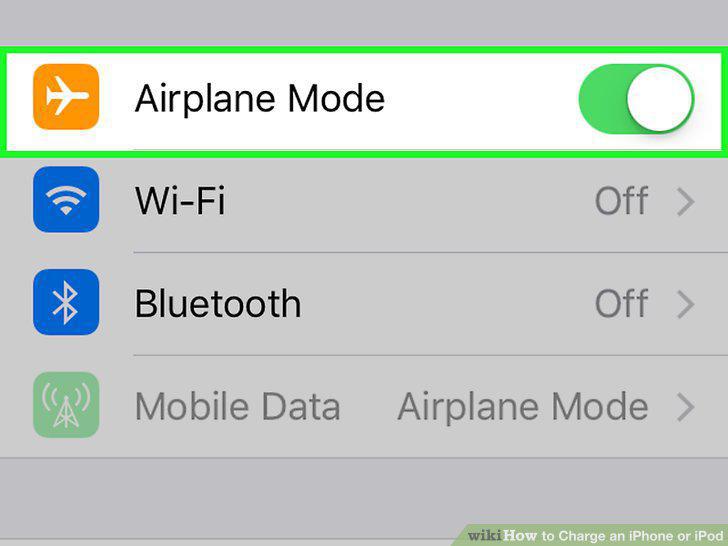
Turn on Airplane Mode when you have no coverage.
Comments (0)
No comments yet. Be the first to share your thoughts!