How to Recover a Disabled Facebook Account
Go to https://www.facebook.com.. Enter your email address or phone number.. Enter your Facebook password.
Steps
1
Go to https://www.facebook.com.
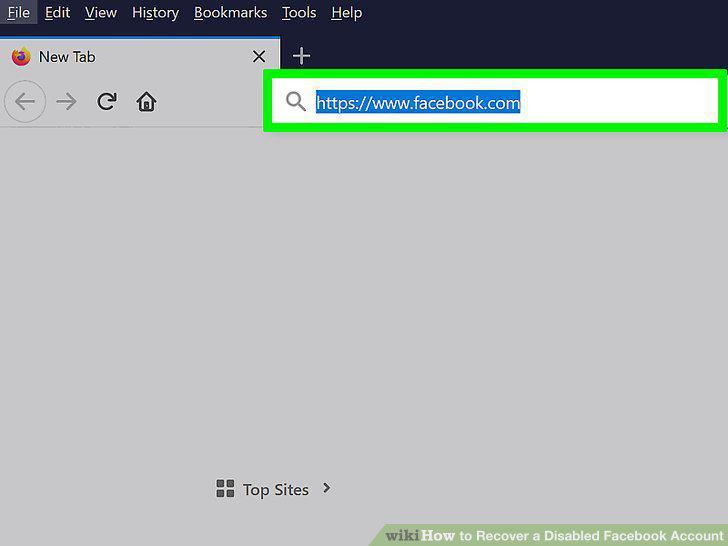
Go to https://www.facebook.com.
2
Enter your email address or phone number.
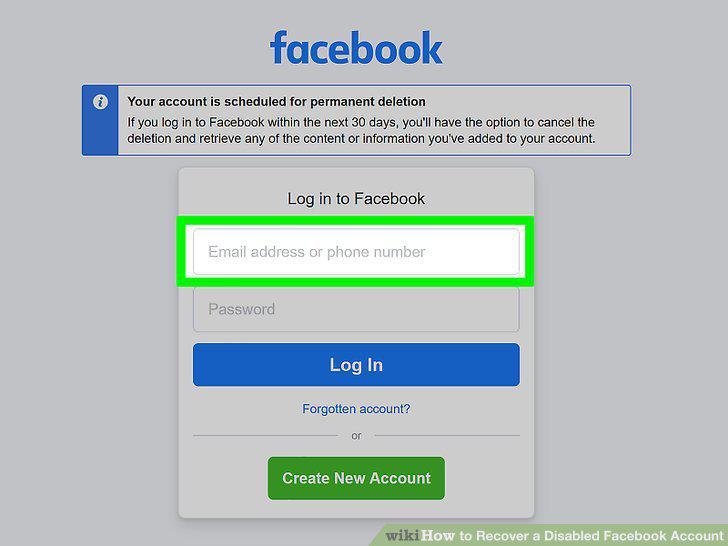
Enter your email address or phone number.
3
Enter your Facebook password.
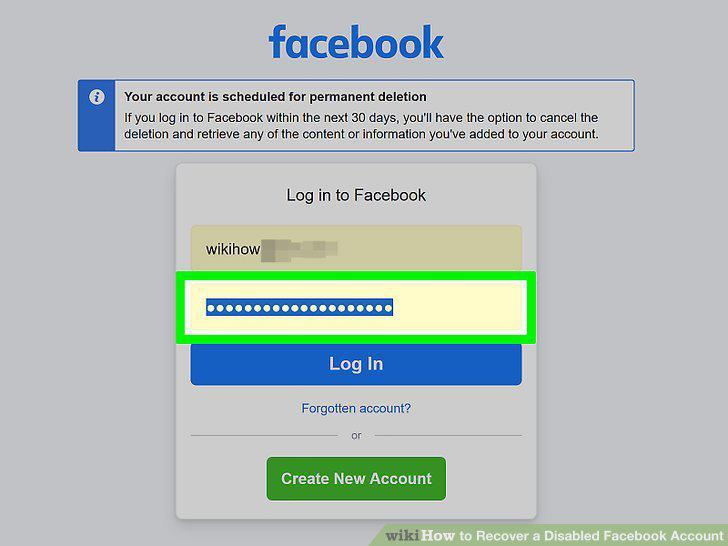
Enter your Facebook password.
4
Click Log In.
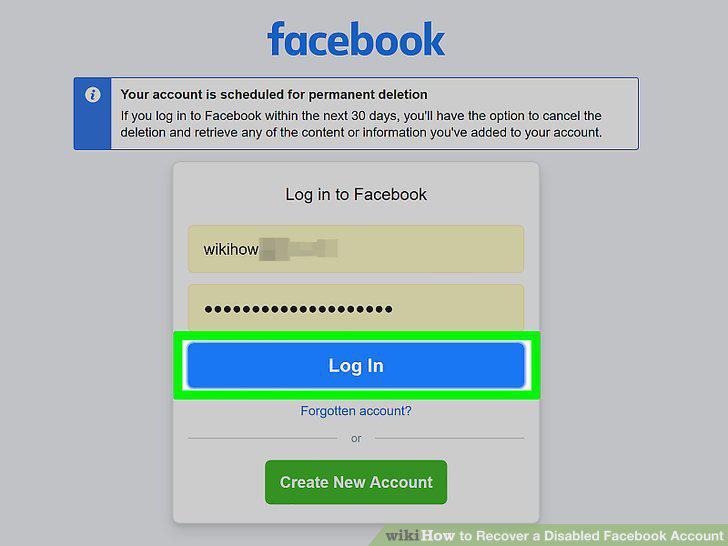
Click Log In.
5
Click Cancel Deletion if prompted.
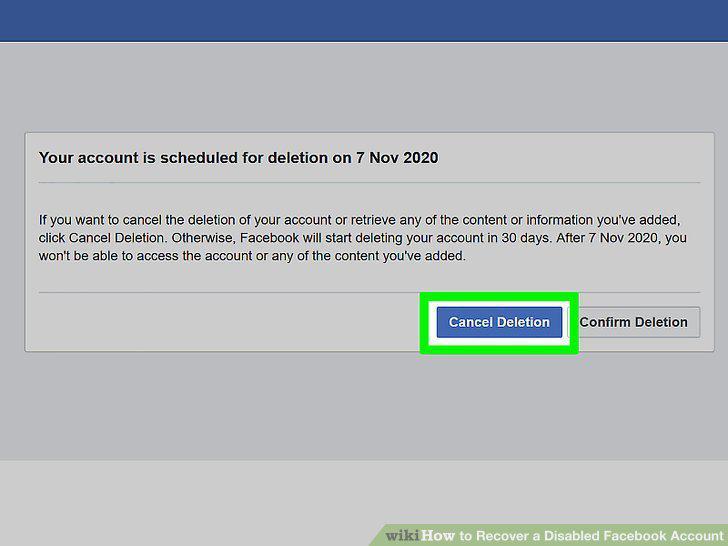
Click Cancel Deletion if prompted.
6
Make sure your Facebook has been disabled.
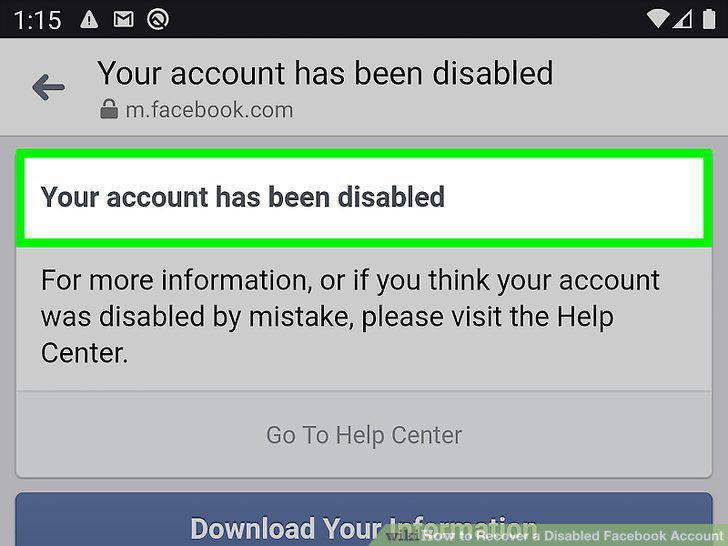
Make sure your Facebook has been disabled.
7
Navigate to Facebook's official investigation form.
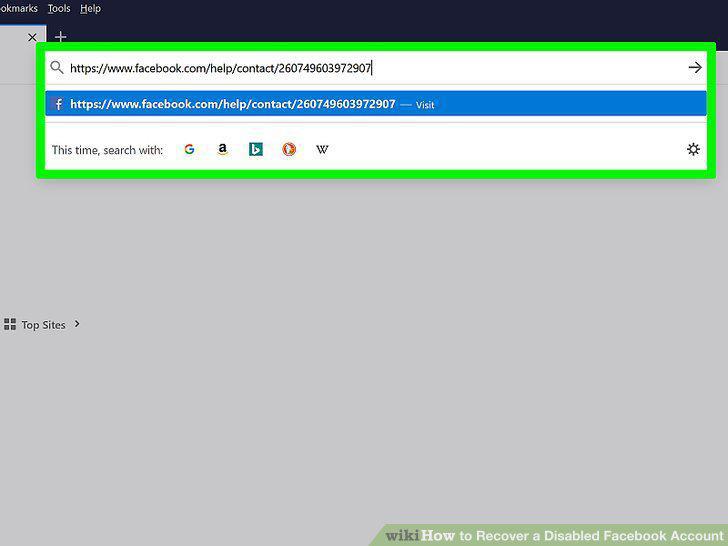
Navigate to Facebook's official investigation form.
8
Enter your email address or phone number.
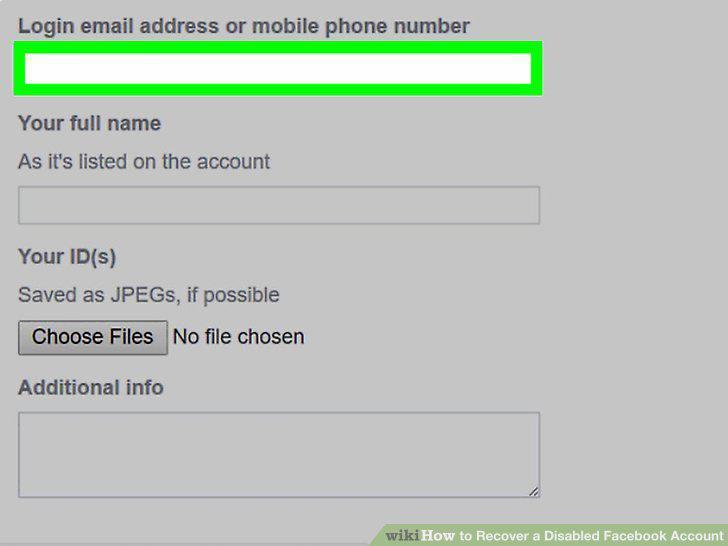
Enter your email address or phone number.
9
Enter your name.
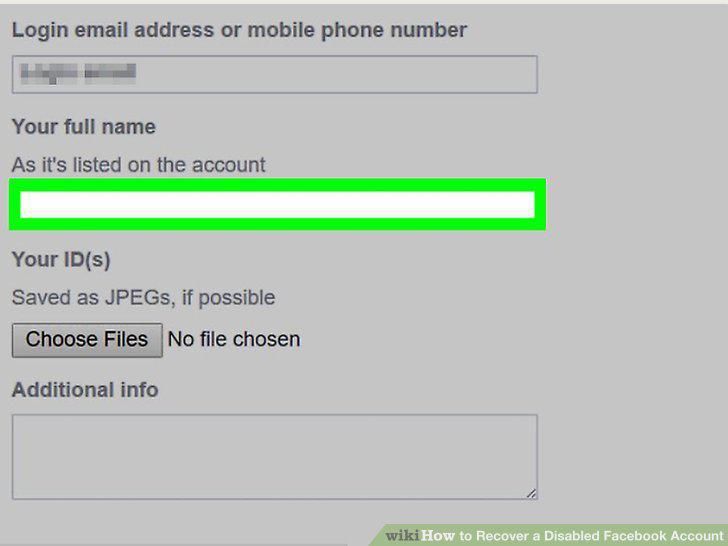
Enter your name.
10
Upload a picture of your ID.
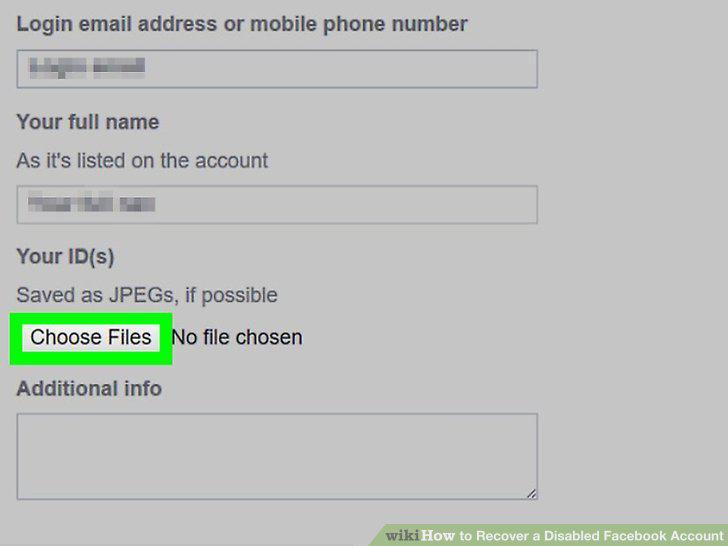
Upload a picture of your ID.
11
Add details for your appeal.
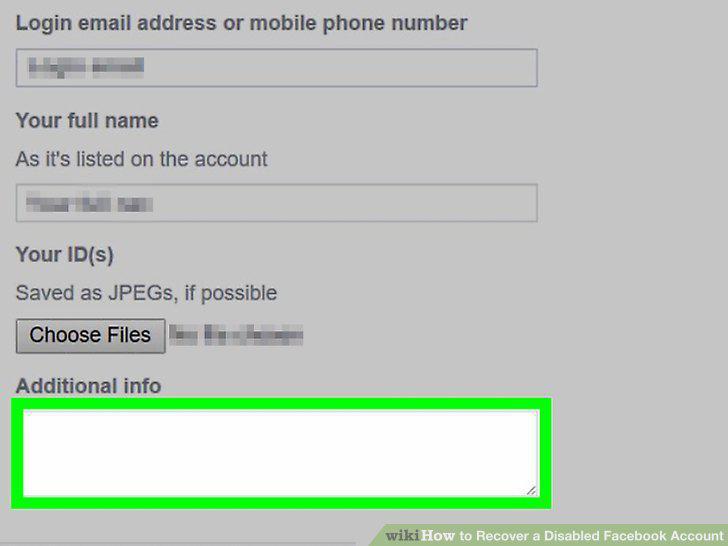
Add details for your appeal.
12
Click Send.
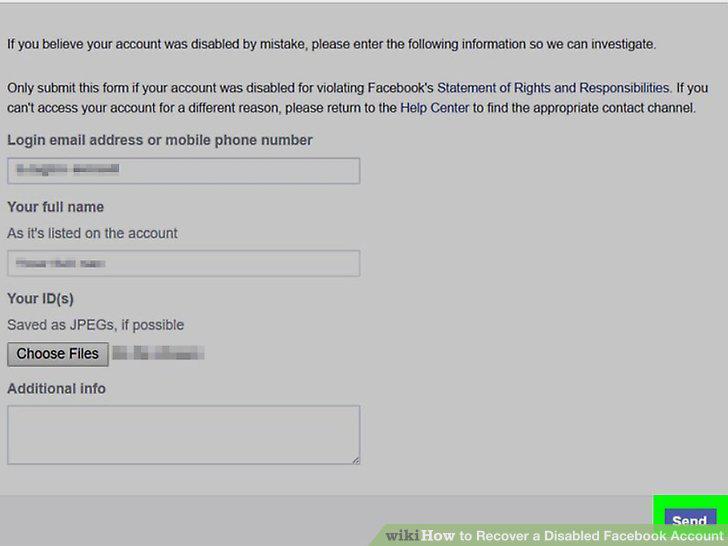
Click Send.
Comments (0)
No comments yet. Be the first to share your thoughts!