How to Delete an Ashley Madison Profile
Login to https://www.ashleymadison.com.. Click the Manage Profile tab.. Click Delete Profile.
Steps
1
Login to https://www.ashleymadison.com.
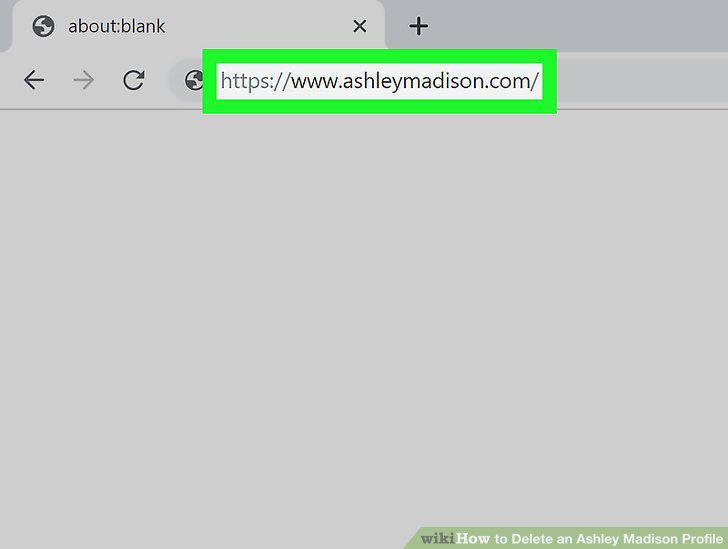
Login to https://www.ashleymadison.com.
2
Click the Manage Profile tab.
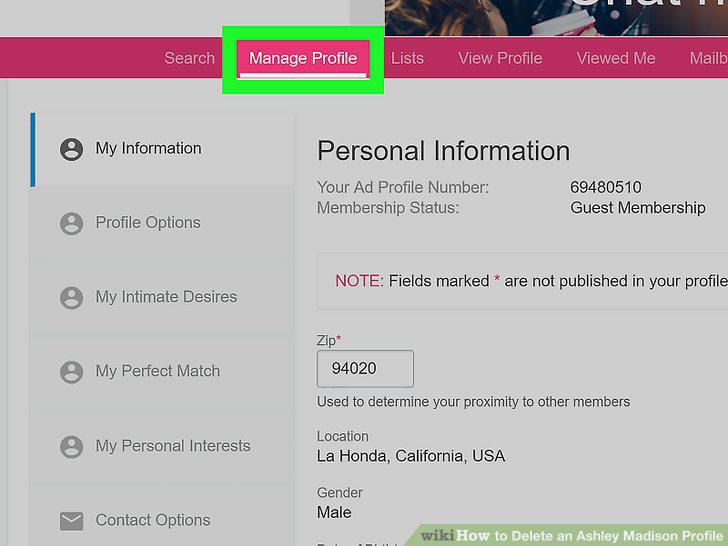
Click the Manage Profile tab.
3
Click Delete Profile.
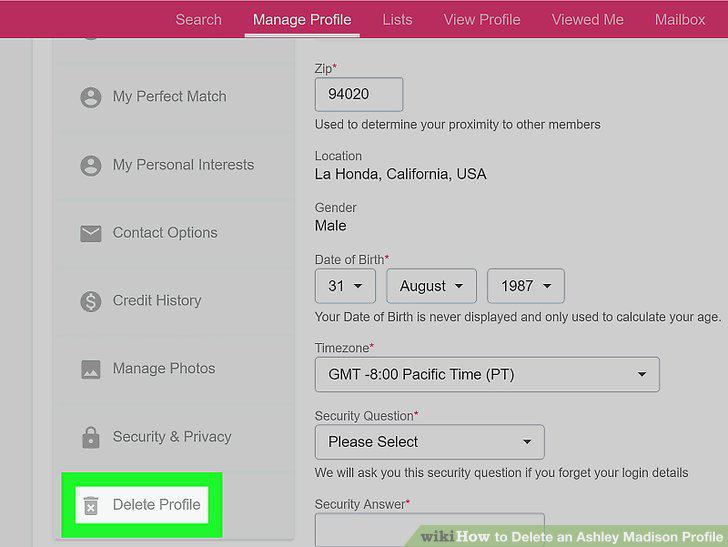
Click Delete Profile.
4
Click Deactivate Your Profile.
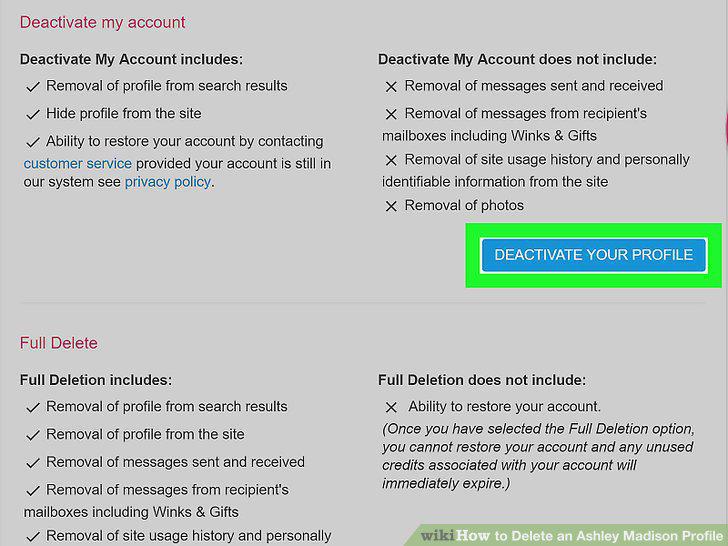
Click Deactivate Your Profile.
5
Login to https://www.ashleymadison.com.
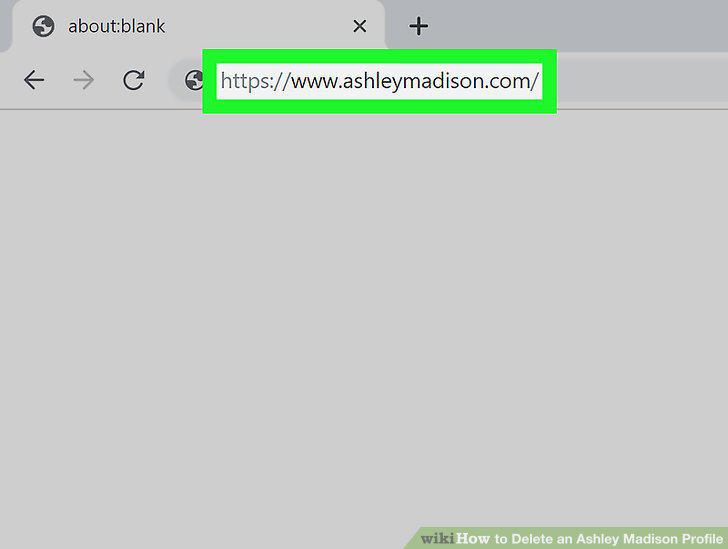
Login to https://www.ashleymadison.com.
6
Click the Manage Profile tab.
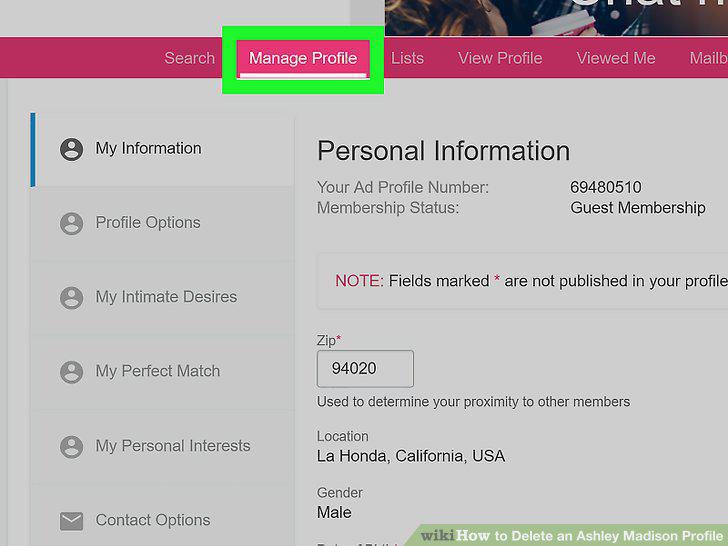
Click the Manage Profile tab.
7
Click Delete Profile.
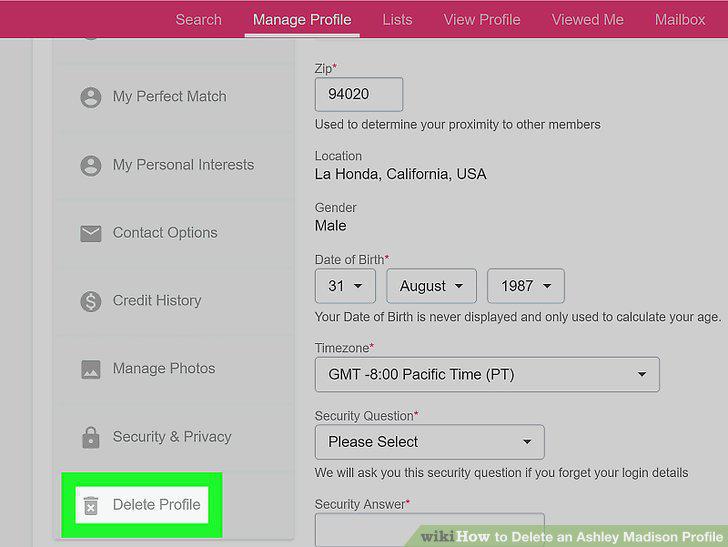
Click Delete Profile.
8
Click Delete Your Profile.
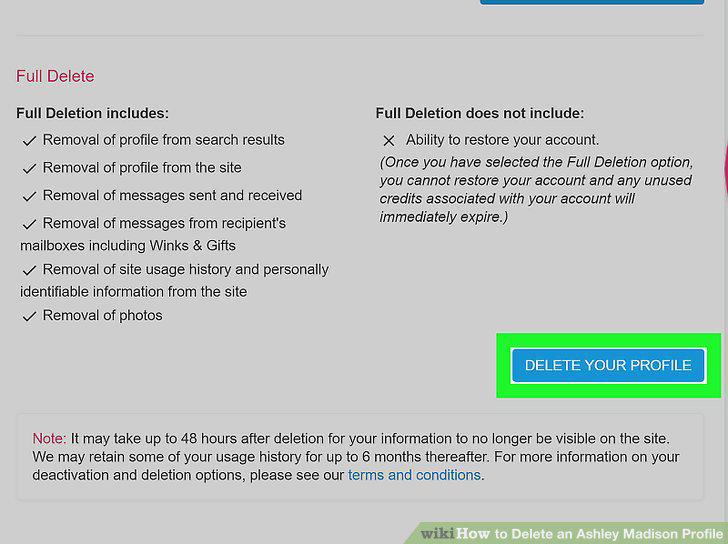
Click Delete Your Profile.
Comments (0)
No comments yet. Be the first to share your thoughts!