How to Convert Powerpoint to Jpeg
Open Microsoft Powerpoint.. Open the presentation you would like to convert.. Convert your presentation.
Steps
1
Open Microsoft Powerpoint.
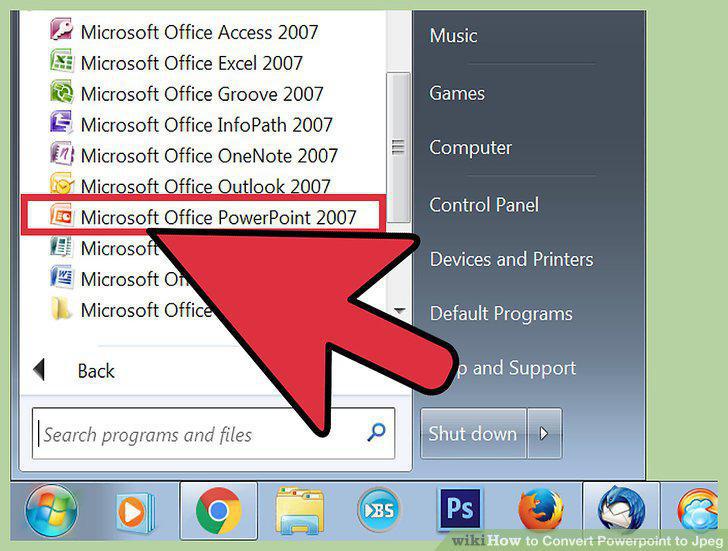
Open Microsoft Powerpoint.
2
Open the presentation you would like to convert.
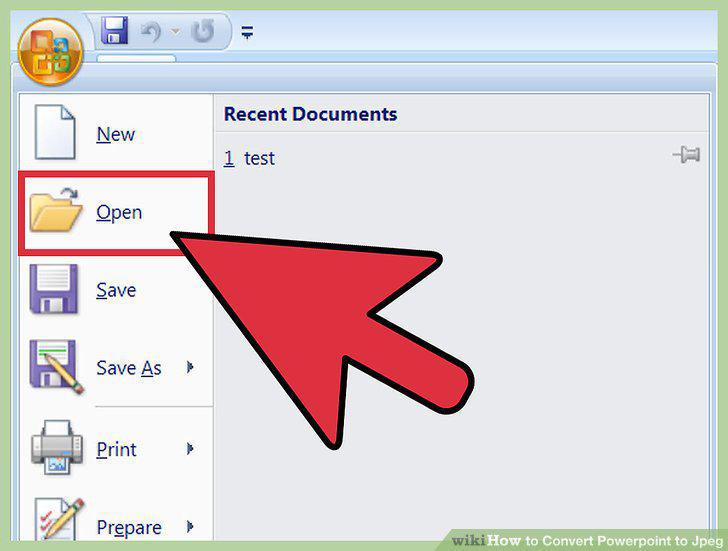
Open the presentation you would like to convert.
3
Convert your presentation.
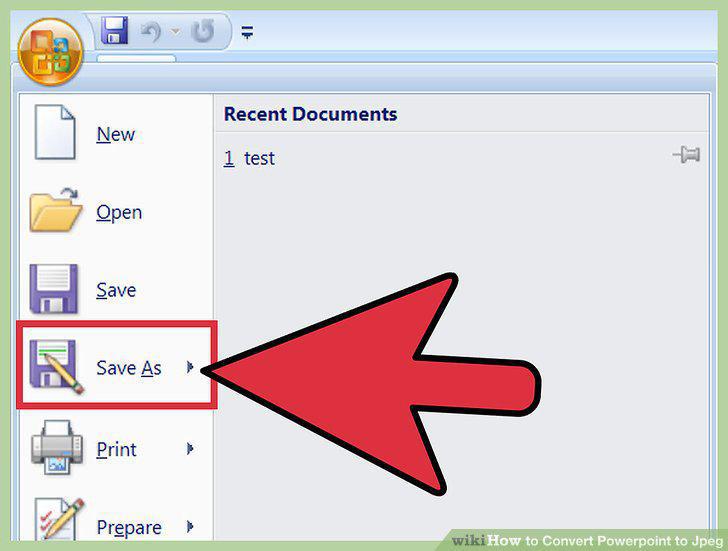
Convert your presentation.
4
Change the "Save as Type" from PowerPoint Presentation to JPEG File Interchangea
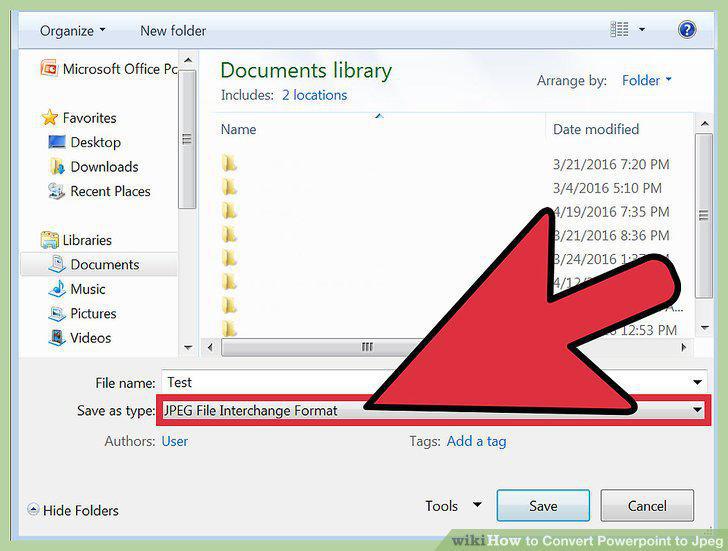
Change the "Save as Type" from PowerPoint Presentation to JPEG File Interchangeable Format.
5
Select the folder to save the presentation in.
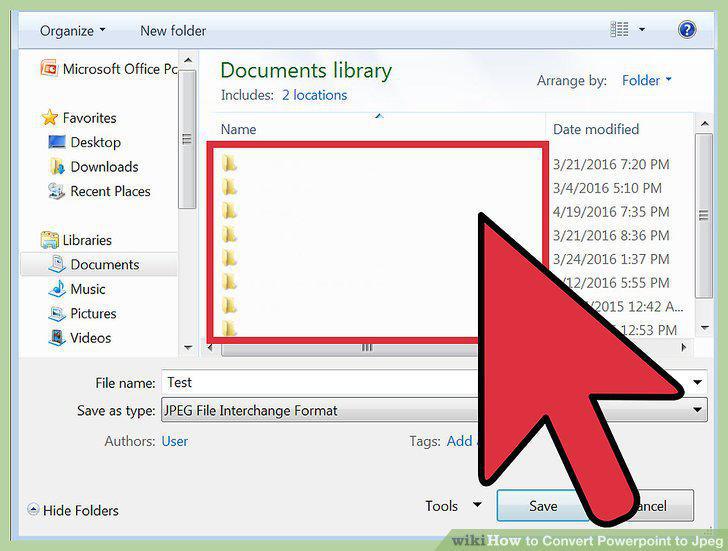
Select the folder to save the presentation in.
6
Save the presentation.
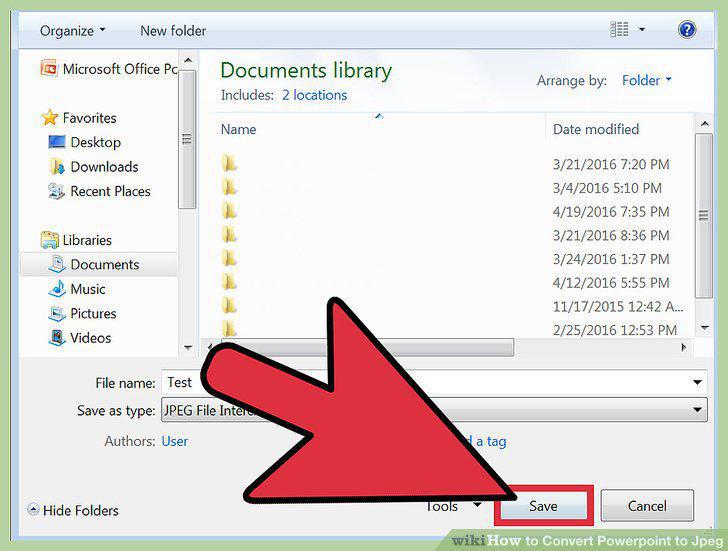
Save the presentation.
7
Search online for a tool.
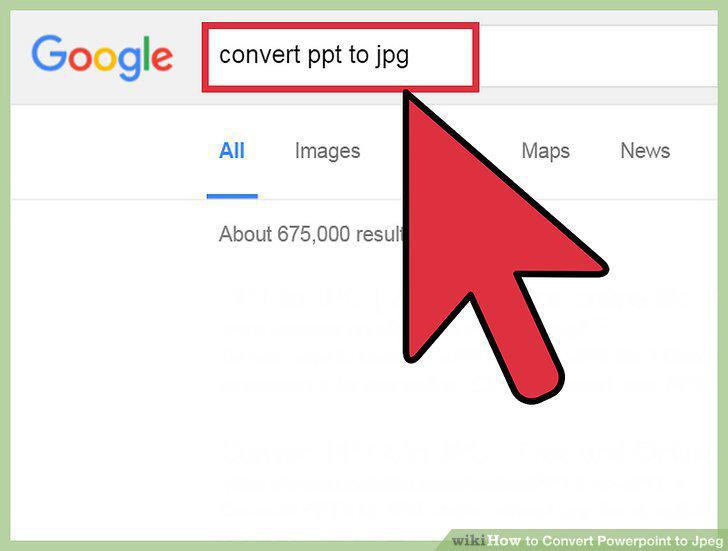
Search online for a tool.
8
Click on a link in the search results.
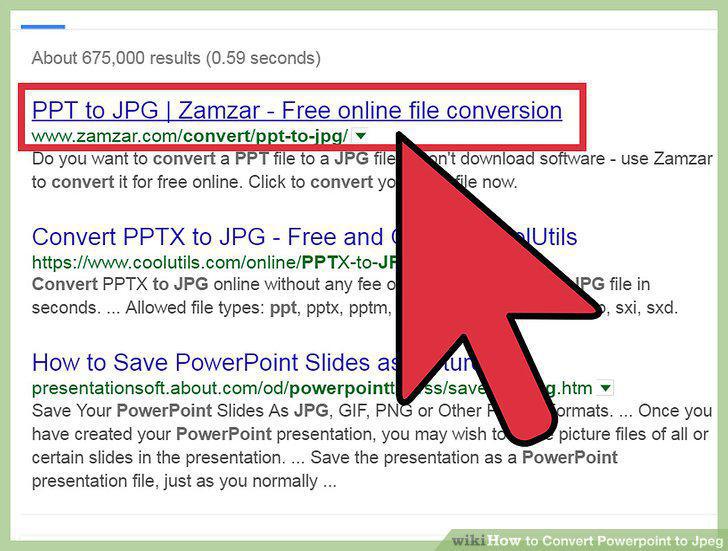
Click on a link in the search results.
9
Open your presentation file.
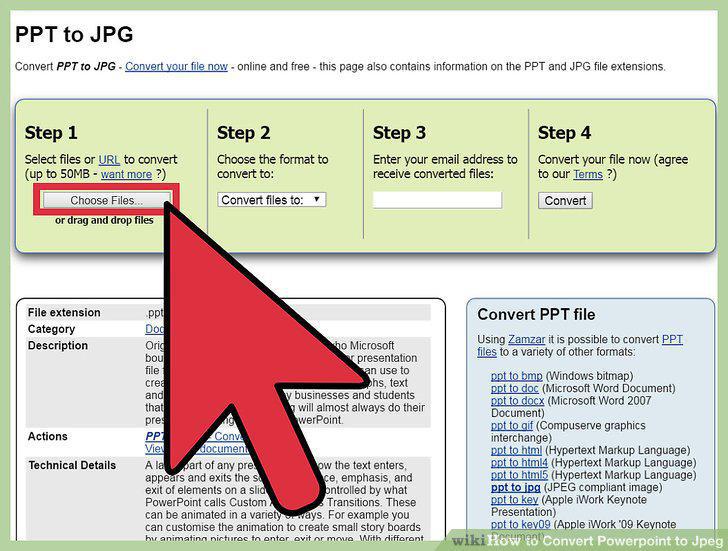
Open your presentation file.
10
Select the Powerpoint file.
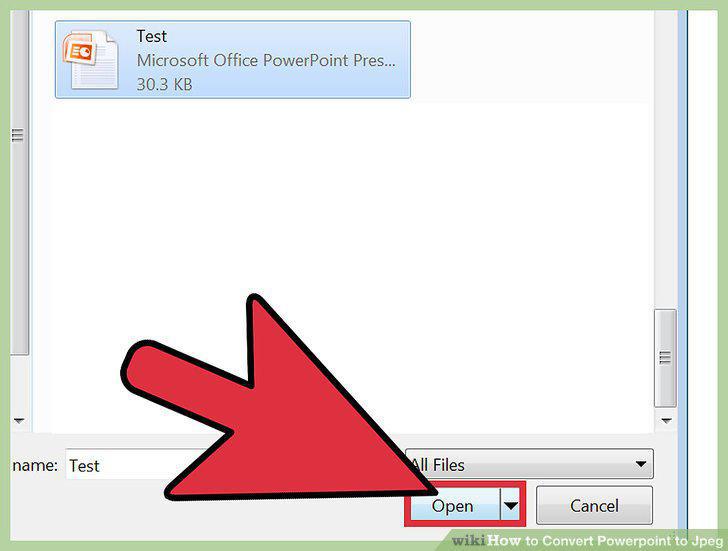
Select the Powerpoint file.
11
Convert your presentation to JPEG.
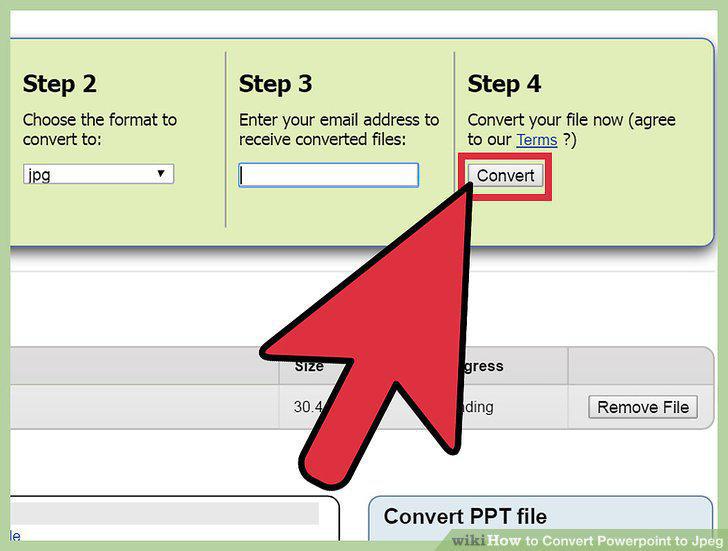
Convert your presentation to JPEG.
Comments (0)
No comments yet. Be the first to share your thoughts!