How to Check IIS Error Logs on Windows
Click the white magnifier icon next to the Start button.. Search Event Viewer on your computer.. Click the Event Viewer app in the search results.
Steps
1
Click the white magnifier icon next to the Start button.

Click the white magnifier icon next to the Start button.
2
Search Event Viewer on your computer.
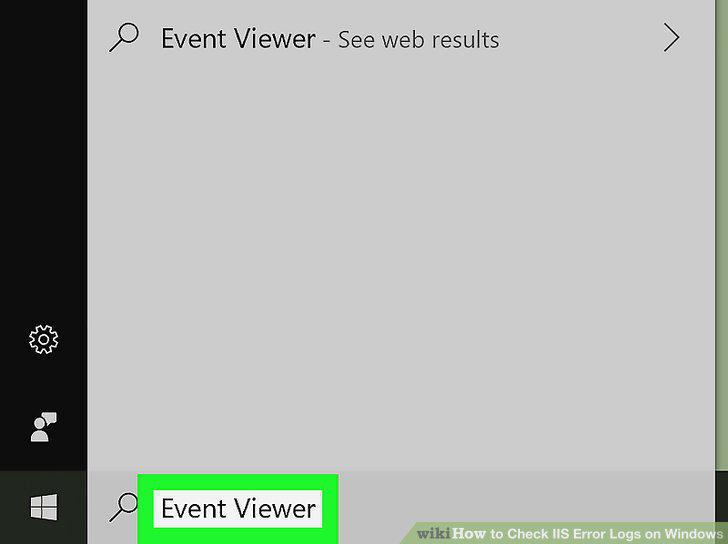
Search Event Viewer on your computer.
3
Click the Event Viewer app in the search results.
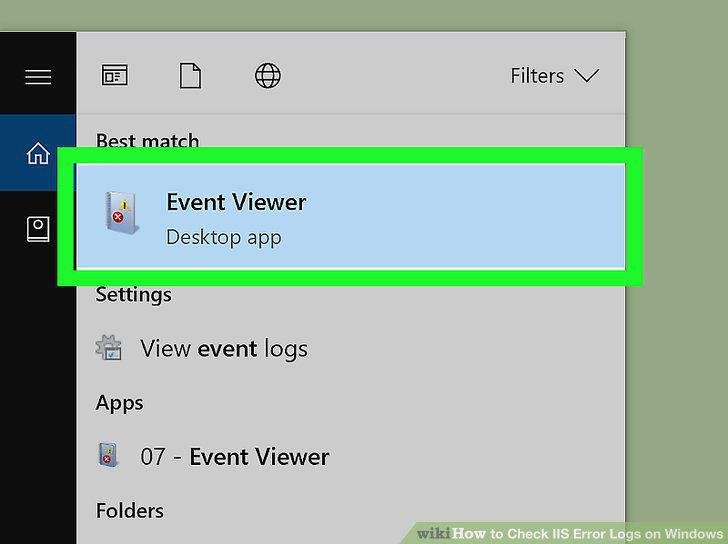
Click the Event Viewer app in the search results.
4
Click next to Windows Logs on the sidebar.
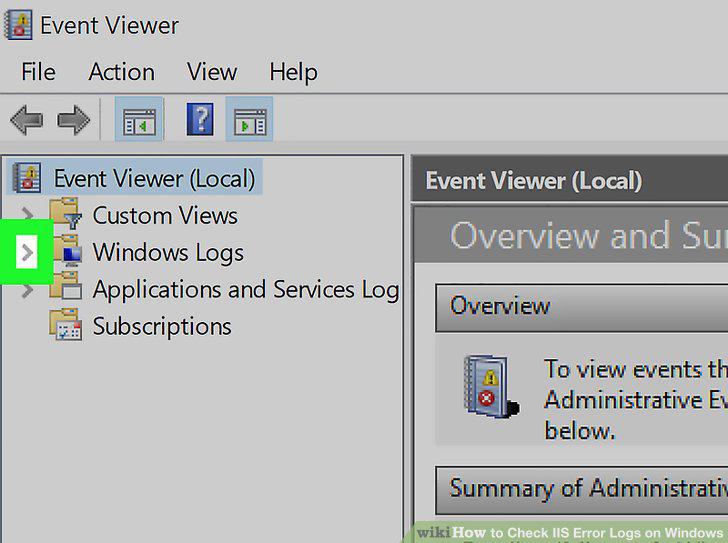
Click next to Windows Logs on the sidebar.
5
Click Application under Windows Logs.
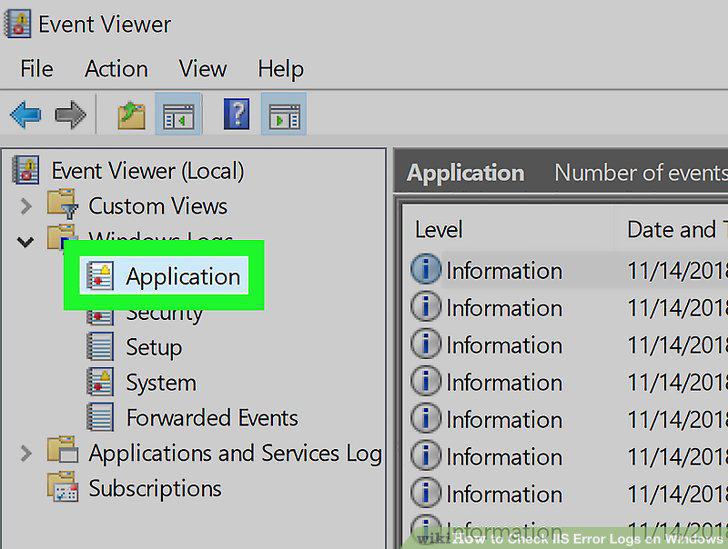
Click Application under Windows Logs.
6
Click the Source column at the top of the list.
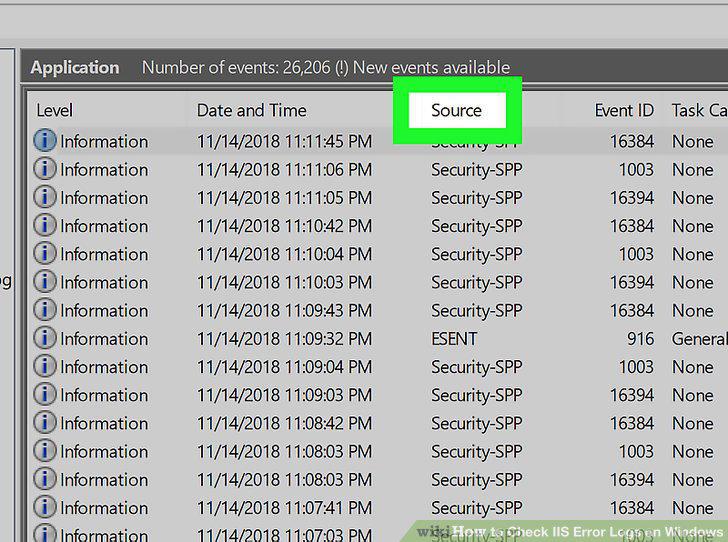
Click the Source column at the top of the list.
7
Find and double-click the IIS error log you want to view.
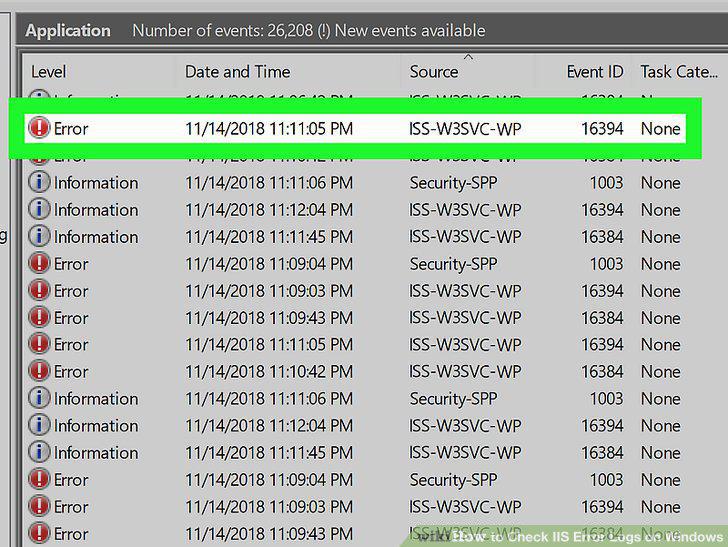
Find and double-click the IIS error log you want to view.
Comments (0)
No comments yet. Be the first to share your thoughts!