How to Purchase an Audible Audiobook on Android
Open the Audible app on your Android.. Tap the shopping cart icon on the top-right.. Look for an audiobook on the Audible shop.
Steps
1
Open the Audible app on your Android.
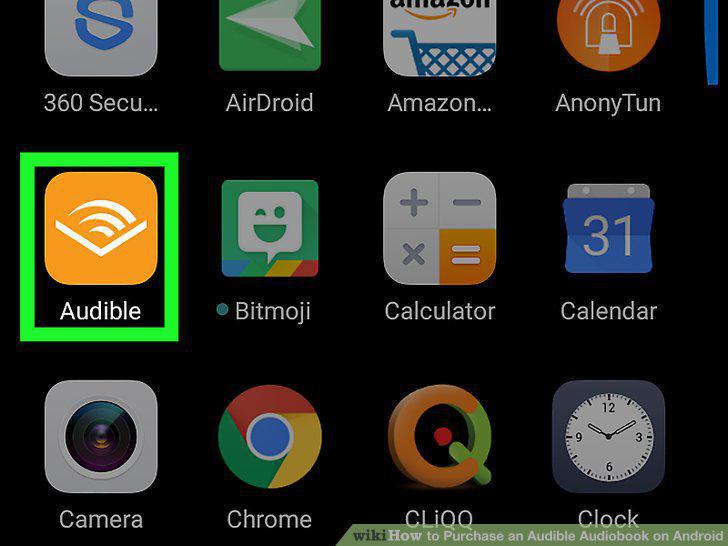
Open the Audible app on your Android.
2
Tap the shopping cart icon on the top-right.
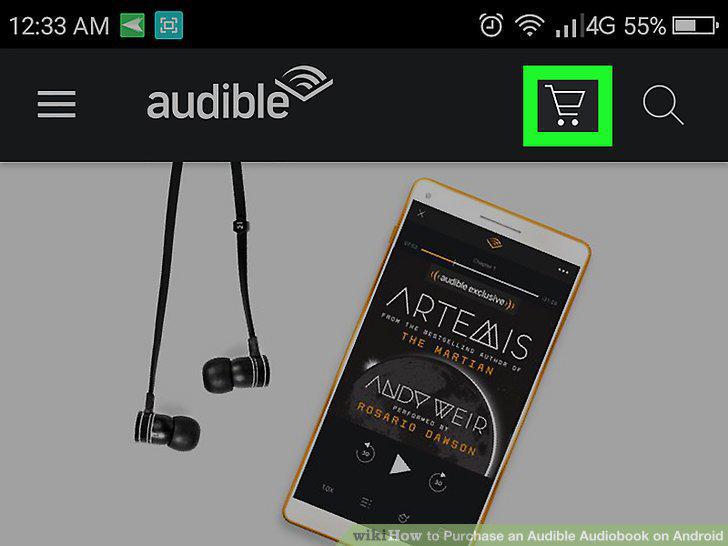
Tap the shopping cart icon on the top-right.
3
Look for an audiobook on the Audible shop.

Look for an audiobook on the Audible shop.
4
Tap on an audiobook's title.
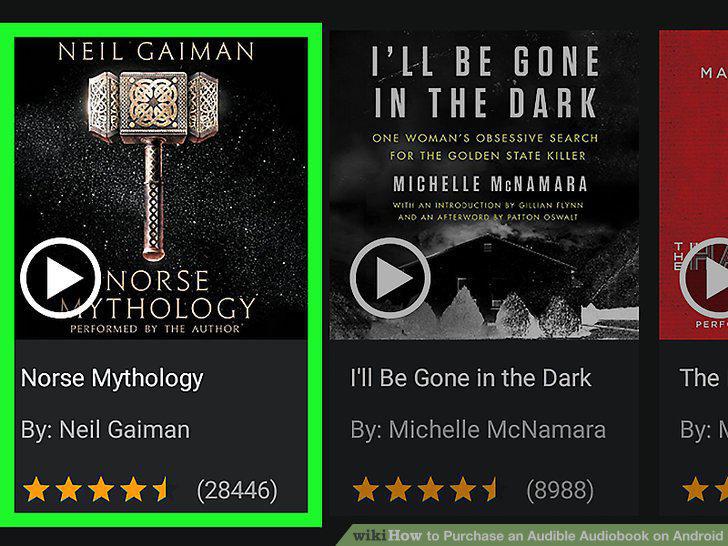
Tap on an audiobook's title.
5
Scroll down and select a payment option.

Scroll down and select a payment option.
6
Tap the Confirm Purchase button.
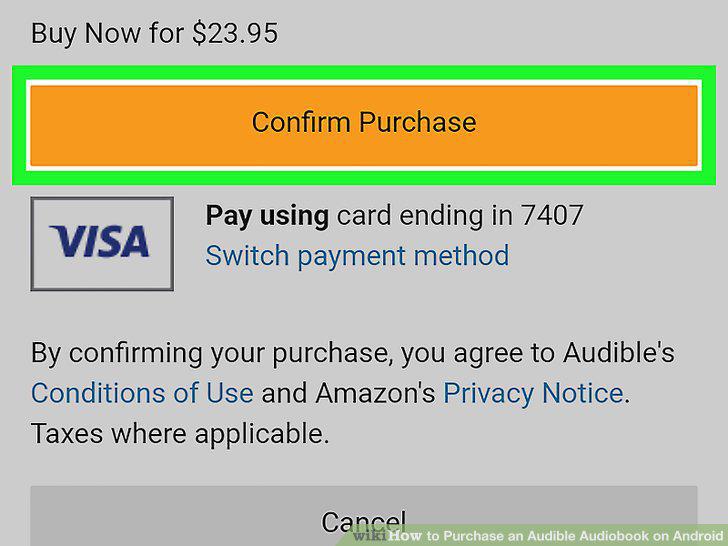
Tap the Confirm Purchase button.
7
Tap View in Library.
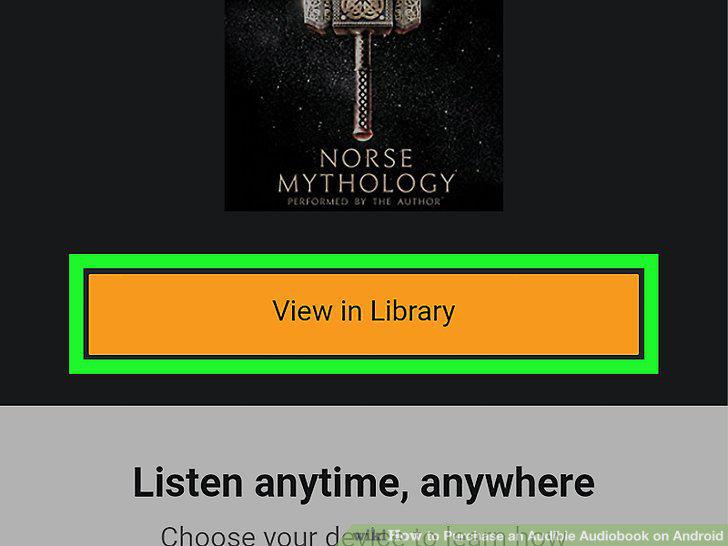
Tap View in Library.
Comments (0)
No comments yet. Be the first to share your thoughts!