How to Change an Address on DoorDash on Android
Open DoorDash on your Android.. Find the menu.. Tap Account.
Steps
1
Open DoorDash on your Android.
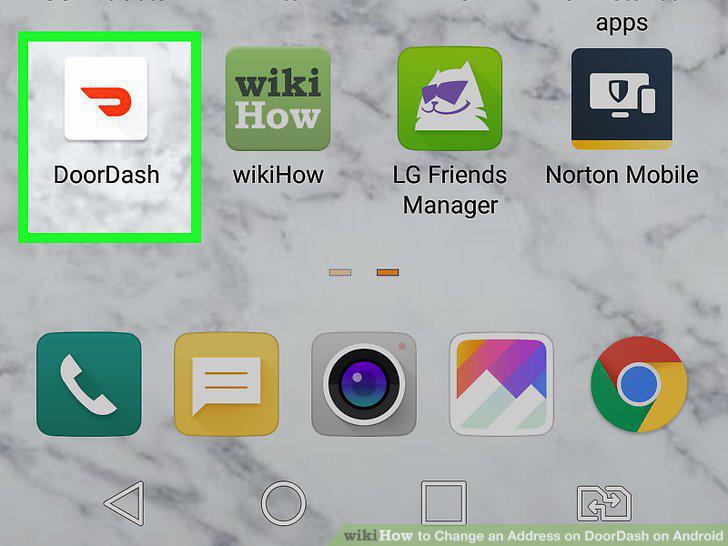
Open DoorDash on your Android.
2
Find the menu.
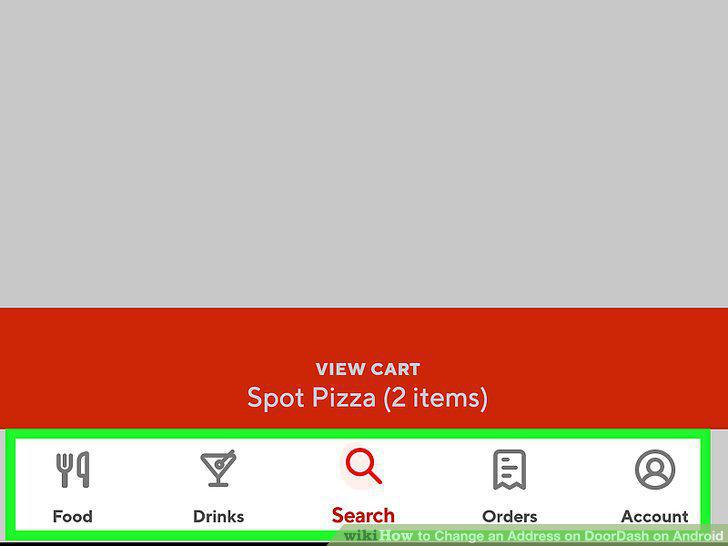
Find the menu.
3
Tap Account.
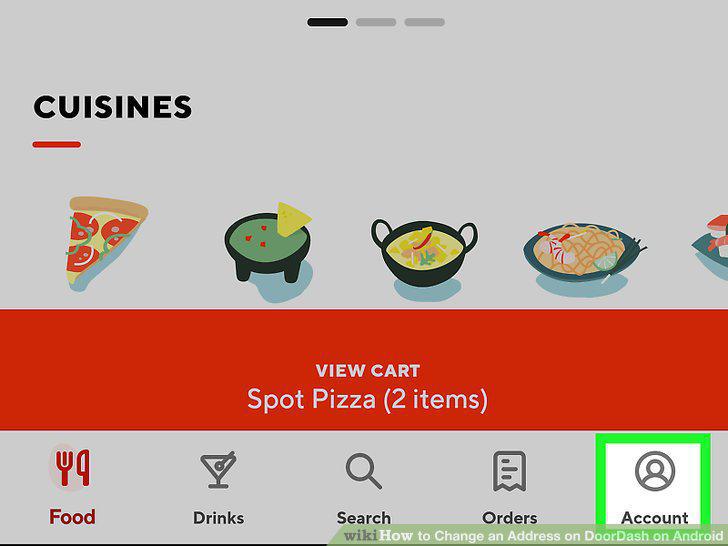
Tap Account.
4
Tap Addresses.
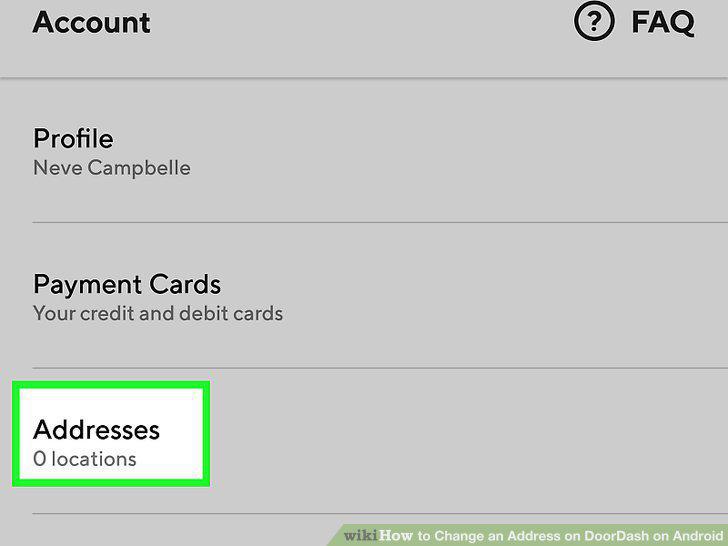
Tap Addresses.
5
Search for your new address.
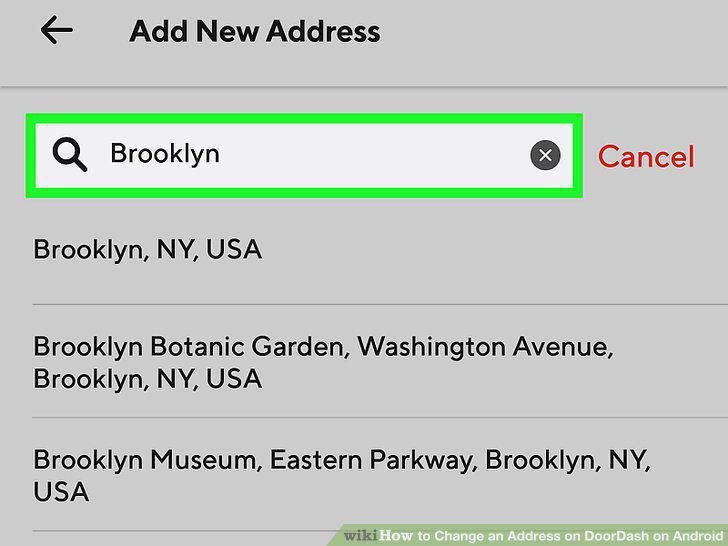
Search for your new address.
6
Enter the new address and tap Save Address.
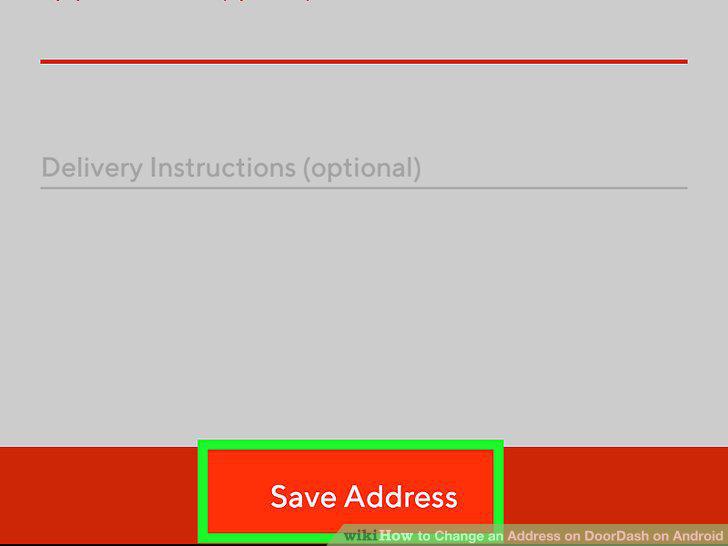
Enter the new address and tap Save Address.
7
Add additional information about the address.
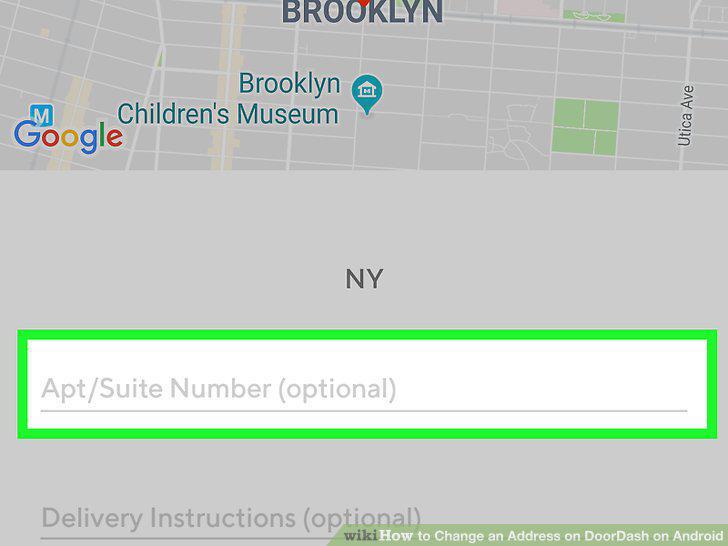
Add additional information about the address.
8
Tap Save Address.
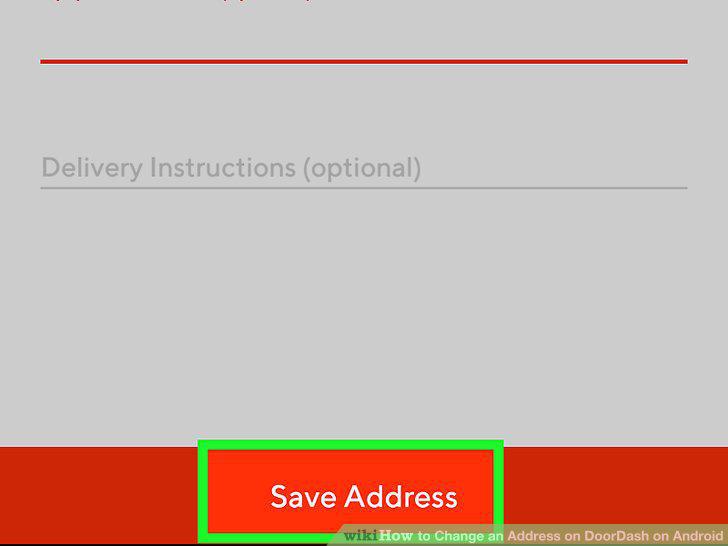
Tap Save Address.
9
Tap Orders at the bottom of DoorDash.
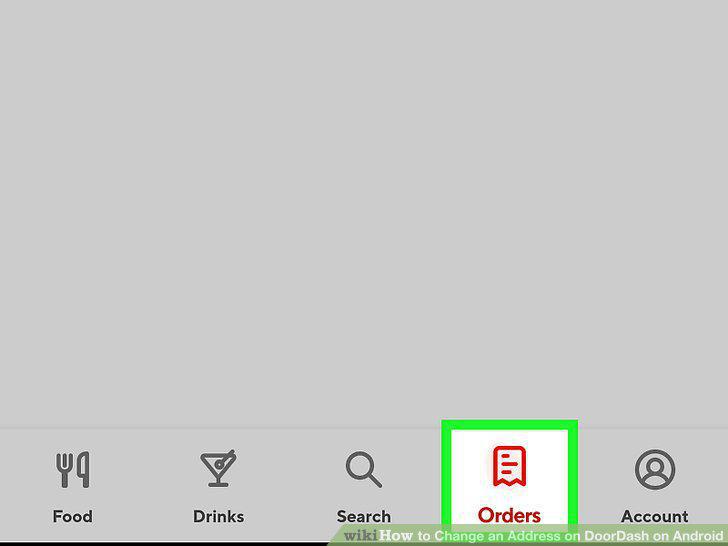
Tap Orders at the bottom of DoorDash.
10
Tap the order.
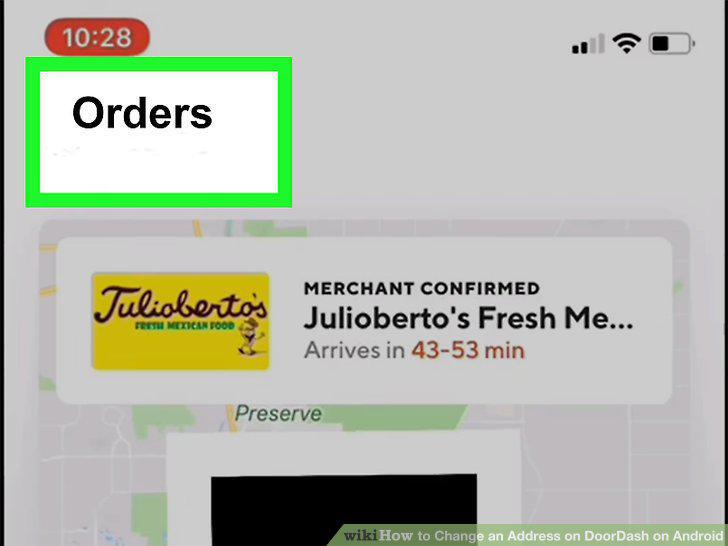
Tap the order.
11
Tap Change Address.
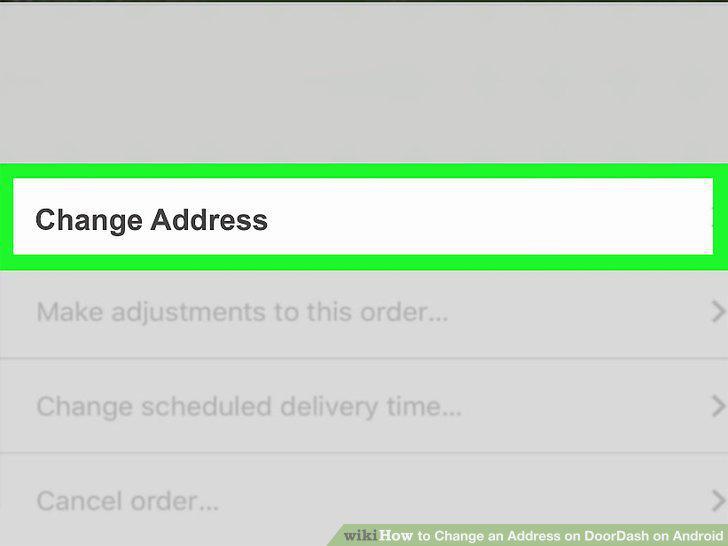
Tap Change Address.
12
Select or enter the correct address.
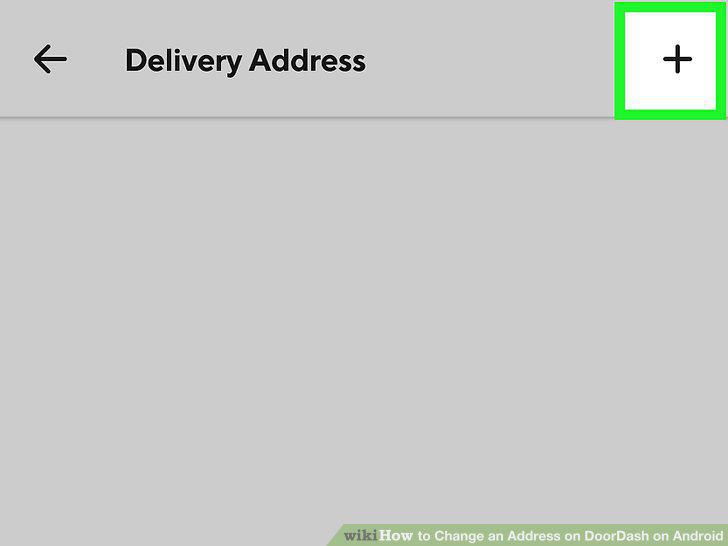
Select or enter the correct address.
Comments (0)
No comments yet. Be the first to share your thoughts!