How to Speed Up WordPress
Understand the consequences of a slow site.. Set up your home page for quick loading.. Pay for a quality host.
Steps
1
Understand the consequences of a slow site.
Understand the consequences of a slow site.
2
Set up your home page for quick loading.
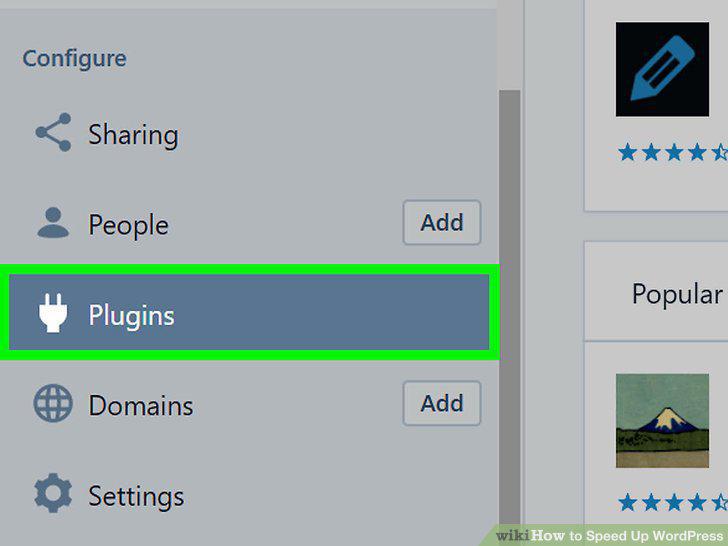
Set up your home page for quick loading.
3
Pay for a quality host.
Pay for a quality host.
4
Use a low-impact theme.
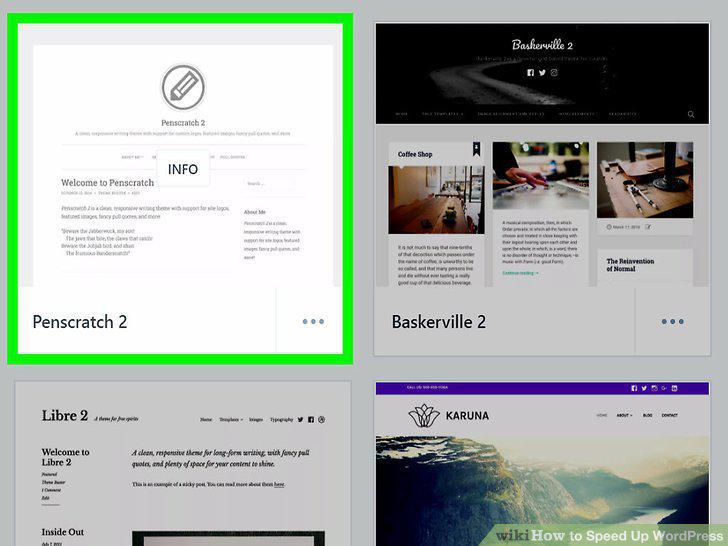
Use a low-impact theme.
5
Install a caching plugin.
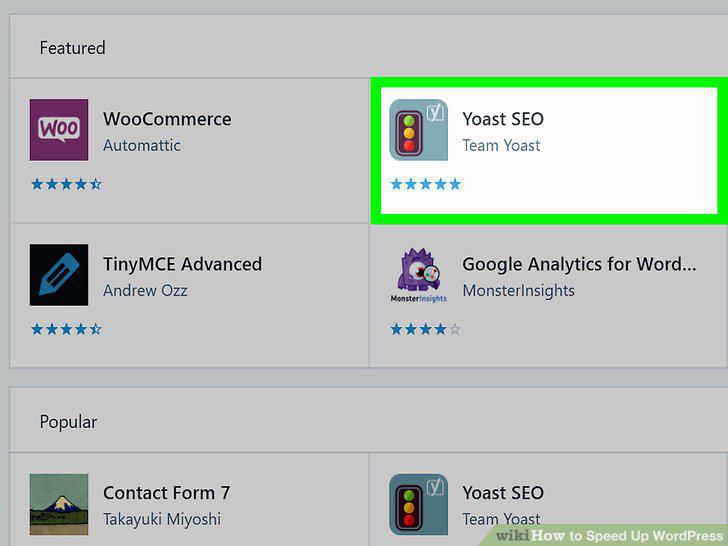
Install a caching plugin.
6
Add a content delivery network to your site.

Add a content delivery network to your site.
7
Make your photos load quicker.
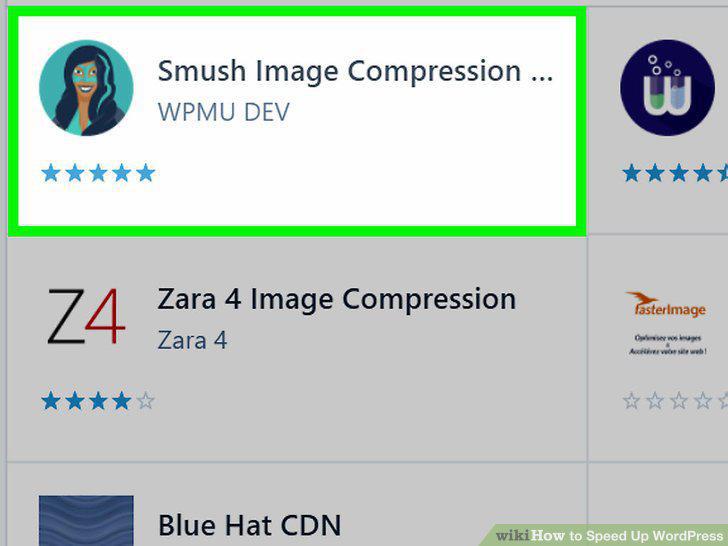
Make your photos load quicker.
8
Disable Gravatar on your site.
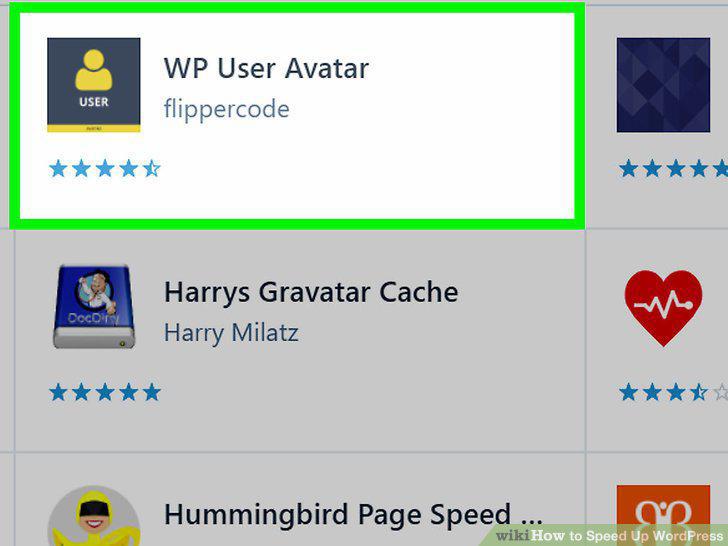
Disable Gravatar on your site.
9
Load only visible images.
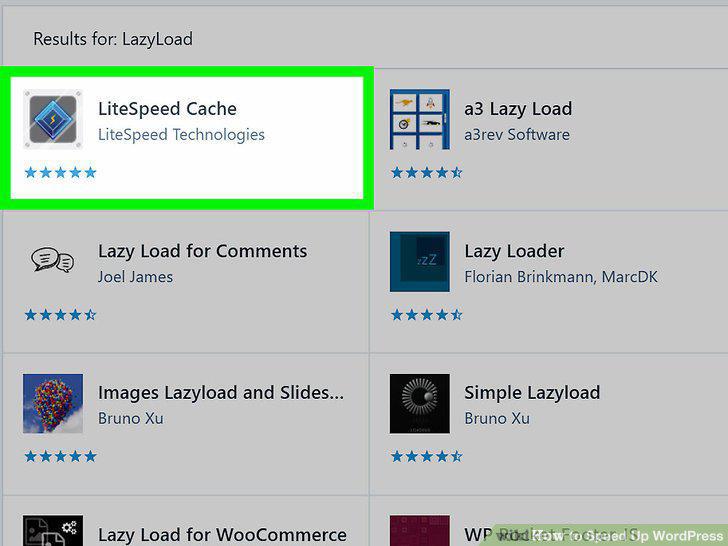
Load only visible images.
10
Remember to clean up.
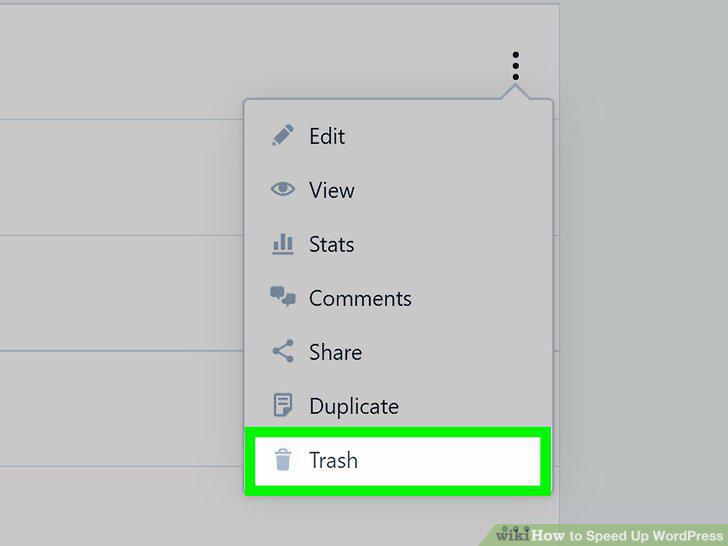
Remember to clean up.
Comments (0)
No comments yet. Be the first to share your thoughts!