How to Use Microsoft Office on PC or Mac
Click the menu.. Click All Apps.. Scroll down and click Microsoft Office.
Steps
1
Click the menu.
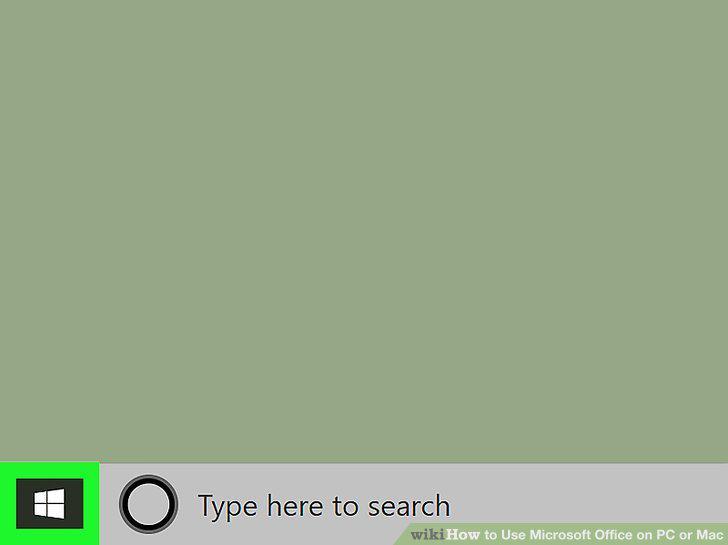
Click the menu.
2
Click All Apps.

Click All Apps.
3
Scroll down and click Microsoft Office.
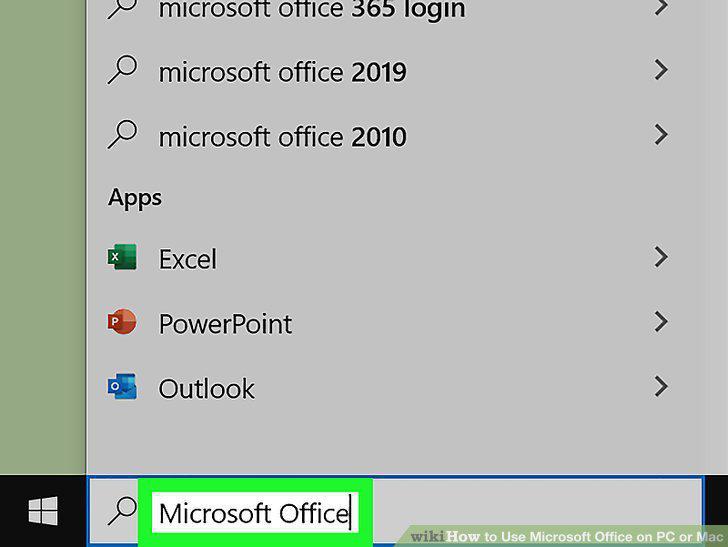
Scroll down and click Microsoft Office.
4
Click an application.
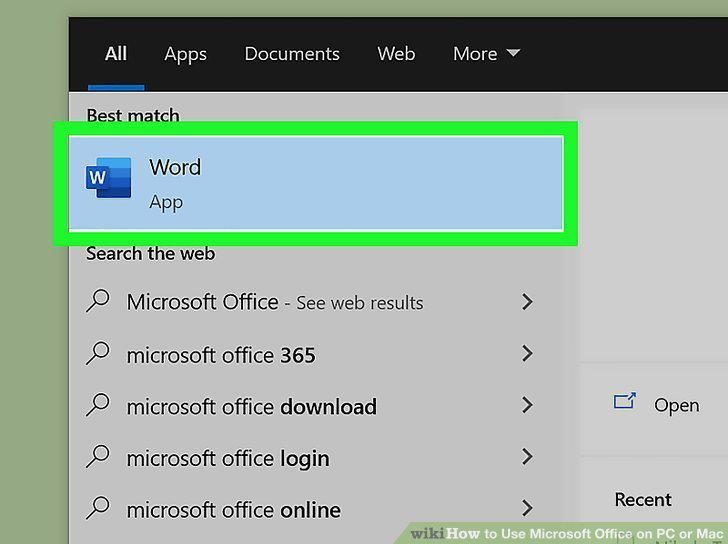
Click an application.
5
Open a document.
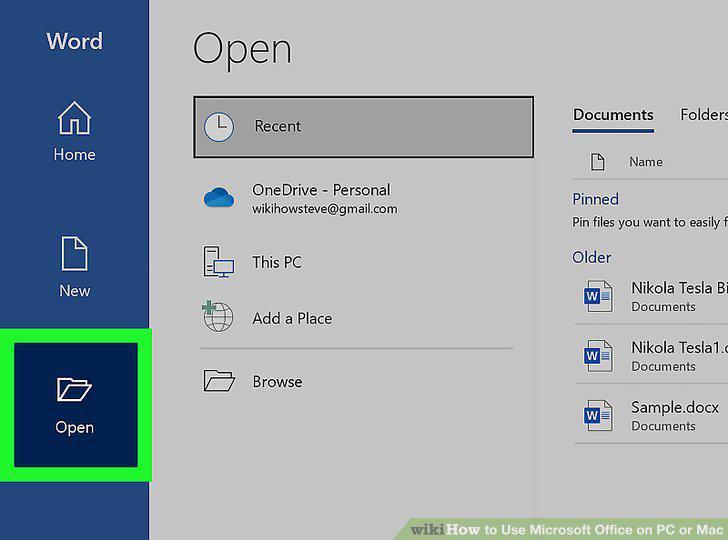
Open a document.
6
Save your file.
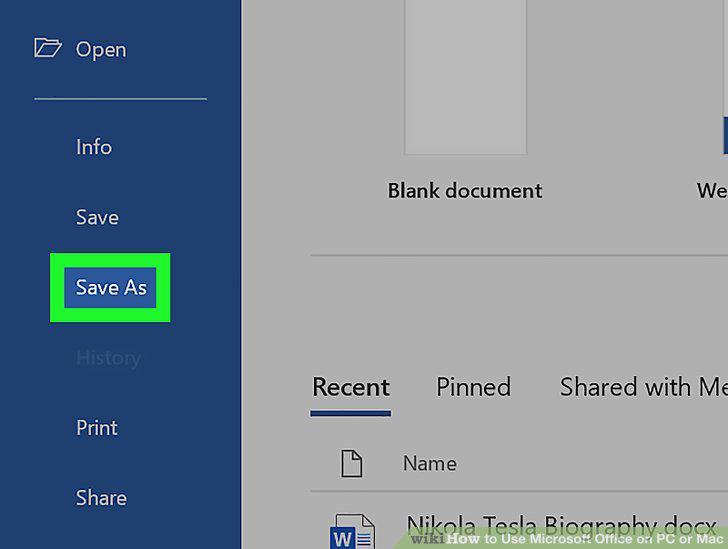
Save your file.
7
Click the Go menu.
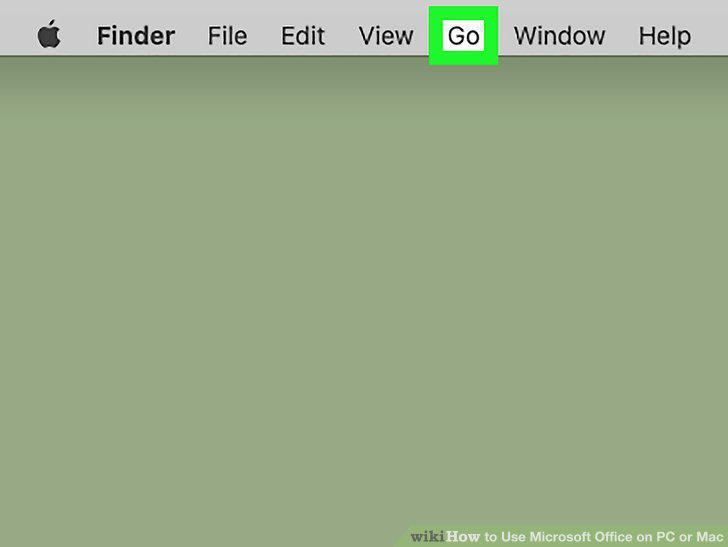
Click the Go menu.
8
Click Applications.
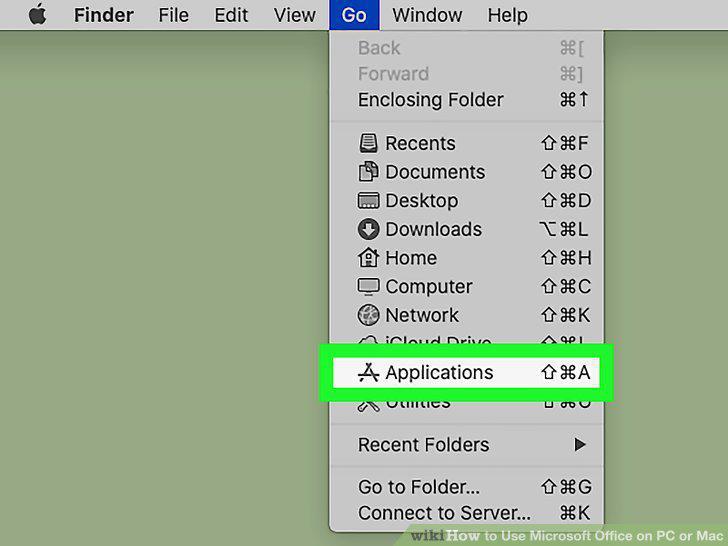
Click Applications.
9
Double-click the Microsoft Office folder.
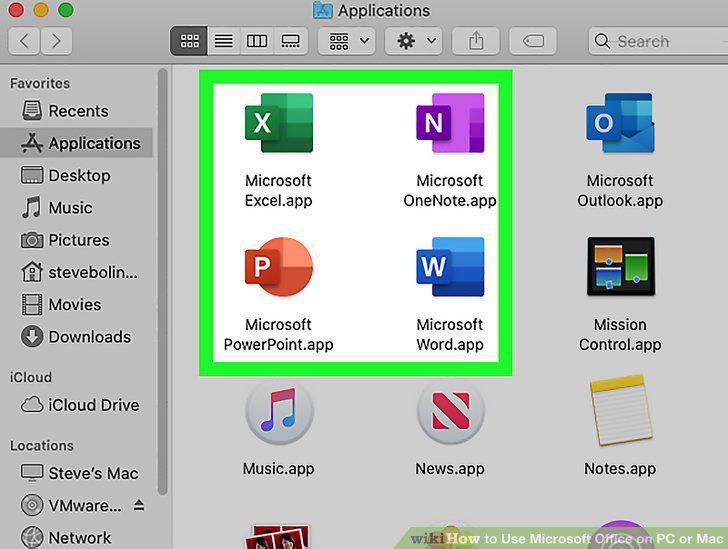
Double-click the Microsoft Office folder.
10
Click an application.
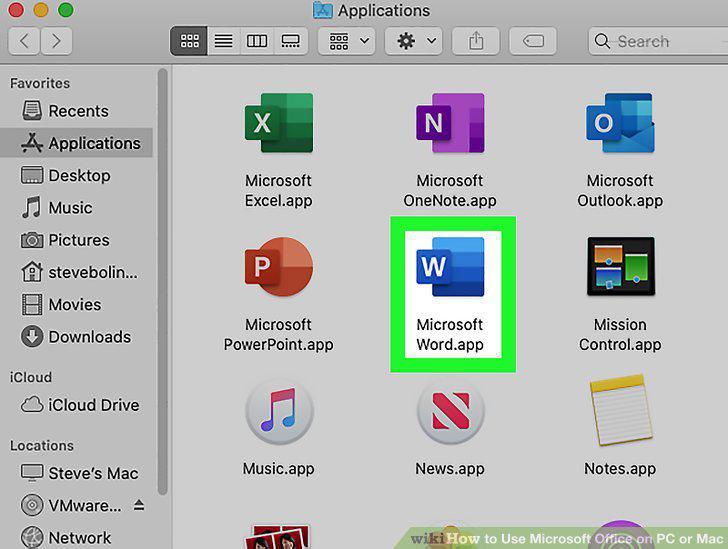
Click an application.
11
Open a document.
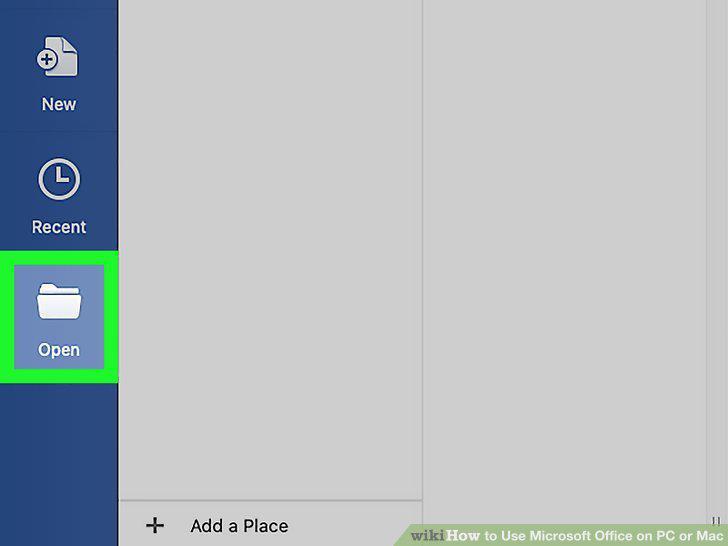
Open a document.
12
Save your file.
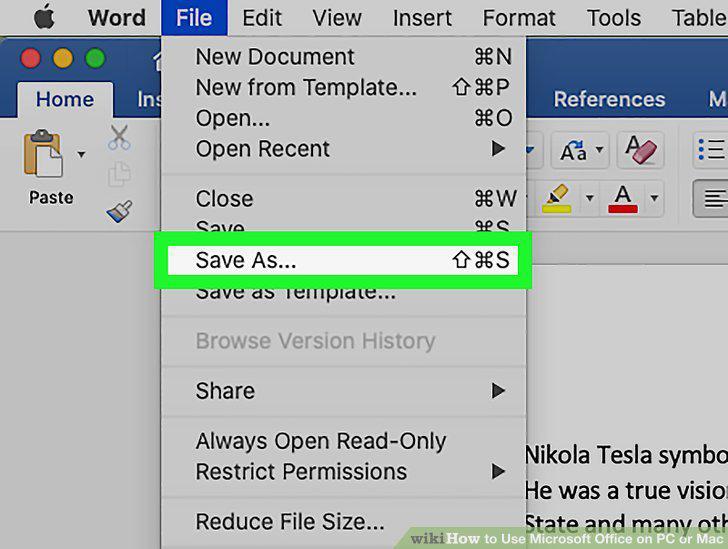
Save your file.
Comments (0)
No comments yet. Be the first to share your thoughts!