How to Create a PST File in Outlook
Open the Outlook app on your computer.. Click the Home tab on the top-left.. Click New Items on the Home toolbar.
Steps
1
Open the Outlook app on your computer.
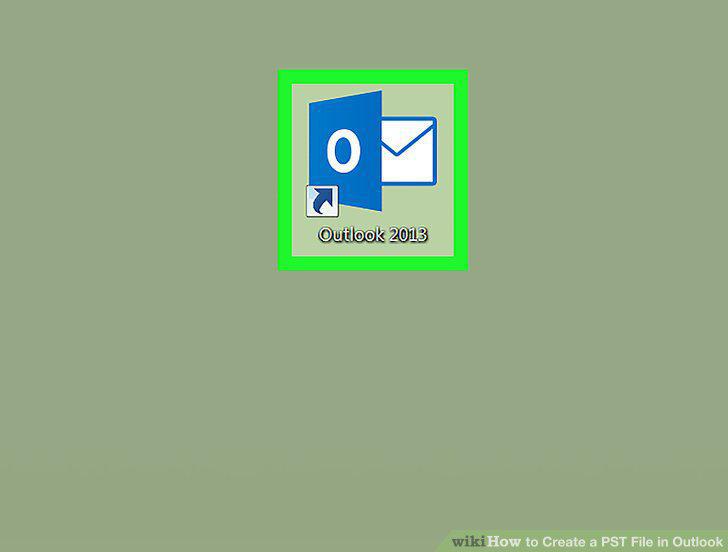
Open the Outlook app on your computer.
2
Click the Home tab on the top-left.
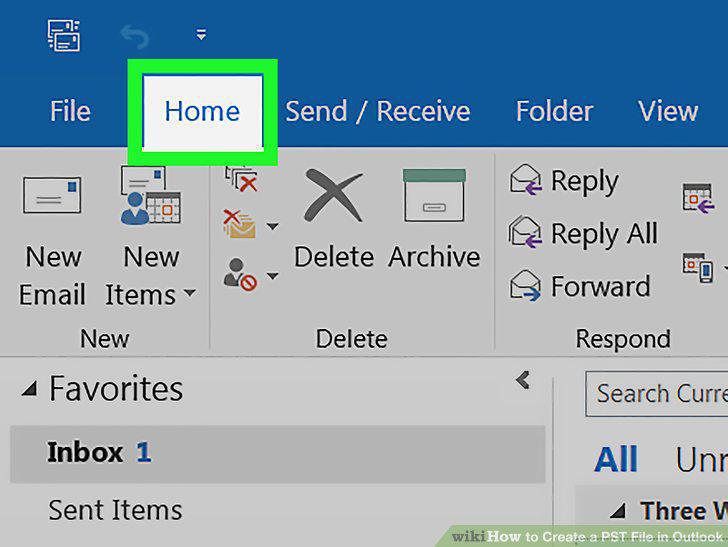
Click the Home tab on the top-left.
3
Click New Items on the Home toolbar.
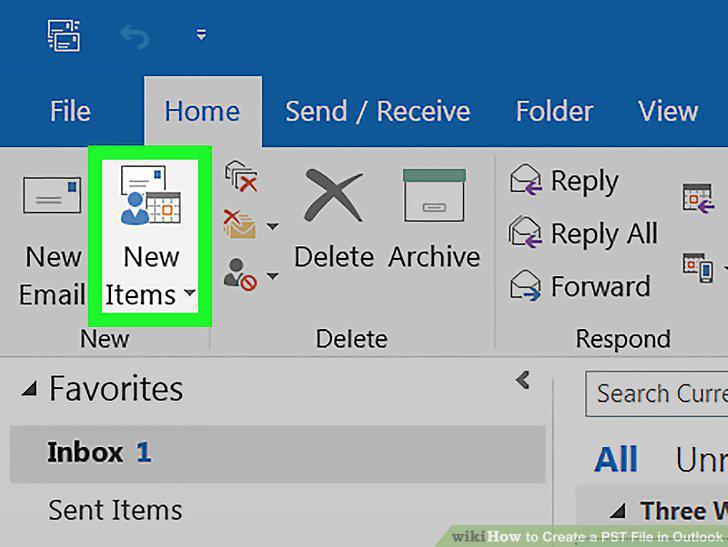
Click New Items on the Home toolbar.
4
Hover over More Items on the drop-down menu.
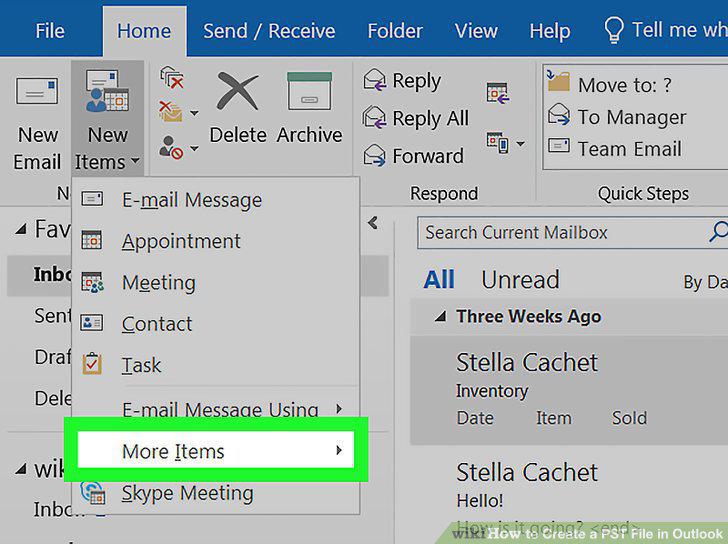
Hover over More Items on the drop-down menu.
5
Select Outlook Data File on the More Items menu.
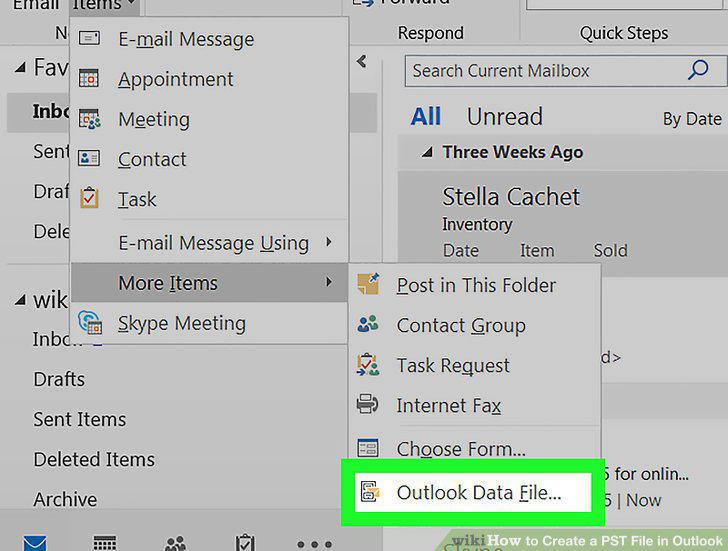
Select Outlook Data File on the More Items menu.
6
Select Outlook data file (.pst) in the pop-up window.
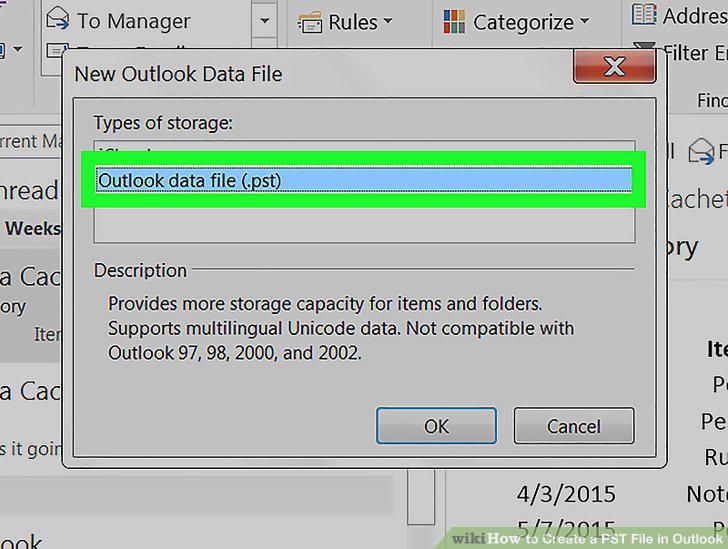
Select Outlook data file (.pst) in the pop-up window.
7
Click OK.
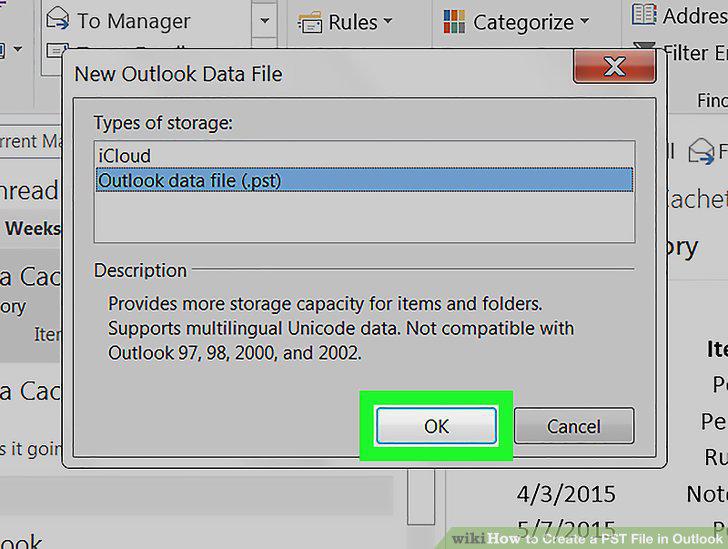
Click OK.
8
Save your new PST data file.
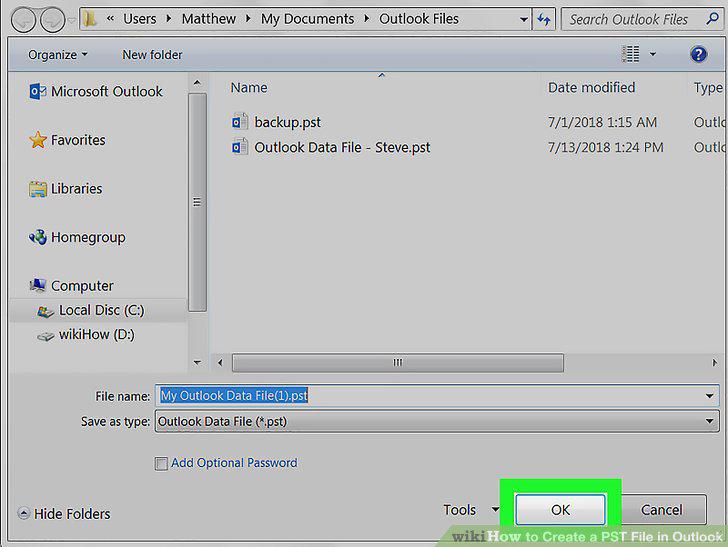
Save your new PST data file.
Comments (0)
No comments yet. Be the first to share your thoughts!